How to Choose an Ulanzi Light for Your Shooting Setup
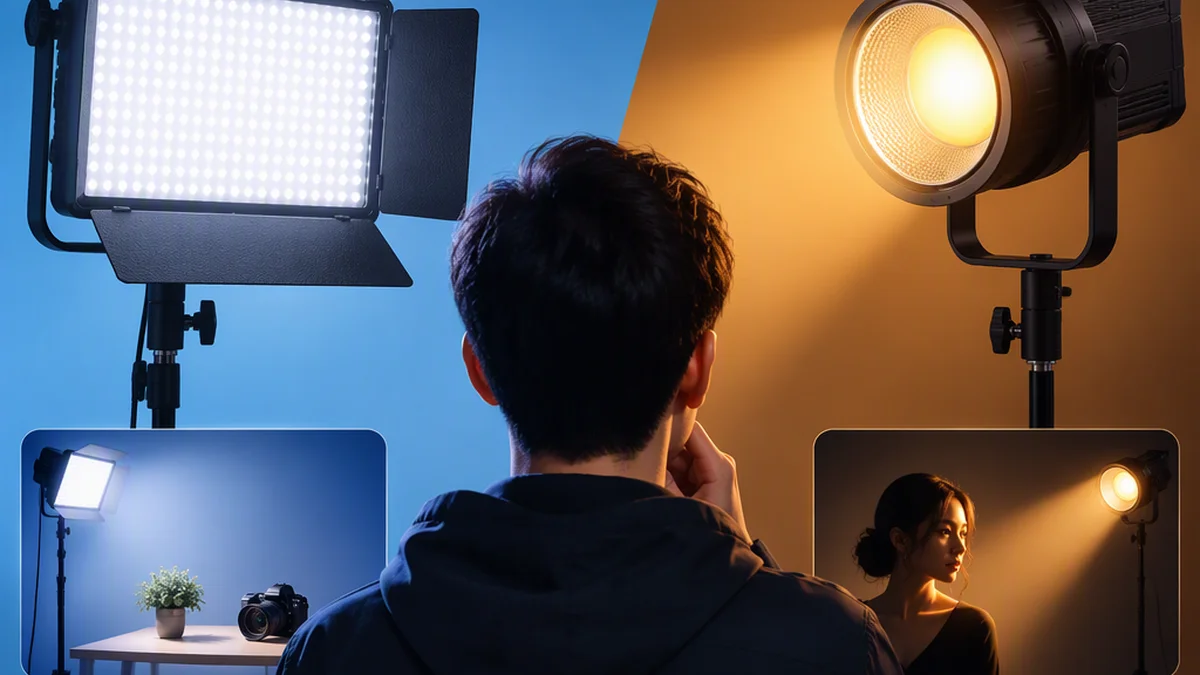
Choose an Ulanzi light by the job it must do, not by the brand name or the largest advertised number. For a colored background or accent, start by checking the VL49 RGB compact panel. For white-light subject illumination with modifiers, start by checking the L023 40W Pro bi-color COB fixture. Neither is an automatic choice for every desk recording, product shot or interview.
These are two documented examples, not the entire Ulanzi range or a tested ranking. Device specifications below come from Ulanzi; general lighting principles come from ARRI’s handbook. This guide does not include hands-on performance or accessory-compatibility testing. [ref-1] [ref-2] [ref-3]
1. Define the Lighting Job
Write one sentence describing what is missing from your shot:
- Key light: the main illumination on the subject.
- Fill light: additional illumination for shadows created by the key.
- Background light: light that adds texture, color or separation behind the subject.
ARRI distinguishes these roles because they solve different problems. A light selected to color a wall does not automatically meet the requirements for illuminating a face. [ref-3]
For example, before choosing a light for a desk recording, make a reference clip with the existing room lighting. Decide whether the face needs better illumination, the shadows need lifting, the background needs color—or some combination of these.
For a product shot, identify the surface that must be visible and the shadow you want to keep. Shortlist lights only after the role is clear, rather than buying several fixtures without deciding what each will contribute.
2. Compare the VL49 RGB and L023 40W Pro
The table below summarizes the cited manufacturer specifications. It is a feature comparison, not a brightness ranking. [ref-1] [ref-2]
| Selection factor | Ulanzi VL49 RGB | Ulanzi L023 40W Pro |
|---|---|---|
| Light type and color control | Rechargeable mini RGB panel; RGB adjustment and 2500K–9000K white color temperature | Bi-color COB fixture; introduction lists 2500K–6200K, while the specification block lists 2500K–6500K |
| Reported illuminance | 800 lux at 0.5 m; equivalent modifier and full test conditions are not provided in the cited extract | 13,150 lux at 0.5 m and 6500K, with reflector |
| Other published light specifications | 60 LEDs, 120-degree lighting angle, CRI >95 | 40W normal output; 50W overclock output |
| Mounting and modifiers | Magnetic attachment; detailed mounting hardware is not established by the cited extract | 1/4-inch-20 mounting hole and Mini Bowens modifier attachment; reflector and diffusion dome listed in the package |
| Battery and stated runtime | 2000mAh battery; stated working time of 2–10 hours without equivalent brightness settings specified | 14.8V/3400mAh battery, rated at 50.3Wh; at least 70 minutes at 40W and 50 minutes at 50W |
| Charging and operating limits | Type-C charging | DC input and Type-C PD 65W charging; operation while charging is limited to 40W; charging cable sold separately |
| Size or support considerations | Compact panel; confirm the support arrangement for the intended position | Body weight of 490 g without reflector; include accessories when checking the support |
| Key details to confirm | Exact hue-control range, mounting hardware and runtime at the chosen brightness | Exact version’s upper color-temperature limit, modifier compatibility and complete charger/cable arrangement |
The L023’s color-temperature discrepancy matters if your setup requires a particular upper limit. Confirm the exact version with the manufacturer before buying. Also, bi-color control is not RGB control: adjustable white color temperature does not provide the same colored-light options as the VL49 RGB. [ref-1] [ref-2]
3. Read Output Figures with Their Conditions
Do not use the listed lux figures as a simple brightness leaderboard. Both figures are measured at half a meter, but the L023 figure specifies a reflector and a 6500K setting. The cited VL49 extract does not provide an equivalent reflector or full test setup. The figures therefore do not establish a controlled performance ratio or a comparison of whole-scene coverage. [ref-1] [ref-2]
The L023 page labels its lux figure as “Lumen Output.” Keep the reported lux unit rather than treating it as a lumen specification.
When recording output figures in a shortlist, keep these details beside them:
- Distance from the light
- Modifier or reflector used
- Color-temperature setting
- Operating mode
For a practical evaluation, place the candidate light at the distance and angle you intend to use. Set the intended framing and camera exposure, then inspect the subject and background at the chosen brightness. Neither headline figure establishes how far away the light will remain useful for your particular shot.
4. Plan the Modifier and Shadow Quality
Brightness and softness are separate questions. ARRI explains that source size, rather than intensity, determines hard or soft light, and that illuminated diffusion becomes the acting source. In practice, consider the source’s apparent size relative to the subject: both the size of the diffusion surface and its distance from the subject affect shadow softness. The same diffusion surface will not necessarily produce the same shadow quality at different distances. [ref-3]
For a talking-head setup, evaluate the light together with the diffusion or bounce arrangement you plan to use. At the intended distance, look at the nose shadow and the shadow under the chin. For a product shot, inspect shadows along the product’s edges.
The L023’s documented Mini Bowens attachment makes it a candidate for a modifier-based setup, but the mount name alone does not confirm that every accessory fits. Verify the exact modifier and mounting arrangement before ordering. [ref-2]
Also check spill. Diffuse light can reach areas you do not want illuminated, so inspect the subject and background together. For a colored-background setup, controlled placement may matter more than maximizing output. [ref-3]
5. Check Power, Runtime and Support
Do not compare the two batteries by their mAh labels alone. The L023 specification includes voltage and a 50.3Wh energy rating; the cited VL49 extract does not provide matching energy information. Their runtime claims also use different conditions: the L023 lists operating modes, while the VL49 gives a broader 2–10-hour range without equivalent settings. [ref-1] [ref-2]
For the L023, Ulanzi specifies a charger and cable supporting its stated PD requirement and says operation while charging is limited to 40W. Do not plan a plugged-in 50W overclock session from that description. The charging cable is sold separately. [ref-2]
Before relying on either light for a recording, confirm:
- The intended brightness or power mode
- The required session length
- The charger, cable and power arrangement
- The support, adapter and secure placement
- The weight of the complete assembly, including accessories
The VL49’s magnetic attachment does not guarantee suitability for every surface or position. Likewise, the L023’s 490 g body weight excludes the reflector and is not the weight of every assembled kit. Follow the equipment instructions and keep cables away from walkways. [ref-1] [ref-2]
6. Match the Shooting Task to a Shortlist
Use the lighting role from step one to narrow the choice:
| Shooting requirement | Candidate to investigate first | What still needs checking |
|---|---|---|
| Colored background or accent light | VL49 RGB, because RGB adjustment is explicitly documented | Whether the color, placement and coverage work on the intended background; mounting and runtime |
| White-light illumination on a person with diffusion or other modifiers | L023 40W Pro, because it is a bi-color COB fixture with a documented Mini Bowens attachment | Exact modifier fit, support, subject distance, shadow quality and exposure |
| Fill for an existing key light | Either candidate, depending on required color control, placement and power | Whether it lifts the desired shadows at the intended distance without changing the look of the shot |
| Product illumination | Choose according to the surface, shadow and color requirements | Light position, modifier size, reflections, edge shadows and exposure |
These are conditional starting points based on documented features. The available specifications do not establish either model’s key-light or fill-light performance for a specific composition. Verify the working distance, diffusion arrangement and camera exposure before treating a candidate as suitable. [ref-1] [ref-2] [ref-3]
Before buying, save a short checklist:
- Exact model and version
- Key, fill or background role
- White-light or RGB requirements
- Source and modifier arrangement
- Output figures with their conditions
- Intended power mode and session length
- Support, charger and cable requirements
- A return or evaluation plan acceptable to you
Check current price and availability with the seller. If a requirement remains unresolved, keep it as an open question rather than filling the gap with a guessed specification.
FAQ
Do All Ulanzi Lights Offer RGB Color?
No—do not assume RGB control from the brand name. The cited VL49 RGB extract explicitly lists RGB adjustment, while Ulanzi describes the L023 40W Pro as bi-color. Check the exact model’s documented controls. [ref-1] [ref-2]
Can the Listed Lux Figures Decide the Purchase?
Not on their own. The L023 figure includes a reflector and a 6500K setting; the cited VL49 extract does not provide equivalent test details. Use the figures with their conditions, then evaluate the intended shot. [ref-1] [ref-2]
Can the L023 Run at 50W While Charging?
The cited product page limits operation while charging to 40W. It also specifies Type-C PD 65W charging and asks for a charger and cable supporting that requirement. Do not assume the 50W overclock mode is available while charging. [ref-2]