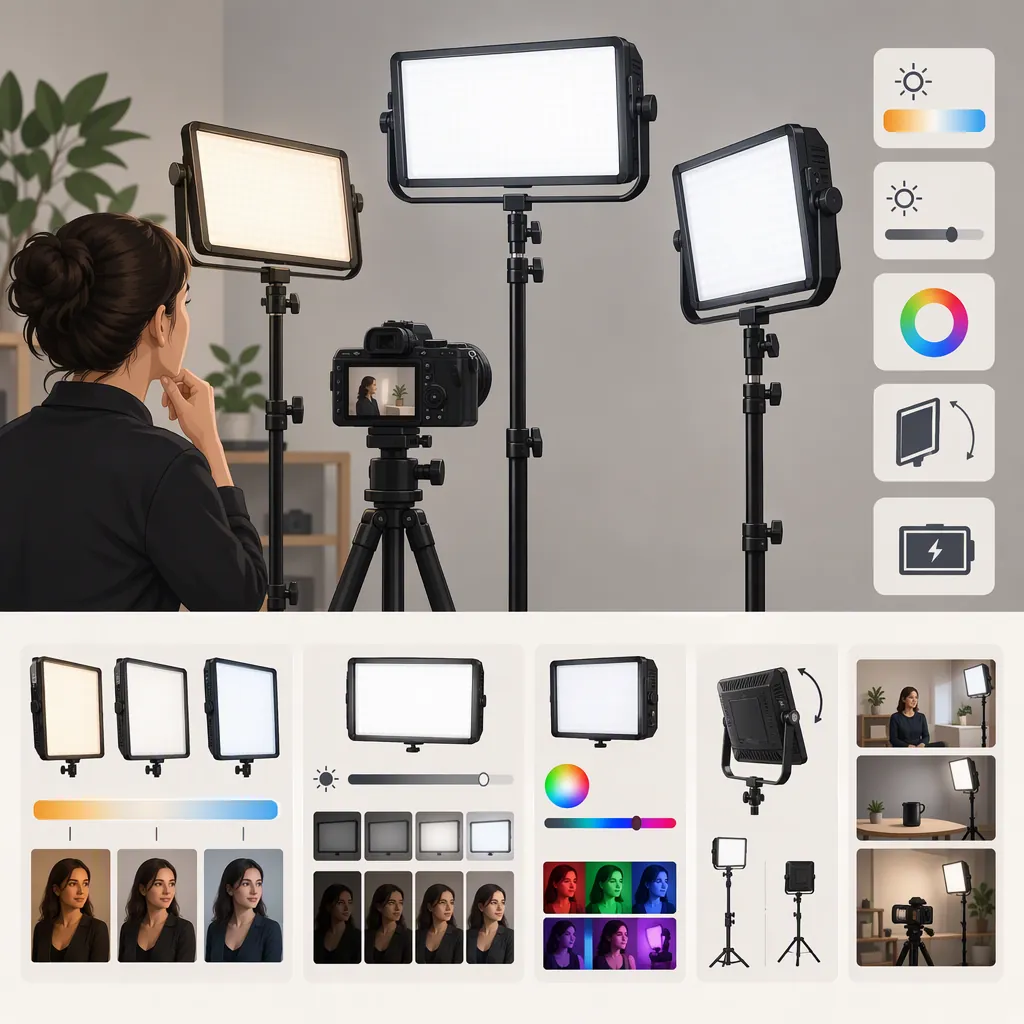
Choosing a Phottix Nuada R3 for Filming
To decide whether a Phottix Nuada R3 fits your filming setup, confirm the exact version, define the shot, and assess the light at your intended distance, camera settings, and power arrangement. The supplied references identify the Nuada R3 II, not the original R3; they do not establish identical specifications or accessories between versions. Treat them as retail information, not proof of filming performance. [r1] [r2]
If you cannot test a unit, you can still screen its documented installation and power requirements. Keep performance questions unresolved rather than turning that preliminary screening into a recommendation.
Confirm the Model Before Comparing Features
Check the label on the candidate unit against its version-specific documentation and package description. Both supplied listings name the Nuada R3 II, and the Amazon listing gives its model number as NUADA R3 II. [r1] [r2]
Record package contents separately from compatibility requirements. A needed power supply, battery, charger, remote, mount, or stand should not be assumed to be included.
The evidence available here consists of two retail listings, not a supplied manufacturer manual or independent camera test. It supports model identification but does not establish setup-specific performance. [r1] [r2]
Model Verification Checklist
- Exact model printed on the unit: ______
- Version named in its documentation: ______
- Documentation identifier or revision: ______
- Included power supply: ______
- Included batteries and charger, if any: ______
- Included control accessories: ______
- Mounting hardware and required stand: ______
- Differences between the listing, package, and documentation: ______
If the version remains uncertain, leave version-dependent requirements unresolved. Do not apply R3 II information to an original R3 without matching documentation.
Define the Shot Before Evaluating the Light
Choose one primary role: a key light for a seated presenter, tabletop illumination, fill light, or background accent. A result suitable for one role does not settle suitability for every shot.
Write down the available placement space, framing, subject movement, nearby windows, and microphone position. Then define what an acceptable recording must show.
Useful acceptance criteria might include:
- The subject reaches your chosen exposure target without changing the planned camera settings.
- The light and support remain outside the frame.
- Shadows and reflections do not obscure important details.
- No visible bands or brightness variation appear in the intended recording modes.
- Operating sound does not interfere with the intended dialogue recording.
- The documented power and mounting arrangement fits the location.
These are proposed selection criteria, not claims about the Nuada R3 or R3 II. Make each criterion specific to your shot before testing.
Filming Requirements Worksheet
- Intended role: key / fill / background / tabletop
- Framing and subject movement: ______
- Available light-to-subject distance: ______
- Camera, lens, and recording settings: ______
- Window and room-light conditions: ______
- Available power and cable route: ______
- Acceptable setup footprint: ______
- Required exposure and image appearance: ______
- Audio and operating-duration requirements: ______
When comparing another fixture, keep the camera, subject, framing, and placement constraints consistent. Record any changes needed to make each candidate work; those changes are part of the selection decision.
If You Cannot Test a Unit
Use documentation to complete a preliminary screening, not a performance verdict.
- Identify the version. Match the candidate’s model label and documentation. If only a retail description is available, record it as reported.
- Check power requirements. Identify the documented power supply and any battery or charger requirements for the exact version. Separate required items from included items.
- Check installation requirements. Compare documented mounting and loading requirements with the intended stand and location. Do not infer safe support from a photograph.
- Check the package. Record which necessary accessories are included, missing, or uncertain.
- List the remaining tests. Leave usable exposure, shadow and reflection control, recording behavior, audio suitability, and required operating duration unresolved unless you have relevant test evidence.
A documented mismatch can justify excluding a candidate from your planned setup. A documentary match only means it remains a candidate: it does not prove that the recorded image, sound, or runtime will meet your requirements. The supplied references do not provide controlled tests establishing those outcomes. [r1] [r2]
Run a Camera Test at the Intended Settings
If a test unit is available, use the intended camera and recording mode. Lock exposure and white balance, and record the settings so you can repeat the comparison.
Start at the planned light position with a representative subject. Review the recording for exposure, shadow shape, reflections, color differences, and visible bands or brightness variation. Repeat at each brightness setting and frame-rate/shutter combination you expect to use.
For dialogue work, compare room audio with the light on and off while keeping microphone position and recording gain unchanged. If battery operation is required and documented for the unit, conduct a timed run using the exact intended power arrangement.
These checks are a proposed procedure, not findings about either Nuada version. Do not infer noise behavior, runtime, or camera compatibility from the supplied listings. [r1] [r2]
Repeatable Test Log
- Model and power arrangement: ______
- Camera and recording mode: ______
- Frame rate and shutter setting: ______
- ISO, aperture, and white balance: ______
- Light position and brightness setting: ______
- Acceptance criterion being checked: ______
- Observation in the recording: ______
- Outcome: pass / fail / unresolved
- Adjustment and retest needed: ______
Hypothetical Example: A Seated Presenter
This example illustrates the decision process; it does not describe an observed Nuada R3 or R3 II result.
Suppose a seated-presenter shot uses a fixed camera at 24 fps, a 1/48-second shutter setting, and locked ISO, aperture, and white balance. The available light placement is one meter from the presenter. The predefined requirements are usable face exposure, an unobstructed view of the eyes, no distracting glasses reflection, no visible bands, and no operating sound that interferes with dialogue.
| Hypothetical observation | Next step | Decision implication |
|---|---|---|
| Exposure meets the target, and the image and audio meet all defined criteria | Record the settings and repeat for any other planned modes | Pass for this tested configuration only |
| A glasses reflection obscures the eyes | Adjust light position within the available space, then retest | Keep unresolved until a workable position passes |
| Exposure is below the target | Try permitted brightness or placement changes, then repeat the full check | Fail for the defined setup if no allowed arrangement meets the target |
| Bands appear at a planned recording setting | Repeat to confirm and test any acceptable alternative settings | Fail for the required mode if the issue persists; unresolved if testing is incomplete |
| The intended battery arrangement is unavailable | Complete the image and audio checks separately | Required operating duration remains unresolved |
An adjustment is acceptable only if it stays within the shot’s constraints. Moving a fixture into the frame or changing required camera settings does not satisfy the original requirement; it creates a different setup to evaluate.
Make a Setup-Based Decision
Use four evidence statuses consistently:
- Reported: A listing or other description states something, but it has not been checked against the exact unit and matching documentation.
- Verified: The requirement has been checked against the exact unit and its applicable documentation or package contents. This does not mean performance was tested.
- Tested: An observation was recorded using the identified unit and stated setup. Record pass or fail separately.
- Unresolved: Evidence is missing, conflicting, or insufficient to answer the requirement.
Include mounting, power, cable routing, adjustment access, and transport—not just the recorded image. Follow the unit and stand documentation for installation and loading limits.
Decision Record
| Requirement | Evidence or test result | Evidence status | Outcome |
|---|---|---|---|
| Exact model identified | ______ | Reported / verified / unresolved | Match / mismatch / unresolved |
| Intended shot exposure | ______ | Reported / tested / unresolved | Pass / fail / unresolved |
| Shadow and reflection control | ______ | Reported / tested / unresolved | Pass / fail / unresolved |
| Recording behavior at intended settings | ______ | Reported / tested / unresolved | Pass / fail / unresolved |
| Audio suitability | ______ | Reported / tested / unresolved | Pass / fail / unresolved |
| Power arrangement and required duration | ______ | Reported / verified / tested / unresolved | Pass / fail / unresolved |
| Mounting and accessory requirements | ______ | Reported / verified / unresolved | Match / mismatch / unresolved |
Decision: suitable for the defined setup / unsuitable for the defined setup / insufficient evidence
Reason and remaining checks: ______
Retain a candidate when essential requirements are met and necessary accessories are identified. Exclude it when a confirmed mismatch or failed test prevents the required shot. If an essential requirement remains unresolved, record insufficient evidence rather than a confident recommendation.
This guide does not rank the Nuada R3 against alternatives or establish that it suits every filming setup.
FAQ
Do These References Cover the Original Nuada R3?
Both supplied pages identify the Nuada R3 II. They do not establish the original R3’s specifications or confirm that accessories and operating characteristics are interchangeable between versions. [r1] [r2]
How Should I Decide Whether It Provides Enough Light?
Define your exposure requirement, then test at the intended subject distance, framing, and camera settings. If permitted placement and brightness adjustments cannot meet that requirement, mark the setup as failed. Without a relevant test, sufficient output remains unresolved.
Can I Make a Selection Without Testing the Light?
You can complete preliminary screening by checking the exact version, documented power and mounting requirements, and package contents. That may reveal a mismatch or identify missing accessories. It does not establish recorded-image quality, audio suitability, or operating duration; the supplied listings do not provide controlled tests for those outcomes. [r1] [r2]
Do the References Establish Flicker Behavior or Battery Runtime?
No controlled tests for those outcomes appear in the supplied reference text. Check version-specific documentation and, where possible, test the intended recording settings and power arrangement before treating either outcome as established. [r1] [r2]