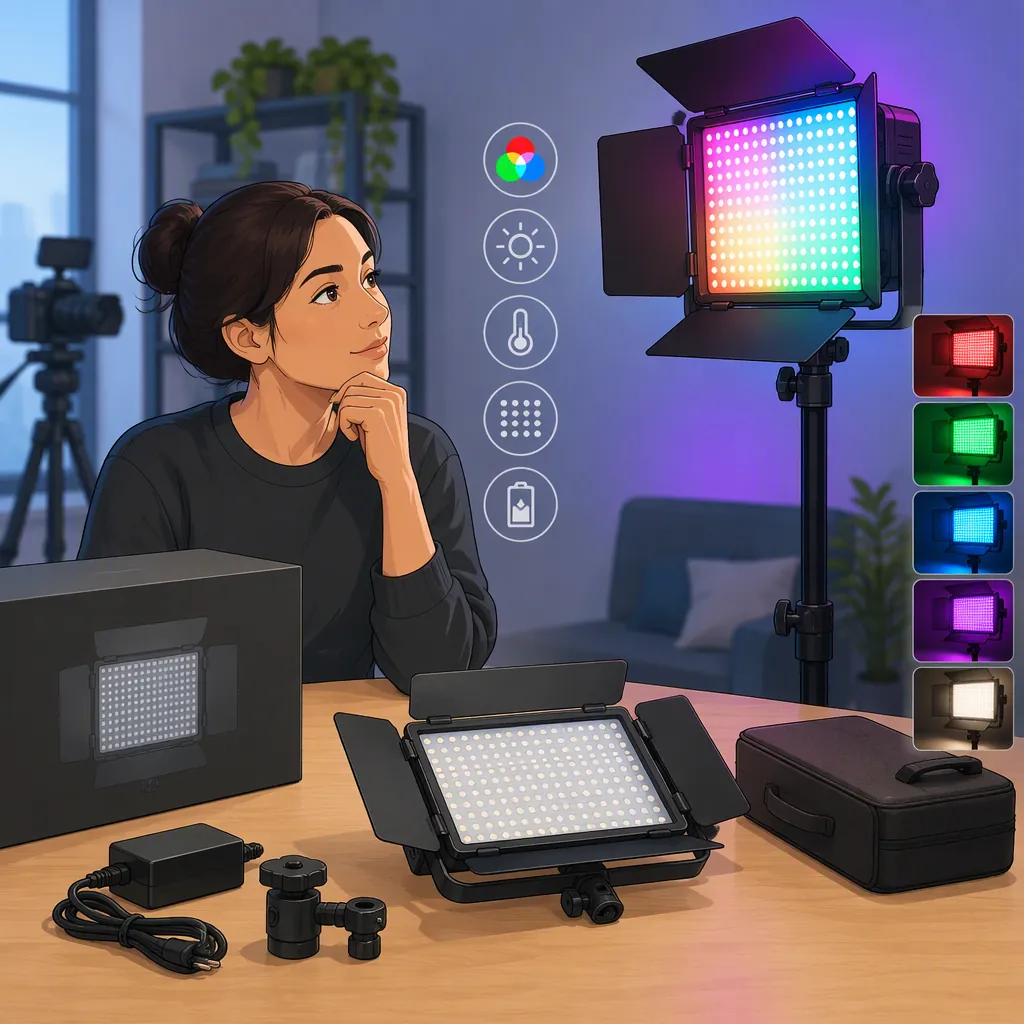
How to Evaluate a Neewer RGB 660 for Filming
Evaluate a Neewer RGB 660 against the shot you need: a main light for a face, a supporting light, or a colored background accent. Test the exact unit at your planned distance and camera settings, and confirm its power options and accessories before deciding. The supplied evidence is a third-party rental listing, not a manufacturer manual or an independent test, so it does not establish performance for every unit sold under this name. [ref_1]
Start with the Exact Unit and Source
The provided WDP Films page is titled “Neewer 660 RGB Led Light (Per Day).” It lists a rental package and technical specifications, but it also notes differing wattage for some models. Treat it as information about that listing rather than a universal specification sheet for every Neewer RGB 660. [ref_1]
Before comparing options, record the model identifier on the unit, its power-input label, and the accessories included in the particular package. Ask for documentation that matches that identifier.
This article does not verify brightness, color accuracy, app compatibility, battery runtime, or flicker performance. No manufacturer documentation or independent measurement report was supplied.
Unit Identification Checklist
- Record the exact model identifier.
- Photograph the power-input label.
- Locate documentation for that identifier.
- List the included stand, power supply, batteries, chargers, and modifiers.
- Mark any specification without matching documentation as unverified.
Choose the Lighting Role First
Define the job before deciding whether this light is suitable. For an interview or talking-head shot, prioritize how the face looks in the recorded image. For a background accent, prioritize the intended color, placement, and separation from the subject.
Compare candidate lights under the same framing, camera settings, subject position, and working distance. If you plan to use diffusion or another modifier, include it in the comparison rather than evaluating the bare light alone.
Do not treat an RGB feature label as proof that a light will meet your main-light requirements. Make the decision from a representative shot, not from the product name.
Shot Requirements Worksheet
Lighting role: main light / supporting light / background accent
Subject and framing: ______
Available light-to-subject distance: ______
Camera frame rate and shutter setting: ______
Planned modifier: ______
Desired appearance: ______
Required uninterrupted recording time: ______
Acceptable result in a test recording: ______
Test the Recorded Image
Use the camera and settings planned for the shoot. Record short clips at the intended brightness and color settings, then review the footage rather than relying only on the live preview.
Check the face or subject for the appearance you want, inspect shadows, and look for visible flicker or banding. Repeat the test at other dimming levels you expect to use. If the scene includes practical lights or daylight, test with those sources present.
Set acceptance criteria in advance. For example, require an acceptable exposure without changing your planned aperture, a satisfactory skin-tone appearance, and no visible banding in the reviewed clips. These are evaluation criteria, not verified capabilities of the Neewer RGB 660.
Repeatable Camera Test
1. Place the light at the planned working distance.
2. Fit the modifier intended for the shoot.
3. Set the camera to the planned exposure, frame rate, shutter, and white balance.
4. Record the subject at each brightness and color setting you expect to use.
5. Review the clips for exposure, shadows, color appearance, flicker, and banding.
6. Log the settings and whether each clip passes your acceptance criteria.
Check Power and Package Contents Separately
The WDP Films listing says its rental includes a tripod, the LED light, and two batteries. That statement applies to the advertised rental package; it does not establish what another rental or retail package includes. [ref_1]
For your actual setup, confirm the compatible power supply, battery requirements, charging arrangements, mounting hardware, and any modifier attachments. Do not infer runtime from the number of supplied batteries.
If battery operation is necessary, run a timed test at the intended settings. For stand-mounted use, check the stand's documented load rating and follow the equipment instructions for setup and securing cables.
A reasonable selection rule is to accept the light only if the exact unit passes the image test and the complete package meets the shoot's power, mounting, and operating needs. Otherwise, compare another option under the same test conditions.
FAQ
Is the Neewer RGB 660 Suitable for Interviews?
The supplied evidence does not establish suitability for your interview setup. Test the exact unit with your framing, working distance, modifier, and camera settings. Judge the recorded face, exposure, shadows, and any visible flicker before deciding.
Does Every Neewer RGB 660 Package Include Batteries and a Stand?
The provided rental listing says its package includes a tripod and two batteries, but that is not evidence of the contents of every package. Confirm the itemized contents of the specific rental or retail listing. [ref_1]
Can the Supplied Listing Verify Brightness or Color Accuracy?
It reports specifications, but the supplied material does not include an independent test report or matching manufacturer documentation. Treat those figures as listing claims, not verified measurements for the unit you will use. [ref_1]