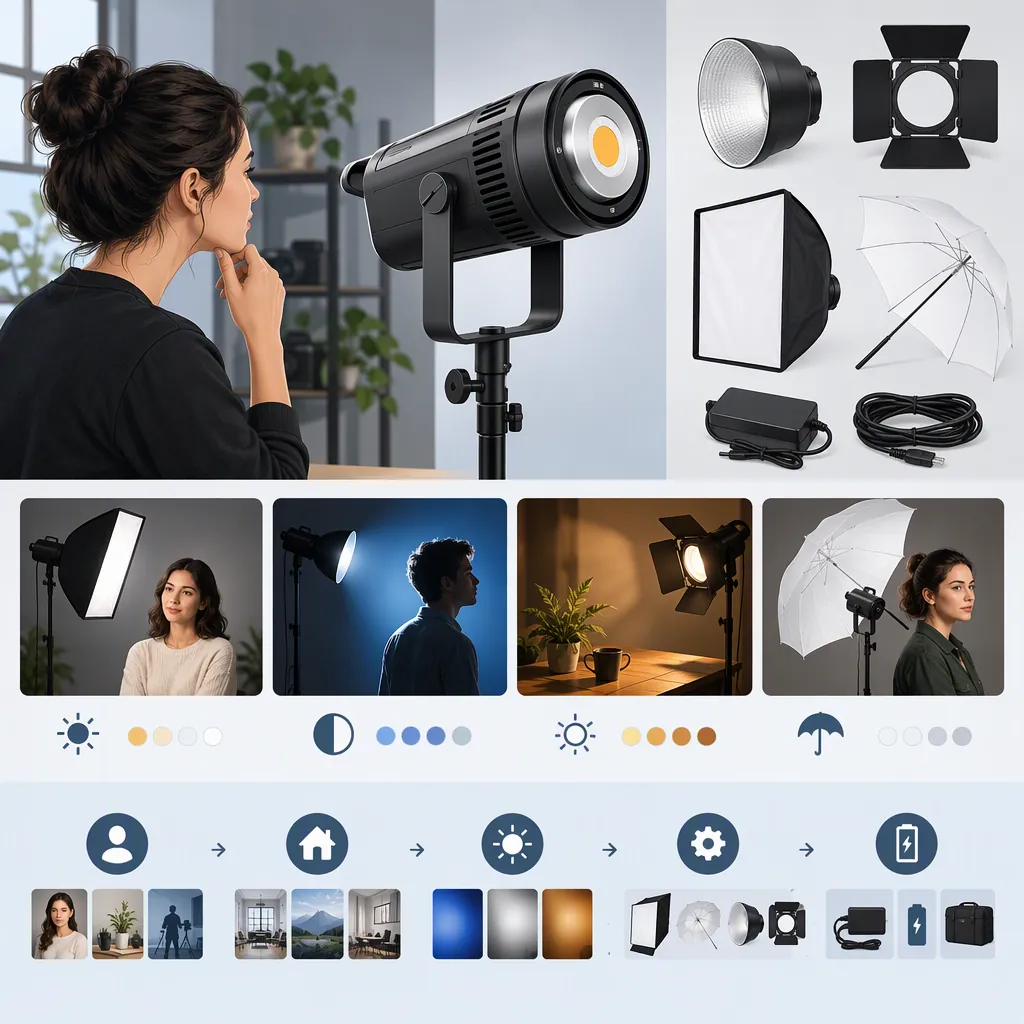
Neewer Cb60: How to Evaluate It for Your Filming Setup
Start by checking the exact model: the supplied NEEWER pages distinguish the CB60 RGB from the CB60B bi-color light. The manufacturer lists full-color controls for the CB60 RGB and color-temperature controls for both models. Use that distinction to define your requirements, but do not treat the listings as proof of brightness, quietness, or image quality in your setup. [c1] [c2]
Identify the Exact Model
A search for “neewer cb60” can leave an important distinction unresolved. The supplied manufacturer references cover two named models, not one interchangeable specification sheet.
| Selection Question | CB60 RGB | CB60B |
|---|---|---|
| Which modes are listed? | CCT, HSI, and Scene | CCT and Scene |
| Is full-color adjustment listed? | Hue and saturation controls | No HSI mode listed |
| What color-temperature range is listed? | 2700K–6500K | 2700K–6500K |
| What maximum power is listed? | 70W | 70W |
These are manufacturer-listed specifications, not independently verified performance results. Confirm the complete model name before using a specification to plan a shoot. [c1] [c2]
Define the Lighting Job Before Comparing Output
Write down whether the fixture will illuminate a face, a product, or a background. Then specify whether the scene requires adjustable white light, colored illumination, or both. The CB60 RGB listing documents hue and saturation controls; the CB60B listing documents adjustable white-light color temperature but does not list HSI controls. That is a feature distinction, not a verdict on which model produces better footage. [c1] [c2]
NEEWER advertises maximum illuminance of 18,000 lux at one meter for the CB60 RGB and 34,000 lux at one meter for the CB60B. The supplied text does not establish a matched testing method, including identical modifier and color-temperature conditions. Do not interpret these figures as a reliable brightness ratio for your scene. [c1] [c2]
For evaluation, keep the camera settings, subject position, fixture distance, and intended modifier consistent. Check whether the resulting exposure and appearance meet the shot's requirements. The supplied references cannot determine whether either model will provide sufficient light for a particular room or camera setup.
Check Modifiers, Support, and Power
Both pages list a Bowens mount, an umbrella hole, and AC input of 100–240V at 50/60Hz. Those details are useful planning inputs, but they do not establish compatibility with every accessory or a battery-powered workflow. [c1] [c2]
The listed package contents include a fixture, reflector, power cable or cord, and manual; the CB60 RGB list also includes a protective cover. Neither supplied package list includes a light stand or softbox. Treat support and diffusion as separate items to verify rather than assumed inclusions. [c1] [c2]
Before finalizing the setup, check the exact modifier attachment, stand load rating, fixture placement, cable route, and available outlet. If a mobile power arrangement is essential, obtain explicit documentation for that arrangement; these references alone do not establish one.
Evaluate Recording Performance Separately
Both manufacturer pages describe fan cooling and app control. Their descriptions of quiet operation are not independent acoustic measurements, and the supplied references do not include controlled flicker tests. Avoid assuming either fixture will be inaudible to your microphone or suitable for every recording mode. [c1] [c2]
Use a repeatable recording check rather than relying only on specification labels. Record the exact configuration so that any later comparison uses the same conditions.
Filming Light Evaluation Worksheet
- Exact model and firmware version:
- Intended role: face, product, or background:
- Required white-light setting or color:
- Modifier and fixture-to-subject distance:
- Camera frame rate, shutter setting, ISO, aperture, and white balance:
- Exposure and appearance acceptable at the intended position: yes/no:
- Visible banding or flicker in the recorded clip: yes/no:
- Fan audible with the intended microphone placement: yes/no:
- Fan behavior checked after the intended recording duration: yes/no:
- On-fixture and app controls tested: yes/no:
- Stand, accessory fit, outlet access, and cable route verified: yes/no:
- Unresolved limitations:
FAQ
Are the Neewer Cb60 RGB and Cb60b the Same Light?
They are separate models in the supplied manufacturer references. The CB60 RGB page lists HSI controls for hue and saturation, while the CB60B page lists CCT and Scene modes. Both list adjustable color temperature. [c1] [c2]
Can the Listed Lux Values Decide Which Light to Use?
Not by themselves. The manufacturer lists different maximum illuminance values, but the supplied text does not establish matched measurement conditions. Evaluate output with the modifier, distance, and camera settings intended for the shoot. [c1] [c2]
Do the Listed Packages Include a Stand and Softbox?
Neither supplied package list includes a stand or softbox. Both list a reflector and power cord or cable. Verify the contents of the exact package being considered rather than assuming accessories are included. [c1] [c2]