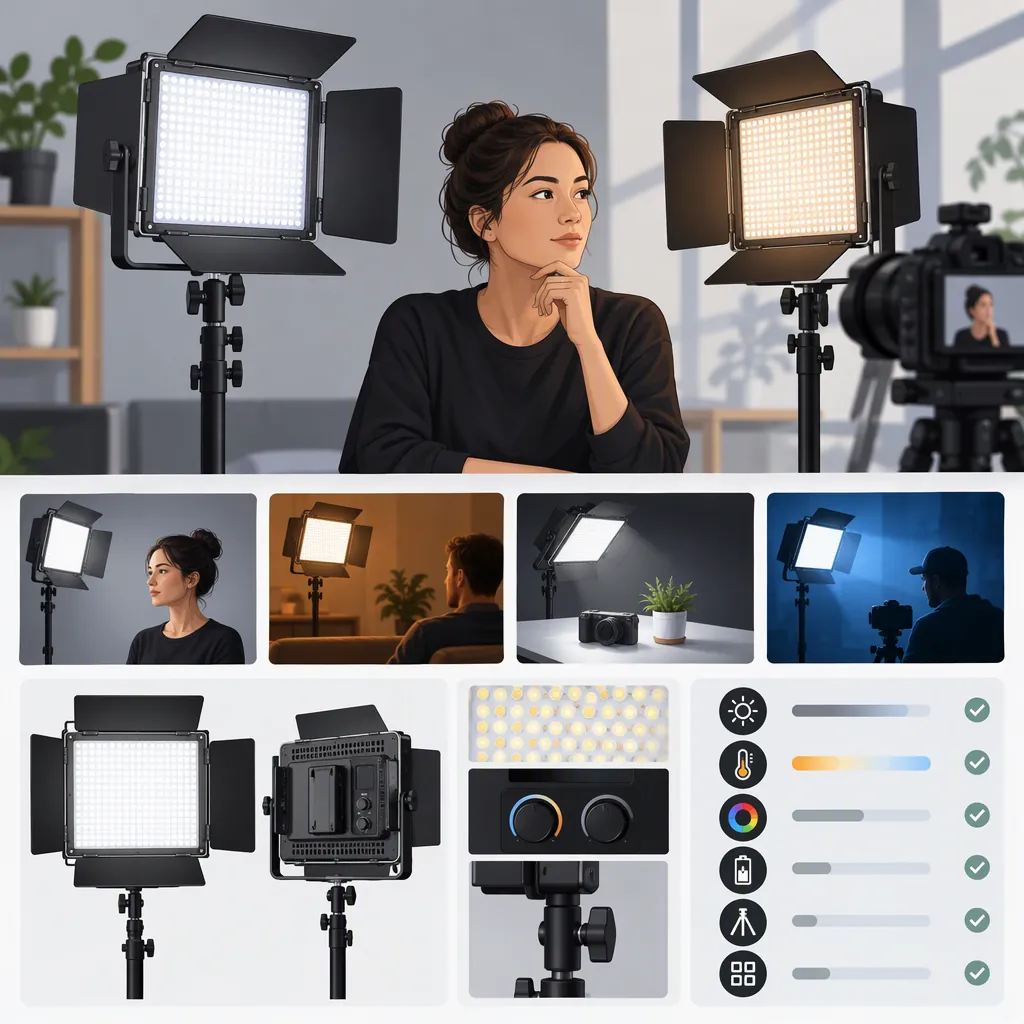
How to Evaluate a Neewer 660 Pro for Filming
Evaluate a Neewer 660 Pro against your actual filming setup rather than relying on the model name alone. First confirm the exact version: the supplied sources describe an RGB 660 PRO II kit and an RGB660 review, not a verified specification set for every similarly named model. Then assess exposure, skin tones, shadows, control, power, and mounting with your intended camera settings. These sources do not establish a universal recommendation. [c1] [c2]
Confirm the Exact Model Before Comparing
The supplied retailer page is titled Neewer - 2 Pack RGB 660 PRO II LED Video Light with 200cm Light Stands. The supplied review is titled Neewer RGB660 Review. Treat those as separate source descriptions, not proof that their specifications, accessories, or behavior apply to the same unit. [c1] [c2]
For a search such as “neewer 660 pro,” begin by recording the complete model name and kit contents from the documentation for the unit under consideration. Do not transfer details from an RGB660 review to a PRO II listing without confirming the match.
This guide does not independently verify product specifications, current kit contents, or performance. The references support source identification and evaluation questions, not a definitive comparison across versions.
Model Identification Worksheet
- Exact model name: ______
- Model or SKU identifier: ______
- Documentation matching that identifier: ______
- Single light or multi-light kit: ______
- Included power equipment: ______
- Included stands and modifiers: ______
- Details that remain unverified: ______
Define the Lighting Role
Start with the shot you need to make. Is the light intended to illuminate a face, fill a shadow, separate a subject from the background, or add background color? Write down that role before comparing features.
The Dan Mears review discusses RGB660 lights in green-screen and colored-background setups. Those examples describe the reviewer's use of the reviewed lights; they are not a controlled test or a guarantee for another model, room, or camera. [c2]
For an interview or talking-head shot, prioritize a test of the face at the intended framing and exposure. For a background-color setup, evaluate the actual background area and the amount of unwanted light reaching the subject. For green-screen work, inspect the recorded screen and a trial key rather than treating one published example as proof of suitability.
Shot Requirement Card
- Shot type: ______
- Intended light role: ______
- Subject and background positions: ______
- Available placement distance: ______
- Camera, lens, and framing: ______
- Intended shutter, aperture, ISO, and white balance: ______
- Required modifier or diffusion: ______
- What would make this setup unacceptable? ______
Run a Repeatable Camera Test
Use a repeatable test to decide whether a candidate light meets your requirements. Keep the camera settings, subject position, light distance, and modifier arrangement consistent when comparing candidates.
Review the recorded footage for exposure, skin-tone appearance, shadow edges, reflections, and visible flicker or banding. Test at the frame rates and shutter settings you plan to use. Record the light settings alongside each clip so a useful result can be reproduced.
The RGB660 reviewer reports concerns about close-range multiple shadows with the supplied diffusion and about barn-door interference during tilt adjustment. These are observations about that reviewed setup, not established faults of every Neewer 660 Pro variant. They are useful prompts for testing shadow quality and positioning clearance yourself. [c2]
Neither supplied source provides a controlled, cross-model camera test that establishes suitability for your production. Keep that evidence gap separate from any listed features. [c1] [c2]
Comparison Test Procedure
1. Set up the intended camera, subject, and background.
2. Record the camera settings and light-to-subject distance.
3. Record a clip with the intended light placement and modifier.
4. Repeat at each planned frame rate and shutter setting.
5. Inspect exposure, skin tones, shadows, reflections, and visible flicker or banding.
6. Check the required tilt and rotation with accessories fitted.
7. Repeat the same setup for any alternative light.
8. Mark each requirement as met, not met, or unverified.
Check Power, Control, and Setup Constraints
Image appearance is only one part of the decision. Build a complete setup plan that includes power equipment, supports, modifiers, cable routing, control access, and transport.
Do not assume that the accessories or power arrangements discussed in one source apply to another version or kit. The references concern differently named products and do not establish interchangeable configurations. [c1] [c2]
For a fixed indoor setup, document outlet access and cable placement. For location work, verify compatible power equipment and required runtime using documentation and a practical test. Follow the relevant equipment instructions for mounting and support.
If remote control matters, verify that the exact unit works with your intended control device. Keep physical controls accessible as part of the setup plan. A feature description alone should not count as a completed workflow test.
Decision Record
- Exact model verified: yes / no
- Intended shot passes the camera test: yes / no / untested
- Positioning and modifier clearance checked: yes / no
- Power equipment and required runtime verified: yes / no
- Controls tested in the intended workflow: yes / no
- Complete support and transport plan documented: yes / no
- Additional equipment required: ______
- Remaining evidence gaps: ______
- Decision: suitable for this tested setup / unsuitable / insufficient evidence
FAQ
Are Neewer 660 Pro, Rgb660, and RGB 660 Pro Ii the Same Model?
The supplied references do not establish that they are equivalent. One names an RGB 660 PRO II kit and the other reviews RGB660 lights. Confirm the complete model identifier before applying specifications or review observations to a particular unit. [c1] [c2]
Is a Neewer 660 Pro Suitable as a Main Interview Light?
These references are insufficient for a model-wide verdict. Evaluate the exact unit at your intended distance, camera settings, and modifier arrangement. Judge the recorded face, exposure, and shadows against your shot requirements rather than assuming a published example will transfer to your setup. [c1] [c2]
What Should I Check Beyond a Review or Listing?
Confirm the exact model and kit contents, then test the image, positioning clearance, power arrangement, and controls. The supplied review offers observations from one RGB660 setup, while the retailer page describes an RGB 660 PRO II kit; neither resolves all requirements for your production. [c1] [c2]