Neewer Nl480 for Filming: What to Check Before Choosing
Short answer: The NEEWER NL480 is listed as a bi-color LED panel, but the name alone doesn’t tell you whether you’re looking at one light or a kit. Match the listing’s model and SKU, then check the actual package contents, power options, mounting setup, and whether its light output suits your subject distance. NEEWER’s US site lists a single-light NL480 as SKU 66600200 and a two-light kit as SKU 66600538; these are different purchase bundles, not evidence that the included accessories are identical. (neewer.com)
Confirm Which Nl480 Listing You’re Considering
NEEWER’s product page identifies SKU 66600200 as the NL480 Bi-Color LED Panel Light. Its listed package contains one light, one white diffuser, one power adapter, one power cable, and one carrying bag. The page describes barn doors as a light-control feature but does not include them in that package list, so check the specific listing or seller before assuming they’re included. The listed contents do not include a light stand. (neewer.com)
The separate SKU 66600538 is a two-pack kit. Its page describes two NL480 panels and two stands, along with features such as adjustable brightness and color temperature. Don’t apply the kit’s contents or claims about included stands to a single-light listing without checking that listing’s own package details. (neewer.com)
If a listing uses a longer name—such as “NL480-2.4G” or “NL480S”—match its model identifier to the manual and listing before relying on specifications. A NEEWER manual covering multiple panel models distinguishes the NL480 control panel from the NL480S control panel, so similar model names should not be treated as interchangeable. (device.report)
What the Listed Specs Mean for Filming
NEEWER lists the NL480 as a 28 W, 480-LED bi-color panel, with 240 white and 240 yellow LEDs and a 3200–5600 K color-temperature range. That describes an adjustable warm-to-cool white-light range; it does not establish that the panel provides RGB colors or special effects. The official two-pack listing additionally states CRI ≥96, but its standalone product page does not show that figure in the listed specifications. When color accuracy is important, check that the exact listing you’re buying gives the figure and conditions you need. (neewer.com)
Those figures alone don’t answer whether the panel will be bright enough for your shot. Think about your subject distance, how much of the scene you need to cover, and whether you’ll use diffusion. A practical check is to place the light where it would go, set the camera to the intended framing and exposure, and record a short test. If the subject is too dim at the distance you need—or the scene requires more coverage than the panel provides—you may need a different placement or another light. This is a setup-based decision, not a performance claim about the NL480.
The panel’s listed color-temperature range can help you adjust its white light toward warmer or cooler sources in the scene. For consistent results, set up the other lights first, then adjust the panel and camera white balance together and check skin tones and neutral surfaces in a test recording. A color-temperature range does not by itself guarantee a perfect match to every room light or camera setting. (neewer.com)
Check Power, Mounting, and Accessories
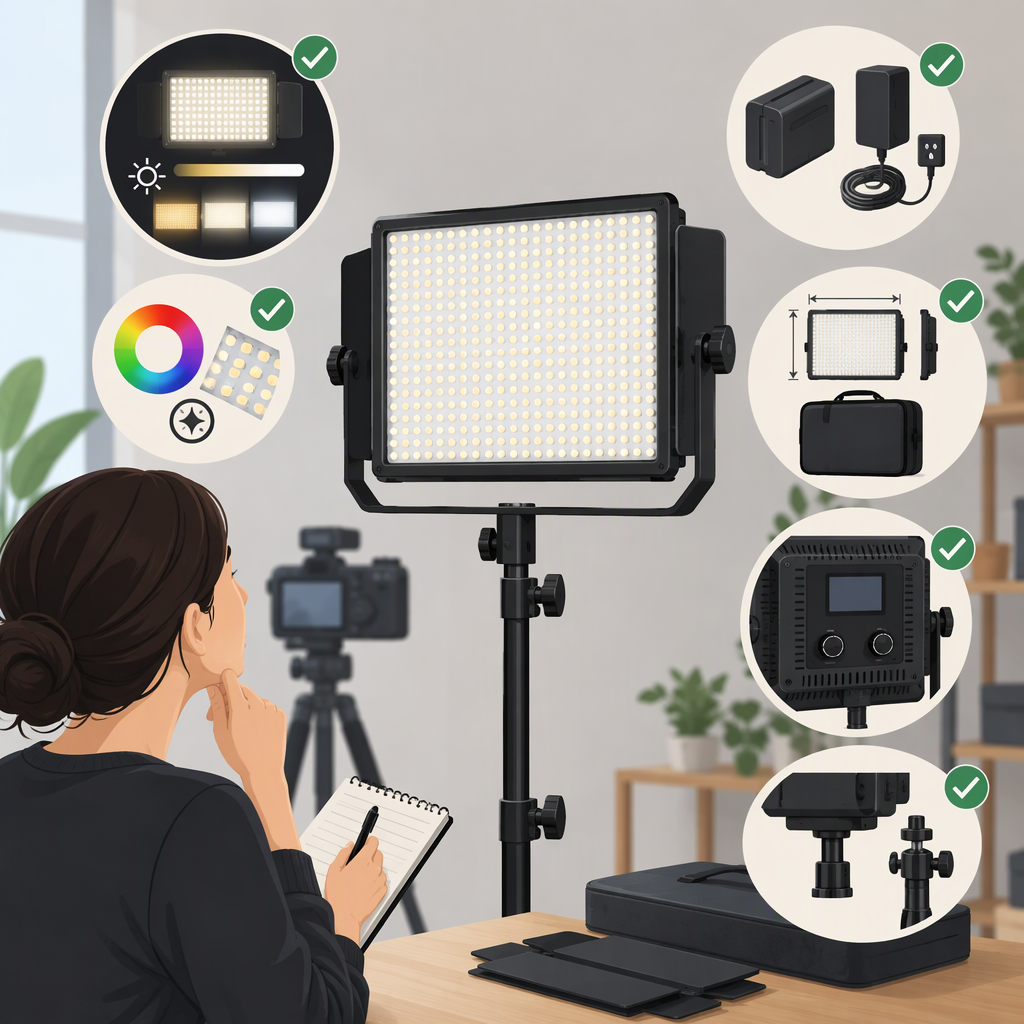
Before choosing a listing, confirm:
- Power: The single-light page lists a 12 V DC light and an included power adapter and cable. If you need battery operation, verify battery support for the exact model and whether batteries are included; don’t infer it from another NL480 kit or a similarly named model. (neewer.com)
- Mounting: The product page describes an adjustable U-mount bracket. Confirm that your stand or mounting arrangement will work with the particular listing, and that you can safely position the light at the needed height and angle. (neewer.com)
- Diffusion and light control: The standalone package lists a white diffuser. If you need barn doors or another modifier, confirm that it is compatible and included—or budget for it separately. (neewer.com)
- Stand and case: The standalone listing names a carrying bag but not a stand; the two-pack listing describes stands. Check package contents rather than relying on a product photo or a general NL480 description. (neewer.com)
Is the Nl480 a Fit for Your Setup?
The NL480 may be worth considering if you want a panel with adjustable warm-to-cool white light and the exact listing supplies the power and accessories your setup requires. It may be a poor fit if you need RGB effects, a stand in a single-light package, a verified battery setup that the listing does not support, or output proven for a particular distance that its documentation does not establish. Those are selection criteria, not claims that the light will or won’t work in every filming environment.
For a comparison with another light, compare matching details: light count, output measurements at the same distance and settings, color controls, power options, mounting, and package contents. LED count or wattage alone is not a like-for-like brightness comparison. No alternative is named here because the available sources do not provide a matched comparison test.
Price Snapshot and Bundle Distinction
On NEEWER’s US site, the standalone NL480 listing showed US$99.99 per light (SKU 66600200), while the two-pack kit showed US$199.99 per kit (SKU 66600538). These are prices shown on the listings on November 15, 2026; the manufacturer notes that prices can vary by location. Compare what each listing includes before treating the two prices as an equivalent per-light purchase. (neewer.com)
Bottom Line
Start by matching the model and SKU, then decide whether you need one panel or the two-light kit. For the specific listing, confirm package contents, stand and modifier needs, power options, and whether its output works at your filming distance. The listed 3200–5600 K range and panel format help describe what the NL480 is; they do not replace a test in your actual setup.