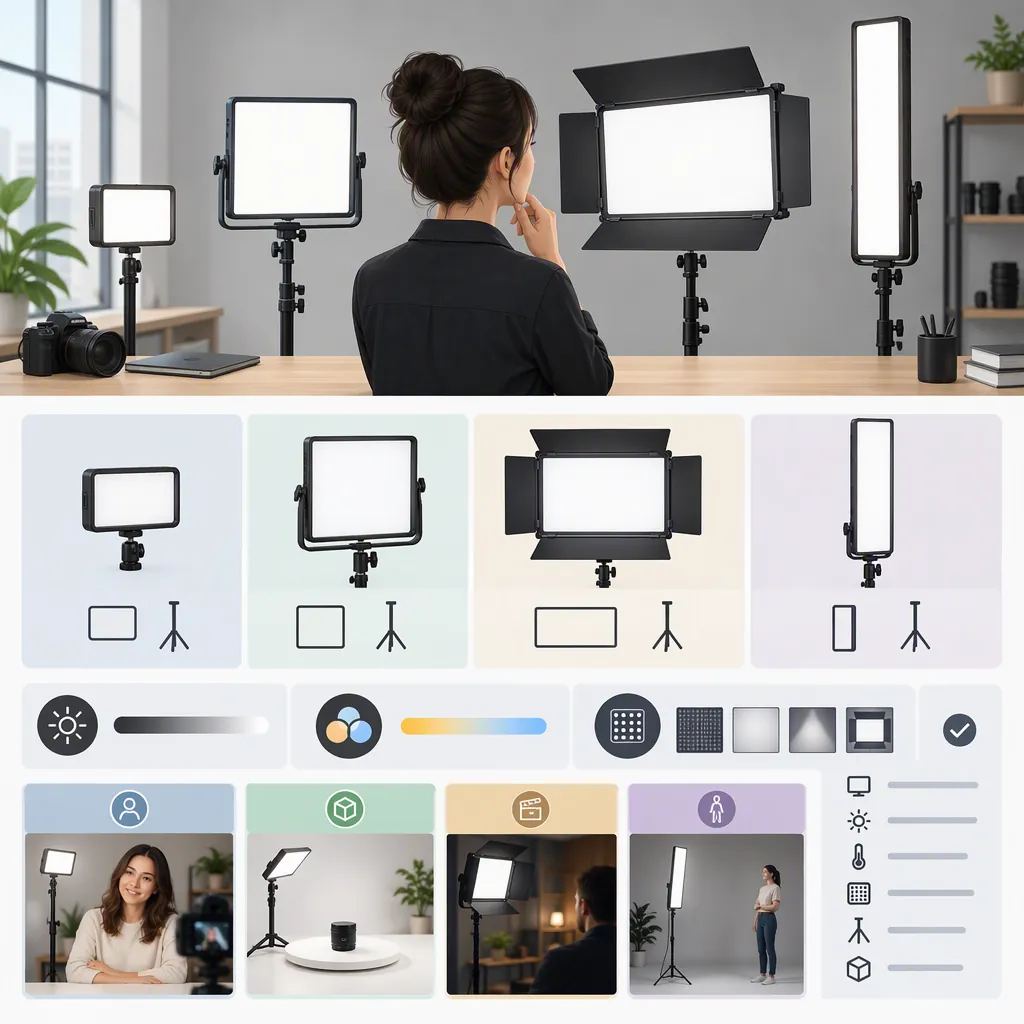
How to Choose a Neewer Panel Light for Filming
To choose a NEEWER panel light, first define its job: lighting a subject with adjustable white light or adding colored accents. Then check the exact model’s output information, diffusion options, power requirements, and mounting fit. NEEWER’s category guidance distinguishes bi-color lighting from RGB creative-color uses, but it does not establish which model is best for your setup. [src_1]
Start with the Lighting Role
A useful selection process starts with the shot, not the brand name. Write down whether the panel will light a face, illuminate a tabletop, fill shadows, or add color to a background.
NEEWER’s category guidance describes bi-color lights as offering adjustable white-light color temperature and RGB panels as offering creative color control. Treat that distinction as a starting point rather than a model recommendation. [src_1]
For interviews or talking-head footage, prioritize the white-light controls you need. For a deliberately colored background, include RGB control in your requirements. If one light must do both jobs, evaluate both separately rather than assuming the RGB label establishes white-light performance.
Lighting Requirements Worksheet
- Main shot: ______
- Light’s role: subject / fill / background / other
- Available placement distance: ______
- White-light adjustment needed: ______
- Colored-light effects needed: ______
- Power available at the filming location: ______
- Stand or desk-mount space available: ______
- Evidence still needed before comparing models: ______
Compare Output and Color Carefully
Use the exact model’s documentation to build a comparison table. Record any stated illuminance measurement together with its distance, color setting, and modifier configuration. If those conditions are missing or different between candidates, mark the comparison as unresolved instead of declaring one panel brighter.
For color, record the stated white-light adjustment range and any color-rendering information, but keep these separate from your desired on-camera result. This guide provides no independent measurements of NEEWER panel output or color accuracy.
NEEWER describes adjustable color temperature as useful in mixed-lighting environments. That supports considering the feature; it does not guarantee that one setting will resolve every lighting mismatch in a room. [src_1]
If evaluating an available light, record a short sample with your intended camera settings and room lighting. Treat the sample as a test of that configuration, not proof of performance in every setup.
Check Diffusion, Power, and Mounting
Do not make diffusion an automatic requirement. NEEWER’s educational guidance describes diffusion as useful for softer shadowing and undiffused light as an option for more defined shadows. Choose according to the image you want, then verify the exact panel’s modifier compatibility. [src_1]
Before comparing complete setups, record:
- Whether diffusion is built in, optional, or unspecified.
- The exact compatible modifier and its attachment method.
- Supported power sources and required adapters or batteries.
- Which power accessories are included in the selected bundle.
- The mounting interface, total supported load, and space required.
NEEWER’s category FAQ also advises checking product specifications for battery support. Do not infer battery compatibility, runtime, or included accessories from a category description. [src_1]
For a repeatable setup, make placement and cable routing part of the evaluation rather than treating them as details to resolve later.
Keep the Evidence Limits Visible
This is a selection framework, not a tested model comparison. The cited source is manufacturer-authored category guidance, not an independent laboratory review. Its supplied page content also reports “No products found” for the filtered collection, so it should not be treated as a complete model inventory. [src_1]
No conclusion is offered here about the best NEEWER panel, measured brightness, flicker behavior, noise, battery runtime, or value. Keep a candidate marked as unverified wherever the exact model documentation does not answer your requirements. A useful shortlist makes those gaps explicit instead of filling them with assumptions.
FAQ
Should I Choose a Bi-Color or RGB Neewer Panel?
Start with the intended role. NEEWER’s guidance associates bi-color panels with adjustable white lighting and RGB panels with creative color and background effects. Use that distinction to define requirements, not to assume one category has better measured performance. [src_1]
Does a Panel Light Always Need a Diffuser?
No. NEEWER’s guidance presents diffusion as useful for softer shadowing, while more defined shadows may be intentional. Decide on the desired look and verify the exact panel’s diffusion and modifier options. [src_1]
Can I Assume a Neewer Panel Supports Batteries?
No. Check the exact model’s supported power sources, battery requirements, and included accessories. NEEWER’s category FAQ specifically advises verifying battery support in product specifications; it does not establish compatibility or runtime for every panel. [src_1]