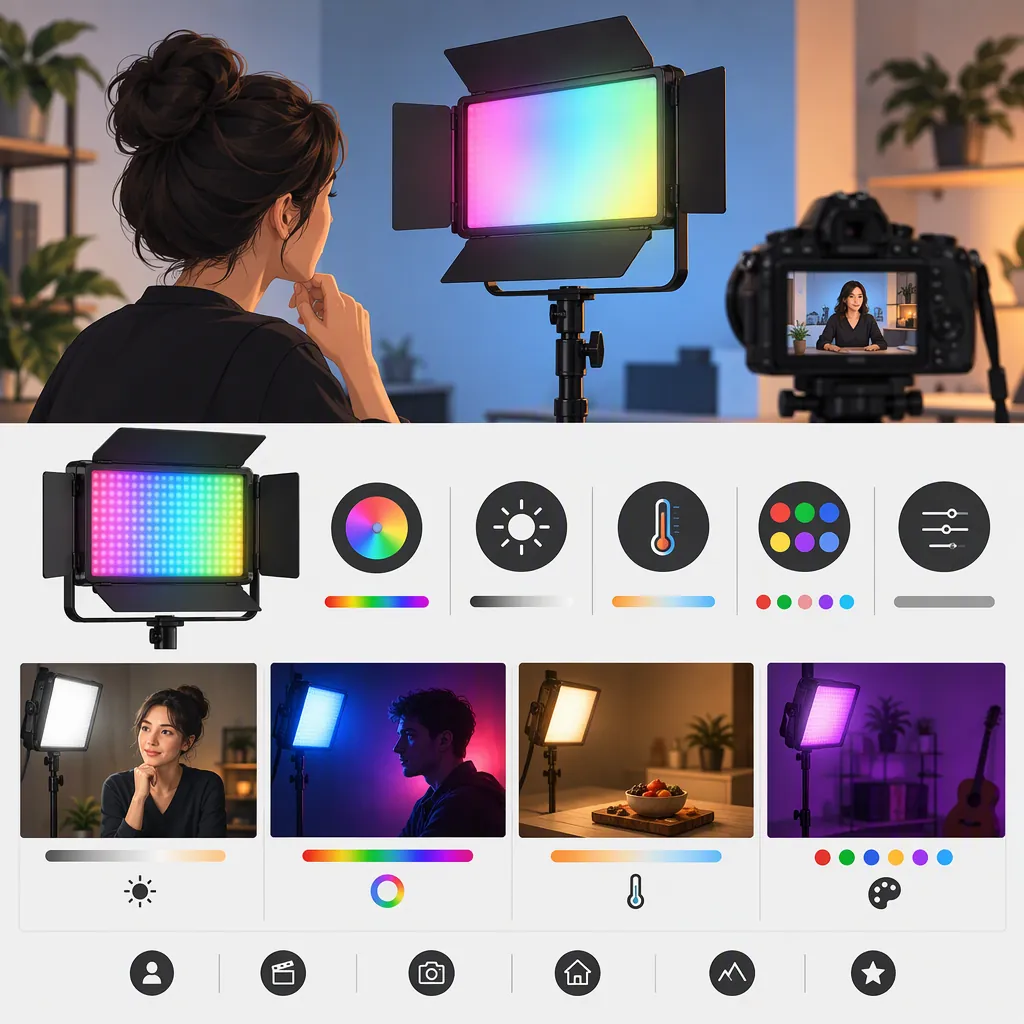
How to Evaluate the Luxceo P7rgb Pro for Filming
Evaluate the LUXCEO P7RGB Pro against a specific shot, not just its feature list. Check exposure at your working distance, the look of faces and objects, flicker at your recording settings, mounting, and runtime. The supplied references are manufacturer and marketplace descriptions, not independent performance tests, and their color-temperature descriptions differ. They do not establish whether this light can replace your main filming light. [src_pro] [src_marketplace]
Identify the Exact Model and Evidence
LUXCEO provides separate pages for the P7RGB Pro and P7RGB. Keep those references separate when evaluating a listing or an existing unit. The Pro page lists remote and app control with a Type-C interface; the P7RGB page lists remote control and a Micro USB charging port. These are documentation differences, not evidence of superior filming results. [src_pro] [src_base]
The supplied Amazon page names the brand as uyled and the model as P7RGB Pro. Its similar model name does not, by itself, establish that every listed specification or accessory applies to a LUXCEO-labeled unit. Confirm the model label, manual, charging connection, and included mounting hardware for the exact unit under consideration. [src_marketplace]
This guide uses only the supplied public descriptions. It includes no hands-on testing, customer findings, or independent verification. The LUXCEO pages also state that their product information is for reference only. [src_pro] [src_base]
Define the Lighting Role Before Comparing Features
Start with what the shot needs. Treat each role below as a test requirement rather than a claim about this model's capabilities.
| Intended Role | Question to Resolve in a Test |
|---|---|
| Main light for a face | Can the setup achieve your intended exposure and shadow pattern at the planned distance? |
| Fill light | Can you adjust the shadow level without losing the contrast you want? |
| Background color | Does the selected color appear as intended without unwanted spill on the subject? |
| Edge or detail light | Can you place and secure the light outside the frame while producing the intended highlight? |
| Visible light in the scene | Does it look appropriate in frame without distracting clipping or flicker? |
For a talking-head scene, compare candidate setups with the same camera position, exposure, white balance, and subject placement. For a colored background, compare the recorded result rather than the appearance of the control screen. Do not assume that a light suited to one role will satisfy another.
Keep Specification Gaps Visible
The Pro manufacturer's description gives a color-temperature range of 3000K to 5750K, while its parameter table shows 3000K/5750K. The supplied marketplace description instead references 3000K/6000K and dual color temperatures. The supplied material does not resolve whether these descriptions represent different versions, selectable endpoints, or listing inconsistencies. Do not promise an intermediate white setting without checking the exact unit. [src_pro] [src_marketplace]
Runtime also needs qualification. The Pro page includes a broad working-time range and an endurance entry of more than 4.5 hours, without a complete test protocol. Those entries are not a guaranteed shoot duration at your chosen brightness, color, or operating conditions. [src_pro]
The manufacturer advertises an IP68 rating, but the supplied Pro page does not specify immersion depth, duration, or charging-port handling conditions. Do not infer safe underwater operation or wet charging from that page alone. Obtain the exact unit's operating instructions before planning wet-location use. [src_pro]
The supplied references do not provide an independent camera test for flicker, skin rendering, output consistency, or usable exposure in your scene. Treat those points as unresolved rather than as either advantages or defects.
Use a Repeatable Camera Test
If a unit is available for evaluation, use the following worksheet. It is a proposed procedure, not a report of tests already performed.
Choose acceptance criteria before recording: required exposure, acceptable shadows, desired color, uninterrupted take length, and reliable access to controls. Review the footage at normal playback and frame by frame. If a requirement fails, change placement or settings and repeat; if it remains unresolved, evaluate another lighting setup.
Keep the final decision conditional: suitable for the tested shot and settings, unsuitable for that requirement, or unverified. Avoid turning one successful close-up into a general claim about larger scenes or different recording modes.
Filming Light Evaluation Worksheet
- Exact model and manual version:
- Intended lighting role:
- Subject-to-light distance and placement:
- Camera, lens, frame rate, and shutter setting:
- Exposure and fixed white balance:
- Light mode, color setting, and brightness:
- Recorded exposure and shadow result:
- Visible banding or flicker:
- Face, neutral object, and colored-object appearance:
- Mounting stability and cable clearance:
- Control response from the operating position:
- Runtime required and runtime observed at these settings:
- Unresolved documentation or safety questions:
- Decision: suitable for this test / unsuitable / unverified.
FAQ
Can the Luxceo P7rgb Pro Be My Only Filming Light?
The supplied references do not establish that. Test it at your planned subject distance with the intended framing, exposure, and ambient light. A result that works for one shot does not establish suitability for every scene. [src_pro]
Is the P7rgb Pro the Same as the P7rgb?
Do not treat them as interchangeable. LUXCEO publishes separate pages, with different listed controls and charging interfaces. Match documentation to the exact model rather than transferring specifications between them. [src_pro] [src_base]
Should I Rely on 5750K or 6000K?
Keep the discrepancy unresolved until the exact unit is verified. The LUXCEO Pro page references 5750K, while the supplied marketplace description references 6000K. Neither description proves which settings are available on a particular unit or how they will appear on your camera. [src_pro] [src_marketplace]