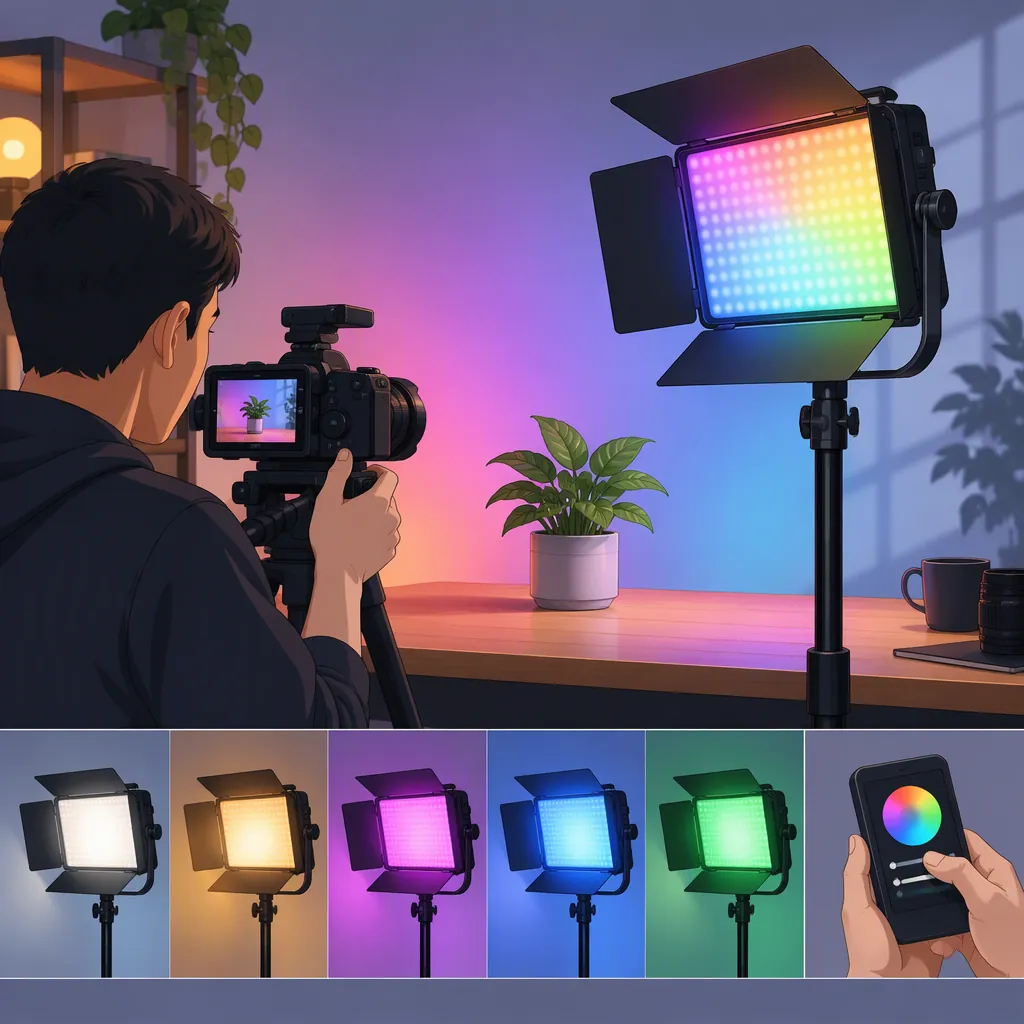
How to Evaluate the Luxceo P120 RGB for Filming
Evaluate the LUXCEO P120 RGB against a specific filming role rather than treating its name or advertised specifications as proof of suitability. First confirm the exact model, then test exposure, skin tones, flicker, mounting, and runtime in your intended setup. The supplied official page names the P120, but also says its product information is for reference only; it does not establish independently verified filming performance. [source_1]
Confirm the Model and Evidence Limits
The supplied LUXCEO page includes the names “P120 Full Color RGB Fill Light” and “P120S RGB Full Color Video Light.” Do not assume those labels refer to interchangeable equipment. Match the model identifier on the unit, packaging, and model-specific documentation before relying on any specification. [source_1]
The same page states that product pictures, models, data, functions, performance, specifications, and other product information are for reference only. This article therefore does not repeat its numerical specifications as verified performance or endorse the P120 for a particular production. [source_1]
Still unresolved here are usable output at your working distance, camera-specific flicker behavior, sustained runtime at your chosen setting, and compatibility with your mounting setup. Treat these as verification tasks, not established product capabilities.
Define the Light’s Job Before Comparing Options
Start with the shot you need, not a feature list. Write down whether the candidate light would serve as the main subject light, shadow fill, edge light, background color, or an in-frame practical light.
For a main subject light, make acceptable face exposure and shadow appearance your first tests. For fill, evaluate whether you can reach the desired shadow level without changing the look of the scene. For a background or edge accent, judge placement, spill, and whether the color distracts from the subject.
Compare lighting categories using the same requirements:
- Handheld or stick-style candidate: Check whether its shape and placement suit the shot, and whether it can be secured without an operator holding it.
- Panel candidate: Check the visible reflection shape, framing clearance, and available mounting options.
- Light with a modifier: Check the complete setup’s footprint, support requirements, and resulting shadow appearance.
These are comparison criteria, not claims that the P120 includes particular accessories or will perform any of these roles successfully.
Run a Controlled Camera Test
Use your intended camera, lens, subject distance, frame rate, and shutter setting. Keep exposure and white balance fixed during each comparison so automatic adjustments do not obscure what changed.
Record a baseline, then test the candidate in the position and lighting role you actually need. Review the recorded files rather than relying only on the live preview. Define your acceptance criteria before testing: acceptable exposure, desired shadow detail, natural-looking skin for the intended scene, no visible banding or pulsing, and manageable reflections.
If you plan to use colored light, record a separate color-accent test. Do not treat an attractive background-color result as evidence that the same setup will meet your requirements for lighting faces.
Record an unresolved result as “not verified,” rather than assuming it will be acceptable.
Filming Light Test Sheet
- Exact model identifier: ______
- Intended role in the scene: ______
- Camera and lens: ______
- Frame rate and shutter setting: ______
- Fixed exposure and white balance: ______
- Light-to-subject distance: ______
- Light setting and other active lights: ______
- Exposure and shadow appearance acceptable: pass / fail / not verified
- Skin appearance acceptable: pass / fail / not verified
- Visible banding or pulsing in recorded footage: yes / no / not verified
- Spill and reflections acceptable: pass / fail / not verified
- Mounting secure and clear of the frame: pass / fail / not verified
- Runtime checked for the required recording period: pass / fail / not verified
- Test clip filenames and unresolved issues: ______
Check Mounting, Power, and the Final Decision
Verify mounting details from documentation for the exact unit. Do not infer a thread size, magnetic attachment, included stand, or accessory compatibility from the product name. Evaluate the complete support arrangement, including cables and any modifier you intend to use.
For power planning, test the setting you expect to record with for the required session length. Confirm charging requirements and whether operation while charging is permitted in model-specific instructions; do not assume either behavior.
For any use involving moisture or unusual environmental conditions, obtain explicit model-specific instructions and restrictions. This article does not establish that the P120 is suitable for wet use.
A reasonable decision rule is to accept a candidate only when it meets the essential shot requirements and operational checks. If it works for an accent but fails your main-light test, limit its planned role accordingly. If essential checks remain unresolved, record the selection as provisional rather than calling it the best option.
FAQ
Are the P120 and P120s the Same Light?
The supplied official page uses both names, but that alone does not establish equivalence or explain their differences. Confirm the exact identifier and model-specific documentation before transferring specifications or accessory assumptions between them. [source_1]
Can the Luxceo P120 RGB Be My Main Filming Light?
That is not established by the available evidence. Test it at your actual subject distance with your intended camera settings, and judge exposure, shadow appearance, skin appearance, and sustained operation against your shot requirements.
Are the Advertised Specifications Enough to Choose It?
Not for a verified filming recommendation from this source alone. The supplied page explicitly treats product information as reference-only. Use exact-model documentation to identify requirements, then use recorded tests to decide whether the candidate meets them. [source_1]
Sources
- [source_1] Shoot - LUXCEO official website