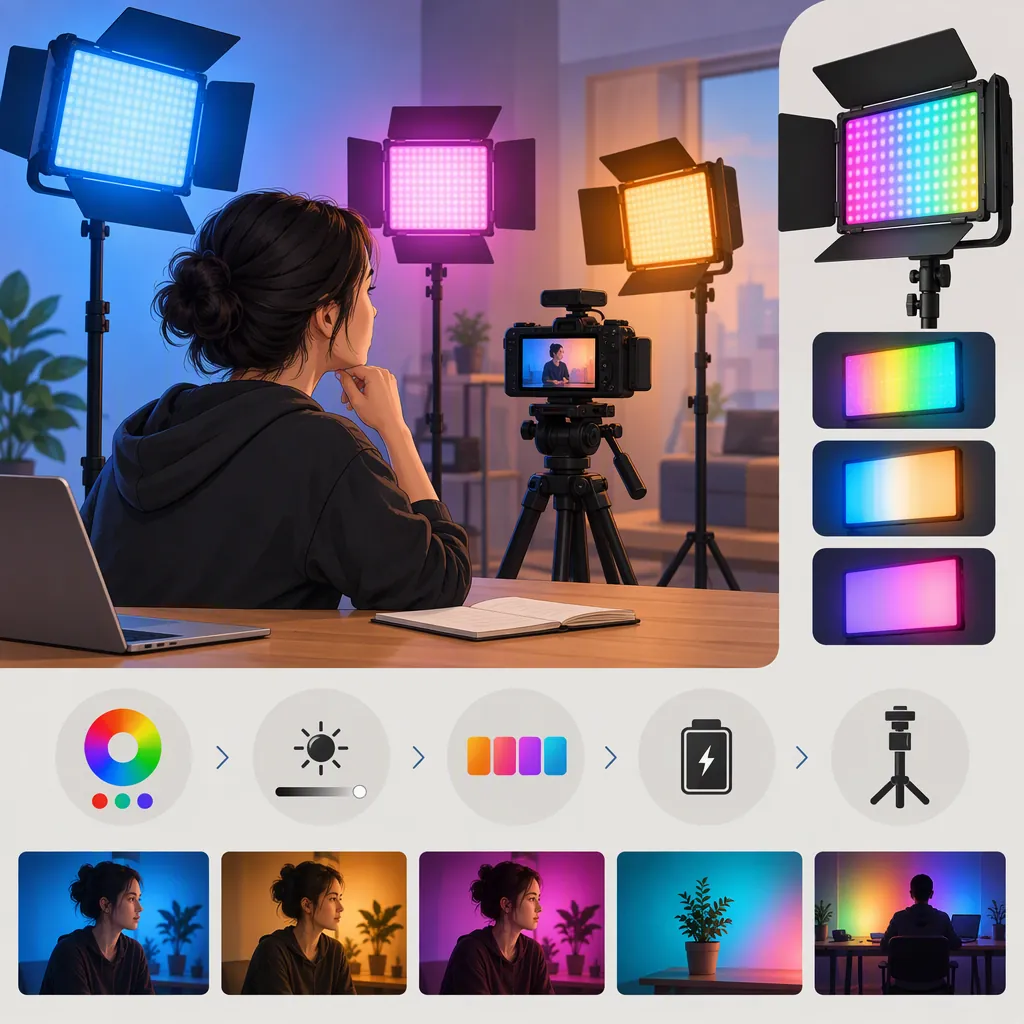
How to Evaluate a Luxceo RGB Light for Filming
Choose a LUXCEO RGB light by the exact model and the shot you need, rather than by the brand name alone. For a main light, prioritize a camera test of the subject at your planned working distance; for an accent light, test color, placement, and spill. The provided official source concerns the P200, not every LUXCEO RGB light, and includes a disclaimer that product information is for reference only. It does not establish which model is best for your setup. [luxceo-p200]
Confirm the Exact Model and Source
Treat “LUXCEO RGB light” as a starting point, not a complete model identification. Record the model printed on the light, packaging, or documentation before comparing specifications or accessories.
The supplied official LUXCEO article is titled “LUXCEO New Products|P200 RGB Video Light” and is dated April 30, 2021. Its footer says product pictures, data, functions, performance, and specifications are for reference only. Use it as a description of that model, not as independent performance verification or confirmation of a current package. [luxceo-p200]
The supplied Amazon page identifies its main product as a uyled P7RGB Pro. It also displays a LUXCEO item in a sponsored similar-brands area. That appearance is not enough to establish that the main listing is a LUXCEO product or that the two products share specifications. Do not transfer its specifications to a LUXCEO model. [amazon-listing]
Model Identification Worksheet
- Exact model on the unit or documentation: ______
- Source describing that exact model: ______
- Document date or revision, if available: ______
- Included mounting accessories confirmed: ______
- Power and charging instructions confirmed: ______
- Unresolved differences between sources: ______
Choose Criteria for the Lighting Role
Define what the light must accomplish before comparing features. Use the following as evaluation priorities, not as claims about any LUXCEO model.
| Intended Role | Suggested Test | Decision Question |
|---|---|---|
| Main subject light | Record the subject at the planned distance, with the intended exposure and any modifier | Is the subject adequately exposed with the shadow pattern you want? |
| Fill light | Compare recordings with the light off and on | Can you reduce unwanted shadow depth without changing the intended look? |
| Background color | Record the background and subject together | Is the desired color visible without unwanted color on the subject? |
| Edge or accent light | Check placement while the subject moves | Does the accent stay where you want it without distracting glare? |
| Visible practical light | Record the fixture inside the frame | Can you keep the fixture's appearance and the subject exposure acceptable together? |
If one light must perform several roles, test each role separately. Avoid declaring it suitable for all of them based on a successful background-color test alone.
Run a Repeatable Camera Test
Use your intended camera, lens, recording mode, and room conditions. Keep exposure and white balance fixed during each comparison so the test is easier to interpret.
Evaluate white-light settings and colored-light settings separately. For a face-lighting test, include skin, neutral objects, and relevant wardrobe colors. For a colored-background test, include the subject so you can judge unwanted spill.
Review recorded footage rather than relying only on how the scene looks to your eyes. Check for visible bands, brightness changes, distracting reflections, and unwanted color shifts. These are screening steps, not a guarantee of performance in other camera modes or locations.
Neither provided reference is an independent camera test of the exact setup described here. This guide therefore does not certify brightness, color accuracy, flicker behavior, or suitability for a particular production. [luxceo-p200] [amazon-listing]
Camera Test Record
Model: ______
Lighting role: ______
Camera and recording mode: ______
Frame rate and shutter setting: ______
Exposure and white balance: ______
Light-to-subject distance: ______
Light setting and dimming level: ______
Modifier and mounting arrangement: ______

Record a short clip at each intended setting. Review the saved footage for exposure, shadow appearance, color, reflections, and visible bands or brightness changes.

Result: acceptable / needs adjustment / unsuitable
Adjustment or unresolved issue: ______
Check Mounting, Power, and Control
Before relying on a candidate light, verify its exact mounting interface, required accessories, power requirements, and operating instructions. Do not infer compatibility from a similar-looking light or a related model name.
For a planned shoot, use this acceptance checklist:
- Placement: Confirm that the intended support can hold the light in the required position. Follow the support and light manufacturers' instructions.
- Power: Check whether the documented power arrangement supports the planned session. Do not infer runtime from battery capacity alone.
- Control: Rehearse changing brightness and color from the position where you will operate it. If remote or app control is required, verify it with the exact unit and device.
- Continuity: Record the settings and placement needed to recreate the shot.
- Environment: Follow the exact model's documented environmental limits. Do not treat a general waterproof description as permission for underwater use or wet charging.
A practical selection rule is to mark each requirement as confirmed, tested, or unknown. If a critical requirement remains unknown, leave suitability unresolved rather than ranking the model as the best choice.
FAQ
Which Luxceo RGB Light Is Best for Filming?
The supplied evidence does not support a best-model ranking. The official article covers the P200, while the main Amazon listing identifies a uyled P7RGB Pro. Start with the exact LUXCEO model and evaluate it against your lighting role, camera settings, working distance, and power needs. [luxceo-p200] [amazon-listing]
Can I Use a Luxceo RGB Light as My Main Light?
Treat that as a setup-specific question, not a brand-wide capability. Test the exact unit on your subject at the intended distance, with your planned exposure and any modifier. Accept it for that role only if the recorded exposure, shadows, and color meet your needs.
Can I Use the Supplied Amazon Specifications for a Luxceo Model?
Not without confirming the exact product identity. The supplied page labels its main item as a uyled P7RGB Pro; a separate LUXCEO item appears in the sponsored similar-brands area. That does not establish interchangeable specifications, accessories, or operating instructions. [amazon-listing]