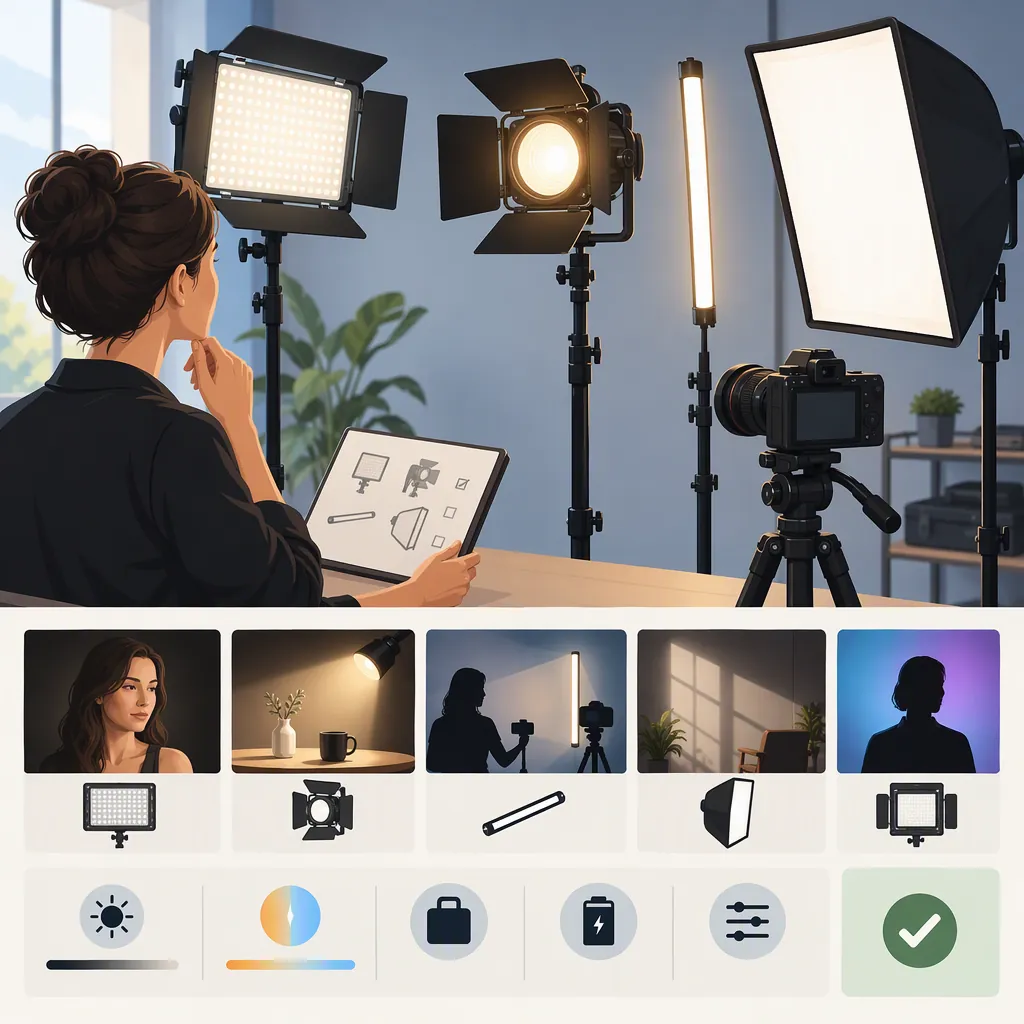
How to Choose Ivisii Lights for Your Filming Setup
To choose an IVISII filming light, first define your shot and separate must-have requirements from preferences. Screen candidates for installation space, compatible support, and a workable power arrangement; then compare the remaining options in recorded footage. The references in this guide identify panel, pocket, and ring-light options, but do not establish a performance ranking. [c1] [c2] [c3]
Start with the Shot, Not the Model Name
Write a short filming brief before comparing lights. Specify whether the frame includes one face, several people, a tabletop object, or a wider scene. Note the camera and subject positions, the available equipment footprint, and whether the setup must move between locations.
Assign the light a role to evaluate: main subject light, a second light for adjusting shadows, or background accent. These are planning categories, not recommendations for a particular IVISII model.
Include your camera, frame rate, shutter setting, nearby windows, and existing room lights. Evaluate candidates under the conditions you intend to record in, rather than choosing from product photographs alone.
Filming Brief Template
- Subject and framing: ______
- Camera position and subject distance: ______
- Intended light role: ______
- Available equipment footprint, including support: ______
- Camera, frame rate, shutter setting, and white balance: ______
- Existing room light or daylight: ______
- Power access and cable route: ______
- Required continuous recording time: ______
- Setup time and transport constraints: ______
Separate Requirements from Preferences
A must-have is a condition that would make the setup unusable if unmet. A preference helps distinguish candidates that already meet the essentials.
For example:
| Filming situation | Possible must-have | Possible preference |
|---|---|---|
| Fixed talking-head setup | Light and support fit outside the frame; power is available for the session | Settings are straightforward to reproduce |
| Mobile recording | Complete equipment package fits your carrying limit; power arrangement suits the location | Fewer separate items to pack |
| Tabletop or close-up filming | Light can be positioned without blocking the camera or work area | Reflections are easy to manage |
| Multi-person framing | Every intended subject is acceptably lit in the recorded shot | Fewer repositioning steps between takes |
Adapt these examples to your shot. A compact package, for instance, should not outweigh a failed image test if subject illumination is a must-have.
What the Referenced Pages Establish
The evidence here consists of a manufacturer catalog, a demonstration-page title and text, and a resale listing—not a controlled comparison.
- Panel option: IVISII’s “Panel Light” collection includes a K80RGB kit listing. Its manufacturer-listed specifications are not independent filming results. [c1]
- Pocket option: The Amazon Live title identifies an IVISII G2 RGB LED pocket-light unboxing and demonstration. The available page text contains no usable demonstration results, so it does not establish output, runtime, or on-camera appearance. [c2]
- Ring-light option: The Poshmark listing identifies an IVISII ring light, but its title and body contain inconsistent size and specification wording. It should not be the sole basis for identifying the unit or confirming specifications, condition, or accessories. [c3]
Use these pages to identify candidates for further verification, not to infer which light is brightest, most color-accurate, or best for filming.
Turn Your Requirements into a Shortlist
Use the same checks for every candidate, whether described as a panel, pocket, or ring light. Do not fill gaps using specifications from a similar-looking model.
Apply the checks in this order:
- Confirm identity. Establish the exact model and equipment package before comparing specifications.
- Screen physical and operational requirements. Check placement, support compatibility, power, and required accessories.
- Hold unresolved candidates for verification. A critical field marked “unknown” is not a pass.
- Compare recorded results. Test candidates that meet the practical requirements in the intended shot.
- Use preferences to resolve close results. Consider setup effort, transport burden, and repeatability only after must-haves pass.
If a candidate fails a must-have, exclude it from the current shortlist unless you can make a practical change to the setup and verify that change. If it passes only under conditions you cannot reproduce during filming, record that limitation rather than treating it as a general pass.
Candidate Comparison Worksheet
Replace the example pass conditions with your own requirements. Mark each candidate pass, fail, unknown, or not tested, and add a short reason.
| Requirement | Minimum requirement / pass condition | Next verification step | Candidate A | Candidate B |
|---|---|---|---|---|
| Exact model and package | Model identity and included equipment are confirmed | Match unit label, documentation, and package details | Unknown | Unknown |
| Installation space | Light, support, and cables fit the planned positions without obstructing the shot | Measure the complete footprint; check placement | Unknown | Unknown |
| Mount and support compatibility | Documented compatibility with the planned support | Check mounting requirements and support documentation | Unknown | Unknown |
| Power arrangement | Documented power option works at the location for the required session | Check documentation; evaluate the intended arrangement | Unknown | Unknown |
| Required accessories | Every item needed for the proposed setup is accounted for | Verify package contents and separate equipment needs | Unknown | Unknown |
| Recorded image | Your written visibility, shadow, reflection, and banding criteria are met | Record the planned shot at intended settings | Not tested | Not tested |
| Recorded audio | No unacceptable equipment sound in the intended recording | Record with the actual microphone placement | Not tested | Not tested |
| Setup and transport | Meets your time and carrying limits, if mandatory | Pack and set up the complete configuration | Not tested | Not tested |
Do not give a candidate an automatic advantage because a listing uses terms such as “professional” or “high CRI.” The referenced pages do not provide a controlled cross-model comparison. [c1] [c2] [c3]
How to Use the Results
- All must-haves pass: Keep the candidate on the shortlist and compare preferences.
- A must-have fails: Exclude it for this setup, or document and test a specific workaround.
- A must-have is unknown: Keep the decision pending; do not count it as passed.
- Several candidates pass: Choose according to your preferred recorded appearance and practical priorities, not an unsupported brand-wide ranking.
- No candidates pass: Reconsider placement, light role, or equipment requirements rather than assuming a different model will solve the problem.
These are proposed selection rules, not findings about any IVISII product.
Use a Repeatable Camera Test
If a candidate is available for evaluation, record a short test in the intended setup. Before testing, write down what would count as acceptable for your footage. Avoid inventing universal brightness, noise, or image-quality thresholds.
Keep the subject, camera position, framing, exposure settings, and white balance unchanged for the initial comparison. Record light position, distance, and control settings. If you later adjust placement or camera settings to improve a result, log that as a separate configuration.
Test the brightness settings you expect to use—not only one setting—and include any frame rates and shutter settings planned for the production.
Record Observable Results
| Check | Observation method | What to record |
|---|---|---|
| Subject visibility and shadows | Review the intended subject at your normal playback size | Whether important details remain visible and the shadow pattern meets your brief |
| Reflections | Inspect glasses, glossy objects, or product surfaces in the planned framing | Whether reflections obscure eyes, labels, or other essential details |
| Background separation | Review the subject and background together | Whether their separation meets your intended appearance |
| Visible banding | Inspect clips at each intended frame rate, shutter setting, and brightness setting | Banding observed, not observed, or uncertain; record the exact configuration |
| Equipment sound | Record quiet audio with the actual microphone position and recording settings | Whether equipment sound is audible and whether it is acceptable for the intended recording |
| Session operation | Evaluate the intended power arrangement for the required recording period, when possible | Interruptions, adjustments, or duration not yet tested |
An observation of “not seen” or “not heard” applies only to that test configuration. It is not proof that the light will be free of banding or audible sound in every setup.
Repeatable Test Log
- Record the exact model, accessories, and power arrangement.
- Write your pass conditions before reviewing results.
- Note camera settings and mark subject, camera, microphone, and light positions.
- Record a short clip at each intended light setting.
- Inspect the image and listen to the audio using the same review method for each candidate.
- Log each check as pass, fail, or uncertain, with a brief observation.
- Record any changes to placement or settings as a separate test.
- Note untested conditions and repeat the procedure with the next candidate.
This procedure is guidance for your own evaluation; no firsthand IVISII product testing is reported here.
FAQ
Which Ivisii Light Is Best for Filming?
The referenced pages do not establish a best model. [c1] [c2] [c3] Build a shortlist by checking your must-have requirements, then compare recorded footage. If more than one candidate passes, use your preferred image, setup effort, and transport needs to make the final choice.
Can the Ivisii G2 Be My Main Filming Light?
The Amazon Live page text does not establish that capability. [c2] Test the exact unit at your intended subject distance, camera settings, and brightness settings. Keep it under consideration for the main-light role only if it meets your visibility, shadow, power, and recording-duration requirements.
Can I Rely on the Ring-Light Listing for Specifications?
Not as the sole source: the Poshmark title and body contain inconsistent size and specification wording. [c3] Match the particular unit’s model label to its documentation, then verify dimensions, power requirements, condition, and included accessories. Leave unresolved details marked “unknown.”
Does the K80rgb Catalog Listing Establish Filming Performance?
No. The IVISII catalog identifies a K80RGB kit and provides manufacturer-listed information, not independent filming results. [c1] Use relevant documentation to check practical compatibility, then evaluate the recorded image and audio in your planned configuration.
What Should I Do If I Cannot Test a Candidate Before Choosing?
Separate documented facts from untested outcomes. Verify identity, space, support, power, and accessories where documentation allows, but keep recorded-image and audio suitability marked “not tested.” The references here do not resolve those performance questions. [c1] [c2] [c3] A candidate with an unverified critical requirement should remain a provisional choice, not be described as proven suitable.