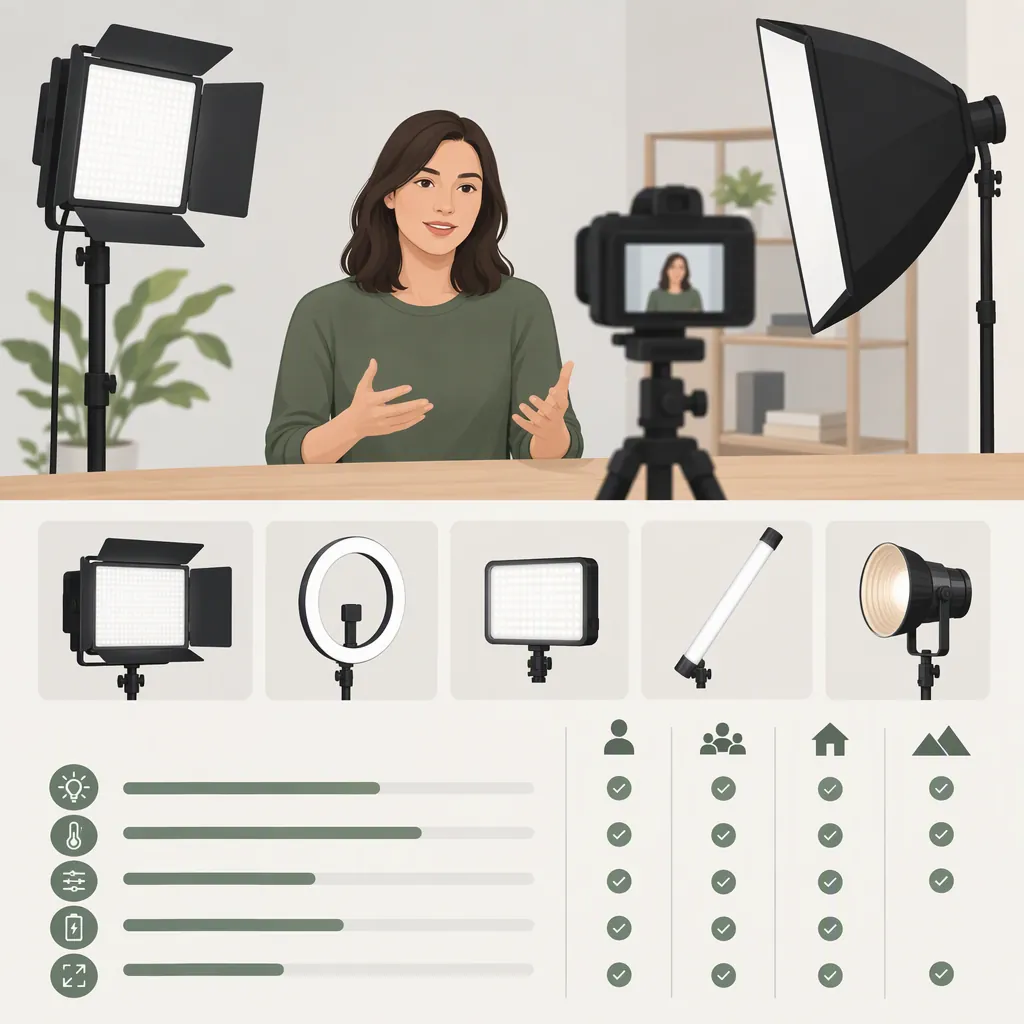
Hako Video Light Selection: How to Compare Candidates
To choose a Hako video light, identify the exact model, define your filming requirements, and compare documented specifications with checks in your recording setup. Exclude candidates that fail a must-have requirement; leave candidates with unknown critical information unresolved; compare preferences only after the essentials are met.
The available reference is a GVM portable-light roundup, not Hako model documentation. It can inform a comparison checklist, but it does not establish Hako specifications or support a Hako model recommendation. [c1]
1. Define the Lighting Job and Must-Have Requirements
Start with what the light needs to do, rather than a headline specification. These are selection prompts—not descriptions of features available on any Hako model.
| Intended role | Questions to resolve |
|---|---|
| Main light for a seated presenter | Can it provide the exposure and shadow appearance you want at the planned distance, with your intended diffusion? |
| Close-range fill light | Can you position it conveniently and adjust it finely enough for the desired fill? |
| Background or accent light | Do you need adjustable white light, colored light, or both? |
| Mobile filming | Are the complete carried weight, mounting arrangement, power source, and setup requirements acceptable? |
| Interview lighting | Can it meet your lighting and recorded-audio requirements throughout a full-length take? |
Keep the comparison tied to a specific setup. Meeting a close-range fill requirement does not establish suitability as a main light.
Filming Requirement Brief
Complete this brief before comparing candidates:
- Exact model: ______
- Primary lighting role: ______
- Subject and framing: ______
- Light-to-subject distance: ______
- Existing room or location lighting: ______
- Intended modifier: ______
- Required uninterrupted recording duration: ______
- Available power: ______
- Mounting and carrying constraints: ______
Separate requirements into two groups:
- Must-haves: Conditions the setup cannot work without, such as compatible mounting, sufficient exposure with the intended modifier, or operation for the required recording duration.
- Preferences: Qualities you can trade off, such as lower carried weight or a preferred control interface.
Classify these for your project. Battery operation, for example, may be essential at a location without suitable power but only a preference in another setup.
2. Compare Exact-Model Documentation
Use documentation that identifies the candidate’s exact model. Record the source and measurement conditions alongside each specification.
The GVM roundup reports output measurements, CRI/TLCI ratings, color-temperature settings, mounts, and power sources. It also describes brightness testing at a stated distance and with different light configurations. These are useful categories to investigate, not specifications to assign to Hako. [c1]
Understand the Comparison Terms
- Lux: Illuminance—the light reaching a particular location. Keep the measurement distance, modifier, and light settings beside a lux figure.
- CRI and TLCI: Different color-rendering evaluation metrics. Record which metric is reported and any available test conditions; do not treat a headline rating as a complete assessment of your footage.
- Color temperature: A description of the white-light setting, usually stated in kelvin. Check whether the documented range covers your requirements.
- Color modes: Record any documented colored-light controls separately from the white-light range.
- Runtime: Record the power source and operating settings associated with a duration, rather than assuming that duration applies at every brightness level.
Avoid ranking output figures when their distance, reflector, diffusion, or color setting differs or is missing. If the conditions cannot be aligned, leave the output comparison unresolved and evaluate the candidates in the intended setup if possible.
Check package contents separately from supported accessories. A battery, adapter, stand, or modifier may be included, separately supported, or undocumented. A visually similar connector or mount is not enough to establish compatibility.
Candidate Comparison Worksheet
Unknown means information is missing or unverified—not that the feature is absent. Add document references or evaluation notes to each entry as you resolve it.
| Check | Candidate A | Candidate B |
|---|---|---|
| Exact model and document source | Unknown | Unknown |
| Output and measurement conditions | Unknown | Unknown |
| White-light range and color modes | Unknown | Unknown |
| CRI/TLCI and stated test conditions | Unknown | Unknown |
| Dimming and control options | Unknown | Unknown |
| Supported power sources | Unknown | Unknown |
| Runtime at required settings | Unknown | Unknown |
| Mount and modifier compatibility | Unknown | Unknown |
| Included accessories | Unknown | Unknown |
| Cooling and noise information | Unknown | Unknown |
| Complete setup weight | Unknown | Unknown |
| Must-have requirements still unresolved | Unknown | Unknown |
3. Check the Candidate in Your Recording Setup
If a candidate is available for evaluation, use a repeatable recording procedure. The following is a suggested workflow, not a report of firsthand testing.
Keep the camera position, exposure, white balance, subject position, and light distance consistent across comparisons. Use the modifier and power source intended for the project.
Repeatable Recording Check
- Record the lighting setup. Note the exact model, power source, modifier, distance, brightness, and color setting.
- Record the camera settings. Note frame rate, shutter setting, exposure, and white balance.
- Capture the intended subject. Review whether exposure, shadows, and color meet your stated requirements.
- Look for visible instability. Play back the footage and inspect a steady part of the image for brightness fluctuations or moving or stationary bands. Repeat at the dimming levels and camera settings you plan to use.
- Check recorded noise. Include a quiet segment with the intended microphone position and recording settings. Listen for fan noise or other unwanted sounds. If feasible, compare with a light-off recording while keeping other conditions unchanged.
- Check session duration. Run a take matching the planned recording duration under permitted operating conditions. Note interruptions or changes affecting your requirements.
- Record the outcome. Mark each must-have and preference as met, not met, or unresolved, retaining the settings with the result.
Do not apply a universal pass threshold to these checks. Define what is acceptable for the project before comparing candidates. A satisfactory result at one setting does not establish performance at every frame rate, brightness level, or operating condition.
4. Turn the Results into a Selection Decision
Use the following rules to move from a completed worksheet to a conclusion:
| Result | Selection decision |
|---|---|
| A must-have is demonstrably not met | Exclude the candidate for this setup |
| A critical requirement remains unknown | Defer the decision until documentation or an appropriate check resolves it |
| All must-haves are met | Retain the candidate and compare preferences |
| Several candidates meet all must-haves | Compare them in your stated preference order |
| No candidate meets all must-haves | Revisit the candidate list or deliberately revise the filming requirements |
For example, if uninterrupted operation for your planned session is essential, an undocumented runtime remains unresolved—not a pass. If two candidates satisfy every must-have, compare preferences such as carried weight, control method, or setup convenience.
Exclusion is setup-specific. A light that does not meet one project’s main-light requirement may still warrant evaluation for another role. These rules are a selection method, not a recommendation for any Hako model.
How to Use the Available Reference
The GVM roundup covers brightness, color accuracy, portability, construction, fan noise, battery life, and power options. It distinguishes lighting roles among compact lights, panels, and COB lights. Those categories help organize questions, but its role assignments do not establish Hako suitability. [c1]
Because the article appears on GVM’s own website, treat its rankings and testing statements as publisher-reported assessments rather than independent verification. [c1]
The roundup also contains internal inconsistencies: its Aputure entry changes model names between sections, and its GVM SD80D descriptions differ on color-temperature capability. These discrepancies limit precise specification comparisons. Do not transfer its specifications, awards, or performance descriptions to Hako. [c1]
FAQ
Which Hako Video Light Is Best?
The available evidence does not support naming a best Hako model: the reference is a GVM portable-light roundup rather than Hako model documentation. [c1] For your project, retain candidates that meet every must-have, resolve critical unknowns, and then compare preferences.
What Output Should I Look For?
Define the requirement using your planned distance, camera settings, ambient lighting, and modifier. The reference reports lux figures under stated conditions, but those figures are not a universal target or Hako specifications. [c1] Compare sufficiently aligned measurements or check whether the candidate provides the exposure you need in the actual setup.
Are Cri and Tlci Ratings Enough to Choose a Light?
Use them as documented comparison fields, not as a complete selection decision. The reference includes both ratings among its evaluation information. [c1] Also review your recorded subject, exposure, shadows, and color at the intended settings, and check power, mounting, runtime, and noise requirements.
How Should I Check Battery Life and Noise?
Look for exact-model documentation covering supported power sources, runtime conditions, and cooling behavior. Then, if evaluation is possible, record a session at the intended settings with audio and include a quiet segment. The reference treats runtime and fan noise as evaluation categories but provides no Hako results. [c1]
What If Important Specifications Are Missing?
Keep critical missing information marked unresolved and defer the selection rather than assuming the candidate passes or fails. The available roundup cannot fill gaps in Hako model specifications. [c1] Resolve those gaps through exact-model documentation or suitable practical checks before making a setup-specific decision.