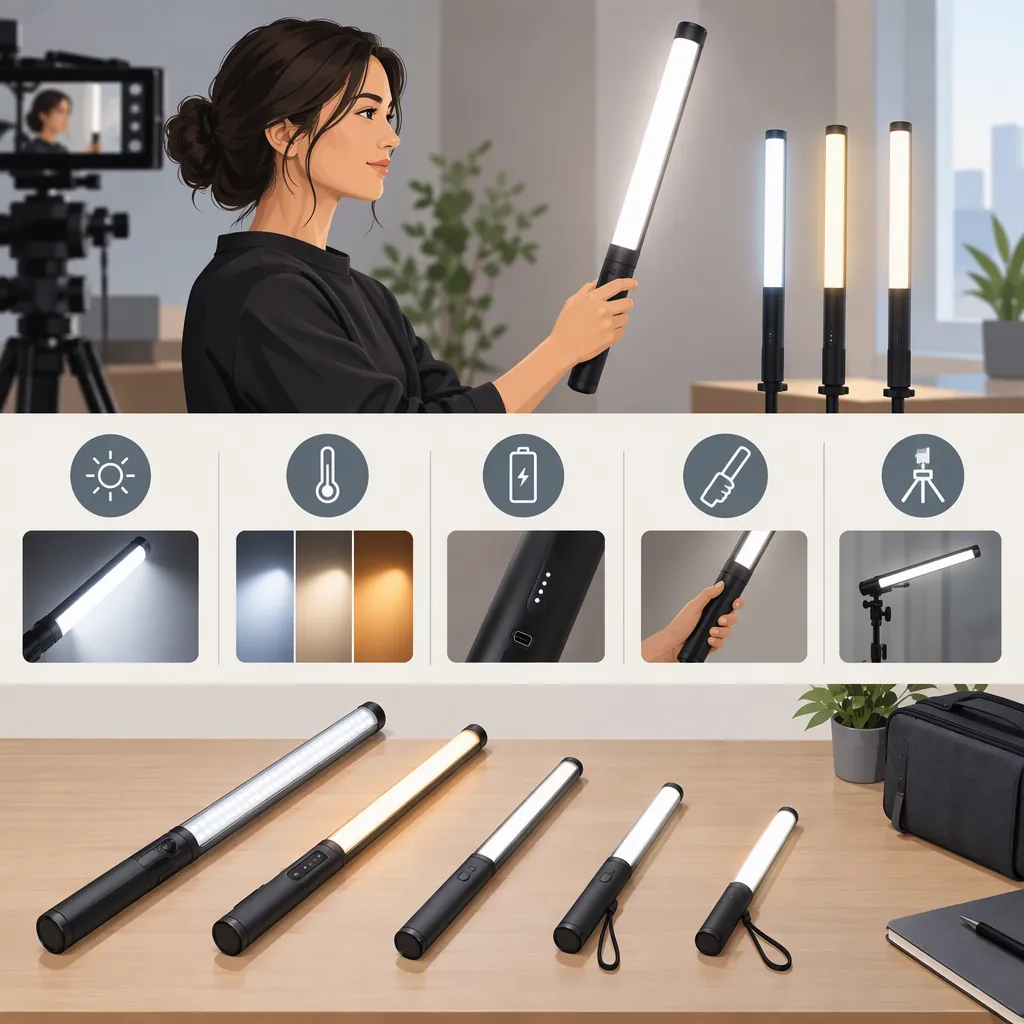
How to Evaluate a Hagibis Led Wand for Filming
Choose a Hagibis LED wand by matching it to a defined filming job, then checking recorded results, mounting, controls, and power. Separate must-have requirements from acceptable trade-offs: a failed must-have rules out a candidate for that setup, while an unknown must-have leaves suitability unresolved.
Identify the Exact Light and Evidence
The supplied Amazon listing identifies the model as HW01 and names it the Hagibis RGB Photography Light Wand. That identity applies to the listed model, not every light sold under the Hagibis name. The available evidence is a retail page containing product descriptions and customer reviews—not an independent measurement report. This guide therefore does not verify brightness, runtime, color accuracy, or flicker performance, or treat customer experiences as controlled test results. [c1]
Use the process below to evaluate the exact candidate. It is a proposed selection procedure, not a report of tests performed on the Hagibis wand.
Define the Lighting Job First
Write down what the light must accomplish before comparing candidates:
- Face lighting: Evaluate the face at the intended framing, light position, and exposure.
- Shadow fill: Compare footage with the candidate light off and on while keeping other settings unchanged.
- Background accent: Check the intended background color and whether unwanted color reaches the subject.
- Handheld movement: Rehearse the movement and check whether the operator or light enters the frame.
Include a panel or a light with a diffusion setup if either is relevant to the scene. Do not assume that any format is better without comparing the same job under comparable conditions.
Lighting Requirement Worksheet
- Intended role: ______
- Subject and framing: ______
- Planned light position and distance: ______
- Existing room or daylight conditions: ______
- Camera, frame rate, and shutter setting: ______
- Required uninterrupted recording time: ______
- Mounting and operating constraints: ______
- Acceptable result in the recorded image: ______
- Must-have requirements: ______
- Acceptable trade-offs: ______
Define acceptance criteria before testing. For example, if uninterrupted recording is essential, specify the required duration. If the light will remain out of reach during a take, specify which adjustments must be possible from the operating position. These are requirements for your shoot, not claims about the Hagibis model.
Compare Recorded Results, Not Just Specifications
Use the same scene and evaluation conditions for each candidate:
- Keep camera exposure and white balance fixed for the comparison.
- Record a baseline with the candidate light off.
- Place each candidate at the planned working position and record the same subject. Note the light settings used.
- Inspect facial shadows, bright areas, background spill, and reflections.
- Record at every frame rate and shutter setting required for the project. Inspect playback for visible flicker or bands.
- If color matters, include the actual skin tones, clothing, and objects that will appear in the production.
Do not treat an acceptable result at one setting as proof of performance at every setting. Record the conditions so that each result has a clear scope.
Check Mounting, Controls, and Power
Before treating a candidate as suitable for a shoot, verify the practical setup for the exact unit:
- Mounting: Confirm the mount, adapter, and support requirements against the unit’s documentation. Check that the assembled setup stays secure in the planned position.
- Controls: Rehearse changing the required settings from the operating position.
- Power: Verify charging requirements and whether operation while charging is permitted; do not assume it is.
- Runtime: Check uninterrupted operation at the settings needed for the project, and plan for an interruption.
- Handling: Follow documented handling and environmental restrictions. Leave undocumented operating conditions unresolved.
Record these results alongside the footage checks rather than treating practical fit as a separate afterthought.
Record Results and Make the Selection
Use the acceptance criteria from your worksheet to assign each status:
- Pass: The requirement was checked and met under the recorded conditions.
- Fail: The requirement was checked and not met.
- Unknown: Evidence or testing is insufficient to decide.
For each applicable row, mark whether it is a must-have or a trade-off. Mark irrelevant criteria as not applicable, rather than giving them a pass.
Candidate Comparison Record
| Requirement | Priority | Hagibis candidate | Alternative candidate |
|---|---|---|---|
| Exact model and applicable documentation identified | Must-have / trade-off | Record model and evidence | Record model and evidence |
| Intended lighting role achieved at the planned framing and placement | Must-have / trade-off | Pass / fail / unknown | Pass / fail / unknown |
| Facial shadows and bright areas meet the shot requirements | Must-have / trade-off | Pass / fail / unknown | Pass / fail / unknown |
| Background spill and reflections remain acceptable | Must-have / trade-off | Pass / fail / unknown | Pass / fail / unknown |
| Footage is acceptable at every required frame rate and shutter setting | Must-have / trade-off | Pass / fail / unknown | Pass / fail / unknown |
| Color appearance meets the production requirements | Must-have / trade-off | Pass / fail / unknown | Pass / fail / unknown |
| Mounting is compatible and the assembled setup stays secure | Must-have / trade-off | Pass / fail / unknown | Pass / fail / unknown |
| Required controls can be operated from the planned position | Must-have / trade-off | Pass / fail / unknown | Pass / fail / unknown |
| Runtime meets the required uninterrupted recording duration | Must-have / trade-off | Pass / fail / unknown | Pass / fail / unknown |
| Planned charging, power use, and handling comply with documentation | Must-have / trade-off | Pass / fail / unknown | Pass / fail / unknown |
| Evidence and test conditions recorded | — | Record source, settings, duration, and observations | Record source, settings, duration, and observations |
Decision Rules
- Exclude a candidate from the current setup if any must-have fails. If you change the setup or requirement, evaluate it again under the revised conditions.
- Keep a candidate pending if any must-have is unknown. Missing documentation, untested camera settings, or unverified runtime are not positive results.
- Compare trade-offs only after all must-haves pass. Use the priorities you defined before testing, rather than simply counting passes.
- Keep the conclusion specific. Passing these checks supports selection for the tested role and conditions—not every camera, scene, or recording duration.
If neither candidate meets the must-haves, revise the lighting arrangement or evaluate another candidate instead of forcing a choice.
FAQ
Can a Hagibis Led Wand Be My Main Filming Light?
Main-light suitability is not established by the supplied listing. [c1] Test the exact unit at your intended distance, framing, exposure, and room conditions. Treat acceptable facial lighting, required camera settings, secure placement, and sufficient uninterrupted runtime as must-haves if your shoot depends on them.
Should I Choose a Wand or a Panel?
Compare both against the same lighting job. Check recorded appearance, placement options, support requirements, controls, and runtime. Choose among candidates that meet your must-haves; this guide does not rank either format as universally better.
What Should I Do If I Cannot Test the Light?
Mark untested performance requirements as unknown. Record what the available documentation establishes separately from what still requires a footage or runtime check. If an unknown requirement is essential to the shoot, leave the candidate’s suitability pending rather than assuming it will pass.
Does This Guide Verify Brightness, Runtime, or Flicker Performance?
No. The supplied source is an Amazon product listing, not an independent measurement report. [c1] Use the comparison record to document your own checks; do not assign a pass to those requirements based on this guide alone.