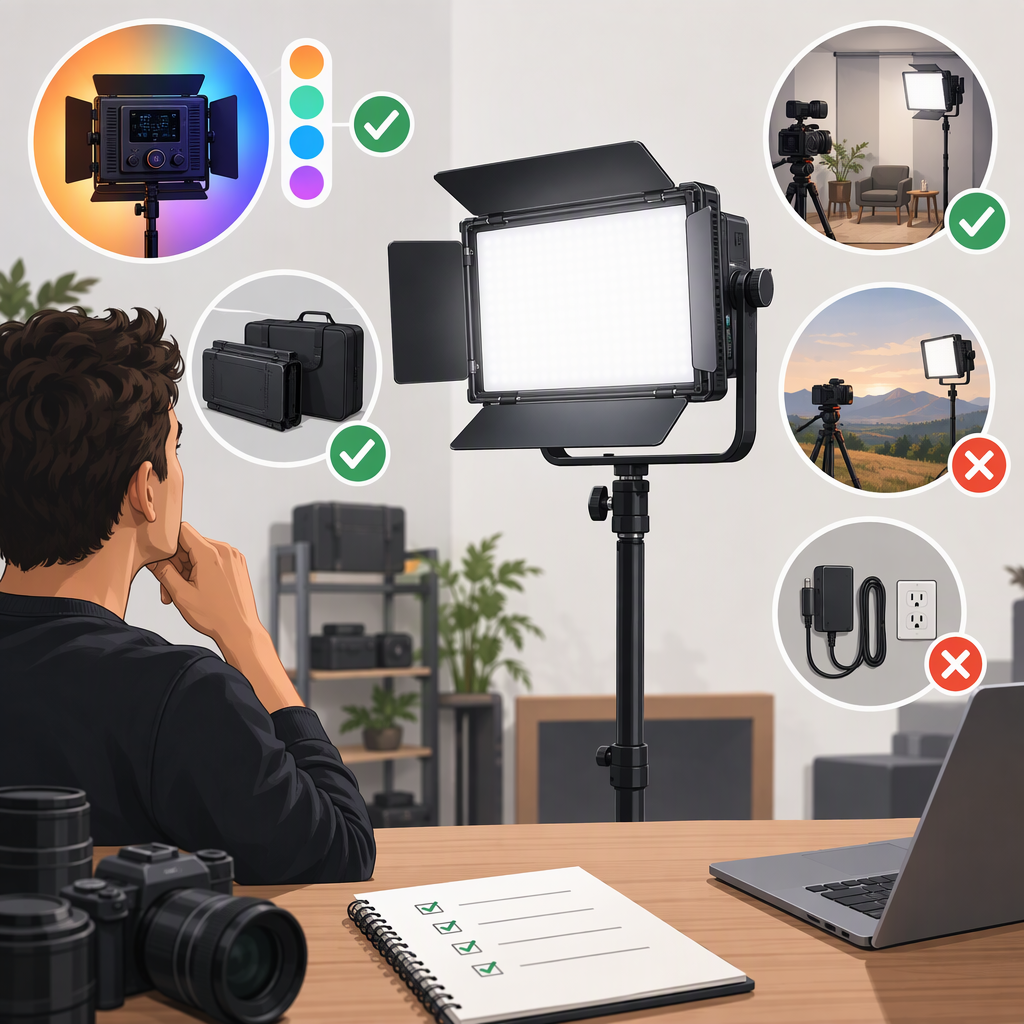
GVM Yu200r for Filming: How to Decide If It Fits Your Setup
Short Answer
The GVM YU200R is listed by GVM as an RGBWW video light and LED panel with adjustable color temperature, color modes, and several control options. It may suit a filming setup that benefits from those features, but the specifications alone do not show how much light you will get on your subject after accounting for distance, framing, ambient light, and any diffusion or other modifiers. Decide by comparing your actual setup and requirements with the published specifications—and, if possible, testing the exact unit and configuration you would use. (gvmled.com)
Confirm Which Yu200r You Are Evaluating
GVM’s product listing identifies the model as GVM-YU200R, an RGBWW video light and professional LED panel light. The manufacturer lists 200 W, 1,365 LED beads, a color-temperature range of 2,000–10,000 K, and CRI of at least 97. These are manufacturer-published details, not independent measurements. The available listing does not establish which regional bundle or included accessories you will receive, so check the model label, manual, and itemized contents for the specific listing or unit you are considering. (gvmled.com)
Assess Fit for Your Filming Setup
| Your requirement | What the published information can tell you | What to check for your setup |
|---|---|---|
| Enough light on the subject | GVM lists illuminance of 7,400 lux at 1 m and 25,500 lux at 0.5 m. The listing does not state the measurement conditions, such as the selected mode or whether a modifier was used. (gvmled.com) | Measure or test at your actual subject distance, framing, color setting, and modifier. Do not treat the listed figures as a guarantee of brightness in your particular setup. |
| Color and white balance | GVM lists a 2,000–10,000 K range and CRI of at least 97; its product page also describes RGB and other color modes. (gvmled.com) | Check whether you need adjustable white light, colored effects, or both. If color accuracy is critical, test the camera image with your actual subjects and workflow; a CRI claim alone does not establish your results. |
| Control workflow | GVM lists onboard, app, Bluetooth Mesh, and DMX control. Its product page specifies 8-bit and 16-bit DMX support. (gvmled.com) | Confirm the control method and any app, network, or DMX setup you plan to use. If DMX matters, check the manual and your controller’s compatibility before committing. |
| Power and location | GVM lists AC power and a V-mount battery option, with AC input of 100–240 V. (gvmled.com) | Verify whether the battery, power supply, cables, and other items you need are included in the particular bundle. For location shoots, consider the complete carried setup, not just the light. |
| Size, weight, and mounting | GVM lists dimensions of 490 × 460 × 160 mm and product weight of 8.6 kg. (gvmled.com) | Check transport space and the weight rating and attachment compatibility of your stand or support. Confirm the exact mounting interface in the manual; do not assume an accessory or modifier will fit based on the product name alone. |
A Practical Example
Suppose you film a seated presenter in a small room and want to place the light a few feet from the subject. The listed lux figures may help you decide what to investigate, but they do not settle whether the light will provide the level you need at that distance or with your chosen color setting and diffusion. If you can test it, set it up at the intended distance, use the framing and modifier you expect to use, then evaluate exposure and skin tones on your camera. If you cannot test it, treat output under those conditions as unresolved rather than inferring it from the 200 W label.
For a mostly static studio setup, the listed AC option and multiple control methods may be relevant advantages if they match your workflow. For frequent solo travel, the listed 8.6 kg product weight is an important constraint to weigh against your need for this panel’s size and features. These are conditional trade-offs, not a claim that the light will or will not suit a particular creator. (gvmled.com)
What to Verify Before Choosing
- Exact model and bundle: Confirm that the item is labeled GVM-YU200R, and identify the manual or version supplied with it. Check the itemized contents rather than assuming batteries, stands, modifiers, or a carrying case are included.
- Output in your conditions: Match the light’s distance, color mode, and modifiers to your intended setup. The manufacturer’s listed illuminance figures do not specify all measurement conditions, and no independent test is cited here.
- Color needs: Decide whether adjustable white color temperature and RGB modes matter for your work. If reliable color reproduction is essential, assess the actual camera image with your subjects instead of relying on a single color-rendering specification.
- Power and control: Confirm the power method you need and the specific accessories included. Check app, Bluetooth Mesh, or DMX compatibility only if you plan to use those features.
- Support and transport: Check the unit’s listed dimensions and weight against your transport plan, stand capacity, and mounting requirements. Confirm mounting and modifier compatibility from documentation for the exact configuration.
- Price or alternatives, if comparing: Compare the same market, purchase channel, date, configuration, and bundle contents. No current price or like-for-like alternative comparison is established in this guide.
Bottom Line
Consider the GVM YU200R if its listed panel format, color range, control choices, and power options match your needs—and if its size and weight work for your setup. The published specifications are a starting point, not a universal fit verdict: output under your actual filming conditions, included accessories, and mounting compatibility still need to be established for the specific unit you are considering. The cited manufacturer information does not provide independent performance testing or current market pricing.