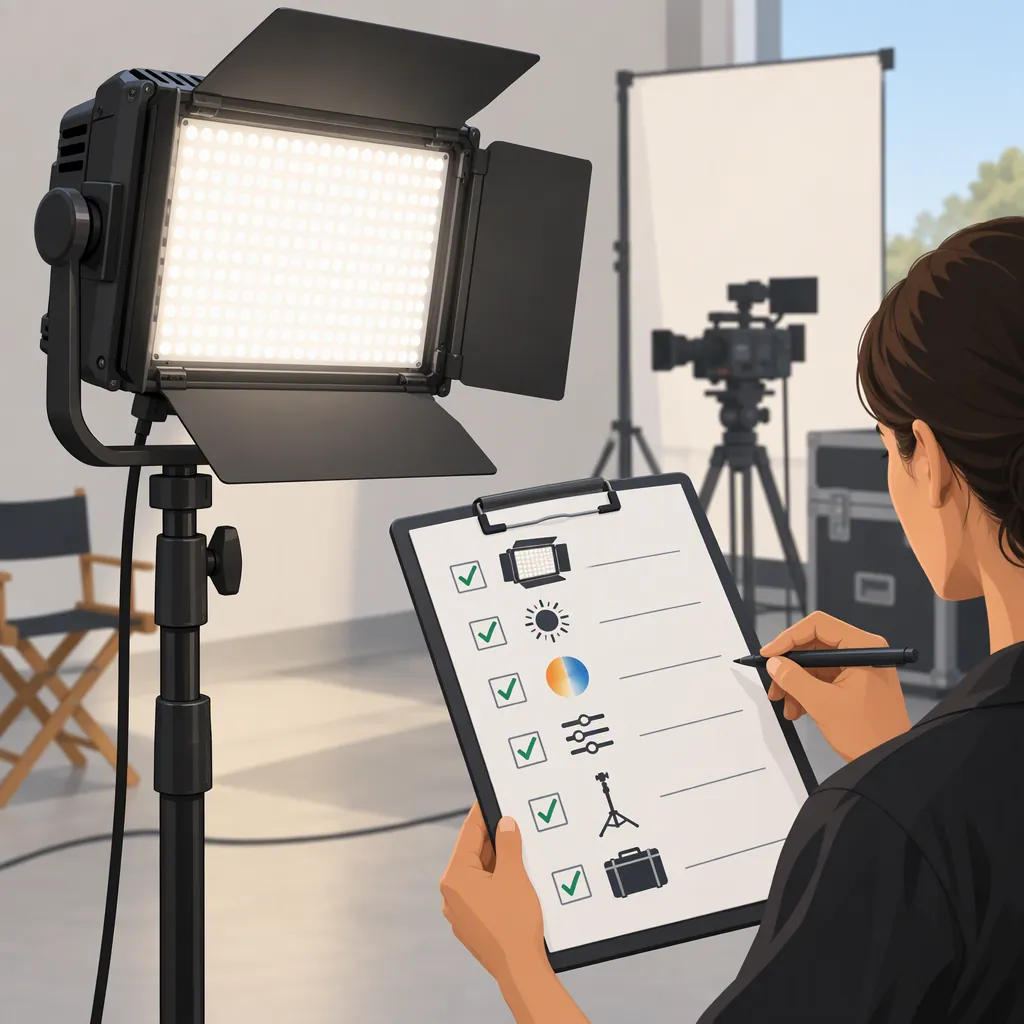
How to Evaluate the GVM 896S for Your Filming Setup
Evaluate the GVM 896S by confirming the exact kit, defining your filming requirements, and testing that configuration at your intended camera settings and light placement. The cited CameraTripodKit retail page identifies a “GVM 896S-2L Bi-Color LED 2-Panel Video Light Kit,” but it is not a manufacturer manual or independent performance test. It supports identifying a candidate—not recommending it for a particular shoot. [c1]
Confirm the Model and Package
Keep the full brand, model, and kit name in your comparison notes rather than relying on “896S” alone. The cited listing specifically identifies the GVM 896S-2L two-panel kit. [c1]
Before evaluating a package, check:
- Model and version: The identifier on the equipment and its applicable documentation.
- Contents: A current, itemized list of panels, power components, controls, modifiers, and support equipment.
- Power requirements: Documented inputs and supported power arrangements.
- Mounting requirements: Documented mount compatibility and the support equipment needed for your placement.
Do not assume that every listing using “GVM 896S” describes the same package or includes everything required for your setup.
What the Retail Listing Establishes—And What It Does Not
The cited retail listing describes color-temperature adjustment, dimming, remote operation, saved settings, diffusers, and barn doors. Treat these as attributed feature descriptions, not independently verified findings. [c1]
The evidence available for this article does not establish measured output at your working distance, color accuracy, flicker behavior at your recording settings, battery runtime, or long-term reliability. It also does not confirm current package contents or availability.
Keep three categories separate in your notes:
| Evidence Type | How to Use It |
|---|---|
| Retail description | Identify features and questions to investigate |
| Documentation for the exact version | Check operating requirements, compatibility, and package details |
| Recorded test of the exact configuration | Judge whether it meets your requirements under those conditions |
A listed feature is not, by itself, evidence that the light will deliver suitable exposure, color, or workflow for your shoot.
Set Acceptance Rules Before Testing
Write down your nonnegotiable requirements before comparing lights. This prevents a promising feature list from outweighing a problem that matters to the actual production.
The following are proposed evaluation rules, not claims about GVM 896S performance:
| Requirement | Define Before Testing | Suggested Decision Rule |
|---|---|---|
| Exposure | Intended distance, diffusion, aperture, shutter setting, and maximum acceptable ISO | Pass only if the intended subject reaches your chosen exposure target without exceeding those limits |
| Recording modes | Every required frame rate and shutter setting | Pass only if reviewed footage has no artifacts you consider unacceptable in each required mode |
| Color | Fixed white balance, reference subject, and acceptable appearance | Pass only if the recorded result meets your stated color requirements |
| Audio | Intended microphone position, recording level, and acceptable equipment noise | Pass only if captured noise stays within your stated tolerance |
| Power | Available supply, required operating duration, and documented compatibility | Pass only when the proposed arrangement is documented and its required operation is verified |
| Setup and control | Available space, support equipment, and required repeatability | Pass only if the setup can be positioned and restored as needed |
| Budget | Maximum total cost, including missing equipment | Pass only if a dated, itemized estimate stays within the limit |
Use pass, fail, or unverified for each requirement. Missing evidence is not a pass. If a mandatory requirement remains unverified, defer the suitability decision rather than assuming the light will meet it.
Build a Test Around Your Actual Shot
Use the same procedure for the GVM 896S candidate and any alternatives.
- Define the shot. Record the subject, framing, subject-to-light distance, light position, background, and available setup space. Include the diffusion or modifiers you intend to use.
- Fix the camera settings. Note resolution, frame rate, shutter setting, ISO, aperture, and white balance. Change one variable at a time when investigating a problem.
- Check exposure against your target. Use the camera’s histogram or waveform, if available, alongside the recorded image. Note the settings and readings rather than recording only “bright enough.” Check important subject areas and any highlights you need to preserve.
- Inspect each required recording mode. Review footage for banding, brightness variation, reflections, and unwanted background spill. Repeat at the light settings you expect to use.
- Compare color consistently. Keep white balance and the reference subject unchanged when comparing configurations. Record visible differences and whether they meet your acceptance rule; do not label this a measured color-accuracy test without suitable measurement evidence.
- Listen under production conditions. Record with the intended microphone placement and recording level while the light operates at the planned settings. Compare the result with your noise tolerance.
- Verify power and repeatability. Use only documented compatible power arrangements. Check the required operating duration, then turn the equipment off and restore the shot to assess whether settings and positioning can be reproduced.
A passing result applies only to the configuration tested. It does not prove performance at other distances, frame rates, brightness settings, or power arrangements.
Filming Light Test Record
Complete one record for each candidate and configuration.
| Record Item | Your Notes |
|---|---|
| Exact model and kit version | ____ |
| Documentation and contents checked | ____ |
| Subject, framing, and background | ____ |
| Light position, distance, and modifier | ____ |
| Camera, lens, and recording mode | ____ |
| Frame rate and shutter setting | ____ |
| ISO, aperture, and white balance | ____ |
| Light settings and power source | ____ |
| Exposure target and observed result | ____ |
| Visible artifacts and color observations | ____ |
| Recorded equipment noise | ____ |
| Operating duration checked | ____ |
| Setup repeatability | ____ |
| Total setup cost and estimate date | ____ |
| Mandatory requirements: pass / fail / unverified | ____ |
| Untested conditions | ____ |
| Decision and reason | ____ |
Turn the Results into a Selection Decision
Compare candidates using the same shot, camera settings, reference subject, and acceptance rules. Include the entire usable setup—not just the panels—in the comparison.
For a desk presentation, test within the desk’s actual dimensions and camera position. For an interview, evaluate each intended subject position and the background. For location filming, verify the planned power, support, transport, and operating-duration requirements.
Apply this decision sequence:
- Any mandatory requirement fails: The tested configuration does not meet your current needs. If you change placement, modifiers, or other equipment, record the change and retest.
- Any mandatory requirement is unverified: Keep the decision pending and identify the missing documentation or test.
- All mandatory requirements pass: Treat the configuration as suitable for the tested conditions, then compare practical preferences such as control workflow, packing, and total setup cost.
This provides a narrower, more defensible conclusion than calling the GVM 896S “best”: a specific configuration meets your documented requirements, fails them, or still needs verification.
FAQ
What Is Verified About the GVM 896S?
The cited retail page identifies a GVM 896S-2L bi-color two-panel video light kit and describes adjustment, control, and accessory features. Those descriptions do not independently verify filming performance. [c1]
Is the GVM 896S Bright Enough for My Shoot?
That is not established by the cited retail listing. [c1] Test the exact configuration at your intended distance, diffusion, and camera settings. Define an exposure target and camera-setting limits first, then record whether the setup meets them.
Can I Rely on the Listed Accessories and Controls?
The retail listing describes diffusers, barn doors, remote control, and saved settings. Confirm their inclusion against a current contents list for the exact package, and verify the functions you need during evaluation. [c1]
Does the Available Evidence Establish Flicker-Free Recording or Battery Runtime?
No. The cited listing does not establish flicker behavior across your recording modes or runtime for a particular power configuration. [c1] Keep both requirements unverified until supported by applicable documentation or a relevant test.
How Should I Decide Between the GVM 896S and Another Light?
Use the same acceptance rules and test conditions for both candidates. Resolve mandatory failures and unknowns first; compare workflow, transport, and total cost only after the required filming conditions are met. A result from one setup should not be treated as a universal product ranking.