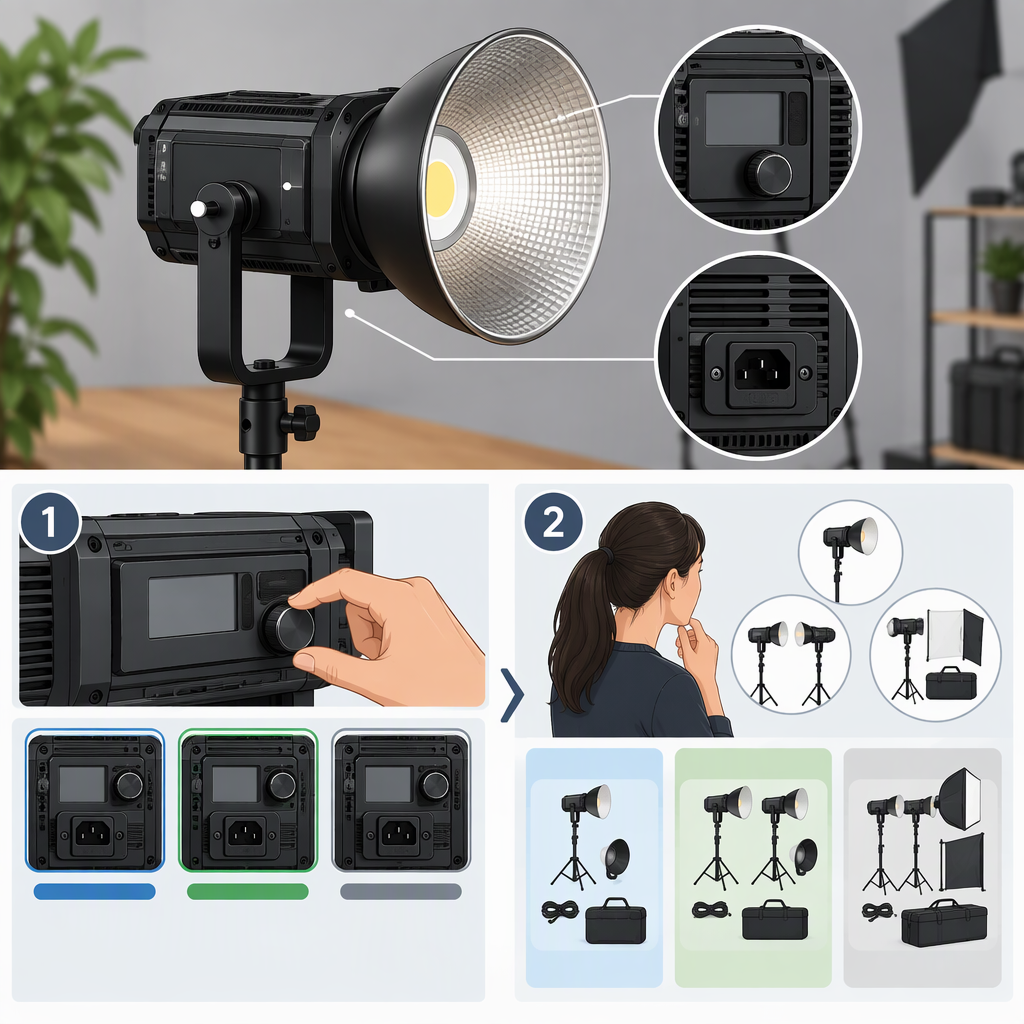
GVM 80W Lights: How to Identify the Model and Choose a Kit
What Does “GVM 80W” Identify?
The phrase alone does not identify one exact GVM light. GVM’s official pages document several 80W models, including the daylight-balanced P80S-II, the bi-color SD80D, and the daylight SD80S. Their features and specifications differ, so confirm the model name on the listing and match it to the corresponding official product page or manual before comparing kits. (gvmled.com)
For example, the official P80S-II specifications list a fixed 5600K color temperature, while the SD80D specifications list an adjustable 2700K–7500K range. That difference may matter if you need to match a warm indoor source without adding color correction, but it does not by itself establish which light is better for your shoot. (gvmled.com)
Before treating two listings as comparable, record the exact model number and what each package includes. “80W” is not enough to establish that the lights, modifiers, power options, or included accessories match.
Check Whether the Light Fits Your Shot
Use the specifications for the exact model—not the wattage label alone—to judge whether it can provide the illumination and coverage you need. GVM’s published figures show why it is important to note both the model and the configuration:
- For the P80S-II, GVM lists 11,900 lux at 0.5 m and 3,050 lux at 1 m bare, or 41,600 lux at 0.5 m and 7,990 lux at 1 m with a reflector. The page identifies the reflector figures separately; do not assume the bare-light and reflector figures describe the same setup. (gvmled.com)
- For the SD80D, GVM lists 12,000 lux at 0.5 m and 2,990 lux at 1 m bare, or 107,000 lux at 0.5 m and 19,600 lux at 1 m with a standard Bowens reflector. Again, the reflector configuration is a distinct measurement condition. (gvmled.com)
These are manufacturer-published specifications, not independent measurements or a guarantee of the result in your room. When comparing lights, use figures taken at the same distance and with the same type of reflector or modifier. A result for a reflector-equipped light is not a like-for-like comparison with a bare-light result.
A practical fit check:
- Define the shot. Note the subject size, how far the light can be placed away, how much of the scene it must cover, and whether it is a key, fill, or background light.
- Check output at a relevant distance and configuration. Look for a documented figure that matches the model and accessory you expect to use. If the documentation does not provide a directly comparable figure, treat the fit as uncertain rather than inferring it from “80W.”
- Account for the modifier. A softbox or other light shaper can change both the spread and the amount of light reaching the subject. Confirm the exact modifier’s compatibility and look for specifications measured with that configuration if you need a close estimate.
- Consider the room and exposure. A light used to shape a subject in a controlled indoor setup has a different job from one expected to compete with bright ambient light. If possible, test the exact setup at the intended distance, camera settings, and brightness before relying on it for a shoot.
For example, if you want a soft, broad key light for a seated interview, check whether the specific model can use the softbox you plan to use and whether its output is adequate at the distance that keeps the light out of frame. The published reflector figures above do not answer that softbox-specific question; verify the softbox configuration or test it. That is a decision check, not a claim that either model will or will not be bright enough.
Verify Power, Mounting, Controls, and Kit Contents
A light can meet the needs of a shot and still be inconvenient for the rest of the setup. Confirm each of these against the exact model page, manual, and listing:
- Power: The SD80D page lists AC 100–240V, DC 15V/7A, and NP-series battery power, with the battery noted as sold separately. The P80S-II page lists AC 100–240V and DC 30V/3A. Do not transfer one model’s power details to another 80W GVM light. (gvmled.com)
- Mount and modifier: The P80S-II page specifies a universal Bowens mount. The SD80D page gives output with a standard Bowens reflector. Confirm that the mount and any adapter suit the specific softbox or modifier you intend to use. (gvmled.com)
- Controls and color: The P80S-II page lists Bluetooth app control and 5600K; the SD80D page lists app control and 2700K–7500K. Check whether the listed controls and color range suit your workflow and the look you need. (gvmled.com)
- Included items: A product-family name or a photograph of a bundle does not confirm what is in the particular kit for sale. Check the listing’s package contents for the reflector, softbox, stand, power supply, batteries, or other accessories you actually need. The GVM manual directory lists separate manuals for models including the SD80D, SD80S, and P80S, which is another reason to match documentation by model. (gvmled.com)
For the SD80S, GVM describes 5600K daylight, a universal Bowens mount, and use with an included power adapter or two NP-F batteries sold separately. Because those are SD80S details, verify them on the exact listing and manual rather than assuming they apply to the SD80D or P80S-II. (gvmled.com)
A Neutral Way to Choose Between Listings or Kits
Use this order to narrow the choice without assuming that one listing is universally best:
- Identify the light: Match the listing’s exact model number to official documentation.
- Match the shot: Compare the model’s documented output under relevant, like-for-like conditions with your subject distance, coverage, ambient light, and intended lighting role.
- Check your setup: Confirm power options, mount, control method, and compatibility with the modifiers you plan to use.
- Compare the kits: List the included items for each exact offer. Separate the light itself from accessories that are included, optional, or sold separately.
- Compare prices only on like-for-like packages: If two packages contain different essentials, their listed prices are not a direct value comparison. No specific listings, package contents, or comparable prices are established here, so there is no supported basis to name a best-value seller or kit.
Bottom line: Treat “GVM 80W” as a starting search term, not a complete product identity. Confirm the model and package first; then judge its documented performance and compatibility against the specific shot and setup you have in mind.