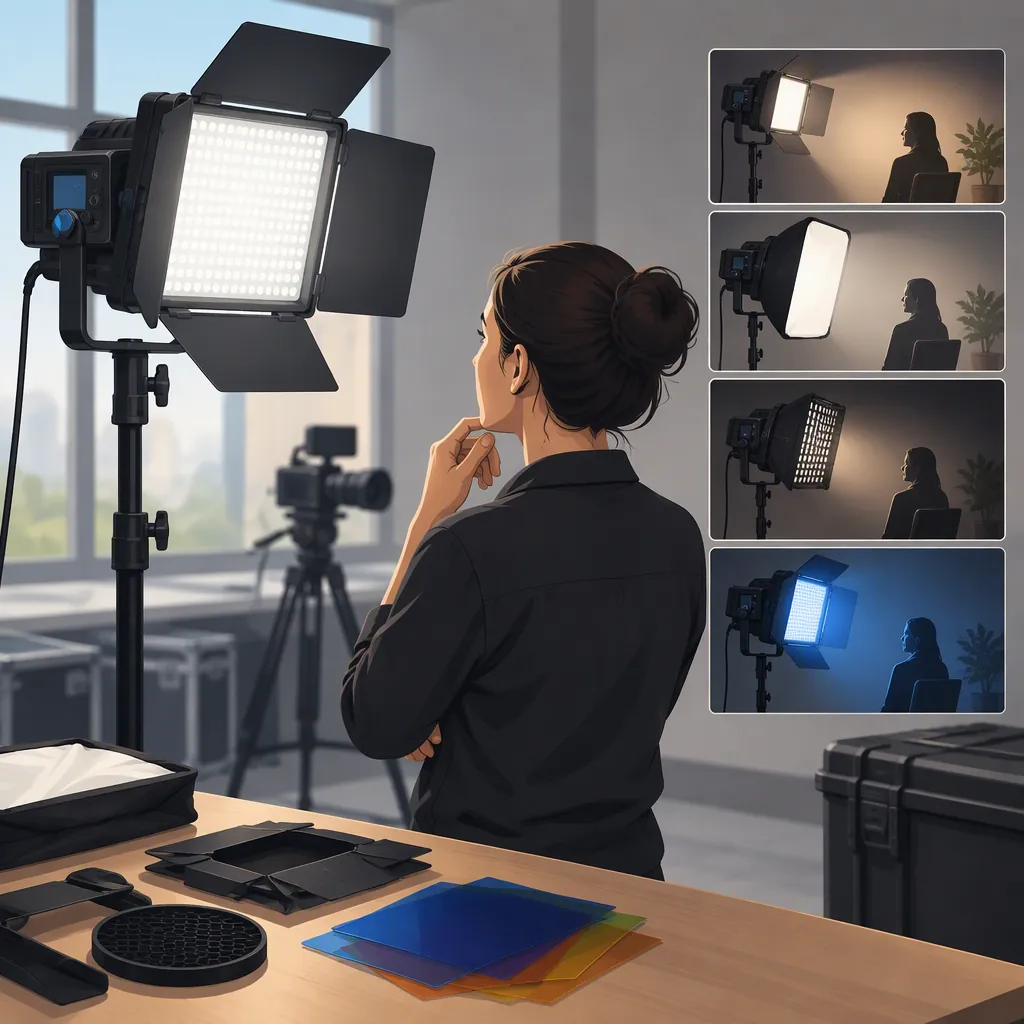
GVM 800D: How to Choose a Filming Light Setup
To evaluate a GVM 800D for filming, confirm the exact model and kit, define what your scene requires, and test the complete setup at your intended camera settings. Choose a configuration only when it meets those requirements—not simply because it includes more lights.
Evidence boundary: GVM’s RGB Video Light collection lists GVM-800D-II configurations, while Mojo Cameras lists a GVM 800D-RGB three-light kit with softbox. These commercial pages do not establish that the named models are interchangeable or provide measured suitability for your camera, working distance, or recording conditions. This guide offers selection criteria, not a verified product-performance recommendation. [gvm_collection] [mojo_listing]
Confirm the Model Before Comparing Kits
Treat “GVM 800D” as a starting point for identification, not a complete specification. Separate the model identifier from the number of fixtures and accessories in the package.
| Source | Model name used | Configurations named on the page | What still needs verification |
|---|---|---|---|
| GVM RGB Video Light collection | GVM-800D-II | Individual light, two-light kit, three-light kit, and softbox configurations. [gvm_collection] | Exact contents and matching documentation for the selected listing |
| Mojo Cameras product page | GVM 800D-RGB | Three-video-light kit with softbox. [mojo_listing] | Itemized contents and whether its hardware matches any GVM-800D-II configuration |
Do not transfer specifications, controls, or accessory compatibility from one model name to another without matching documentation. If the listing, packaging, and manual disagree, record the discrepancy before continuing the comparison.
Model Identification Worksheet
- Exact model name on listing: ______
- Model identifier on unit or packaging, if available: ______
- Number of lights explicitly listed: ______
- Itemized accessories: ______
- Matching manual available: ______
- Differences between listing and documentation: ______
- Unresolved details: ______
Define the Scene Before the Light Count
Start with the image you need, then give each proposed fixture a role. The examples below are lighting-planning criteria, not guarantees about GVM 800D capabilities.
| Filming situation | Start by defining | When to evaluate an additional light |
|---|---|---|
| Seated interview | Main-light position, subject framing, and desired facial shadows | When you need a separate role such as reducing shadows, separating the subject from the background, or lighting the background |
| Tabletop filming | Shadow direction and reflections on the object | When the first arrangement leaves an area insufficiently lit or you want illumination from another direction; check that the extra source does not create unwanted reflections |
| Wider scene | Every subject position that must meet your exposure target | When the initial arrangement cannot cover those positions as required |
| Colored background | Subject lighting and the intended background effect as separate requirements | When the background effect needs independent placement or adjustment |
A three-light kit is not automatically necessary. If a proposed fixture has no defined job, leave it out of the initial plan. Conversely, do not assume a single fixture is enough until the planned scene has been evaluated.
Scene Planning Card
- Shot type and framing: ______
- Subject positions: ______
- Main-light position and distance: ______
- Desired shadow appearance: ______
- Background-lighting requirement: ______
- Existing room or window light: ______
- Stand and cable space: ______
- Purpose of each additional fixture: ______
Before testing, describe what an acceptable result looks like. For example: “The subject must reach the planned exposure at both marked positions, without visible bands in the recording or equipment noise that interferes with dialogue.” Use requirements appropriate to your project rather than an unspecified “looks good” standard.
Test the Complete Setup with Your Camera
If the exact unit is available for evaluation, test it in the intended scene. Include the modifier, power source, working distance, and room lighting you expect to use.
Keep camera settings fixed when comparing candidates. Evaluate the recorded footage and audio, not only how the illuminated room looks to your eyes. If you change a setting or reposition a light to solve a problem, document the change and repeat the relevant test.
Repeatable Recording Test
- Record the exact model, power source, modifier, light position, and subject distance.
- Set the intended frame rate, shutter setting, aperture, ISO, and white balance.
- Record the subject at every planned position.
- Repeat at the brightness settings and lighting modes you expect to use.
- Review exposure, shadows, reflections, color consistency, and visible flicker or banding against your predefined requirements.
- For dialogue scenes, record with the intended microphone placement and listen for equipment noise.
- Mark each requirement pass, fail, or not tested, with a short observation explaining the result.
Turn Observations into a Decision
| Requirement | Example decision rule |
|---|---|
| Exposure | If the subject cannot reach your target exposure at a required position using the planned camera settings and light arrangement, that configuration fails the current exposure requirement. |
| Shadows and reflections | If the recorded shadows or reflections conflict with the intended image, mark the arrangement as failed until an adjustment is tested successfully. |
| Color consistency | If the recorded appearance does not meet your project’s defined color requirement under the intended settings, mark that requirement as failed. |
| Flicker or banding | If the actual recording contains unacceptable flicker or bands at a required camera and brightness setting, that test fails. |
| Recorded noise | If equipment noise interferes with the intended dialogue recording, the audio requirement fails for that setup. |
| Missing evaluation | If a requirement has not been tested, mark it as not tested—not passed. |
A pass applies only to the configuration and conditions evaluated. A successful test at one brightness level, subject position, or camera setting does not establish success at untested settings.
If you cannot test the exact configuration, leave scene-specific performance requirements unverified. Neither GVM’s collection page nor the Mojo Cameras product page supplies the camera-specific tests needed to resolve them. [gvm_collection] [mojo_listing]
Compare Complete Setups, Not Listing Labels
The GVM collection names several kit and softbox configurations, while the Mojo Cameras page names a three-light softbox kit. Use those labels to organize candidates, then verify the itemized contents of each package. [gvm_collection] [mojo_listing]
Compare the equipment needed to film the same scene:
- Fixtures: Exact model and number required for the assigned lighting roles.
- Modifiers: Intended modifiers and documented compatibility.
- Support equipment: Stands or other supports needed, with room for the planned placement.
- Power: Required power supplies, batteries, or cables, and whether they are included.
- Transport: What must be packed and moved for the intended workflow.
- Complete setup cost: Documented package cost plus any required equipment not included.
Mark compatibility or inclusion as unverified when documentation is missing. Do not compare a bare fixture and an equipped kit as though they represent the same complete setup.
Decision Record
- Candidate model and configuration: ______
- Required scene and acceptance criteria: ______
- Confirmed included equipment: ______
- Missing or unverified equipment: ______
- Camera-test conditions: ______
- Passed requirements and observations: ______
- Failed requirements and observations: ______
- Requirements not tested: ______
- Complete setup cost, if documented: ______
- Decision: meets requirements / fails requirements / insufficient evidence
- Reason and remaining limitations: ______
Use these conclusion rules:
- Meets requirements: All required criteria pass, and the equipment needed to reproduce the tested setup is confirmed.
- Fails requirements: At least one required criterion fails in the evaluated configuration. This is a conclusion about that setup, not every possible use of the model.
- Insufficient evidence: No required criterion has a confirmed failure, but essential tests, model details, or equipment compatibility remain unresolved.
For example, footage that meets the visual criteria but has not been evaluated for required dialogue audio supports an insufficient evidence conclusion—not an overall pass.
FAQ
Are GVM 800D and GVM-800d-Ii the Same Light?
The available pages do not establish equivalence. GVM’s collection uses GVM-800D-II; Mojo Cameras uses GVM 800D-RGB. Confirm the model identifier and matching documentation before treating them as the same light. [gvm_collection] [mojo_listing]
Do I Need a Three-Light Kit for Filming?
Not by default. Define the main light first, then evaluate additional fixtures for specific jobs such as shadow control, subject separation, or background lighting. Choose the count that meets the scene’s tested requirements.
What Should Make a Tested Configuration Fail?
A required criterion fails when the recorded result is unacceptable under your planned conditions—for example, insufficient exposure at a required subject position, visible banding, or equipment noise that interferes with dialogue. Document the conditions; the result does not establish failure under every possible setup.
What Cannot Be Verified from the Available Product Pages?
GVM’s RGB Video Light collection and Mojo Cameras’ GVM 800D-RGB product page do not establish camera-specific flicker performance, usable exposure at your working distance, recorded equipment noise, or equivalence between the named models. Matching documentation or testing of the exact configuration is needed to resolve those questions. [gvm_collection] [mojo_listing]
Sources
-
[gvm_collection] RGB Video Light
-
[mojo_listing] GVM 800D-RGB LED Studio 3-Video Light Kit with Softbox – Mojo Cameras