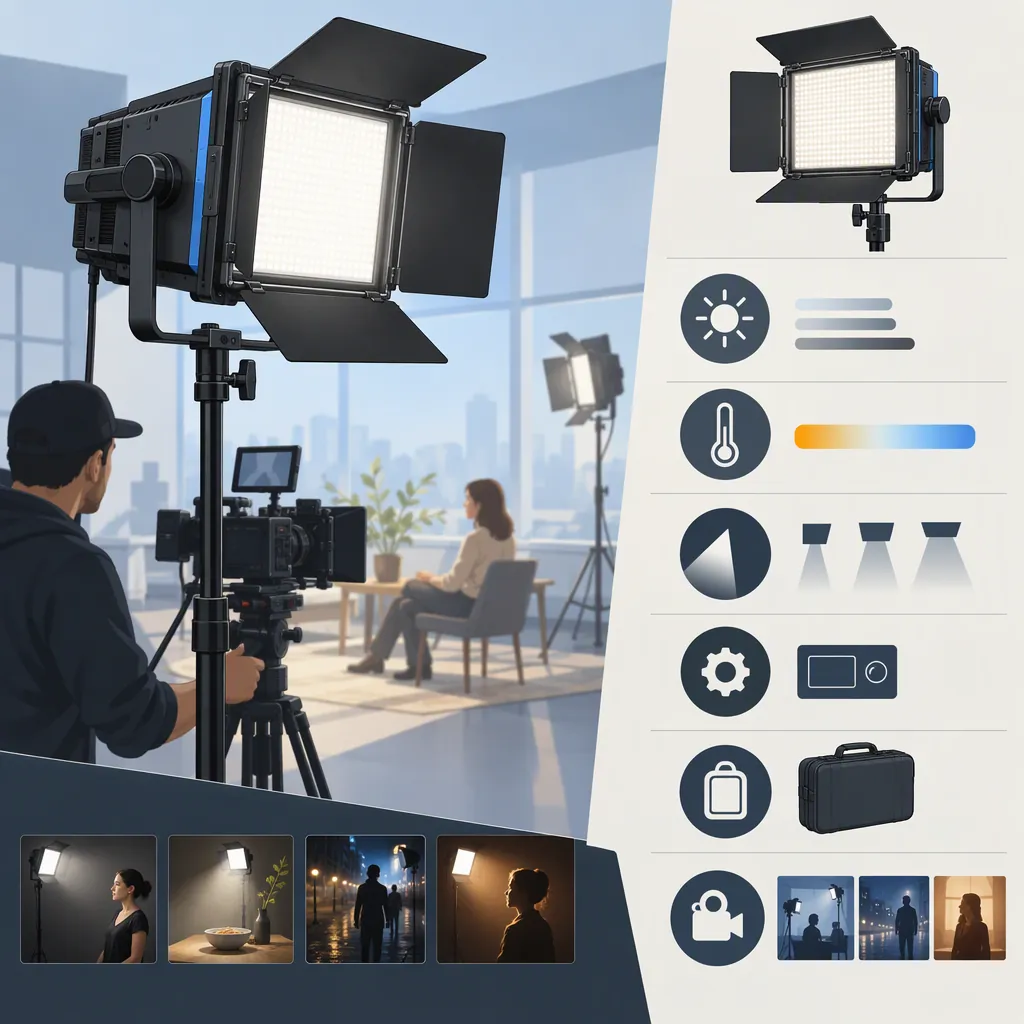
How to Evaluate the GVM 480Ls for Your Filming Setup
Evaluate the GVM 480LS against your shooting distance, exposure settings, light-shaping needs, and power requirements—not wattage alone. GVM lists it as a bi-color panel, but the supplied product page contains conflicting wattage descriptions and unclear accessory details. Treat its specifications as manufacturer claims, confirm the exact version and kit contents, and use a camera test to assess suitability. The supplied sources do not establish independent performance results. [c1] [c2]
What the Listings Establish—And What They Do Not
GVM’s panel-light category page identifies the 480LS as a 28W bi-color light. The supplied product page also uses 28W in its title, but its body includes references to 29W and a 30W COB light. Those descriptions are not consistent enough to establish one definitive power specification. [c1] [c2]
The product page advertises a 2300K–6800K color-temperature range, app control, and CRI and TLCI ratings of 97+. These are manufacturer-stated specifications, not independently verified measurements in the supplied evidence. The page also mixes panel descriptions with COB and accessory-mount language; do not assume every passage describes the same configuration. [c1]
Use the listing to identify questions to resolve, rather than as proof of brightness, color accuracy, durability, or suitability for a particular production.
Define the Shot Before Comparing Lights
Write down the conditions the light must serve before judging the GVM 480LS or another fixture:
- Subject and framing: Is the shot a seated interview, tabletop demonstration, or wider scene?
- Placement: How far from the subject can the fixture and any modifier sit without entering the frame?
- Exposure: What aperture, shutter speed, frame rate, and ISO do you intend to use?
- Ambient light: Can you control windows and room lights, or must the fixture work alongside them?
- Light quality: Do you need gentle facial shadows, a defined edge light, or controlled illumination on a product?
- Operation: Will someone adjust the fixture during recording, or must the setup remain accessible from the camera position?
Treat these as acceptance criteria. A useful comparison asks whether each candidate can produce the intended shot under the same conditions, rather than which listing has the most impressive headline specification.
Evaluate Output and Light Shaping Together
The product page reports illuminance values of 14,100 lux at 0.5 meters and 4,440 lux at 1 meter. The supplied text does not specify the color-temperature setting or diffuser configuration for those figures. They therefore do not establish the illumination you will receive in your intended setup. [c1]
For a practical comparison, keep the camera settings, subject position, fixture distance, and ambient conditions consistent. Test each candidate with the modifier you would actually use. Review whether the subject reaches your target exposure, whether shadows suit the shot, and whether spill or reflections become distracting.
The product page lists a diffuser and barn doors, but also includes accessory-mount language whose applicability to the exact unit is unclear. Confirm modifier compatibility rather than assuming that a softbox or mount described elsewhere on the page will fit. [c1]
Confirm the Exact Kit and Power Arrangement
The product page shows two-light and three-light variants and describes kit contents including stands, power adapters, barn doors, diffusers, and carrying bags. It also lists AC power and Sony NP-F battery options, while another passage mentions a battery-board adapter and V-type batteries. Do not treat those passages as confirmation that every variant includes the same equipment or supports the same battery arrangement. [c1]
Before relying on a configuration, resolve these points:
- Exact model revision and number of fixtures.
- Included adapters, stands, modifiers, and transport equipment.
- Supported battery type, required quantity, and any separate adapter.
- Whether batteries and chargers are included.
- Control method available on that revision, including operation without an app.
- Mounting compatibility and stand requirements for the intended placement.
The supplied references do not establish runtime for a particular battery and brightness setting. Leave runtime unresolved until it is documented or tested.
Use a Repeatable Camera Test
A camera test can turn an uncertain listing into a setup-specific decision. Use the same procedure for every candidate, and label anything you cannot check as unresolved.
Record at your intended frame rates and shutter settings. Examine the footage for visible flicker or banding, exposure consistency, distracting reflections, and unwanted color differences. Test the brightness levels and color-temperature settings you expect to use rather than only the maximum setting.
If audio matters, record room tone with the light operating and compare it with the light switched off. This is a test recommendation, not a claim that the GVM 480LS produces audible noise.
Keep the conclusion narrow: a successful test supports that particular camera, placement, modifier, and recording configuration—not every filming scenario.
Filming Light Evaluation Worksheet
Complete one worksheet per candidate.

- Fixture and revision: _____
- Source of confirmed specifications: _____
- Intended shot and framing: _____
- Fixture-to-subject distance: _____
- Modifier and mounting arrangement: _____
- Camera, frame rate, shutter, aperture, ISO, and white balance: _____
- Ambient lighting conditions: _____
- Tested brightness and color-temperature settings: _____
- Target exposure achieved: Yes / No / Unresolved
- Shadow quality and spill acceptable: Yes / No / Unresolved
- Visible flicker or banding observed: Yes / No / Unresolved
- Color differences acceptable for this workflow: Yes / No / Unresolved
- Operational noise acceptable: Yes / No / Unresolved
- Power arrangement and runtime confirmed: _____
- Remaining uncertainties: _____
- Decision for this setup: Suitable / Unsuitable / More evidence needed
FAQ
Is the GVM 480Ls a Bi-Color or RGB Light?
Both supplied listings identify the 480LS as bi-color. The category page discusses RGB features across the broader panel range, but that does not establish RGB capability for the 480LS. Do not transfer series-level features to this model. [c1] [c2]
Is the GVM 480Ls Rated at 28W or 29W?
The category page and product-page title say 28W, while the product-page body also says 29W and includes a 30W COB passage. The supplied evidence does not resolve the inconsistency. Confirm the rating for the exact unit instead of selecting one number as definitive. [c1] [c2]
Is the GVM 480Ls Enough for an Interview Setup?
The supplied references do not establish a universal answer. Evaluate it at your actual subject distance, exposure settings, ambient light level, and modifier configuration. The manufacturer’s published lux figures alone do not establish the result for that setup because their test configuration is not fully specified in the supplied text. [c1]