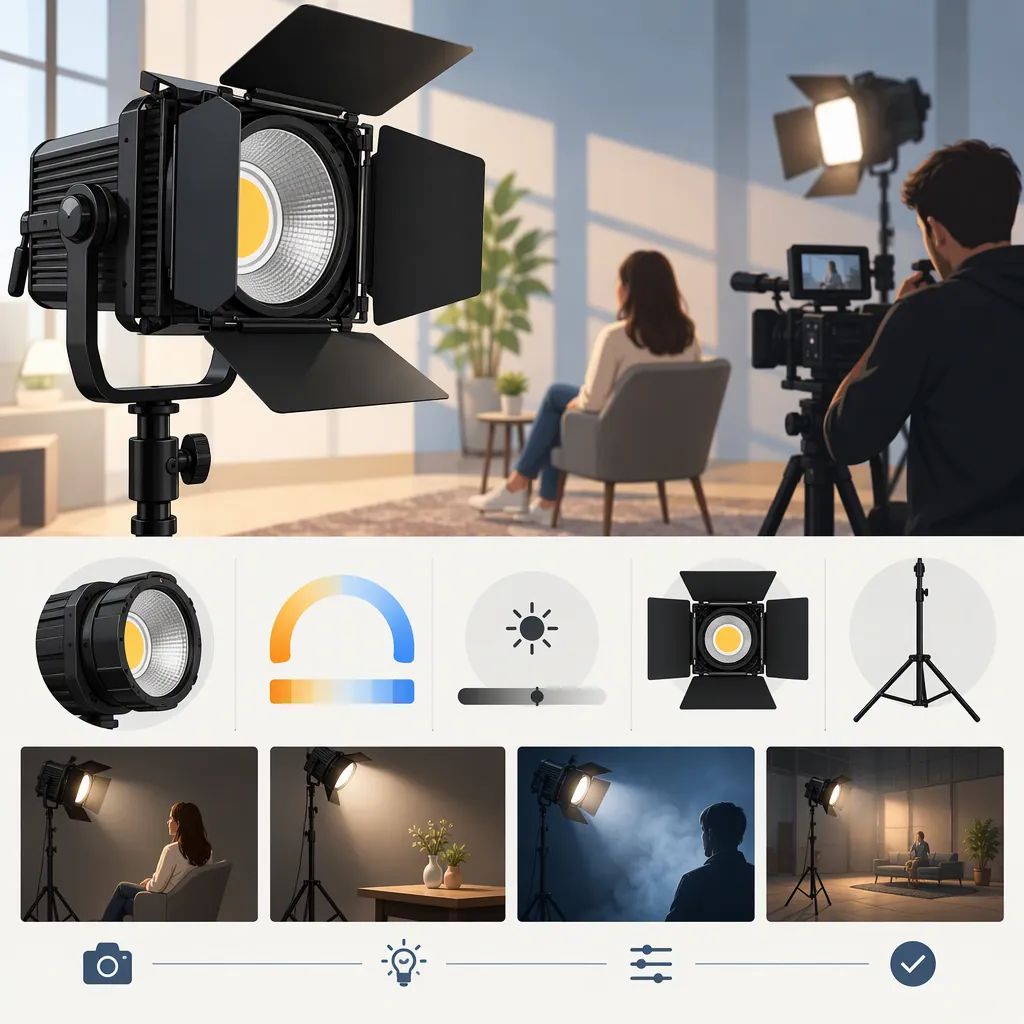
How to Evaluate the GVM 1300D for Your Filming Setup
Evaluate the GVM 1300D against your actual scene rather than treating its model name or advertised specifications as proof of suitability. GVM identifies it as an RGB light panel, but the provided evidence consists of manufacturer pages, not independent tests. Confirm the exact configuration, then assess exposure, shadows, color, power, and control behavior at your intended shooting settings. [gvm-1300d]
What the Sources Establish
The supplied GVM product page identifies the 1300D as an RGB video light panel and describes white-light adjustment, app controls, and power options. Those descriptions establish what the manufacturer advertises, not independently verified performance. [gvm-1300d]
The supplied panel-light collection shows other GVM model names and multiple kit configurations. It is useful for understanding the surrounding catalog, but it does not establish that another model's specifications or accessories apply to the 1300D. [gvm-panel-catalog]
Neither supplied reference provides an independent comparison under matched filming conditions. This guide therefore offers an evaluation process rather than a performance ranking, a hands-on review, or a recommendation to choose this model.
Define the Shot Before Comparing Lights
Start with a short scene brief. Use it to decide which characteristics need verification instead of assuming that every advertised feature matters equally.
| Filming Situation | Evaluation Priority | Suggested Check |
|---|---|---|
| Seated interview | Face exposure and shadow pattern | Record the subject from the intended camera position with the planned lighting placement. |
| Desk presentation | Reflections and frame clearance | Inspect glasses, screens, and visible surfaces while checking where the light and stand fit. |
| Product demonstration | Consistent appearance across takes | Record the same object with fixed camera settings and compare repeat setups. |
| Location filming | Power and setup constraints | Document available outlets, cable routes, battery requirements, and the planned recording duration. |
| Colored background | Separation from the subject | Test the intended background color and inspect unwanted color on the subject. |
Treat these as test priorities, not claims that the 1300D passes them. If the main task is neutral subject lighting, evaluate that first; assess creative color controls separately.
Scene Brief Template
Scene and subject: ____
Camera, lens, and recording settings: ____
Planned light-to-subject distance: ____
Available placement space: ____
Ambient light to retain or exclude: ____
Desired shadow pattern: ____
Power source and recording duration: ____
Required modifiers and mounting equipment: ____
Pass/fail criteria: ____
Use a Repeatable Comparison Test
For a useful comparison, keep the scene and camera settings consistent and document any changes needed for each candidate light.
- Fix the camera settings. Record frame rate, shutter setting, aperture, ISO, and white balance. Avoid automatic changes during the comparison.
- Mark the positions. Record the camera, subject, and light locations. Note the modifier used with each light.
- Check the intended exposure. Assess the image at the working distance, not only with the light placed close to the subject.
- Inspect the recorded image. Look for unwanted shadow patterns, reflections, color shifts, banding, or flicker at the settings you plan to use.
- Check sound and operation. Record a quiet segment with the normal microphone placement. Test local controls and, if relevant, the advertised app workflow. GVM describes Bluetooth app control on its 1300D page; that description is not evidence of reliability in your setup. [gvm-1300d]
- Repeat the setup. Restore the recorded settings and assess whether the result meets the same criteria.
Keep manufacturer descriptions, your observations, and unanswered questions in separate columns. A specification can help define a test without proving the outcome.
Comparison Record
| Criterion | Required Result | Candidate A Observation | Candidate B Observation | Unresolved Question |
| --- | --- | --- | --- | --- |
| Exposure at working distance | ____ | ____ | ____ | ____ |
| Shadow pattern and reflections | ____ | ____ | ____ | ____ |
| Color appearance | ____ | ____ | ____ | ____ |
| Flicker or banding check | ____ | ____ | ____ | ____ |
| Sound recorded by microphone | ____ | ____ | ____ | ____ |
| Controls and repeat setup | ____ | ____ | ____ | ____ |
| Power for planned session | ____ | ____ | ____ | ____ |
Resolve Configuration Gaps Before Deciding
Separate the light's advertised capabilities from the equipment included in a particular package. The supplied 1300D page describes an included DC adapter and optional batteries that are not included. That is the manufacturer's description; it does not establish the contents of every listing or used package. [gvm-1300d]
For any configuration under consideration, record the exact model identifier, number of fixtures, adapters, batteries, chargers, stands, modifiers, and mounting hardware. Mark anything not explicitly documented as unknown.
A practical decision rule is to retain a candidate only when it meets your essential scene requirements and its necessary equipment is accounted for. If output, runtime, camera compatibility, or package contents remain unresolved, label the decision provisional rather than substituting a nearby model's information.
FAQ
Is the GVM 1300D Suitable for Interviews?
The provided sources do not establish suitability for a particular interview setup. GVM presents the model as an RGB video panel, but a decision should remain conditional on testing face exposure, shadows, reflections, recorded sound, and available placement space in the intended scene. [gvm-1300d]
Can I Use Another GVM Model's Specifications?
Do not use a nearby model's specifications as evidence for the 1300D. The provided collection lists distinct model names and kit configurations; it does not establish equivalence between them. Keep any comparison tied to documentation for the exact model and package. [gvm-panel-catalog]
Does the Provided Page Say Batteries Are Included?
No. The supplied 1300D page describes optional batteries as not included and describes a DC adapter as included. Confirm the contents of the exact package separately; this source does not verify every configuration. [gvm-1300d]
Sources
-
[gvm-1300d] GVM 1300D RGB Light Panel - GVM Official Site
-
[gvm-panel-catalog] Professional LED Light Panels for Video Production, Streaming & Photog