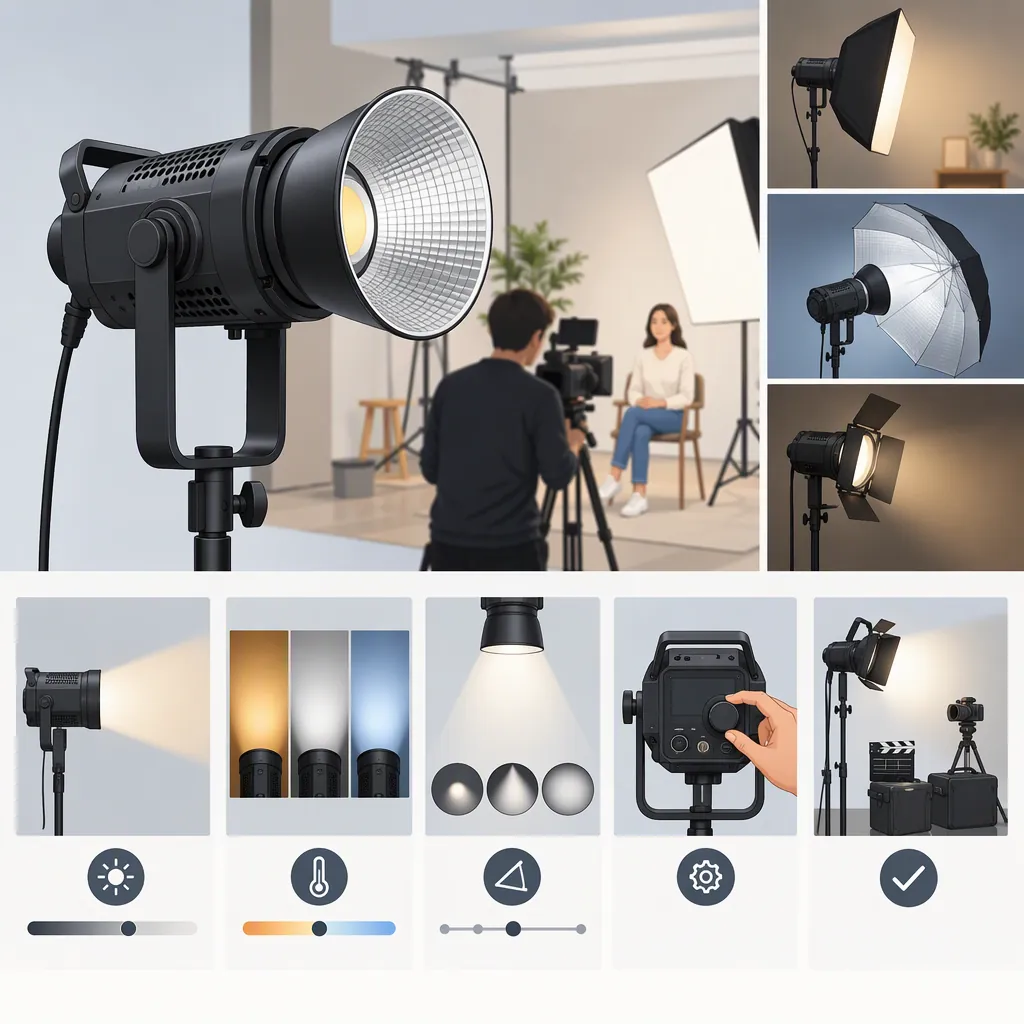
Godox Sz200bi: A Filming Light Selection Guide
Evaluate the Godox SZ200Bi against the shot you need, rather than treating its product designation as a recommendation. Godox describes it as a “Bi-Color Zoomable LED Video Light.” That makes color and zoom settings relevant questions to investigate, but the label alone does not establish whether it meets your exposure, light-shaping, sound, or recording requirements. [src-godox-sz200bi]
Define your essential conditions first, check the current documentation, and test the complete setup at your intended camera settings. If an essential condition fails or remains unverified, defer choosing the setup for that production.
What the Available Source Establishes
This guide uses the text available from the Godox SZ200Bi product page. It identifies the product as a “Bi-Color Zoomable LED Video Light” and lists optional accessories, product manuals, and Important Safety Instructions for LED Lights. These listings are documentation starting points, not independent performance tests. [src-godox-sz200bi]
The reference material does not include the manuals’ contents or independent measurements. It therefore does not establish numerical output, color-temperature limits, color-rendering measurements, electrical requirements, cooling noise, or flicker performance. Do not infer those details from the model name or specifications for another Godox light. [src-godox-sz200bi]
The selection process below is a way to evaluate suitability, not a performance verdict on the SZ200Bi.
Define Your Filming Requirements First
Write down the shot before comparing fixtures. A seated interview, tabletop demonstration, and wider moving-subject shot may have different requirements for placement, coverage, shadow quality, and sound.
Use these questions to define the setup:
- Framing and distance: Where can the light stand without entering the frame or obstructing movement? Does the subject stay still or move through a defined area?
- Exposure: What aperture, shutter setting, and ISO do you intend to use? Judge the recorded image at those settings rather than brightness by eye.
- Light quality: Do you need defined shadows or a broad, soft source? Include the intended modifier in the test.
- Existing light: Will windows, ceiling lights, or practical lamps illuminate the subject or remain visible in the frame?
- Sound: Where will the microphone be, and will you record quiet dialogue?
- Setup constraints: What space, power access, support equipment, transport capacity, and setup time are available?
Separate essential requirements from preferences. Usable dialogue audio might be essential, while a preferred control interface might not be.
Set Acceptance Conditions Before Testing
Define what counts as a pass for your production. The following are examples of user-set conditions—not verified SZ200Bi capabilities:
| Requirement | Example acceptance condition |
|---|---|
| Exposure | At the planned distance, with the intended modifier and camera settings, the subject reaches the target exposure without unacceptable highlights or shadows. |
| Coverage and spill | The required subject area remains lit throughout the planned movement, while unwanted light on the background stays within your scene’s limits. |
| Color appearance | With a deliberate white balance, the subject and any visible practical lights have an acceptable appearance in the intended recording and review workflow. |
| Dialogue audio | In a representative dialogue recording, sound from the lighting setup does not interfere with intelligibility or the scene’s audio requirements. |
| Recording behavior | No visible banding or brightness variation is observed in clips recorded at every planned frame rate and shutter setting. |
| Support and power | The proposed mounting and power arrangement meets the applicable documented requirements and fits the location. |
Avoid changing these conditions after a disappointing result merely to make a candidate pass. If the production requirements change, record the change and retest.
Filming Requirements Worksheet
- Scene and subject:
- Framing and subject movement:
- Available light position and distance:
- Target aperture, shutter setting, and ISO:
- Target exposure and how it will be checked:
- Desired shadow quality and acceptable spill:
- Planned modifier:
- Existing room or daylight sources:
- Microphone position and audio acceptance condition:
- Available power and cable route:
- Support and transport constraints:
- Essential acceptance conditions:
- Optional preferences:
Evaluate the Complete Lighting Setup
Compare complete setups rather than bare fixtures. Include the modifier, support, cables, and accessories you intend to use.
Exposure, Zoom Settings, and Light Shaping
Place the candidate light at the intended working distance and use the planned modifier. Record the subject, background, shadows, and spill.
Because Godox uses the “Zoomable” designation, make zoom behavior a specific test question rather than assuming its effect. The product-page text does not establish adjustment limits or measured results. [src-godox-sz200bi]
For each available setting you plan to evaluate, ask:
- Does it cover the required subject area, including any planned movement?
- How does unwanted light on the background or nearby surfaces change?
- Does the subject still reach the target exposure?
- Does the resulting shadow pattern suit the shot?
First hold the light position, modifier, camera settings, and other lighting controls constant where possible. Record the zoom setting and any unavoidable changes. If you then adjust the setup to achieve the desired image, log those adjustments separately. This distinguishes the effect of a setting from the result of a reconfigured rig.
Color Settings and Existing Light
The “Bi-Color” label makes color adjustment another relevant evaluation question, but it does not establish verified adjustment ranges or color accuracy. [src-godox-sz200bi]
Set a deliberate camera white balance and record a consistent reference subject. Test the color settings you intend to use:
- Record with the candidate light alone.
- Repeat with the room lights or daylight that will be present during filming.
- Check whether the subject, background, and visible practical lights meet your intended visual result.
Record the selected color setting, camera white balance, exposure settings, and other lights present. Note any adjustments needed to maintain the target exposure. Treat the footage as a practical scene comparison, not a substitute for calibrated color measurements.
Sound and Recording Behavior
Record representative dialogue and room tone with the microphone in its actual position. Use the intended recording levels and review the clips for lighting-related sound that could affect the scene.
Also record at every planned frame rate and shutter setting, using the lighting settings you expect to use. Inspect playback for visible banding or brightness variation.
A successful test supports only the conditions tested. An absence of visible artifacts in one camera mode does not verify every other mode or lighting setting.
Support, Accessories, and Safety
Verify the fixture, modifier, support, and power requirements in current documentation before assembling the setup. Follow the relevant safety instructions rather than improvising a mounting or electrical arrangement. The Godox product page lists product manuals and LED safety instructions. [src-godox-sz200bi]
The optional accessory listings can help identify items to investigate, but they do not establish every mounting, clearance, or load requirement for a complete rig. Confirm the requirements for the actual combination you plan to use. [src-godox-sz200bi]
Make a Decision with Clear Limits
When evaluating alternatives, use the same scene, camera settings, working distance, and intended lighting effect where practical. Record unavoidable differences so the comparison remains interpretable.
Classify each requirement as:
- Passed: The setup met the predefined condition in a documented test, or the relevant documentation confirmed the requirement.
- Failed: The setup did not meet the condition.
- Not verified: The test or documentation check was incomplete, unavailable, or inconclusive.
Keep “not verified” separate from “passed.” Missing output, noise, mounting, or power information is not evidence of suitability.
Use those results to make a bounded decision:
- An essential requirement failed: Do not select the tested setup for the production as configured. If you change the placement, modifier, or other conditions, retest.
- An essential requirement remains unverified: Defer selection until the gap is resolved.
- All essential requirements passed: The setup is a candidate for use under the documented conditions. Compare optional preferences only after essential needs are met.
The available product-page text alone does not support ranking the SZ200Bi against other filming lights or recommending it for a particular production. That decision requires documentation checks and results tied to your setup. [src-godox-sz200bi]
Acceptance Test Record
- Candidate fixture and documentation version:
- Scene and acceptance conditions:
- Camera, frame rate, shutter setting, aperture, and ISO:
- Camera white balance:
- Light position and working distance:
- Tested zoom and color settings:
- Other lighting controls and any changes between tests:
- Modifier and support arrangement:
- Other lights present:
- Exposure — passed / failed / not verified:
- Coverage, shadows, and spill — passed / failed / not verified:
- Color appearance — passed / failed / not verified:
- Dialogue audio — passed / failed / not verified:
- Banding or brightness variation — passed / failed / not verified:
- Power and support requirements — passed / failed / not verified:
- Unresolved limitations:
- Decision and conditions of use:
FAQ
Is the Godox Sz200bi Suitable for Interviews?
The product-page designation does not establish interview suitability. [src-godox-sz200bi] Test the complete setup at the intended subject distance, with the planned modifier, camera settings, and microphone placement. Define acceptable exposure, shadow quality, dialogue audio, and recording behavior before testing. If any essential condition fails or remains unverified, defer selection for that interview.
What Does the Bi-Color Zoomable Label Mean for Light Selection?
Godox uses that label to describe the SZ200Bi, but the available page text does not establish verified adjustment ranges or measured performance. [src-godox-sz200bi] Use it to identify two test areas: whether the available zoom settings provide the required coverage, spill control, and exposure; and whether the available color settings produce an acceptable image alongside existing light. Record the settings and keep other conditions consistent when comparing them.
Where Can I Check the Manual and Safety Information?
The Godox SZ200Bi product page lists product manual downloads and Important Safety Instructions for LED Lights. This guide’s reference material does not include those documents’ contents, so it cannot confirm their detailed requirements. Check the current documents for the equipment and arrangement you intend to use. [src-godox-sz200bi]
Can I Choose the Sz200bi from the Product Page Alone?
The available product-page text establishes the product designation and documentation listings, not a complete comparative assessment. [src-godox-sz200bi] Use it as a starting point. Selection should depend on verified setup requirements and tests against your essential acceptance conditions, rather than treating an untested requirement as a pass.
Sources
- [src-godox-sz200bi] SZ200Bi-Product-GODOX Photo Equipment Co.,Ltd.