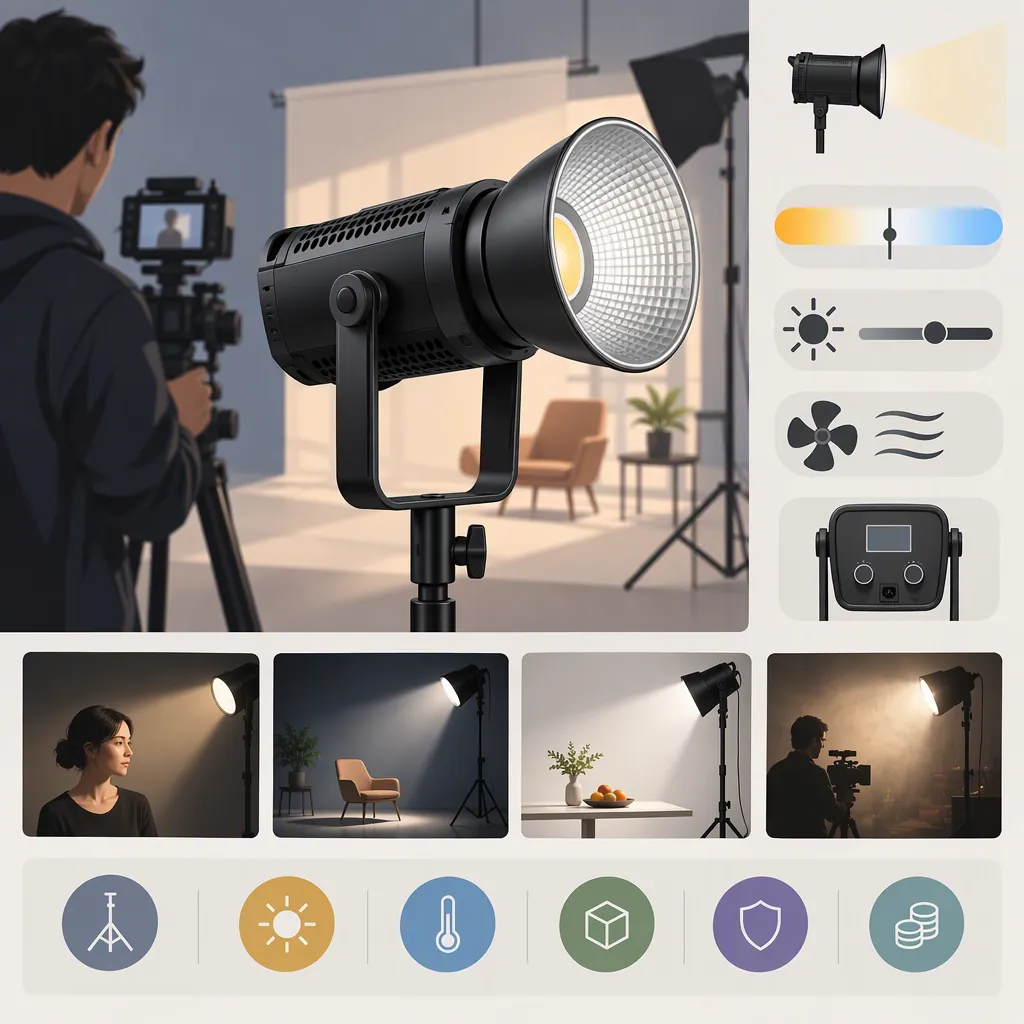
How to Evaluate the Godox Sl200wii for Filming
Choose the Godox SL200WII only if the exact unit meets your shoot’s image, audio, and setup requirements. Confirm its model identity first, then compare candidates at your intended camera settings, light-to-subject distance, and modifier configuration. Treat missing evidence as unverified, not as a pass.
Evidence boundary: The Photo Center’s retailer URL uses “SL-200II” wording, but the page excerpt available for this guide contains no usable model identification or product specifications. It does not establish that “SL200WII” and “SL-200II” are equivalent, nor does it verify output, color performance, fan behavior, dimming range, mounting compatibility, electrical requirements, or included accessories. This is a selection guide, not a tested product review. [source_1]
Define What Your Shoot Requires
Before comparing lights, identify the shot you need to produce and the conditions you cannot change. A candidate should meet those requirements without depending on adjustments that would compromise the production.
Record:
- Subject and framing: A seated speaker, tabletop object, larger subject, or another defined setup.
- Camera settings: Frame rate, shutter setting, ISO, aperture, white balance, and image-processing settings.
- Light position: Intended distance, angle, and available placement space.
- Modifier: The intended light-shaping accessory and its mounting requirements.
- Audio setup: Microphone type, position, gain, and whether dialogue is recorded nearby.
- Practical constraints: Available power, cable route, support equipment, transport, and expected continuous shooting time.
Set acceptance criteria before testing. Avoid a vague requirement such as “bright enough” when you can instead specify “achieves the intended exposure at the planned aperture, ISO, distance, and modifier.”
Filming Requirements Worksheet
| Requirement | Your acceptance criterion |
|---|---|
| Exact model designation | ______ |
| Subject, framing, and light position | ______ |
| Camera settings that must remain fixed | ______ |
| Intended modifier and distance | ______ |
| Exposure | Target exposure or reference image: ______ |
| Color | Acceptable match to reference or other lights: ______ |
| Motion recording | Frame rates and shutter settings to pass: ______ |
| Audio | Acceptable added noise in room tone and dialogue: ______ |
| Continuous operation | Expected shooting interval: ______ |
| Setup | Available footprint, support, power, and cable route: ______ |
These are project-specific criteria, not verified performance claims about the Godox SL200WII.
Prioritize Checks for Your Filming Scenario
Use your shooting needs to decide which tests matter most. The table below provides conditional decision rules; it does not establish this model’s suitability.
| Scenario | Check first | If the result fails | When to evaluate another candidate |
|---|---|---|---|
| Close dialogue or interviews | Recorded noise with the microphone in its intended position, followed by exposure and color | If practical, adjust light or microphone placement; repeat both image and audio checks | Added noise remains unacceptable at usable positions |
| Larger subjects or wider framing | Exposure and coverage at the required distance with the intended modifier | Reconsider placement or modifier only if the resulting look and framing remain acceptable | The required shot cannot meet exposure and coverage criteria without compromising fixed camera settings |
| Small rooms | Complete setup footprint, safe support, cable route, and usable light position | Rework the layout within equipment instructions, then retest the shot | No workable support and placement arrangement fits the space |
| Shoots combining several lights | Color consistency with fixed camera and image-processing settings | Test adjustments available in the intended workflow and review the result | The remaining mismatch exceeds the project’s acceptance criterion |
| Long takes | Image and recorded-noise results over the expected continuous shooting interval | Check documented operating limits and repeat under the intended conditions | Results become unacceptable during the required interval |
| Frequent location changes | Complete kit, compatible power, transport, and repeatable setup | Revise the kit or layout without omitting required support hardware | The complete setup cannot meet the project’s practical constraints |
If you change a condition after a failed test, document the change. Passing at a shorter distance or with a different modifier does not demonstrate a pass in the original setup.
Run a Repeatable Camera and Audio Test
Compare candidate lights under the same conditions wherever possible. Keep the camera, subject, modifier, light position, and recording settings unchanged. If candidates cannot use the same modifier, record the difference and compare the complete setups rather than presenting the results as equivalent light-only tests.
Label each recording with the candidate’s exact model, settings, modifier, distance, and test stage.
1. Check Exposure and Coverage
Place the light at the intended distance and angle with a documented compatible modifier. Use the camera settings selected for the shoot.
Record the full intended framing and compare it with your exposure criterion or reference image. Check all relevant parts of the subject, not just the brightest area.
If the test fails, note which adjustment would be necessary—such as moving the light, changing the modifier, or changing camera settings—and whether that adjustment is acceptable for the project. Retest any revised setup.
2. Compare Color Under Fixed Settings
Record a neutral reference and representative subject materials. Lock white balance and keep the camera’s picture profile, exposure, and other image-processing settings consistent. Review clips using the same viewing and grading workflow.
For a mixed-light setup, record the candidate separately and then in combination with the other intended lights. Note:
- Which reference areas or materials differ.
- Whether the difference is acceptable for the finished footage.
- What correction, if any, the project permits.
- Whether that correction produces an acceptable result across the subject.
This is a practical comparison, not a substitute for verified color-performance measurements.
3. Check for Visible Flicker or Banding
Record at every frame rate and shutter setting you expect to use, including any planned slow-motion configuration. Repeat at the intended brightness settings.
Review the recorded footage for visible flicker or banding. Log each tested combination separately; a satisfactory result at one setting should not be transferred to an untested setting.
4. Establish an Audio Baseline
Keep microphone position, recording gain, and audio-processing settings unchanged throughout the comparison.
- Record room tone with the light switched off.
- Record room tone with the light switched on at the intended operating setting.
- Record the same dialogue passage in both conditions.
- Compare the recordings at consistent playback levels.
Keep other controllable room conditions unchanged. Note background sounds that could obscure the comparison, and repeat the test if the baseline changes substantially.
Judge whether added noise is acceptable in the recorded dialogue and pauses—not merely whether the light sounds quiet while standing elsewhere in the room. If you move the light or microphone to improve the result, repeat the exposure and audio tests in the revised arrangement.
5. Test the Expected Shooting Interval
Base the test duration on the longest continuous shooting interval you expect, while following the exact unit’s documented operating limits.
Record image and audio checks near the beginning and end of that interval, and at any relevant intermediate points. Keep the intended brightness settings and document any changes you observe. Do not extend operation beyond documented limits to complete a test.
A pass applies only to the configuration and conditions recorded in the log.
Candidate Test Log
| Test item | Result and evidence |
|---|---|
| Candidate and exact model | ______ |
| Date and room conditions | ______ |
| Camera settings and processing | ______ |
| Modifier, position, and distance | ______ |
| Exposure and coverage | Pass / Fail / Unverified — clip: ______ |
| Color | Pass / Fail / Unverified — clip and comparison: ______ |
| Flicker or banding | Settings tested and results: ______ |
| Audio baseline | Light-off recording: ______ |
| Audio with light operating | Light-on recording and dialogue result: ______ |
| Continuous operation | Duration, settings, and observations: ______ |
| Changes made during testing | ______ |
| Untested configurations | ______ |
| Reason for acceptance or rejection | ______ |
Check the Complete Setup Before Selecting
Use documentation matching the exact model to verify its mount, compatible accessories, electrical requirements, operating limits, and supplied components. These details remain unconfirmed by The Photo Center page excerpt available for this guide. [source_1]
Compare the complete usable setup, including:
- The intended modifier and any required mounting hardware.
- A suitable stand or support arrangement used according to equipment instructions.
- Required power components and cables.
- Available space and cable routing.
- Transport arrangements for all necessary equipment.
Do not infer compatibility, safe support, power requirements, or included accessories from the model name.
Use three outcomes when deciding:
| Outcome | Decision rule |
|---|---|
| Accept for the tested setup | Documented compatibility and operating requirements are met, and all critical image, audio, and practical checks pass |
| Retest after an acceptable adjustment | A failed check may be resolved by a change that preserves the project’s requirements |
| Evaluate another candidate or defer selection | A critical check fails, required compatibility cannot be confirmed, or important configurations remain untested |
If you cannot test the unit, keep the conclusion conditional. Separate requirements confirmed by matching documentation from performance that still needs evaluation.
FAQ
Is Godox Sl200wii the Same Model as Sl-200ii?
The evidence available here does not establish that. The Photo Center URL uses SL-200II wording, but its available page excerpt lacks enough product identification to resolve the difference. Confirm the designation on the unit and matching documentation before applying specifications associated with another name. [source_1]
Is the Godox Sl200wii Suitable for Filming Interviews?
That remains unverified in this guide. Test the exact unit with your intended modifier, camera settings, subject distance, and microphone placement. For interviews, compare light-off and light-on room tone and dialogue while holding microphone position and gain constant. Accept the setup only if both the recorded image and audio meet your requirements.
Does the Available Retailer Excerpt Verify Brightness or Color Accuracy?
No. The Photo Center page excerpt contains no usable brightness measurements or color-performance specifications. That is a limitation of the available excerpt, not proof that the original webpage or product documentation contains no such information. Keep these characteristics unverified until supported by matching documentation or a clearly described test. [source_1]
What If Two Candidate Lights Cannot Use the Same Modifier?
Document the modifier and mounting arrangement used with each candidate. Compare whether each complete setup produces the required shot, but do not describe differences as a controlled comparison of the lights alone.
What Should I Do If the Candidate Passes Exposure but Fails the Audio Test?
Try only adjustments that remain practical for the shoot, such as a different permitted light position or microphone placement. Repeat both image and audio checks after the change. If recorded noise remains unacceptable in a workable configuration, evaluate another candidate rather than treating the exposure pass as sufficient.