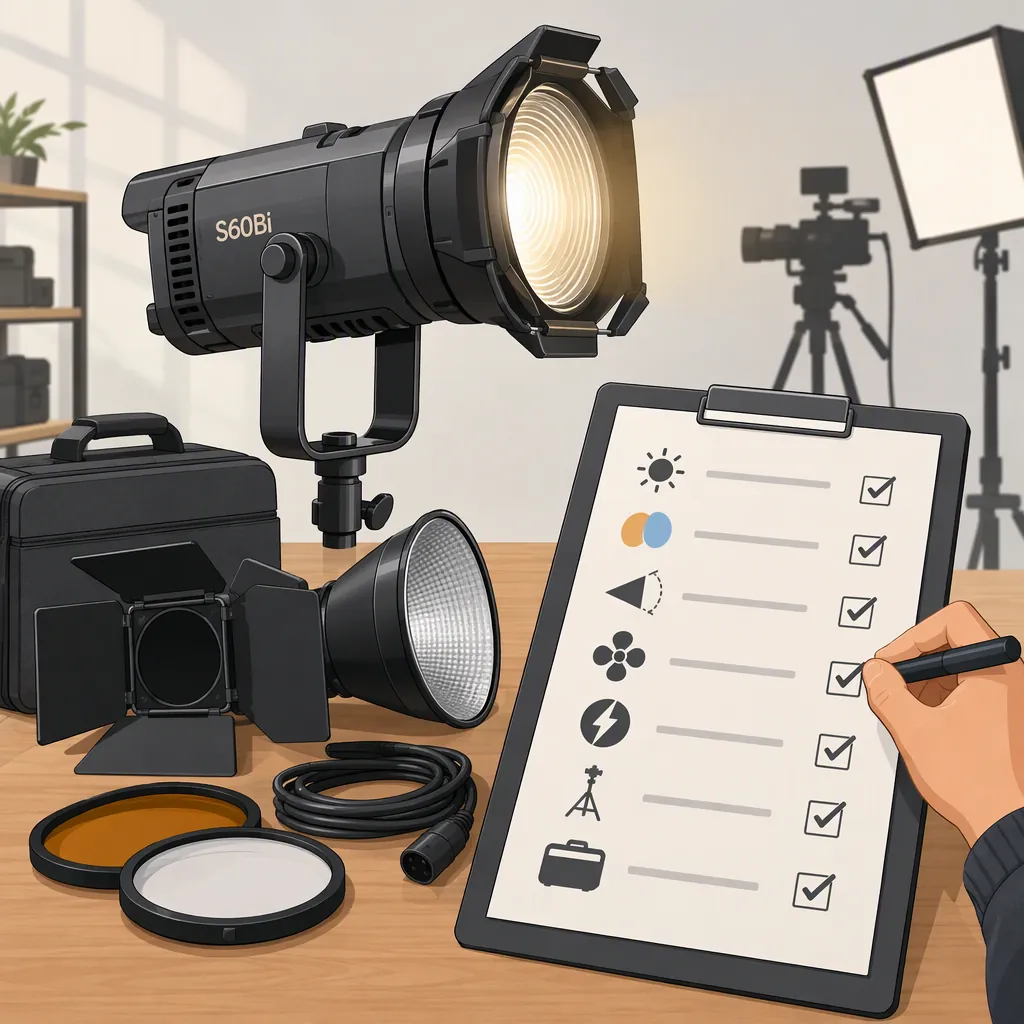
How to Evaluate the Godox S60bi for Your Filming Setup
Evaluate the Godox S60Bi against the shot you need to produce—not assumptions about its name. The available Amazon Live page identifies it as a “Focusing LED Video Light for Photography,” but does not establish its specifications or filming performance. Output, color adjustment, flicker, operating noise, power requirements, and accessory compatibility remain items to verify. [c1]
The checklist below helps you define requirements, compare complete setups, and distinguish a successful test from an unresolved question. It is an evaluation framework, not a product review or recommendation.
What the Available Source Establishes
The available text of “Watch Godox S60Bi Focusing LED Video Light for Photography on Amazon Live” consists mainly of site navigation, not technical documentation or test results. It does not establish wattage, illuminance, color-temperature range, color-rendering scores, beam-angle range, dimming behavior, cooling noise, dimensions, or package contents. Neither “Bi” nor “Focusing” in the name establishes a particular adjustment range, optical accessory, or included component. [c1]
For specifications and compatibility checks, use documentation that explicitly matches the fixture’s model designation. For included equipment, check the exact kit’s itemized contents rather than assuming all packages are identical.
Define the Lighting Role First
Write down the shot before comparing fixtures. A face-lighting setup, background accent, and tabletop product shot may have different acceptance criteria.
- Interview or talking head: Test exposure with the intended modifier and subject distance, along with sound recorded at the microphone’s actual position.
- Background accent: Define the area that should be illuminated and where spill would be unacceptable.
- Tabletop or product work: Identify the reflections, shadow edges, and coverage you need to control.
Separate must-have requirements from preferences. A critical requirement should not be outweighed by several less important positives.
Lighting Requirement Worksheet
Complete this before evaluating the Godox S60Bi or another candidate:
- Shot and subject: _____
- Light’s intended role: _____
- Fixture-to-subject distance and available placement space: _____
- Desired illuminated area, shadow appearance, and spill limits: _____
- Camera, lens, aperture, ISO, frame rate, and shutter setting: _____
- White-balance setting and room lighting to retain: _____
- Microphone position and recording gain: _____
- Required modifier, optics, and mounting hardware: _____
- Available site power and required cable reach: _____
- Must-have requirements: _____
- Acceptable compromises: _____
Test the Complete Filming Setup
If you can evaluate the fixture, test it with the camera, modifier, working distance, and microphone arrangement you intend to use. When comparing candidates, keep the scene and camera settings consistent, and record any changes needed to make a setup work.
Set acceptance criteria before testing. Use these status definitions:
- Pass: The observed result meets the stated requirement under the recorded conditions.
- Fail: The observed result does not meet the requirement under those conditions.
- Unverified: The test was not completed, the evidence is inconclusive, or a necessary specification remains unknown.
Exposure and Brightness Margin
Set the planned aperture, ISO, frame rate, and shutter setting. Attach the intended modifier and place the light at the working distance.
Check exposure using the camera’s available exposure aids and recorded footage. Note the fixture’s brightness setting needed to reach your target and whether any usable adjustment margin remains above it. If brightness settings are not documented or readable, describe the control position rather than inventing a percentage.
A pass means the setup reaches your target at the planned settings, with any margin you designated as necessary. If you must change ISO, aperture, distance, or modifier, record the change and decide whether it is an acceptable compromise.
Beam Control and Color
Inspect the illuminated area, its edges, and spill onto surfaces that should remain darker. For tabletop work, also check reflections and shadow edges in the recorded frame.
For color, record the subject under the intended room lighting with a fixed white-balance setting. State your acceptance criterion—for example, whether the subject’s appearance and any mismatch with retained room lighting are acceptable for the shot. This is a scene-specific visual assessment, not a measurement of color-rendering performance.
Flicker
Record a separate test for each planned combination of frame rate, shutter setting, and light brightness. Label the clips so each result can be traced to its settings.
Inspect playback and individual frames for visible bands or brightness fluctuations. Mark a combination as passing only if no objectionable issue appears in that test. An untested combination remains unverified; one successful clip does not establish flicker-free operation at all settings.
Recorded Sound
Keep microphone position, recording gain, and room conditions as consistent as possible. Record room tone with the light off, then with it operating at the intended settings. Also record a short dialogue sample.
Compare the recordings for added sound that would be unacceptable in the final recording. Note other noise sources that could make the comparison inconclusive. A pass applies to that microphone placement, gain, and operating condition—not every recording setup.
Power and Physical Setup
Before connecting power, verify the exact model’s documented input requirements and the specified power supply or adapter. If that information cannot be established, leave the power check unverified rather than testing with an assumed substitute.
Check:
- Whether the required power supply, adapter, and cables are included in the exact kit or must be accounted for separately.
- Whether the filming location provides the documented power arrangement.
- Whether cable length reaches the planned fixture position without unsafe routing or strain on connectors.
- Whether the fixture, modifier, stand, and mounting hardware fit the available space.
- Whether controls and adjustment points remain accessible once the setup is assembled.
Do not infer battery support or other power options from the model name.
Comparison Test Log
Use one log per candidate. Put detailed camera and control settings in the notes or associated clip labels.
| Test item | Required result | Record | Status |
|---|---|---|---|
| Exposure | Target exposure at planned camera settings | Distance, modifier, brightness setting, exposure result, remaining adjustment margin | Pass / fail / unverified |
| Beam and spill | Coverage and shadow appearance defined in the worksheet | Placement, unwanted spill, reflections, shadow edges | Pass / fail / unverified |
| Color in the scene | Acceptable appearance under intended room lighting | White balance, room-light conditions, observed mismatch | Pass / fail / unverified |
| Flicker | No objectionable bands or brightness fluctuations in tested footage | Each frame rate, shutter setting, brightness setting, and clip result | Pass / fail / unverified |
| Recorded sound | No unacceptable added sound at the planned microphone position | Microphone position, gain, operating settings, off/on comparison | Pass / fail / unverified |
| Power | Verified input and supply match the available site setup | Exact-model documentation, supply inclusion, cable reach and routing | Pass / fail / unverified |
| Mounting and access | Complete setup fits and can be adjusted as needed | Stand and modifier compatibility, clearance, control access | Pass / fail / unverified |
A successful test supports only the configuration and conditions recorded. Keep observations separate from specifications and from broader claims about the product.
Compare Complete Setups, Not Model Names
Compare the equipment required to produce the same shot: fixture, power supply, stand, modifier, mounting hardware, and any necessary optical or control accessories. Include required items even when they are not part of the fixture’s package.
For each candidate:
- Check exact-model documentation. Keep undocumented features and compatibility marked as unverified.
- Check exact-kit contents. Separate included components from additional equipment needed for the shot.
- Review must-have test results. A critical failure means the tested setup does not meet the requirement.
- Record acceptable changes. If repositioning the fixture or changing a modifier resolves a problem, retest the affected items.
- Leave critical unknowns unresolved. Missing information is not a favorable result.
If multiple complete setups meet the requirements, compare the documented differences that matter to your workflow, such as placement space, setup steps, and accessory needs. This framework does not establish that the Godox S60Bi is better or worse than another fixture; the available source provides no comparative performance evidence. [c1]
FAQ
Does “Bi” Confirm Adjustable Color Temperature?
The available Amazon Live text does not establish a color-temperature range or its controls. [c1] Check documentation for the exact model designation rather than treating the suffix as a specification.
Is the Godox S60bi Suitable for Interviews?
Suitability is unresolved from the available source, which provides neither output measurements nor operating-noise results. [c1] Test exposure with your intended modifier and distance, then compare light-off and light-on recordings at the planned microphone position and gain.
Are Focusing or Projection Accessories Included?
The source title uses “Focusing,” but does not establish specific optics, accessory compatibility, or package contents. [c1] Check the exact kit’s itemized contents and verify that each required accessory is documented as compatible with the model.
What Should I Do If a Critical Test Fails or Remains Unverified?
Do not mark the setup as meeting that requirement. For a failed test, record the conditions and any acceptable configuration change, then retest. For an unknown specification or compatibility question, seek exact-model documentation. The available Amazon Live text does not resolve those technical questions. [c1] Keep the selection open until each must-have requirement has adequate evidence.