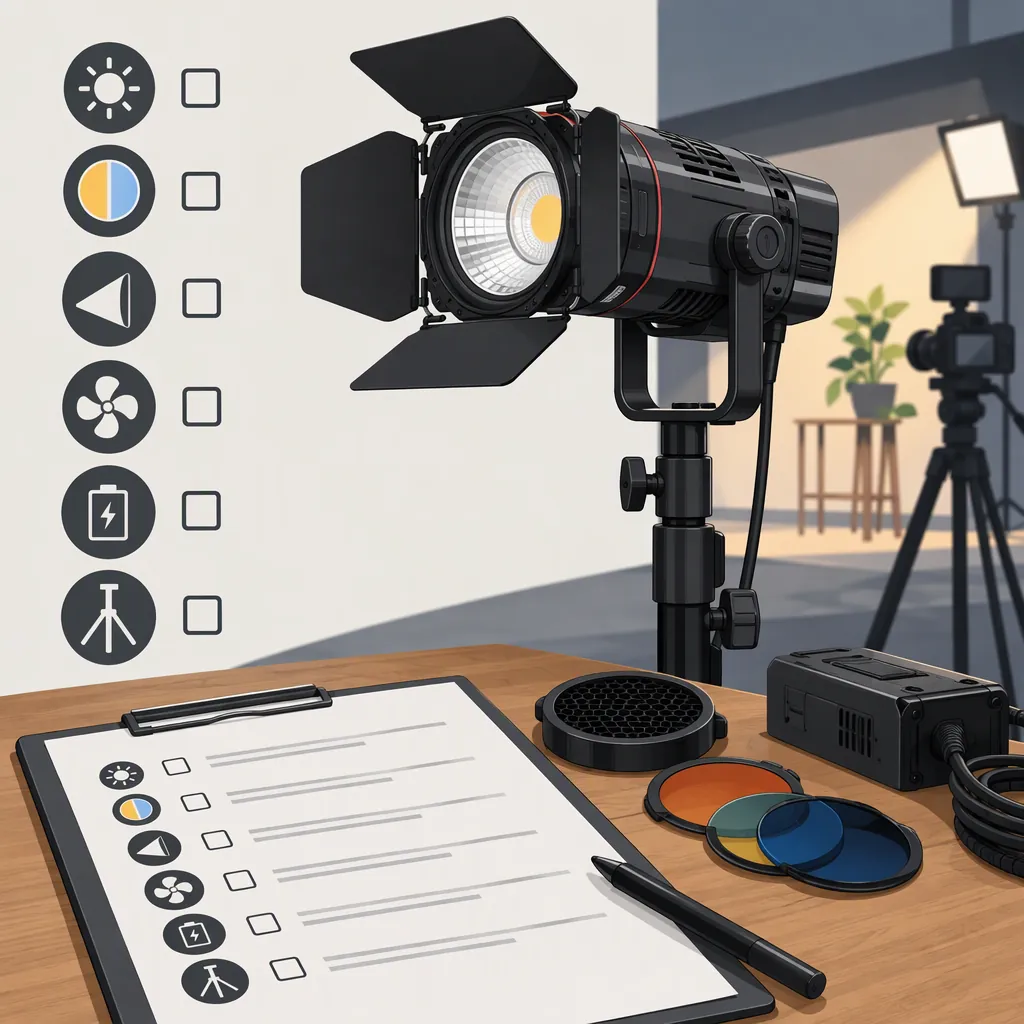
Choosing the Godox S30 for Your Filming Setup
Evaluate the Godox S30 against the lighting job your shot requires. Godox identifies it as a focusing LED light and provides manual downloads on its product page. [s1] Treat a tested configuration as a candidate only when it meets your required coverage, exposure, shadow character, and practical setup needs. If essential accessories are needed, compare the complete arrangement—not just the fixture. If a critical condition remains untested, leave the decision open.
The available sources describe the product; they do not establish how it will perform in your particular scene. The checklist below is a selection method, not an S30 performance assessment.
Define the Lighting Job First
Start with the shot, not the fixture. Specify whether you need a main light for a person, a controlled accent on an object, background illumination, or a visible pattern. Godox places the S30 in its focusing-light category. [s1]
Different lighting roles call for different acceptance criteria:
| Lighting role | What to evaluate | How to use the result |
|---|---|---|
| Main light for a person | Coverage throughout the subject’s movement, intended exposure, and desired facial shadows | Keep the tested configuration as a candidate only if all required conditions pass. |
| Accent on an object | Illumination of the intended detail and spill onto surrounding areas | If the accent works but spill fails, revise the arrangement and retest before selecting it. |
| Background illumination | Coverage of the designated background area and separation from areas that should remain unlit | Judge the whole required area, not just the brightest spot. |
| Visible shape or pattern | Required shape, placement, and appearance in the recorded frame | Verify any required accessory and test the complete configuration; do not infer the result from an accessory description. |
These rules apply to your evaluation of any fixture. They do not establish that the S30 will succeed in a particular role.
Shot Requirement Worksheet
Fill this out before comparing configurations:
- Lighting role:
- Subject and complete movement area:
- Required illuminated area:
- Available light-to-subject distance:
- Desired shadow character:
- Areas that should remain unlit:
- Camera frame rate and shutter setting:
- Target exposure:
- Available power and required recording duration:
- Required modifiers and support:
- Observable acceptance criteria:
Turn Requirements into Observable Criteria
Write down what would constitute a failure before testing. A requirement such as “good coverage” is too vague to produce a consistent decision.
Use this blank template; it does not represent a completed test or product result:
| Requirement | Define before testing | Record during review |
|---|---|---|
| Subject and movement area | Subject must remain acceptably lit from ___ to ___, including positions ___ | Position or movement where coverage fails: ___ |
| Areas that should remain unlit | Background region ___ must retain the intended appearance | Unwanted illumination visible in region ___: ___ |
| Exposure | Required subject detail ___ must be recorded at camera settings ___ | Detail lost or exposure requirement unmet: ___ |
| Shadow character | Desired appearance: ___; unacceptable shadow placement or edge: ___ | Frame or subject position showing an unacceptable shadow: ___ |
| Pattern or shape, if required | Intended shape ___, placed within frame area ___ | Missing, misplaced, or unacceptable pattern detail: ___ |
For each criterion, use one of three statuses:
- Pass: The recorded test meets the criterion under the documented conditions.
- Fail: The test shows a specific condition that does not meet the criterion.
- Not tested: There is not enough evidence to decide.
“Not tested” is neither a pass nor proof of failure.
Evaluate the Complete Setup
Compare complete lighting arrangements rather than bare fixtures. Include the support, power components, modifier, mounting hardware, space requirements, and total setup cost.
The Berger Brothers listing contains technical specifications and describes S30 accessories and power options. Treat it as retailer information, not an independent filming test or confirmation of every package’s contents. [s2]
Check the documentation for the exact unit and accessories. Do not assume that a mentioned accessory is included, that a connector alone establishes compatibility, or that an unspecified battery arrangement meets your recording needs.
Configuration Comparison Template
In each configuration column, record the evidence and a Pass / Fail / Not tested status where applicable.
| Selection criterion | S30 configuration: record | Alternative configuration: record | Effect on selection |
|---|---|---|---|
| Coverage at planned distance | Covered area and missed subject positions | Covered area and missed subject positions | Required coverage must pass. |
| Exposure with intended modifier | Camera settings and unmet exposure requirements | Camera settings and unmet exposure requirements | An unmet required exposure rules out the tested arrangement as-is. |
| Shadow character | Acceptable and unacceptable shadows in reviewed frames | Acceptable and unacceptable shadows in reviewed frames | Revise and retest if the required look fails. |
| Spill outside intended area | Affected background regions | Affected background regions | Unacceptable spill requires a setup change and retest. |
| Power arrangement | Required components, documentation, and tested duration | Required components, documentation, and tested duration | Leave the decision open if essential compatibility or duration is unverified. |
| Mounting and space | Support hardware and required footprint | Support hardware and required footprint | The arrangement must fit the location and documented setup requirements. |
| Included versus optional parts | Exact package contents and additional required parts | Exact package contents and additional required parts | Compare complete configurations, including necessary accessories. |
| Total setup cost | Cost of all required parts | Cost of all required parts | Compare cost only after identifying configurations that meet the requirements. |
If an accessory or position change resolves one problem, retest the other criteria too. A revised arrangement is a new configuration, not an automatic pass based on the earlier test.
Test with Your Recording Settings
If a unit is available for evaluation, use the camera, lens, frame rate, shutter setting, distance, and modifier planned for the shoot. Follow the equipment documentation during setup.
Record the subject at the intended exposure and through the full planned movement area. Review the footage for coverage, shadow shape, spill, visible banding, and color consistency with other lights. Record room sound with the intended microphone placement as well. Repeat at the brightness settings you expect to use.
Recorded Evaluation Log
For each test, record:
- Camera, lens, frame rate, shutter setting, ISO, and aperture.
- White balance and other lights in the scene.
- Fixture position, subject distance, modifier, and brightness setting.
- Power arrangement and test duration.
- Observed coverage, spill, shadows, banding, color mismatch, and recorded sound.
- Pass, Fail, or Not tested for each worksheet criterion.
- The frame, movement position, or observation supporting each failure.
- Conditions that remain untested and changes needed before retesting.
A useful conclusion is specific: “This configuration meets these criteria under these recording conditions.” Do not generalize one test into a guarantee for other settings, power arrangements, or scenes.
Convert the Results into a Selection Decision
- All essential criteria pass: Keep the tested configuration on your shortlist and compare its practical requirements with other passing arrangements.
- An essential criterion fails: Do not select the configuration as-is for that shot. Identify a change, then retest, or evaluate an alternative.
- Additional accessories are necessary: Include them in the compatibility checks, recorded test, space requirements, and total cost.
- An essential criterion is not tested: Keep the decision provisional rather than treating missing evidence as a pass.
What the Sources Do and Do Not Establish
The official Godox page establishes the S30’s product identity and provides links to product manuals and LED-light safety instructions. [s1] The retailer listing supplies additional product-description and specification information. [s2]
Neither supplied excerpt documents an independent camera test for your intended setup. This guide therefore does not assert measured output, runtime, flicker performance, sound levels, color accuracy, or suitability for a particular production. Use the official documentation for operating requirements and a recorded evaluation for scene-specific decisions.
FAQ
Should the Godox S30 Be My Main Filming Light?
Keep a tested S30 configuration as a main-light candidate only if it meets your subject-coverage, exposure, shadow, power, and setup requirements throughout the planned shot. If it needs a modifier or other accessory to pass, compare that complete arrangement with alternatives. Leave the decision open if an essential condition is untested. Godox’s classification of the S30 as a focusing LED light is product information, not a main-light suitability guarantee. [s1]
Are the Accessories Mentioned in Listings Included?
Do not assume they are. The Berger Brothers page discusses available accessories, but that does not confirm every package’s contents. [s2] Check the exact package description and compatibility documentation, then include all required components in the configuration you evaluate.
Where Can I Find the S30 Manual?
Godox’s official S30 product page lists product-manual downloads, including a Chinese/English manual, alongside LED-light safety instructions. [s1] Consult the documentation applicable to your unit before setting up power, mounting, or accessories.