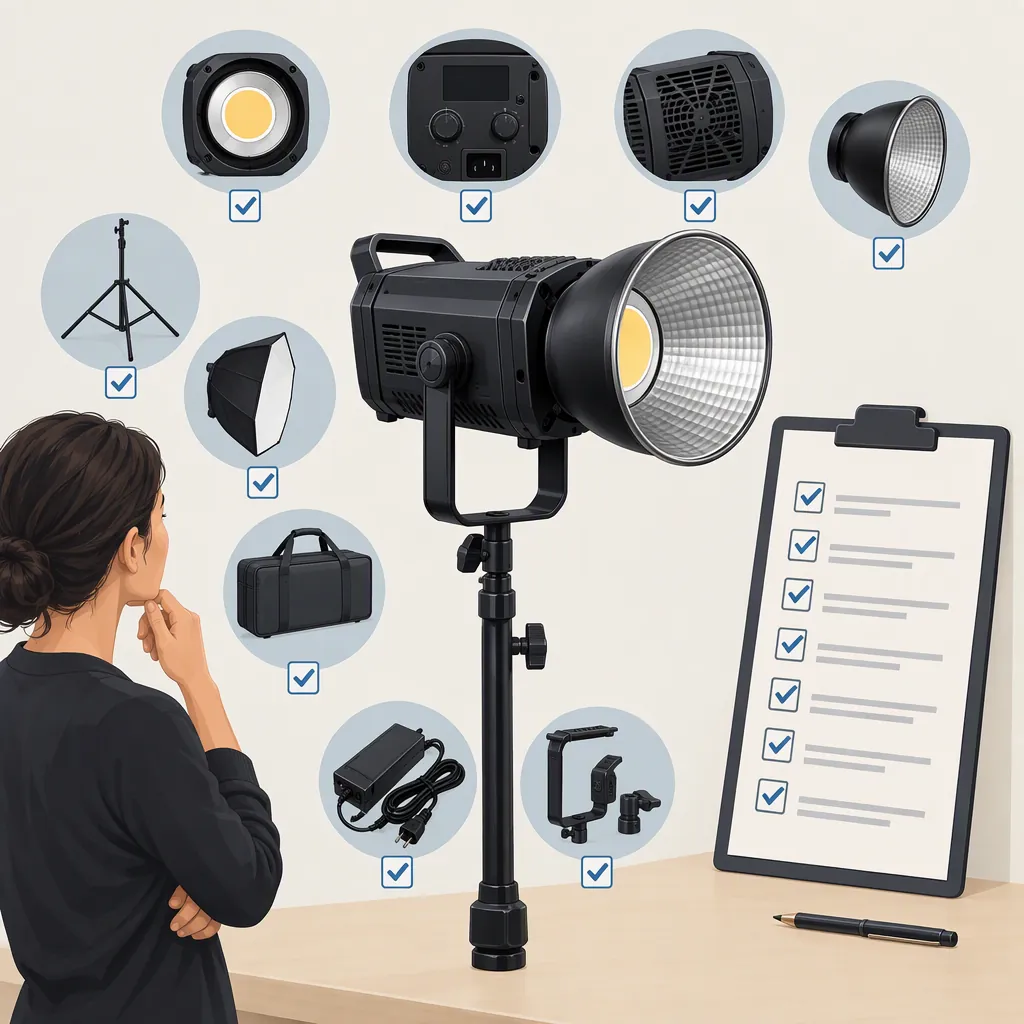
How to Evaluate a Godox 600W Video Light for Filming
Start with the exact model name, not the phrase “Godox 600W video light.” The supplied retail page contains LE600Bi and LA600Bi listings, while the supplied Godox Global post names LA600R/Bi. These references do not establish a tested winner for your shoot. Use them to identify candidates, then verify documentation and evaluate exposure, sound, modifier fit, and setup requirements under your intended filming conditions. [src_amazon] [src_godox_post]
Identify the Exact Model and Package
Treat “600W” as a search term rather than a complete equipment specification. Record the full model name and package contents before comparing candidates.
The supplied Amazon page includes LE600Bi and LA600Bi entries. Its LE600Bi listing text also uses both 620W and 600W descriptions. That inconsistency is a reason to seek model-specific documentation, not to select whichever description appears more favorable. [src_amazon]
The supplied Godox Global post introduces LA600R/Bi. It is promotional source material, not an independent comparison or a substitute for an operating manual. Do not transfer a feature mentioned in a family-level announcement to every model or package without confirmation. [src_godox_post]
Neither supplied reference provides a controlled, like-for-like filming test across these candidates. This guide therefore does not rank their output, color performance, noise, or reliability.
Model Identification Record
- Exact model name:
- Package or kit identifier:
- Included accessories:
- Model-specific manual available: Yes / No
- Rating shown in the manual:
- Differences between listing and manual:
- Unresolved questions:
Define the Shoot Before Comparing Lights
Write a short production brief before deciding whether a candidate fits. Specify the subject, framing, available setup space, planned light position, modifier, ambient-light conditions, and camera settings.
For an interview, include the intended microphone position and a quiet-dialogue test. For a product shoot, include the actual surfaces and reflections you need to control. For a location shoot, include transport, available power, weather exposure, and the time allowed for setup.
Make the decision against those requirements rather than against a wattage label alone. Keep any requirement that has not been checked marked as unresolved.
Filming Requirements Worksheet
- Scene and subject:
- Framing and camera settings:
- Ambient-light conditions:
- Planned light-to-subject distance:
- Modifier and desired light pattern:
- Microphone position:
- Available power:
- Support and transport constraints:
- Conditions that would rule out a candidate:
Use a Repeatable Filming Test
If a demonstration or rental test is available, use the same scene and procedure for each candidate. Do not treat differently configured promotional demonstrations as a direct comparison.
- Fix the camera position, exposure settings, white balance, and subject position.
- Record the light position, modifier, operating setting, and ambient conditions.
- Check whether the intended exposure is achievable with the planned modifier and placement.
- Record quiet dialogue with the intended microphone. Review the recording rather than judging sound only from beside the fixture.
- Record at the frame rates and shutter settings planned for production, then inspect the footage for unwanted artifacts.
- Repeat at the settings likely to be used during the shoot.
If a result is unavailable, record “not tested.” The supplied references do not establish microphone-recorded noise, behavior with your modifiers, or results at your camera settings.
Candidate Test Log
| Check | Candidate A | Candidate B |
| --- | --- | --- |
| Exact model and package | Not recorded | Not recorded |
| Camera settings | Not recorded | Not recorded |
| Light position and modifier | Not recorded | Not recorded |
| Required exposure achieved | Not tested | Not tested |
| Recorded dialogue acceptable | Not tested | Not tested |
| Footage artifacts checked | Not tested | Not tested |
| Setup requirements met | Not verified | Not verified |
| Remaining uncertainty | Not recorded | Not recorded |
Verify the Complete Setup
Before committing a candidate to a production plan, check its model-specific instructions for power requirements, ventilation, operating conditions, mounting, and permitted accessories. Do not infer those requirements from the search phrase or a promotional description.
Confirm the exact modifier attachment, required adapters, support load, cable routing, and any control accessories. For electrical capacity or rigging questions, obtain an assessment from a qualified person rather than estimating from the model name.
Use a simple outcome: meets requirements, does not meet requirements, or insufficient evidence. A model with unresolved exposure, audio, power, or support questions should remain in the last category. The available sources support identifying candidates, but not a universal recommendation.
FAQ
Which Model Does “Godox 600W Video Light” Mean?
The phrase is not specific enough to identify one model. The supplied Amazon page contains LE600Bi and LA600Bi listings, and the supplied Godox Global post names LA600R/Bi. Confirm the full model name and package before comparing specifications. [src_amazon] [src_godox_post]
Is a 600W Label Enough to Decide Whether a Light Fits My Shoot?
No selection should be made from that label alone. Establish your camera settings, placement, modifier, ambient conditions, audio requirements, and power constraints, then verify the candidate against them. These references do not provide a controlled test for your setup.
Can These References Establish the Best Godox Model?
No. The supplied evidence consists of a retail page and a promotional Godox Global post, not a like-for-like independent comparison. Use them for candidate identification and keep unverified performance questions visible. [src_amazon] [src_godox_post]
Sources
-
[src_amazon] open prime modal