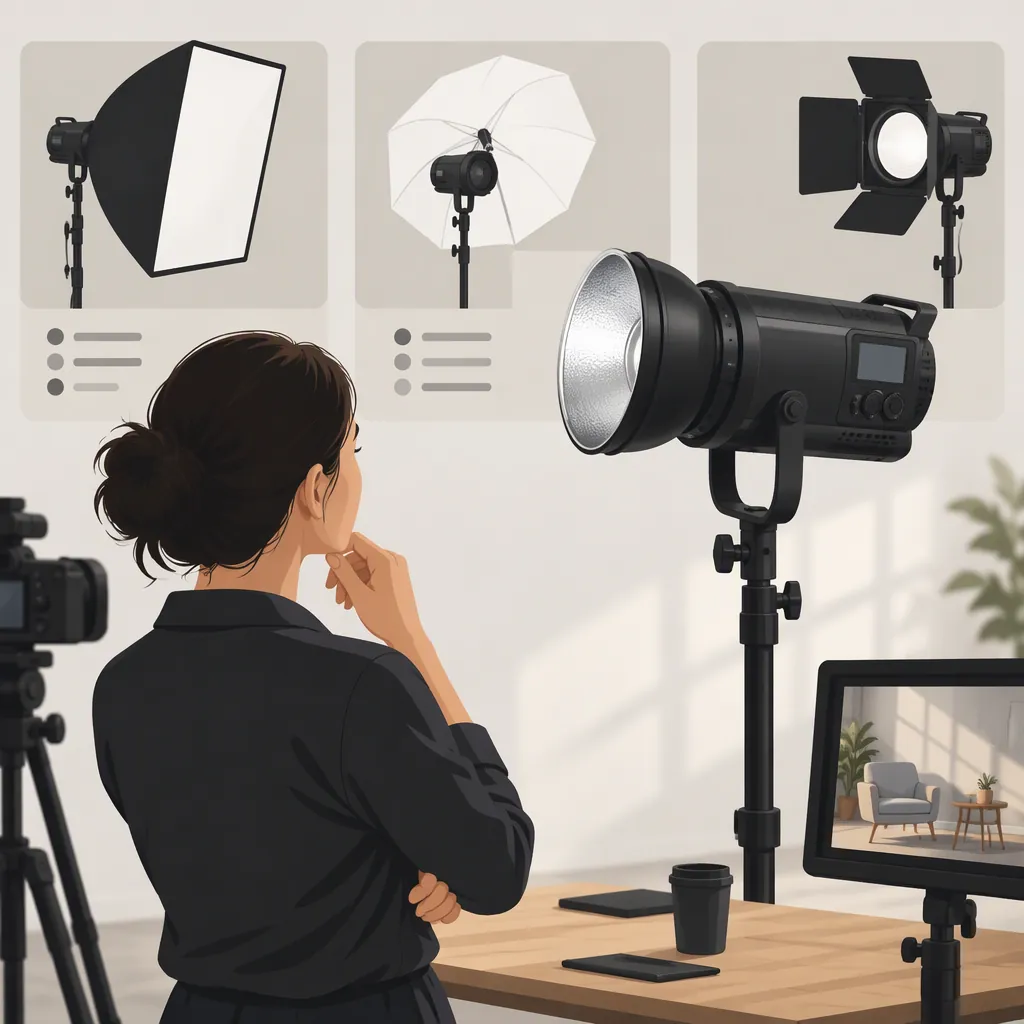
Godox 500: How to Choose a Light for Filming
To choose a filming light from a search for “godox 500,” first confirm the exact model, then evaluate it against your scene’s requirements. Define the lighting role, test at your planned camera settings and working distance, and judge the results against acceptance conditions written before testing. A candidate is suitable for that setup only when every required condition passes; an untested requirement remains unresolved.
The Amazon retail page referenced here identifies a Godox LC500R Mini RGB LED Video Light Stick. That identifies the reference product, not necessarily the model intended by your search. This article uses the page for model identification—not as independent performance evidence or a basis for recommending the product. [src_1]
Confirm the Exact Model
Do not select a light from the phrase “godox 500” alone. Record the full model name from the candidate’s label and corresponding documentation, including suffixes and variant terms such as “Mini.” The referenced Amazon page names the LC500R Mini; do not transfer information from that page to a differently named unit. [src_1]
Before evaluating a candidate, record:
- Exact model and variant: Does the label match the documentation?
- Intended configuration: Which support, accessories, and power arrangement will you use?
- Lighting role: What must the light accomplish in the shot?
- Required settings: What distance, brightness, color setting, and recording duration must work?
Do not infer wattage or filming suitability from a number in a search phrase or model name. If the exact unit remains unclear, resolve its identity before comparing specifications or test results.
Match the Lighting Role to the Checks
Start with the job the light must perform, rather than a list of features. A successful background-color test does not establish suitability for lighting a face.
The following are general evaluation rules, not conclusions about the LC500R Mini or any other specific product.
| Intended role | Priority checks | Acceptance condition to define before testing |
|---|---|---|
| Face or main-subject lighting | Exposure, subject coverage, shadow placement, color appearance | The required subject area has your target exposure and acceptable shadows and color throughout the planned movement. |
| Edge or separation lighting | Highlight placement, reflections, unwanted light on other areas | The intended edge is visible without unacceptable highlights or spill elsewhere in the frame. |
| Small-object lighting | Coverage, surface reflections, visibility of details | Required details remain visible, with reflections and shadows within your chosen limits. |
| Background color | Color appearance in the recorded image, background coverage, spill onto the subject | The recorded background has the intended appearance without unwanted color reaching the subject. |
For every role, also check whether the light can stay out of frame, be securely supported, and operate for the required take length. If the shoot includes recorded dialogue, include sound captured by the production microphone among the required checks.
Set Acceptance Conditions Before Testing
“Pass” is useful only when it means something specific. Write down the result you need before viewing a candidate’s footage. Use requirements appropriate to your production rather than assuming a universal exposure, noise, or runtime threshold.
Define:
- Target exposure: How will you judge whether the subject is exposed as intended?
- Required coverage: Which areas must be lit, including any planned subject movement?
- Shadows and reflections: Which are intentional, and which would make the shot unusable?
- Color appearance: What must look acceptable in the recorded image?
- Flicker or banding: What visible artifacts would make the footage unacceptable?
- Recorded sound: What added noise would interfere with the intended audio?
- Continuous duration: How long must the tested configuration operate without interruption?
- Placement and support: Where must the light sit, and what secure mounting arrangement is required?
Mark each condition as required or optional. This prevents an attractive optional feature from outweighing a failure that would prevent the shot.
Keep Specifications Separate from Results
When reviewing documentation or a retail page, record the exact model and any conditions attached to a specification. Do not treat a stated measurement as proof of performance at a different distance, color setting, or accessory configuration.
Maintain three separate categories:
| Evidence category | How to use it |
|---|---|
| Documented or listed information | Record what the source states and which model and conditions it concerns. |
| Observed result | Record what happened in your controlled scene test. |
| Unresolved requirement | Mark what has not been established by suitable documentation or testing. |
Exposure in your scene, visible flicker, recorded noise, runtime, and mounting compatibility should remain unresolved until checked appropriately. Neither a feature list nor an unresolved requirement supports a “best light” verdict.
Use a Repeatable Scene Test
If a candidate unit is available, test it in the intended scene.
- Set up the planned shot. Use the intended subject position, light-to-subject distance, support, accessories, and power arrangement. Check mounting compatibility and security before operating the light.
- Fix the recording conditions. Use the planned frame rate and shutter setting. Keep camera exposure and white balance fixed when comparing candidates under the same requirements.
- Record the required settings. Capture samples at each brightness and color setting you expect to use. Include planned subject movement.
- Review footage and audio. Compare exposure, coverage, shadows, reflections, color appearance, and visible bands against your written conditions. Record sound with the production microphone in its intended position.
- Check the full duration. A short sample cannot establish uninterrupted operation for a longer take. Evaluate the required continuous recording period separately.
- Record limitations. Note every failure, untested condition, and change made during the evaluation.
If you change the setup to resolve a failure, record the change and retest the affected requirements. Treat a passing result as specific to the tested configuration, not as a guarantee for other scenes.
Filming Light Evaluation Worksheet
Complete one worksheet per candidate.
Setup
- Exact model and variant: ___
- Intended lighting role: ___
- Camera, frame rate, and shutter setting: ___
- Exposure and white balance: ___
- Light-to-subject distance and position: ___
- Brightness and color setting: ___
- Support, accessories, and power arrangement: ___
- Required continuous recording duration: ___
Acceptance conditions and results
| Check | Required or optional? | Acceptance condition | Result: Pass / Fail / Untested | Observation |
|---|---|---|---|---|
| Exposure | ___ | ___ | ___ | ___ |
| Coverage and movement | ___ | ___ | ___ | ___ |
| Shadows and reflections | ___ | ___ | ___ | ___ |
| Color appearance and spill | ___ | ___ | ___ | ___ |
| Flicker or banding | ___ | ___ | ___ | ___ |
| Recorded sound | ___ | ___ | ___ | ___ |
| Continuous operation | ___ | ___ | ___ | ___ |
| Placement and mounting | ___ | ___ | ___ | ___ |
- Changes made during testing: ___
- Requirements needing a retest: ___
- Remaining uncertainties: ___
- Decision for this setup: Suitable / Not suitable / Unresolved
Turn Test Results into a Selection Decision
Use the same required conditions for candidates being compared for the same shot.
- All required conditions pass: The candidate meets your defined requirements for the tested setup. Compare optional preferences only after this point.
- Any required condition fails: Do not judge the candidate suitable for that setup. A different configuration may be evaluated, but it needs a new test.
- Any required condition is untested: Keep suitability unresolved. Do not convert a listing statement into a passing result.
- Only optional conditions fail: Record the trade-off without treating it as a failure of the essential lighting job.
If several candidates pass, compare their remaining trade-offs against the production’s priorities. If none passes, reconsider the setup or candidate options rather than lowering an essential condition after seeing the results.
FAQ
Does “Godox 500” Mean a 500 W Filming Light?
Do not infer wattage from the search phrase. The referenced Amazon page identifies an LC500R Mini, but it does not establish which product your search intends. Confirm the exact model and consult documentation for that unit before interpreting specifications. [src_1]
Can the Referenced Light Serve as a Main Light?
Model identification alone cannot establish main-light suitability. The referenced product is the LC500R Mini. [src_1] For your scene, require it to pass the exposure, coverage, shadow, and color conditions you defined, along with any required sound, duration, and mounting checks. Failure of any essential condition means it is not suitable for that tested setup.
What If I Cannot Test the Candidate?
Record which requirements suitable documentation addresses and which remain unresolved. Do not claim the light is appropriate for the scene when an essential requirement has not been established. The retail reference used here identifies a product; it is not independent filming-test evidence. [src_1]
Does Passing One Test Establish Suitability for Every Shot?
No. Keep the conclusion tied to the tested role, distance, camera settings, accessories, power arrangement, and recording duration. Reevaluate affected requirements when those conditions change.