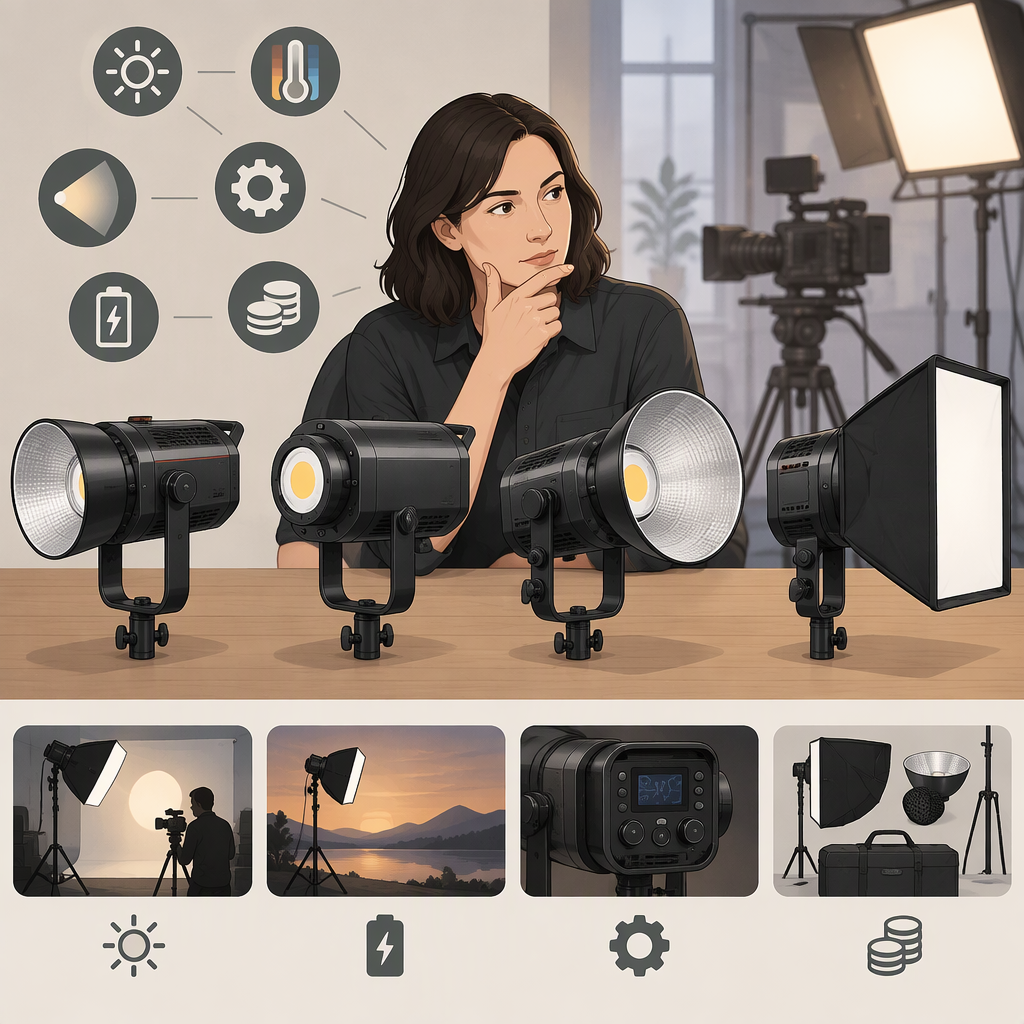
How to Choose a Godox 200W Light for Filming
Short Answer
“Godox 200W” does not identify one specific light. Godox lists several 200-series continuous lights, including models in its SL, LA, and LE families. First decide whether you mean a continuous LED video light or a flash; then confirm the exact model and SKU on the listing, product label, or manual. Compare that exact version with Godox’s documentation before choosing. (godox.com)
There is also an important naming trap: Godox categorizes the AD200Pro II as a pocket flash, while describing its modeling lamp as a continuous light source. If you need a lamp that stays on while filming, make sure you are comparing continuous video lights—not a flash just because its model name contains “200.” (godox.com)
1. Identify the Exact Light
Search results and product listings may shorten model names. Record the full model—such as SL200III, SL200IIIBi, LA200D, LA200Bi, LE200Bi, or LE200R—and any regional or kit suffix shown on the item you are considering. Godox’s product pages list several of these as distinct models or variants; the phrase “Godox 200W” alone does not tell you which one is meant. (godox.com)
Match that exact name to the manufacturer’s product page and manual. Check the manual for the version you will receive, especially if the listing uses an abbreviated name or bundles a light with accessories. Do not assume that a third-party listing establishes current availability or that two similar names have identical specifications.
2. Compare What Matters for Your Shoot
Use this order so that a long feature list does not distract from your actual needs:
- Color: Do you need a fixed daylight-type source, adjustable white balance, or colored-light effects? These are different requirements. For example, Godox lists the LE200Bi with a 2800–6500K CCT range, while its LE200R page lists 1800–10000K and color modes. Those are manufacturer-published specifications for those named models—not a claim that either is best for every shoot. (godox.com)
- Output in your setup: Look for an output figure with its test conditions, including the reflector or modifier used and the measurement distance. A model number or electrical wattage by itself cannot tell you how much light will reach your subject through your chosen modifier. If you cannot find comparable figures, treat output as unresolved rather than ranking the lights by their names.
- Modifier fit: Confirm the mount on the exact light and the accessory you plan to use. “Compatible” can depend on the specific mount or accessory; check Godox’s documentation for the light and the modifier rather than relying on a general family label. Godox states that the LE series supports flat and standard Bowens accessories, but verify that the exact accessory you own is covered. (godox.com)
- Power and placement: Check the documented AC input, connector, and any battery option for the exact model. A light that suits a fixed indoor setup may not suit a location shoot if your available power differs. Do not infer a battery option from another model in the same family.
- Controls and sound: If you need remote adjustment, app control, wired DMX, or quiet operation near a microphone, confirm those features for the specific SKU. For instance, Godox lists wired DMX/RDM, Bluetooth, and body controls for the LE200Bi. (godox.com)
Don’t Read “200” as a Complete Power Specification
A model number is not a substitute for the manufacturer’s electrical or output specifications. As one concrete example, Godox’s LE200Bi specifications list 220W for AC input power. That figure is an electrical input specification; it is not a lux measurement at your subject. Compare output ratings only when the measurement method, distance, and light-shaping accessory are sufficiently alike. (godox.com)
3. A Practical Decision Path
Write down the constraint that could rule a light out first—color range, a required modifier, available power, remote control, or placement. Then compare only candidates whose exact identity you have confirmed.
Example: Suppose you film interviews in a room with a Bowens-mount softbox and need adjustable white balance. Start by checking each candidate’s documented color range and mount compatibility. Godox lists the LE200Bi as bi-color and says the LE series supports standard and flat Bowens accessories. That makes those specifications relevant to check, but it does not establish that every softbox fits, that the light will be bright enough at your chosen distance, or that this model is the best option. Confirm your specific softbox and look for output data measured with a relevant setup. If those data are missing or incomparable, record that uncertainty instead of declaring a winner. (godox.com)
A fair comparison can be as simple as this:
| Question | What to record |
|---|---|
| Exact identity | Full model and SKU, matched to the manufacturer’s manual |
| Color need | Fixed or adjustable white balance; any needed color modes |
| Output need | Manufacturer rating and its distance, reflector, and measurement conditions |
| Modifier | Exact mount and whether your accessory is documented as compatible |
| Power | Required input and any confirmed battery arrangement |
| Control and sound | Needed control methods and any relevant fan or noise information |
| Evidence gap | Any requirement the documentation does not settle |
Bottom Line
Choose a Godox 200-series filming light by exact model and setup fit, not by the search phrase or number alone. Verify the SKU, prioritize your shoot’s constraints, and compare applicable manufacturer specifications. Use independent tests only when they describe comparable conditions; otherwise, leave performance differences unranked. If the product you meant is a flash such as the AD200Pro II, reassess whether its modeling lamp meets your continuous-filming requirement before comparing it with LED video lights. (godox.com)