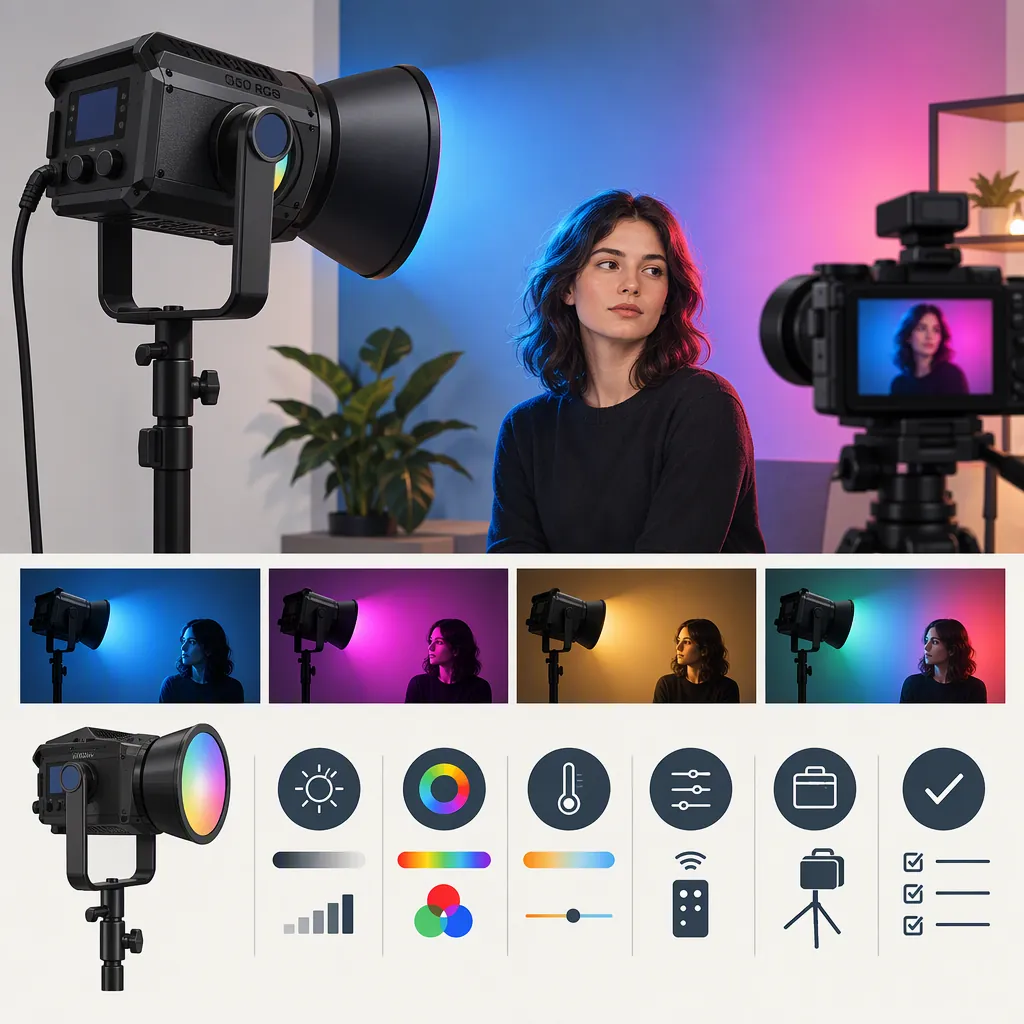
Godox 150 RGB: How to Evaluate a Light for Filming
When evaluating a “godox 150 rgb” search result, confirm the exact model first: the Amazon listing cited here uses both SL150 RGB and SL150R. [source_1] Then separate the selection process into two stages: screen documented setup requirements before shortlisting, and test camera, color, and audio performance under your intended filming conditions. If a critical requirement remains unresolved, keep the candidate provisional rather than treating it as suitable.
Confirm the Model and Evidence
The Amazon listing cited as source_1 names the light “Godox SL150 RGB” in its title and uses “SL150R” in its description and comparison table. Use the search phrase as a starting point, not a complete model identifier. Match any documentation you consult to the exact model, and confirm the equipment label when you have access to the fixture. [source_1]
The evidence for this guide is limited to that retailer listing, not a manufacturer manual or an independent performance test. Its illuminance and color-rendering entries use different figures or expressions: the headline advertises 26,200 lux and CRI/TLCI 97+, while the comparison table lists 26,000 lux at 5600K and 1 meter, CRI greater than 95, and TLCI greater than 96. The available text does not establish whether these differences reflect rounding, measurement conditions, metric presentation, or an entry error. They should not be treated as verified performance results or as proof of a definite contradiction. [source_1]
This guide therefore provides a selection method, not an endorsement of the light’s output, color accuracy, cooling, or compatibility.
Define the Lighting Job Before Comparing Options
Start with a shot brief rather than a specification ranking. Identify whether the fixture must light a face, illuminate a product, create a colored background, or serve several roles. Separate must-have requirements from preferences so that an optional feature does not outweigh a necessary function.
| Production need | Requirement to define | Question to resolve |
|---|---|---|
| Interview or talking-head key | Subject distance, modifier, target exposure, and intended appearance | Can the complete setup deliver that result at the planned camera settings? |
| Colored background or accent | Required hues, brightness, and surface coverage | Can those looks be reproduced on the actual surface? |
| Mixed-light scene | Other light sources and the intended color treatment | Can the scene achieve the required visual match? |
| Dialogue recording | Microphone position, take duration, and listening conditions | Is fixture noise acceptable in the recorded dialogue and room tone? |
| Location work | Available power, transport space, and setup-time limit | Can the complete equipment package operate within those limits? |
| Remote adjustment | Required control method and devices | Is the exact workflow documented and usable? |
For an RGB-versus-bi-color comparison, make colored illumination an explicit requirement. If the brief calls only for white-light scenes, compare those scenes first. If it requires saturated colors, include the exact colored looks in the evaluation. Category labels alone do not establish which candidate meets the brief.
Screen Candidates Before You Can Test Them
You can build a provisional shortlist without handling every light. Keep this documentation screen separate from a performance test.
- Write down the non-negotiable requirements. Include power availability, mounting arrangement, modifier, control workflow, transport limits, and required filming modes.
- Look for public documentation for the exact model. Check the manufacturer’s manual or technical documentation for the relevant requirement. Do not substitute documentation for a similarly named fixture.
- Record what each document actually confirms. Note the document title, model, relevant section, and any stated conditions. These are documents to seek; they are not additional evidence reviewed by this guide.
- Assign a status to each requirement. Use “documented fit,” “documented mismatch,” or “unverified.” Reserve camera and audio performance judgments for appropriate test evidence.
- Apply a hold rule. If a critical power, mounting, or control requirement is unverified, defer the candidate’s inclusion in the final selection. If the documentation establishes a mismatch, exclude it for that brief.
Use a simple screening record:
| Required condition | Evidence to seek | Status | Next action |
|---|---|---|---|
| Operation with available power | Exact-model input and adapter requirements | Documented fit / mismatch / unverified | Resolve before final selection |
| Intended support and modifier | Fixture, support, and accessory mounting and load documentation | Documented fit / mismatch / unverified | Check the complete combination |
| Required remote control | Exact-model control instructions and device requirements | Documented fit / mismatch / unverified | Verify the intended workflow |
| Transport and setup limits | Dimensions, complete package weight, and setup requirements | Documented fit / mismatch / unverified | Assess the full kit |
| Camera and audio suitability | Testing under relevant production conditions | Tested fit / mismatch / unverified | Keep provisional until evaluated |
If you cannot borrow or otherwise access a fixture for testing, the outcome can still be a useful shortlist—but not a verified production-fit decision. Record which uncertainties remain and whether they prevent a final choice.
Define Acceptance Criteria Before Testing
Decide what constitutes a pass before viewing the candidates’ results. Use project-specific criteria rather than unsupported universal thresholds.
Record:
- Target exposure and appearance: The intended brightness of the subject, treatment of highlights, shadow appearance, and required color look.
- Production and delivery modes: The camera frame rates, shutter settings, recording modes, and final viewing conditions that matter to the job.
- Audio listening conditions: The intended microphone position, recording gain, monitoring equipment, playback level, and planned audio processing.
- Unacceptable results: For example, visible banding in a required recording mode, inability to reach the target exposure within permitted camera settings, an unwanted color shift on a key surface, or fixture noise that distracts from dialogue.
- Operational limits: Required take duration, setup time, control access, and permitted equipment footprint.
Apply the same criteria to every candidate. If you change a criterion during evaluation, document the change and reassess earlier results rather than comparing them under different rules.
Run a Repeatable Camera and Audio Test
Use the same scene and recording settings for each candidate. Avoid comparing one fixture with a reflector and another with a softbox unless those are the actual proposed production setups. When configurations differ, record that distinction and judge the complete setups rather than attributing every difference to the lamp head.
- Fix the arrangement. Record the subject, light position, modifier, camera position, and light-to-subject distance.
- Lock the relevant camera settings. Record ISO, aperture, shutter setting, frame rate, recording mode, and white balance. Disable automatic adjustments where practical.
- Capture the required looks. Test the white-light and colored-light scenes in the brief, including relevant faces, fabrics, or product surfaces.
- Review against the written criteria. Check exposure, appearance, unwanted color shifts, banding, and visible instability in every required recording mode.
- Test recorded sound. Capture room tone and dialogue at the intended microphone position. Repeat after the fixture has operated for the planned take duration, and review using the defined listening conditions.
- Check repeatability. Record the light settings and attempt to recreate each passing result.
- Explain the outcome. Identify the criterion that passed, failed, or remains unverified. Do not record only a general impression.
These are proposed evaluation steps, not reported SL150R test results. A pass applies to the conditions tested; it does not establish performance in other camera modes, configurations, or operating conditions.
Lighting Test Record
| Field | Record |
|---|---|
| Exact model | |
| Scene and intended role | |
| Must-have requirements | |
| Acceptance criteria | |
| Unacceptable results / failure conditions | |
| Modifier and mounting arrangement | |
| Light-to-subject distance | |
| Camera, lens, and recording mode | |
| ISO / aperture / shutter / frame rate / white balance | |
| Delivery and viewing conditions | |
| Light settings | |
| Test duration | |
| Target exposure and appearance | |
| Exposure and color observations | |
| Banding or instability observations | |
| Microphone position and recording gain | |
| Audio monitoring and playback conditions | |
| Recorded noise observations | |
| Result | Acceptable / unacceptable / unverified |
| Reason for result | |
| Conditions still requiring a test |
Evaluate the Complete Setup and Make the Decision
Include the support, modifier, power arrangement, cables, and control method—not just the lamp head. Verify mounting and load requirements against the exact equipment documentation. Do not infer that a shared mount name guarantees that every accessory combination is suitable.
For controls, evaluate the workflow you actually need: adjustment at the fixture, remote operation, or integration with other equipment. A documented feature and a successfully tested workflow are different forms of evidence; record them separately.
Classify each candidate using these outcomes:
- Meets the brief: The complete setup satisfies documented requirements and passes the required camera, audio, and operational checks.
- Needs further verification: A necessary function or operating condition remains unresolved. Keep the candidate provisional and identify the missing evidence.
- Does not meet the brief: A documented requirement conflicts with the setup, or a required result fails under the tested conditions.
Choose among candidates that meet the brief using your stated preferences, such as setup time or transport constraints. Do not let optional features compensate for a failed must-have requirement. The retailer evidence cited here is insufficient to declare the Godox SL150R the best choice for a particular production. [source_1]
FAQ
Which Model Does “Godox 150 RGB” Refer to Here?
The Amazon listing cited as source_1 uses SL150 RGB in its title and SL150R in its description and comparison table. Match documentation to the exact model and confirm the equipment label before relying on model-specific instructions. [source_1]
How Can I Shortlist a Light If I Cannot Test It First?
Screen the exact-model documentation against your required power, mounting, control, and transport conditions. Exclude documented mismatches and put critical unknowns on hold. Keep camera, color, and audio suitability marked unverified unless relevant testing supports them.
What Should Count as a Pass for Interview Lighting?
Define the intended exposure and appearance through the chosen modifier, at the planned subject distance and camera settings. Also specify acceptable recorded sound at the intended microphone position and take duration. A pass means meeting those written criteria, not simply producing a bright-looking image.
Should I Compare RGB and Bi-Color Options?
Yes, if both are candidates for the brief. Compare the required white-light scenes on equal terms. If colored illumination is necessary, test those exact looks as well; do not assume that a category label establishes the desired result.
How Should I Interpret the Differing Advertised Specifications?
The cited listing presents different illuminance figures and CRI/TLCI expressions in its headline and comparison table. The available text does not resolve why they differ. [source_1] Before using such figures to rank candidates, seek clarification of the measurement conditions and metric definitions; do not convert them into a verified performance conclusion.
What If a Light Passes One Camera Mode but Fails Another?
Classify it against the modes the production actually requires. If a required mode fails, the setup does not meet that brief under the tested conditions. If the failing mode is outside the brief, record the limitation without extending the successful result beyond the modes tested.