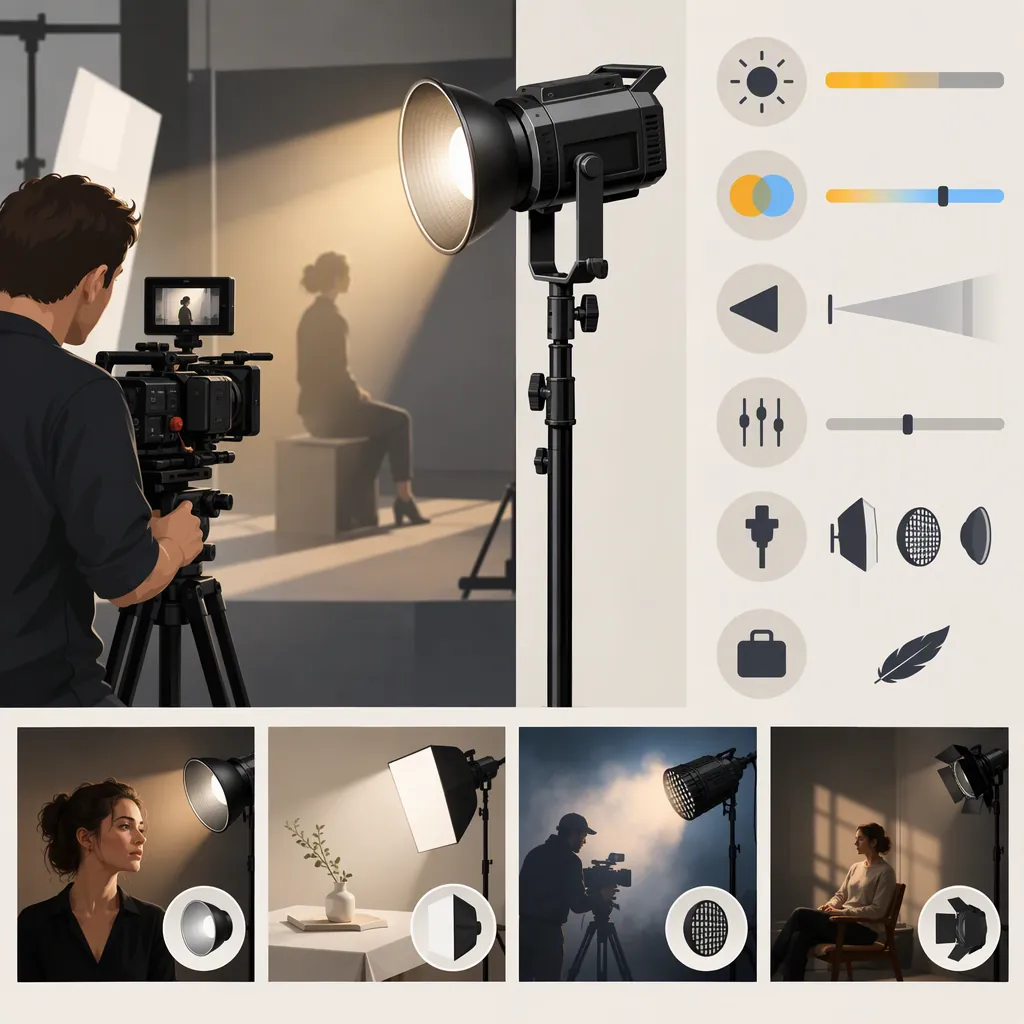
How to Choose a Godox 150 Light for Filming
Confirm the exact model before choosing a “Godox 150 light.” Then assess the complete configuration against your shot’s lighting, placement, power and audio requirements—not the model number alone.
This guide uses Godox’s LiteWafer UP150R full-color LED panel page as its sole product reference. That does not establish that the UP150R is the model you mean. The source is manufacturer documentation, not independent performance testing or a comparison with other fixtures. [ref_1]
Confirm the Model and Define the Shot
Check the full model name on the fixture, listing or manual. The reference model here is the LiteWafer UP150R; if you are considering a different fixture, use that model’s documentation rather than transferring UP150R specifications to it. [ref_1]
Do not infer brightness, power draw or accessory compatibility from “150” alone. Distinguish the fixture model from the contents of the particular package you are evaluating.
Next, assign the light a primary role: key, fill, background or accent light. Define what it must accomplish at a practical placement.
| Filming scenario | Define before evaluating the light | Selection question |
|---|---|---|
| Interview | Face exposure, shadow pattern, framing and acceptable dialogue sound | Can the complete setup deliver the intended face lighting while staying out of frame and meeting your audio criteria? |
| Product shot | Important surface details and acceptable reflections | Can the planned placement and light-control accessories produce the required appearance from the camera’s angle? |
| Wider scene | Areas that need illumination and areas that should remain darker | Does the configuration support the full composition, rather than only one well-lit area? |
Write observable pass conditions rather than relying on a general description such as “bright enough.” For an interview, these might include the intended face exposure, a specific shadow pattern, no fixture or stand in frame, and no unacceptable equipment sound in the dialogue recording.
Also establish:
- The available fixture and stand positions.
- The practical subject-to-light distance.
- Any diffusion or other light-control accessories you plan to use.
- Which windows and existing lights will remain active.
- Whether the scene needs adjustable white light, colored light or both.
- Any subject movement or framing changes the setup must accommodate.
These are planning criteria, not findings that the UP150R satisfies them.
Verify the Complete Configuration
The UP150R manufacturer page includes specifications, an “In the box” section and downloads, alongside color-control, control-method and power information. Use these as documentation checkpoints, not independent proof of on-camera performance. [ref_1]
| Check | What to verify from exact-model documentation | What needs separate evaluation |
|---|---|---|
| Color and controls | Whether the documented settings and operating methods cover your needs | The resulting look with your camera, subject and existing light |
| Power | Required supply, connections and any battery requirements | Whether the arrangement supports the planned shooting duration |
| Mounting and accessories | The stand connection and permitted accessory arrangement | Whether the assembled setup fits your placement and framing |
| Package contents | The items included in the specific package | Additional components required for the shot |
| Instructions | Setup procedures and permitted use | Whether the permitted configuration meets your production requirements |
A section heading or pictured accessory is not a verified package inventory. Likewise, a download listing does not establish every instruction inside the manual; consult the relevant document before relying on a compatibility or operating detail.
This guide does not establish measured battery runtime, recorded operating noise, camera-specific flicker behavior or results with your chosen modifier.
If You Cannot Test the Light Yet
You can still complete a documentation-based initial screen:
- Check explicit constraints. Compare documented dimensions, connections, controls and power requirements with your available space and equipment.
- Identify missing configuration details. Separate what the exact-model documentation confirms from what the listing leaves unclear.
- Request specific evidence from the documentation or equipment provider. Useful questions include:
- What is included in this exact package?
- Which stand connection and accessory arrangement are permitted?
- What power equipment is required for the proposed configuration?
- Is there documented runtime for the proposed battery and operating settings?
- Is there a relevant recorded noise or banding test, and what microphone, camera and light settings were used?
- Keep scene-dependent questions open. Recorded noise, banding at your camera settings and the lighting result in your location remain unverified unless the available evidence addresses those conditions.
A documented incompatibility can eliminate a proposed configuration before hands-on testing. A configuration with no identified conflict may remain a provisional candidate, but missing performance evidence is not a pass.
Test the Setup You Intend to Use
When evaluation is possible, use the camera, lens, microphone, power source and light-control accessories intended for production. Follow the equipment instructions.
- Build the planned shot. Match the framing, subject position and practical fixture placement.
- Record the relevant combinations. Test the camera and light settings you expect to use, including planned changes during the shoot.
- Review the image. Check the intended exposure and lighting pattern, important surface details, unwanted reflections and visible banding.
- Review the sound. Record and listen to a quiet sample with the light operating and the microphone in its intended position.
- Log issues and retest adjustments. Record any change to placement, accessories, power or settings.
A successful test applies to the recorded conditions; it does not establish performance at every frame rate, shutter setting, brightness level or placement.
Combined Configuration and Evaluation Sheet
Use one sheet for each configuration so that documentation and test results remain attached to the setup they describe.
Configuration
- Exact fixture model and package: __________
- Documentation checked: __________
- Shot and primary lighting role: __________
- Camera, lens and recording settings: __________
- Fixture position and subject distance: __________
- Light settings, accessories and power source: __________
- Microphone position: __________
Requirements and results
| Requirement and pass condition | Critical? | Evidence or test conditions | Result | Missing evidence or next adjustment |
|---|---|---|---|---|
| Lighting effect at practical placement | Yes / No | __________ | Meets / Does not meet / Pending | __________ |
| Mounting, accessory fit and framing | Yes / No | __________ | Meets / Does not meet / Pending | __________ |
| Power arrangement and shooting duration | Yes / No | __________ | Meets / Does not meet / Pending | __________ |
| Acceptable recorded sound | Yes / No | __________ | Meets / Does not meet / Pending | __________ |
| Required controls and operating workflow | Yes / No | __________ | Meets / Does not meet / Pending | __________ |
Turn the Findings into a Selection Decision
Keep evidence status separate from suitability: a documented requirement can still reveal an incompatibility, and a completed test can reveal a failure.
Apply these rules:
- A critical requirement fails: Make a permitted adjustment and retest if practical. If the requirement still fails, rule out that configuration for the shot.
- A critical requirement remains pending: Identify the missing evidence. Keep the setup provisional rather than declaring it suitable.
- All critical requirements pass: Retain the configuration as a candidate for the evaluated use—not as proof that it is the best light overall.
- Only noncritical requirements fall short: Record the trade-offs and decide whether they are acceptable for the production.
Hypothetical Example: A Fixed Interview Position
The following example illustrates the process; it is not a reported UP150R test.
Suppose an interview has a fixed camera angle and limited floor space. The critical requirements are:
- The fixture and stand must remain outside the frame.
- The power arrangement must support the planned session.
- The dialogue recording must meet the production’s noise criteria.
- The subject’s face must have the intended exposure and shadow pattern.
Operating convenience is desirable but noncritical because the light can be set before recording.
In an initial setup check, the stand enters the frame. That configuration fails the placement requirement. Moving it to another permitted position clears the frame, but the new position requires a fresh lighting check; fixing framing does not automatically preserve the intended face lighting.
Suppose the revised position passes the visual checks, while power duration and recorded noise remain unverified. The configuration stays provisional. Less convenient controls could be an acceptable trade-off, but convenience cannot compensate for unresolved critical power or audio requirements.
To compare another fixture, apply the same shot plan, pass conditions and evidence categories. The UP150R manufacturer page alone cannot establish relative value or a performance ranking against other lights. [ref_1]
FAQ
Does “Godox 150 Light” Mean the Up150r?
Not necessarily. The supplied Godox page identifies the LiteWafer UP150R, but it does not resolve the intended meaning of the search phrase. Confirm the full model name before applying model-specific information. [ref_1]
Is the Up150r Enough for My Filming Setup?
The supplied manufacturer page alone cannot establish that. Define the shot’s requirements, verify the complete configuration and evaluate the intended camera and audio setup. This guide provides no independent measurements for your scene. [ref_1]
What Can I Decide Without Hands-On Testing?
You can screen for documented configuration conflicts and identify missing evidence. Keep scene-dependent lighting, recorded noise, runtime and camera-setting questions pending unless relevant documentation or testing resolves them. The UP150R page provides specifications and downloads as starting points, not a setup-specific suitability finding. [ref_1]
What Should I Check Beyond the Fixture?
Check the stand arrangement, mounting, light-control accessories, power equipment, cables and exact package contents. The UP150R page includes specifications, an “In the box” section and downloads; verify the relevant details rather than assuming pictured items are included. [ref_1]
How Should I Decide After Testing?
Use the decision rules above: resolve critical failures or gaps before treating the configuration as suitable, and record any accepted noncritical trade-offs.
Can This Guide Tell Me Which Godox Light Is Best?
No. Its product reference covers the UP150R, not an independent comparison across Godox models. Compare candidates against the same filming requirements and evaluation conditions. [ref_1]