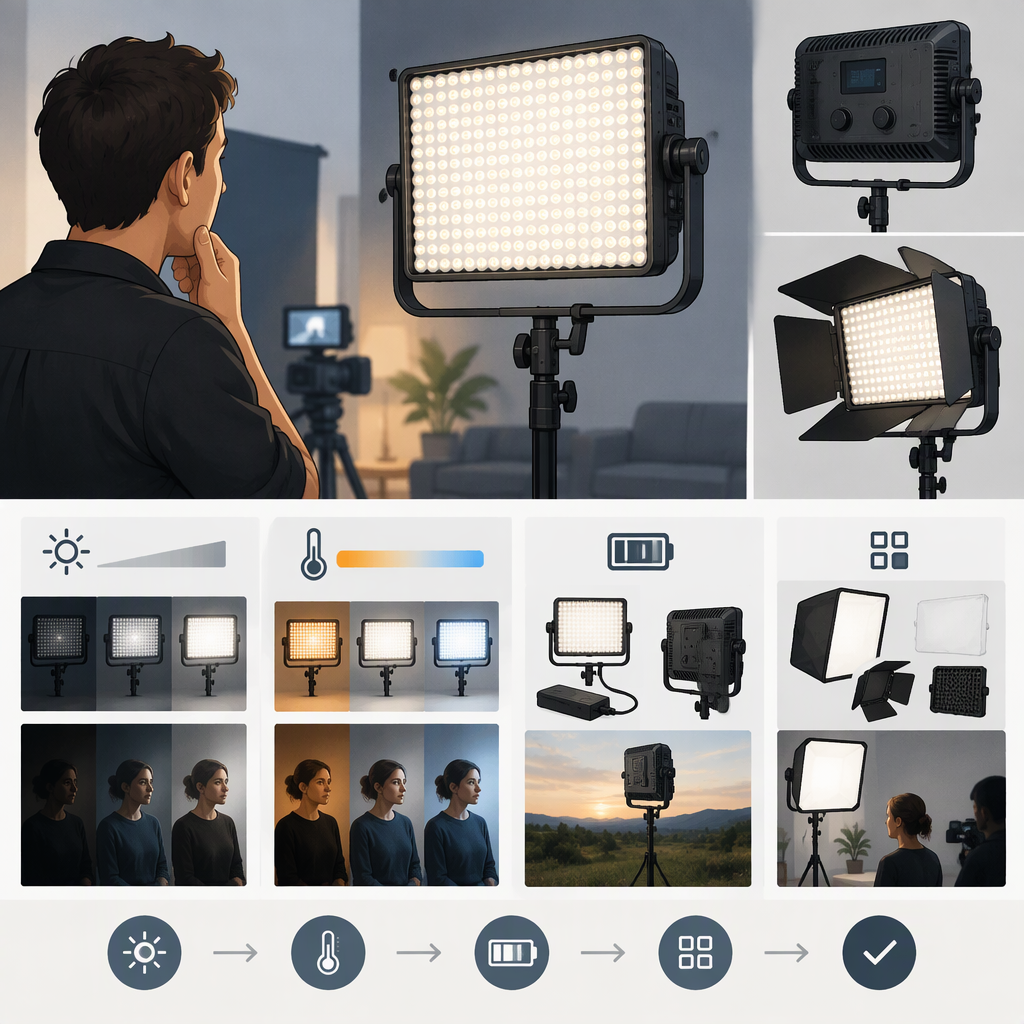
Aputure Amaran 672: How to Choose the Right Hr672 Light for Filming
Short Answer
“amaran 672” is not specific enough to identify one configuration. Aputure’s U.S. product page lists the HR672C, HR672W, and HR672S, as well as kit options. Before choosing, confirm the exact model on the light or listing. Then match its beam spread and color-temperature options to your subject, shooting distance, and lighting conditions. (aputure.com)
Which Amaran 672 Do You Mean?
The manufacturer identifies the product family as the Aputure amaran HR 672. The user manual covers the HR672W/S/C family; Aputure’s U.S. store lists the C, W, and S models separately. (aputure.com)
| Model | What the available documentation indicates | When that distinction may matter |
|---|---|---|
| HR672W | A retailer specification lists a 75° beam angle and 5500 K color temperature. (henrys.com) | Consider it when you want a wider spread than the spot version, such as covering more of a nearby subject or background. Confirm the exact model and specification on the unit or listing. |
| HR672S | B&H describes it as a daylight spot light with a 25° beam angle and 5500 K color temperature. (bhphotovideo.com) | Consider it when you need a narrower pool of light rather than broad coverage. A narrow beam does not, by itself, establish how much light will reach your subject at your chosen distance. |
| HR672C | The HR672 manual says color temperature can be adjusted from 3200 K to 5500 K. (lensrentals.com) | Consider it if you need to adjust color temperature to better match the other lights in the scene. Check the manual or listing for the exact unit’s beam specification. |
These are distinctions between documented model specifications—not a claim that any one version is best. Retailer specifications and a hosted user manual are not independent comparative tests. The manufacturer’s product page establishes the model names, but the available page text does not provide a complete, model-by-model specification table. (aputure.com)
Does an Hr672 Fit Your Filming Setup?
Use your actual setup to assess fit; the keyword alone cannot establish whether the light will be bright enough or cover the area you need.
- Check the label or exact listing. Write down whether it is HR672C, HR672W, or HR672S. Do not rely on “672” alone, especially when comparing used lights or kits.
- Match the beam to the area. A 25° beam is narrower than a 75° beam. If you need to light a wider area, the narrower option may require more careful aiming or additional lights. If you want a tighter pool, a wider beam may spill beyond the intended area. These are general consequences of beam spread, not a prediction of output in your room. (henrys.com)
- Compare color temperature with the scene. The HR672C manual lists an adjustable 3200–5500 K range; the cited W and S listings specify 5500 K. If matching other lights matters, check the exact model and whether its stated range suits your other sources. (lensrentals.com)
- Assess distance and ambient light. Decide where the light will sit, how large the subject or background is, and how bright the surrounding room or daylight will be. A spec at one distance should not be treated as a guarantee at another; if the listing provides output figures, compare them only when the distance and measurement conditions match.
- Check power, mounting, and what is included. Confirm the exact unit’s power options, the support or mount you need, and which accessories are actually included in that particular listing or kit. Do not assume an accessory shown in a photo comes with every configuration.
Example: A Small Indoor Talking-Head Setup
Suppose you film one person a short distance from the camera and want a broad light over the person and part of the background. On the cited specifications, the HR672W’s 75° beam is wider than the HR672S’s 25° beam, so the W is the more natural one of those two to investigate for broader coverage. That does not establish that it will provide enough illumination at your distance: check an applicable output specification or test the exact unit in the intended position. If matching a different color temperature is important, investigate the HR672C’s documented adjustment range instead. (henrys.com)
Checklist Before Choosing or Buying
- Confirm the full model code: HR672C, HR672W, or HR672S.
- Compare the beam angle with the size and distance of the area you want to light.
- Check color temperature against the other lights or ambient sources in your scene.
- If you need a specific brightness, find a figure for the exact model and compare its distance and stated conditions with your planned setup.
- Verify power supply, mounting, included accessories, condition, and return or warranty terms for the specific listing and region.
- If considering another light, compare like-for-like details—beam, color-temperature range, output conditions, power, and included components—rather than comparing model names or LED counts alone.
Bottom line: First identify the exact HR672 version. The available sources support using beam spread and color-temperature needs to narrow the choice, but they do not establish that any version will be bright enough for an unspecified filming setup. Check the exact model’s specifications against your planned distance and coverage before deciding.