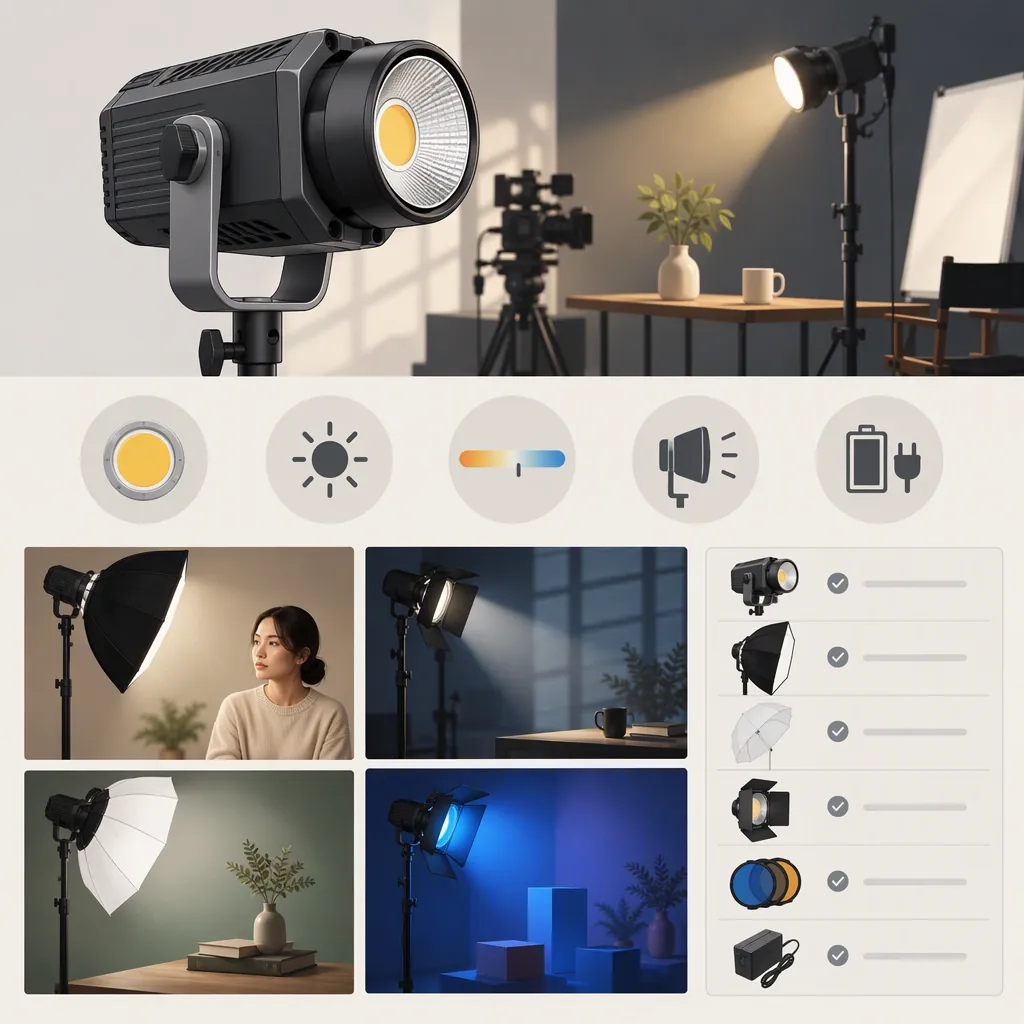
How to Choose an Amaran Cob 60 for Filming
Choose an amaran COB 60 by working backward from your shoot, not from the model name alone:
- List nonnegotiable needs: color control, subject exposure, modifier, power, recorded sound, and setup space.
- Exclude candidates with confirmed limitations that conflict with those needs.
- Mark unknown capabilities as pending verification, rather than assuming they are present or absent.
- Compare the complete kit’s cost and practical results once essential capabilities are confirmed.
These are screening rules, not confirmation of either model’s specifications. The sources discussed here contain conflicting color-mode descriptions, so they do not establish a specification-based winner between the 60d S and 60x S. [src_1] [src_2]
Identify the Exact Model
This guide offers a general filming-light selection method, but its source discussion covers only the amaran COB 60d S and amaran COB 60x S. It cannot confirm specifications for other lights described as an “amaran 60.” The American Movie Company comparison discusses both S models; the amaran Help Center overview is specifically labeled for the 60d S. [src_1] [src_2]
Record the complete model name before comparing features. If you can inspect a unit, check its model label against the documentation title. Do not fill documentation gaps with specifications from a similarly named model.
Source Limitations
American Movie Company describes the 60d S as daylight-only, while the amaran Help Center overview describes it as RGBWW and full-color. The comparison also uses both bi-color and full-color language for the 60x S. These conflicting descriptions leave color capability unresolved for this guide; neither source alone is treated here as sufficient verification of that feature. [src_1] [src_2]
Adjustable white color temperature and selectable colored light are separate requirements. If either is essential, seek documentation or manufacturer clarification that explicitly addresses that capability for the exact model.
For a decision-critical contradiction:
- Record the document titles, available versions or dates, and conflicting passages.
- Ask manufacturer support which description applies to the exact model.
- Retain the clarification with your selection record.
- Keep the decision pending if the essential capability remains unresolved.
Turn Your Shoot into a Shortlist
Define what the light must accomplish before deciding which optional features matter.
| Your filming need | Screening criterion | Evidence needed |
|---|---|---|
| One controlled interview setup | Acceptable exposure, softness, and background appearance at the intended position | Test footage using the planned modifier and camera settings |
| Changing white-light environments | Verified adjustable white-light capability, if adjustment is essential | Exact-model documentation, followed by a representative scene test |
| Colored illumination | Verified selectable colored-light capability | Exact-model confirmation and a test of the required colors |
| Product filming | Suitable highlights, reflections, and background separation | Footage of the actual product or a representative subject |
| Recording away from mains power | A compatible power configuration that covers the session | Exact-equipment documentation and a runtime test |
| Speech recorded near the light | Acceptable sound at the working microphone position | Recorded audio at the intended light settings |
| Limited space or a specific modifier | Compatible attachment and a workable support arrangement | Documentation and an assembled-setup check |
| Frequent transport | A manageable complete kit | Inventory of the light, modifier, stand, power equipment, and cables |
These criteria do not establish that either model has the listed capabilities.
Separate requirements into essential and optional. A confirmed failure of an essential requirement removes a candidate unless you revise the filming plan. An unknown essential capability calls for verification; it is not automatically a failure. Optional features should not outweigh an unmet essential need.
If You Cannot Test a Light Before Selection
Use a two-stage decision: eligible for the shortlist first, verified for the shoot later.
- Screen from exact-model documentation. Confirm decision-critical controls, modifier attachment, power compatibility, and other requirements that documentation can address.
- Resolve contradictions. Do not treat a conflicting feature description as confirmation.
- Seek access to a representative setup. Borrowing, renting, or arranging a demonstration can provide a test opportunity. Specify the modifier, power configuration, and recording settings you need to evaluate.
- Record what remains unknown. Without a relevant test, keep exposure adequacy, scene appearance, recorded noise, visible flicker or bands, and required runtime unverified where applicable.
A candidate may enter the shortlist without a completed camera test if its documented capabilities match your requirements. That does not mean it has been verified as suitable for your shoot. If an untested issue could prevent the recording, treat it as a material selection risk rather than hiding it behind a general recommendation.
Check the Complete Kit, Not Just the Fixture
Modifiers and Support
For the proposed combination, confirm:
- Exact light, modifier, adapter, and stand models.
- Documented attachment interfaces and any required adapter.
- Applicable load limits and mounting instructions.
- Clearance, adjustment range, and cable routing.
- Secure positioning according to the relevant equipment instructions.
If compatibility or support suitability is unclear, keep that arrangement pending rather than attempting an unconfirmed mounting combination.
Power and Runtime
Record the entire power chain, including the adapter or battery, interfaces, and cables. Check documentation for the exact equipment; connector fit alone is not sufficient confirmation of compatibility.
For battery operation, define the continuous recording time you need. Test the proposed configuration at the intended light settings, noting the starting charge state, elapsed time, interruptions, and any observed changes. A test that ends before the required session duration does not confirm that requirement.
Complete-Kit Cost
Compare dated totals for the equipment each candidate needs to perform the same job. Include necessary modifiers, adapters, stands, power equipment, and cables.
Do not assume that an accessory is included or that one model has a current price advantage. A lower fixture price does not establish a lower complete-kit cost or a better fit for the shoot.
Compare the Setup on Camera
The American Movie Company comparison lists illumination figures associated with reflector configurations. This guide does not adopt those figures as verified performance claims or use them to predict results through a different modifier. [src_1]
When a candidate is available, use a repeatable test:
- Mark positions. Record the subject, camera, light, and microphone locations.
- Use the intended modifier. Evaluate the arrangement you expect to film with.
- Fix camera settings for a controlled comparison. Record exposure, white balance, frame rate, and shutter speed or shutter angle.
- Record the scene. Review subject exposure, softness, reflections, and background appearance.
- Review motion footage. Check for visible flicker or bands at the intended recording settings. This is a general test precaution, not a claim that either model has that problem.
- Listen to the recording. Assess sound at the working microphone position and light settings.
- Check operation and handling. Evaluate power duration, cable routing, positioning, and adjustment.
Keep a controlled comparison separate from a scene-matching test. In a controlled comparison, hold the scene, compatible modifier, distances, and camera settings constant, and document each light’s settings. In a scene-matching test, adjust each candidate to achieve the intended appearance and record what was required.
If a result is unacceptable, change one relevant variable at a time and retest. Record both the failure and the revised result.
Use One Selection Record
Keep requirements, documentation, and test results together so you do not have to reconcile several worksheets.
| Stage | What to record |
|---|---|
| Shoot requirements | Scene and framing; desired light appearance; essential versus optional needs; modifier; distances; existing lights; recording duration; microphone position; space and transport limits |
| Candidate identity | Complete model name; model label if inspected; corresponding document titles, URLs, and versions or dates |
| Document confirmation | Required capabilities; supporting passages or retained support responses; modifier and power compatibility; unresolved contradictions |
| Complete kit | Light, modifier, adapter, stand, power equipment, and cables; mounting instructions; dated total cost |
| Test conditions | Equipment used; positions; exposure; white balance; frame rate; shutter; light settings; power configuration and test duration |
| Results | Exposure and appearance; reflections and background; flicker or bands; recorded sound; runtime; positioning and handling |
| Decision | Confirmed failures; pending questions; changes and retest results; final status |
Make a Conditional Decision
Assign each candidate a clear status:
- Needs verification: An essential capability, compatibility question, or practical result remains unresolved.
- Eligible for the shortlist: Documented capabilities meet the screening requirements, but relevant practical tests remain incomplete.
- Verified for this setup: Essential capabilities are confirmed and the complete setup passes the required tests.
- Does not meet requirements: A confirmed limitation or repeatable failure conflicts with an essential need.
If both candidates pass, compare complete-kit cost, handling, setup effort, and optional features. If neither passes, revise the filming plan or broaden the search rather than forcing a choice.
This guide provides a selection process, not a matched performance test or claimed firsthand experience with either light.
FAQ
Should I Choose the Amaran 60D S or 60X S?
Start with your essential filming needs and verify the corresponding capabilities for each exact model. The cited sources’ inconsistent color-mode descriptions prevent a definitive specification-based recommendation here. Use confirmed documentation to shortlist candidates, then test the complete setup where possible. [src_1] [src_2]
Is an Amaran Cob 60 Bright Enough for My Filming Setup?
This guide cannot establish that for your scene. The comparison’s illumination figures are tied to reflector configurations, not a verified prediction for your chosen modifier, distance, and camera settings. Evaluate exposure and appearance in the intended arrangement before treating adequacy as confirmed. [src_1]
Can I Shortlist a Light Without Testing It?
Yes, if its confirmed capabilities meet your screening requirements. Keep that status separate from “verified for this setup.” Seek a borrowing, rental, or demonstration opportunity, and document any practical risks that remain untested.
Does Bi-Color Mean a Light Can Produce Selectable Colors?
Do not treat adjustable white color temperature and selectable colored light as equivalent. This distinction matters here because the comparison uses both bi-color and full-color language for the 60x S. Confirm the exact capability your scene requires. [src_1]
What Are the Most Important Checks in a Filming-Light Test?
Check exposure and appearance through the intended modifier, background and reflections, motion footage for flicker or bands, recorded sound, power duration, and secure positioning. Record the equipment and settings so a failed result can be investigated and the test repeated.