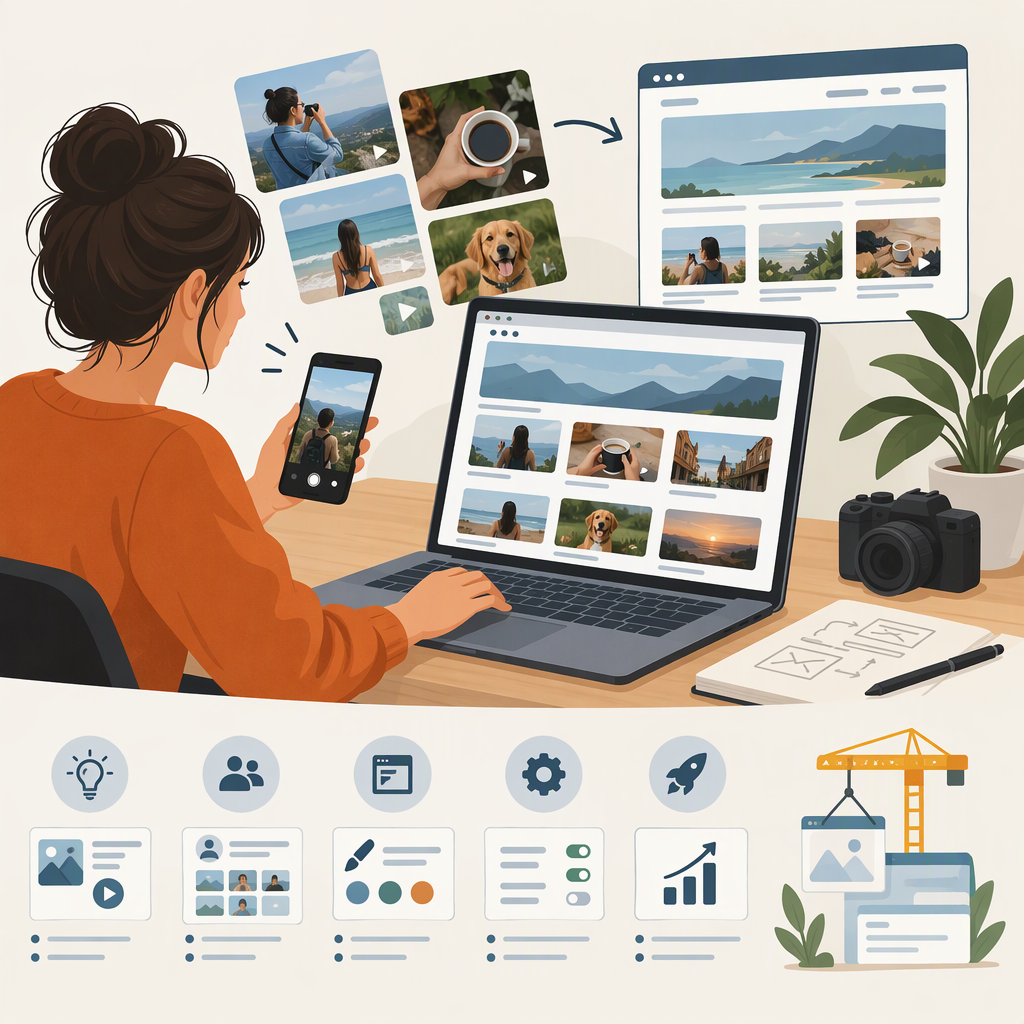
UGC Content Creator Website: What to Include and How to Build One
If you’re looking for a UGC content creator website, this guide focuses on making a public portfolio: a page or site where someone can view your work, understand what you create, and contact you. The phrase can also mean a tool for building a website or a marketplace where creators find projects. Those are different things. Marketplace profiles, for example, may be part of a platform for discovering and hiring creators, rather than a portfolio site you control. (joinbrands.com)
There isn’t one required format or universal portfolio checklist established here. Use the practical suggestions below to choose a format and make your work easy to review—without assuming that a particular design will lead to work.
Choose the Kind of Online Presence You Need
Think about what you need the page to do and how much you want to manage it. A portfolio can take several forms: a standalone website, a hosted portfolio page, a presentation or PDF, or a profile on a creator marketplace. A creator-industry guide, for example, describes portfolios made as websites, presentations, or PDFs; that is an example of available formats, not a ranking. (collabstr.com)
| Format | Consider it if… | Trade-off to think through |
|---|---|---|
| Standalone website | You want a site with pages or sections arranged around your work. | Decide whether the design options and control are worth the setup and upkeep you want to take on. |
| Hosted portfolio page | You want one page to share and update. | Check whether its layout, sharing settings, and display options suit your samples. |
| Presentation or PDF | You want a document you can send directly or attach to an introduction. | It may be less convenient to update or browse than a live page; check that links work and the file is easy to view. |
| Marketplace or creator profile | You want a profile within a place where projects or creators are listed. | It serves a different purpose from a portfolio page you arrange yourself. Review the platform’s current profile and sharing options before relying on it. |
Compare the options by setup effort, how much you can customize, how easy the page is to update, how it looks on a phone, and how clearly a visitor can contact you. These are decision criteria, not claims that one format performs better. You can also use a portfolio and a marketplace profile for different purposes.
What to Put in a UGC Creator Portfolio
Use this as a practical checklist, not an industry standard. Add information that helps a visitor understand your work and what to do next.
- Relevant samples: Show examples that represent the kinds of content you want to make. If you have several styles or niches, label them so someone can find a relevant example.
- Context for each sample: Add a short caption describing the format, your role, and any useful context. Make clear whether a piece was client work or a self-initiated sample. Do not imply that a practice sample was commissioned.
- A concise introduction: Say who you are and what kinds of content you create. Keep descriptions accurate and specific to your work.
- Services, if useful: Describe the content you actually offer. Avoid implying that you provide a service you do not currently provide.
- A clear contact route: Include a contact method you check. If you use a form or link, make sure it works.
- Proof, only when appropriate: You may include genuine testimonials, client names, or performance figures if they are accurate and appropriate to share. Do not invent proof or present someone else’s work as your own. This guide does not establish legal or contractual permissions; check the terms that apply to your work before sharing material when permission is uncertain.
A portfolio does not need to be long to be understandable. Start with the samples and information that best represent the work you want to show. Add more only when it makes the page more useful to browse.
An Illustrative Portfolio Outline
This is a made-up structure, not a real creator’s portfolio or a tested template:
- Name and introduction — “I create short-form product videos, including demonstrations and unboxings.”
- Selected work — Two or three clearly labeled sample videos, with a brief note on the format and your role.
- About — A few accurate details about your approach or areas of interest.
- Services — A short list of content types you currently offer, if useful.
- Contact — One visible, working way to reach you.
Adapt or omit sections that do not fit your work. The point is to make the samples, their context, and the contact route easy to find—not to follow a fixed formula.
Build, Publish, and Check It
- Choose a format. Use the comparison above to decide what you can set up and keep current.
- Gather shareable samples. Pick work that represents what you want to show. Label client and self-initiated work accurately.
- Write concise context. Add a short introduction and captions so the work can be understood without guesswork.
- Add a contact route. Make it visible, then test it yourself.
- Publish and inspect on a phone. Open the shared page as a visitor. Check that text is readable, samples load, links work, and the contact method is easy to find.
- Review it before sharing. Remove broken links or outdated details and confirm that your examples and claims are still accurate and appropriate to show.
A marketplace profile may be useful when you want to be listed where opportunities are offered; a portfolio page is useful for presenting your work in a structure you choose. Neither replaces the other in every situation. If by “UGC creator website” you meant a website-building service or a place to find projects, look for information specifically about builders or creator marketplaces—the topic is different from planning your portfolio.