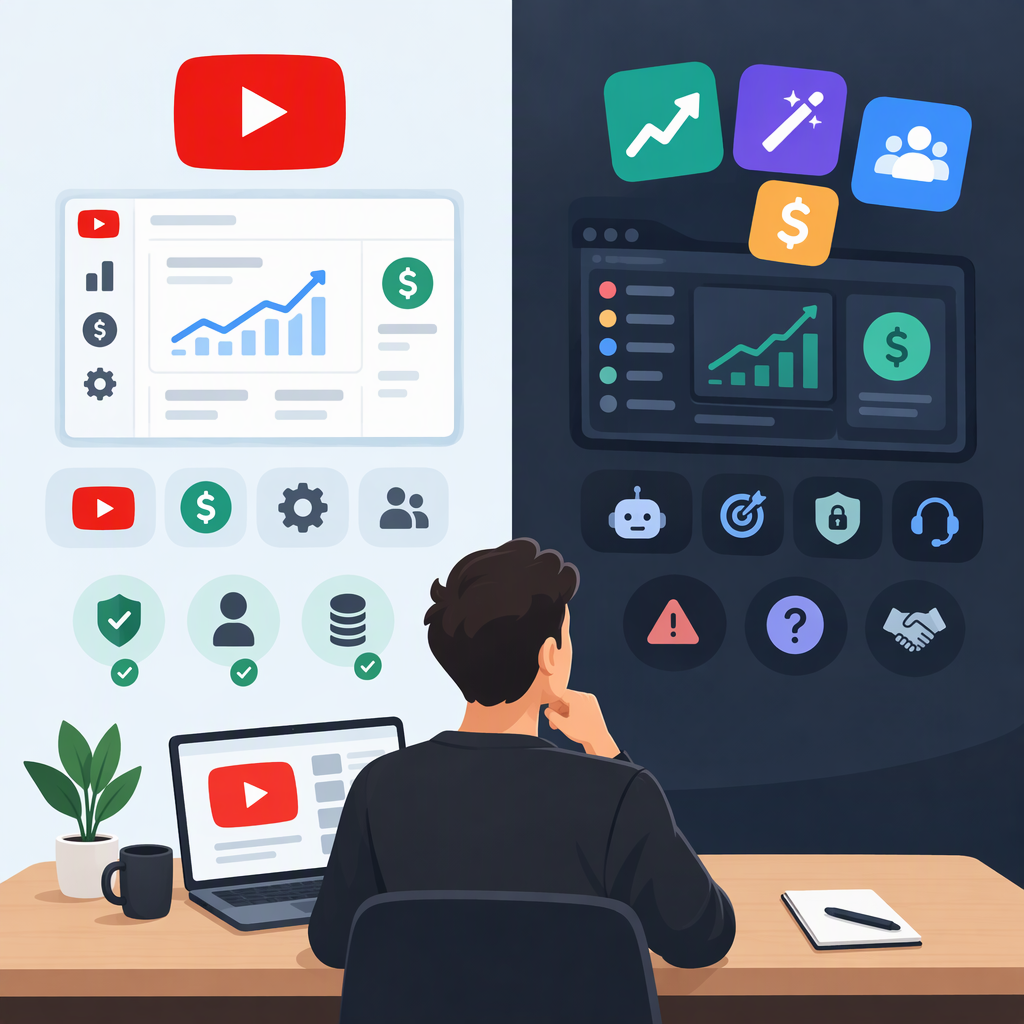
YouTube Monetization Apps: Official Tools Vs. Third-Party Services
“YouTube monetization app” can mean two different things: YouTube’s own tools for checking eligibility and earning on the platform, or an outside service that helps with sponsorships, affiliate sales, merchandise, or fan support. An outside service may help with a revenue activity, but it does not grant YouTube Partner Program (YPP) approval or replace YouTube’s eligibility rules. YouTube says creators earn through YPP after applying and being accepted. (support.google.com)
YouTube Monetization Apps: Official Tools or Third-Party Services?
For YouTube-native monetization, start with YouTube Studio, especially the Earn area. YouTube says creators can use that area to check eligibility and get notified when they qualify. The available earning features can include watch-page or Shorts ads, YouTube Premium revenue, channel memberships, Super Chat and Super Stickers, Super Thanks, and Shopping. Eligibility is not identical for every feature. (support.google.com)
A third-party service is operated outside YouTube. Depending on what it offers, it might help you find brand deals, track affiliate links, sell merchandise, or provide a separate way for viewers to support your work. That is a different relationship from joining YPP. Check the provider’s actual role and terms; an app’s presence in an app store or use of the word “YouTube” does not establish that YouTube operates, endorses, or certifies it.
| If your goal is… | Start by looking at… | What it does—and does not do |
|---|---|---|
| Check whether your channel can monetize on YouTube | YouTube Studio → Earn | Shows your channel’s YPP status and available steps; qualification still depends on YouTube’s review and policies. (support.google.com) |
| Earn from ads or YouTube Premium | YPP information in YouTube Help and Studio | These are YouTube-native earning features, with their own eligibility requirements. (support.google.com) |
| Sell your own products or feature other brands’ products | YouTube Shopping information in Studio | Eligible creators may connect a supported store or tag products; this is not the same as an outside company approving a channel for YPP. (support.google.com) |
| Find sponsors or paid brand work | A brand, agency, or deal service’s written offer | The service may facilitate a deal; you still need to evaluate its fees, deliverables, rights, and payment terms. |
| Add an outside fan-support or merchandise service | That provider’s terms and setup instructions | It may support a separate business activity; it does not itself switch on YouTube monetization features. |
How to Check YouTube’s Official Monetization Route
- Open YouTube Studio and select Earn. Check the status and options shown for your own channel. YouTube says you can choose “Get notified” there if you are not yet eligible. (support.google.com)
- Read the requirements for the particular feature you want. YouTube Help lists different requirements for different earning features, and availability can depend on your country or region. (support.google.com)
- Check the published YPP entry thresholds that apply to your location. YouTube Help describes an expanded-YPP route in eligible countries: 500 subscribers, three valid public uploads in the last 90 days, and either 3,000 qualifying public watch hours in the last 12 months or 3 million qualifying public Shorts views in the last 90 days. That route provides earlier access to some features; it is not the same threshold as ad-revenue sharing. (support.google.com)
- For ad revenue sharing, check the separate threshold. YouTube Help lists 1,000 subscribers and either 4,000 qualifying public watch hours in the last 12 months or 10 million qualifying public Shorts views in the last 90 days. Meeting a threshold is not automatic approval: YouTube says channels are reviewed against its policies. (support.google.com)
- Follow the application steps shown in Studio. YouTube’s listed requirements include following channel monetization policies, being in a country or region where YPP is available, having no active Community Guidelines strikes, enabling 2-Step Verification, having advanced features access, and linking—or setting up in Studio—an AdSense for YouTube account. (support.google.com)
Date-sensitive note: YouTube Help says YPP terms are scheduled to update on February 1, 2027, and asks creators to review and accept updated terms in YouTube Studio by January 31, 2027. If you are already in YPP, follow the notices in Studio and the official update page rather than relying on an old app tutorial. (support.google.com)
Match a Third-Party Service to the Revenue Activity
Choose by the work you need help with—not by a broad “monetization” label.
- Sponsorship or brand-deal services: These may help connect a creator with a brand or organize a campaign. Compare the deliverables, payment timing, exclusivity, revision requirements, usage rights, and any fee or commission in the written agreement. A listing or introduction is not a guarantee of a deal or income.
- Affiliate programs: These pay according to program terms when eligible purchases are attributed to your links or product tags. YouTube’s Shopping affiliate program, for example, describes commissions when viewers buy tagged products from a retailer; commission rules and eligibility are program-specific. (support.google.com)
- Merchandise or store services: These may help set up and operate a store or connect products to a channel. YouTube Shopping itself can connect eligible creators’ stores through supported platforms or retailers, so distinguish an outside storefront provider from YouTube’s channel features. (support.google.com)
- Fan-support services: An outside membership or tipping service is separate from YouTube’s own channel memberships and Super features. Compare what supporters receive, how recurring payments can be canceled, payout conditions, and service fees before choosing either route. YouTube describes its own memberships as recurring payments in exchange for creator-provided perks. (support.google.com)
A simple comparison can help with affiliate offers. Hypothetical example, not a typical rate: if a program paid 5% on $30 qualifying purchases and 100 purchases were credited, gross commission would be $150 ($30 × 5% × 100), before any adjustments or costs in that program’s terms. The real result depends on its commission rules, attribution window, qualifying sales, returns, and audience behavior. Do not treat projected earnings as guaranteed.
What to Check Before Paying, Signing, or Connecting an Account
Use this checklist before you commit:
- Verify what the company actually does. Look for its legal business identity, contact details, written terms, and a clear description of the service. If it claims to be “official,” a YouTube partner, or able to secure YPP approval, verify that claim through YouTube’s own documentation or channel—not just the provider’s marketing.
- Get the complete economics in writing. Check setup or subscription fees, commission or revenue share, payout thresholds and timing, refund or chargeback handling, and what happens if you end the agreement. Ask for a worked payout example based on the contract’s terms.
- Read rights and obligations carefully. Look for exclusivity, minimum posting requirements, content usage or licensing rights, cancellation terms, and whether the provider can reuse your name, image, or videos. Ask who handles disputes and what happens to active links or campaigns after termination.
- Treat account access as a security decision. Never hand over your Google password or sign-in codes to a service. YouTube says its channel permissions let owners give other people specified access levels without sharing Google Account credentials; use the narrowest appropriate permission, and remove access when it is no longer needed. (support.google.com)
- Be cautious of guarantees. A third party cannot promise that YouTube will approve your channel, that a video will get views, or that you will earn a particular amount. YouTube says YPP applications receive a policy review, and channels in the program continue to be checked. (support.google.com)
- Disclose paid or otherwise material brand relationships when required. For U.S.-facing endorsements, FTC guidance says a creator should make material connections—such as payment, gifts, or other value—clear in the endorsement itself. The FTC says disclosures should be easy to notice and understand, rather than buried on a profile page or behind “more.” Laws outside the U.S. may also apply. (ftc.gov)
Bottom line: use YouTube Studio and YouTube Help to check platform eligibility and turn on YouTube-native features. Consider an outside service only for a specific activity—such as a brand campaign, affiliate sales, merchandise, or separate fan support—and judge it by its documented terms, access requests, and fit for your audience. No app substitutes for YouTube’s review or guarantees revenue.