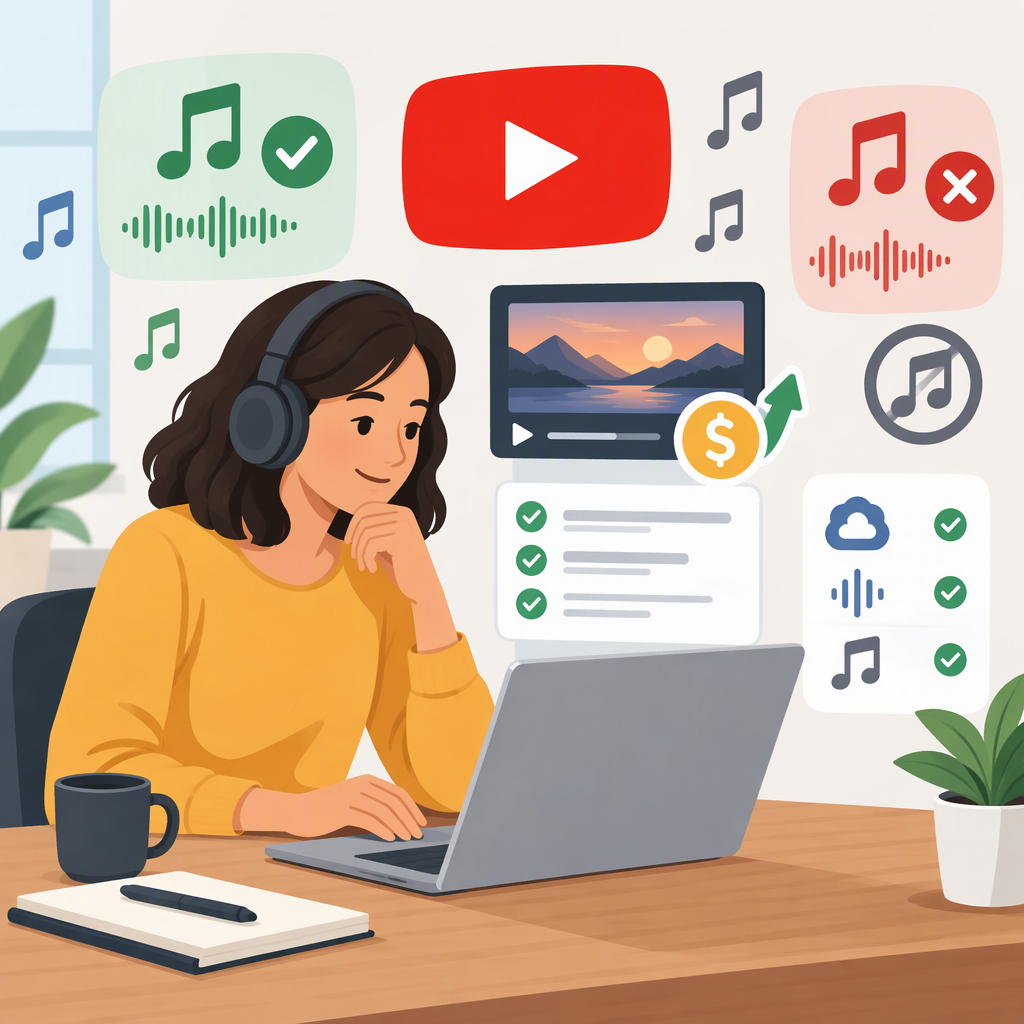
Music for YouTube Monetization: What You Can Use and How to Check
Short answer: Use music only when the applicable license or platform terms allow your specific YouTube use, including commercial use if you plan to monetize. YouTube’s Audio Library is a direct option: YouTube says YPP creators can monetize videos using its tracks, but some tracks require attribution. Creator Music has track-specific licensing or revenue-sharing terms and, according to YouTube’s current help pages, is available to U.S. creators in the YouTube Partner Program. For music from elsewhere, check the actual track’s license—“free” and “royalty-free” alone do not establish permission to use it in a monetized video. (support.google.com)
Music Sources: What to Check
| Source | What YouTube’s guidance says | Practical check |
|---|---|---|
| YouTube Audio Library | YPP creators can monetize videos using Audio Library music and sound effects. Tracks may use a standard Audio Library license or a Creative Commons license. (support.google.com) | In YouTube Studio, open Audio Library and check the track’s license and attribution filter. If attribution is required, copy the supplied credit text into the video description. (support.google.com) |
| Creator Music | Some tracks can be licensed at no cost while keeping the video’s full revenue share; other tracks may be eligible for revenue sharing with rights holders. YouTube says Creator Music is available to U.S. YPP creators, with availability outside the U.S. pending. (support.google.com) | Check the specific track’s usage terms in YouTube Studio. Do not assume all tracks have the same terms: revenue-sharing tracks have usage requirements, and those terms can change. (support.google.com) |
| Music you create or obtain elsewhere | YouTube says monetization requires the necessary commercial-use rights for all audio and visual elements. Royalty-free or Creative Commons music can be monetized when its license grants commercial use; some licenses also require credit or proof of purchase. (support.google.com) | Read the track-specific license and confirm it covers monetized YouTube videos and your planned use. Keep the license and relevant purchase or permission records. These records can help explain your rights, but they do not guarantee that no claim will appear. (support.google.com) |
These are different routes, not interchangeable guarantees. Audio Library is convenient when a suitable track meets your needs. Creator Music may offer a particular licensing or revenue-sharing arrangement, but access and terms depend on eligibility and the track. An outside library may suit a creator who needs a particular sound, but permission depends on the license—not merely the library’s marketing label. YouTube cautions that some royalty-free or licensing services may not grant YouTube monetization rights. (support.google.com)
Check the Track Before Publishing
Use this checklist for the exact track and video you intend to publish:
- Identify the track and rights source. Record the title, artist, source, and license or Creator Music usage terms.
- Confirm monetized YouTube use is covered. Look for permission to use the music commercially or in monetized videos. If the wording is unclear, do not treat it as permission.
- Check the conditions. Look for attribution requirements and any limits relevant to your planned video, channel, territories, duration, edits, or continued use. Requirements vary by license; do not assume a condition applies—or does not apply—without checking the terms.
- Complete the required steps. Add required attribution, apply or retain the relevant platform license, and save the license or permission details. For Audio Library Creative Commons tracks, YouTube says to credit the artist in the video description and provides copyable attribution text. (support.google.com)
- Review the upload notices. Check YouTube Studio for claims or other restrictions before relying on expected monetization. A license does not guarantee that Content ID will never make a claim. (support.google.com)
Example: If a track is marked “attribution required,” the label alone is not enough. Check that the license permits commercial use, copy the required credit into the description, and keep a record of the terms. If the license does not clearly permit monetized YouTube use, choose a track with clearer terms instead.
Permission, Monetization, and Copyright Claims Are Different
A music license answers whether you have permission to use a track under particular conditions. YouTube monetization is a separate question: YouTube also requires the channel and video to meet applicable monetization requirements, including the requirement to have commercial-use rights for audio and visual elements. Permission to use a track does not guarantee that a channel or video will earn revenue. (support.google.com)
A Content ID claim is a platform action, not proof by itself that your license is invalid. Depending on the rights holder’s settings, a claim may monetize, track, or block a video; these actions can vary by country or region. A claim is different from a copyright strike. (support.google.com)
If a Copyright Claim Appears
Open the video’s restrictions in YouTube Studio and review the claim details, including the claimed content and the action applied. Compare those details with the exact track license, permission, or Creator Music terms you relied on. If the terms support your use, keep that evidence available.
YouTube says a dispute can be appropriate when you have the necessary rights, a copyright exception applies, or the claim is a mistake. Giving credit, owning a copy of the song, or choosing not to monetize are not, by themselves, valid reasons to dispute. Dispute only when you have a valid basis and are confident you have the necessary rights; YouTube says the claimant has 30 days to respond. If you do not have a sound basis, consider other available options, such as removing the claimed content, rather than disputing automatically. (support.google.com)
Bottom line: For the simplest track-specific check, start in YouTube Studio’s Audio Library or, if you are an eligible U.S. YPP creator, review the terms for the individual Creator Music track. For any other source, verify commercial YouTube permission and every applicable condition before publishing. No source label or license should be treated as a promise of monetization, revenue, or a claim-free upload.