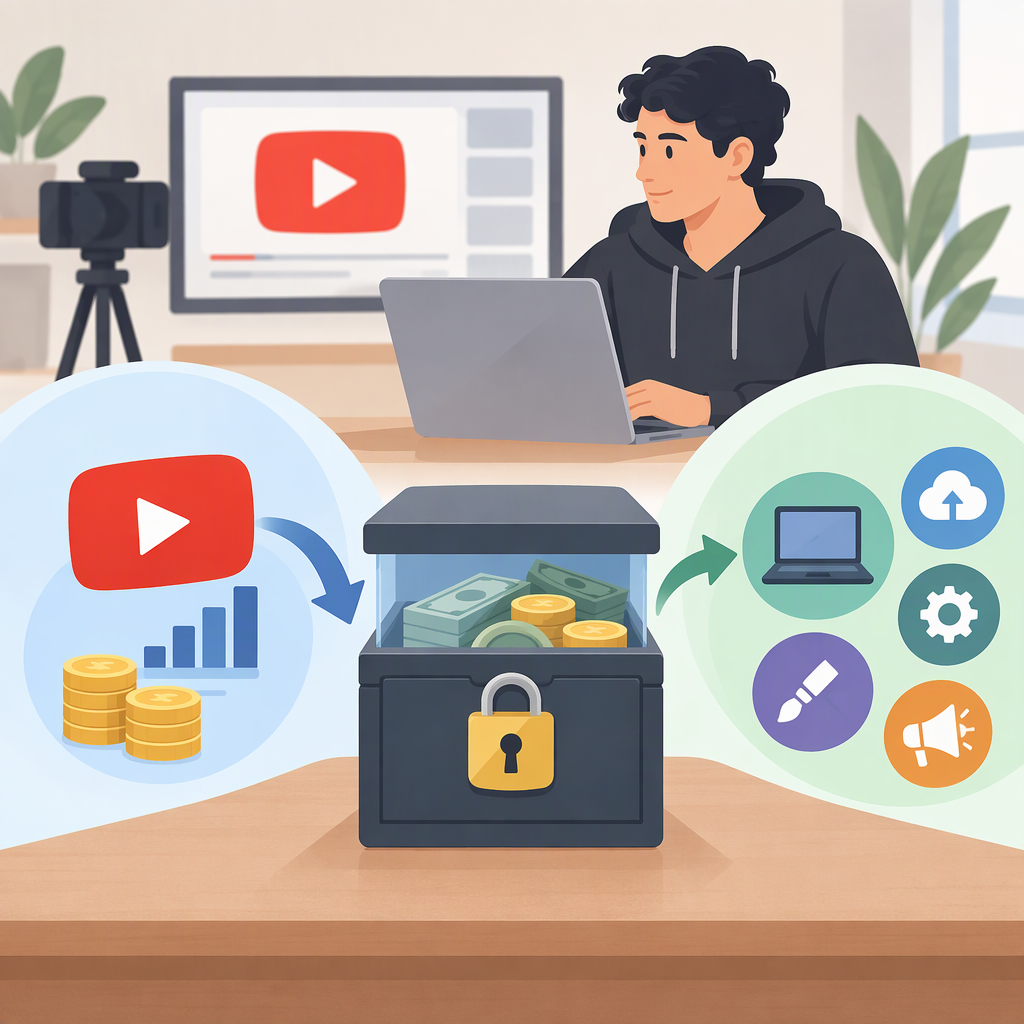
Escrow YouTube Monetization: Held Revenue Vs. Paid Services
YouTube can hold a video's revenue separately during a Content ID copyright dispute and pay the appropriate party after resolution. This protects the disputed revenue allocation; it does not guarantee that the creator receives the money. Monetization can continue during the dispute when both the creator and claimant want to monetize the video. (support.google.com)
If you are evaluating a paid “escrow YouTube monetization” offer, that is a different question. No specific service has been identified here. This guide explains YouTube's documented revenue-holding process and gives you a checklist for assessing a separate payment arrangement—not a provider review or legitimacy verdict.
What Does “Escrow” Mean Here?
First, identify which situation you are dealing with:
- A copyright dispute on your video: YouTube's documentation describes holding revenue while a Content ID dispute is resolved. The relevant question is when the hold begins and who ultimately receives the revenue. (support.google.com)
- A separate transaction with another party: An escrow provider may describe holding payment until an agreed acceptance or release condition is met. For example, Escrow.com documents release following buyer acceptance or expiration of an inspection period. Those are that provider's stated terms, not universal escrow rules. (escrow.com)
- An offer to “enable monetization”: Obtain the exact provider name, public URL and offer wording. The keyword alone does not identify who holds money, what you are buying or what outcome is promised.
Do not treat these situations as interchangeable. Holding disputed video revenue, managing a contractual payment and obtaining YouTube Partner Program approval are different processes. YouTube documents its revenue-dispute process separately from its Partner Program application process. (support.google.com)
How Held Revenue Works During a Copyright Dispute
YouTube's timing rules make the original claim date important:
| Your response to the original Content ID claim | YouTube's documented revenue treatment |
|---|---|
| Dispute within five days | Revenue is held from the first day the claim was placed. |
| Dispute more than five days later | Revenue is held starting on the dispute date. |
| Leave the claim undisputed | After five days, held revenue is released to the claimant. |
These rules concern the original dispute; YouTube also documents a separate five-day timing sequence for appeals. A revenue hold is not a ruling that your use is permitted. (support.google.com)
Hypothetical example: A claim arrives on April 1. A dispute submitted on April 3 falls within five days, so the hold begins April 1. A dispute submitted on April 10 starts the hold April 10 instead. This illustrates YouTube's rule, not a tested outcome or earnings forecast. (support.google.com)
What to Do in YouTube Studio
Before disputing, review the claimed material and your basis for using it. YouTube lists valid reasons such as having the necessary rights, a relevant copyright exception or a mistaken identification. Giving credit, owning a copy of a song or choosing not to monetize are not sufficient reasons by themselves. If your rights are uncertain, seek qualified advice rather than disputing solely to hold revenue. (support.google.com)
For the desktop process:
- Sign in to YouTube Studio and select Content.
- Find the affected video in the Videos tab; use the Claims filter if needed.
- Hover over Claims in the Restrictions column and select See details.
- Locate the relevant claim under Content used.
- Select Take action → Dispute and follow the prompts.
Submitting a dispute notifies the claimant, who has 30 days to respond. Submission does not establish that your dispute will succeed. (support.google.com)
A copyright claim is different from a copyright strike. If a rejected dispute leads you to consider an appeal, reassess your rights first: a claimant can respond with a copyright removal request, and a valid request can result in removal and a strike. (support.google.com)
Can Escrow Enable YouTube Monetization?
Do not equate a payment-release promise with YouTube approval. YouTube's published Partner Program route requires eligibility, an application in Studio and approval. Escrow is not a substitute for that documented sequence. This is a comparison of the official processes, not a finding about an unidentified service. (youtube.com)
YouTube's listed requirements include compliance with monetization policies, residence in an eligible country or region, no active Community Guidelines strikes, 2-Step Verification, advanced-features access and a linked AdSense for YouTube account—or readiness to create one through Studio. (support.google.com)
If your goal is to join the Partner Program, use YouTube Studio → Earn to review your channel's eligibility. When eligible, the published application steps are to select Apply now, accept the base terms and set up or link an active AdSense for YouTube account. Completing those steps submits an application; approval remains a separate step. (youtube.com)
For any external offer, ask what the seller is actually delivering: advice, editing work, a sponsorship deliverable or something else. Require public evidence for any claimed YouTube affiliation or special approval mechanism. An unidentified offer's capabilities, fees and guarantees remain unevaluated.
What to Verify Before Paying a Third Party
For a separate payment arrangement, obtain written terms that answer these questions before funding it:
| Item to inspect | Questions the terms should answer |
|---|---|
| Parties and fund holder | Who pays, who receives payment and which entity holds it? |
| Deliverable | What precisely must be provided, and what evidence demonstrates completion? |
| Release condition | Does release depend on your acceptance, a deadline or another party's decision? |
| Inspection window | When does it begin, how long is it, and what happens if you take no action? |
| Cancellation and refund | What happens if work never starts, delivery fails or you reject it? |
| Disputes | Who decides a disagreement, what deadlines apply and who pays associated costs? |
| Total cost | What is the amount, currency and billing unit? Who pays each fee, and is anything recurring? |
| Access | Which channel permissions are needed, for which task and for how long? |
These are evaluation questions, not confirmed features of an unnamed service.
Read the Release and Dispute Rules Together
A consequential example comes from Escrow.com's own documentation: its inspection period begins when the buyer marks delivery as received or delivery is otherwise confirmed. Funds may be released after acceptance or when the inspection period expires. Silence is therefore not necessarily a way to keep payment held under those terms. (escrow.com)
Its published dispute procedure also describes negotiation and, if unresolved, a period to commence third-party arbitration. These are provider-stated procedures, not independent evidence of performance or a promise that a dispute will be easy. They illustrate why you should evaluate deadlines, release delays and dispute burden alongside any claimed payment protection. (escrow.com)
No transaction-specific fee, currency, refund policy or geographic eligibility can be supplied without identifying the actual offer. Do not infer those terms from another provider's documentation.
What to Verify Before Granting Channel Access
YouTube says channel permissions allow collaborators to work without access to your Google Account and are safer than sharing passwords or sensitive sign-in details. Review the requested role against the actual task rather than giving broad access by default. (support.google.com)
The differences are consequential: a Manager can manage permissions and delete content, while an Editor cannot manage permissions or delete published content. Editor (limited) also cannot access revenue data. None of these distinctions proves that a collaborator is trustworthy; they help you judge whether the requested access is necessary. (support.google.com)
Before granting access, request a written explanation of the task, role and removal date. A payment arrangement should be evaluated separately from the account permissions it requests.
Your Next Step
- Your video's revenue is held during a copyright dispute: Inspect the claim and your rights in Studio. Use the documented dispute process only when you have a valid basis; the five-day rule affects the revenue-holding start date, not whether you are entitled to win. (support.google.com)
- You want platform monetization: Start in Studio → Earn, review eligibility and follow YouTube's application instructions. (youtube.com)
- You are arranging a separate payment: Read the deliverable, release, refund, dispute, cost and access terms together before paying.
- You have an unidentified “escrow monetization” offer: Obtain its exact name, public URL, offer wording and transaction terms before deciding.
Missing evidence leaves an offer unevaluated—not proven legitimate or fraudulent. The useful distinction is whether you need help with a YouTube-controlled process or protection around a separate contractual payment.