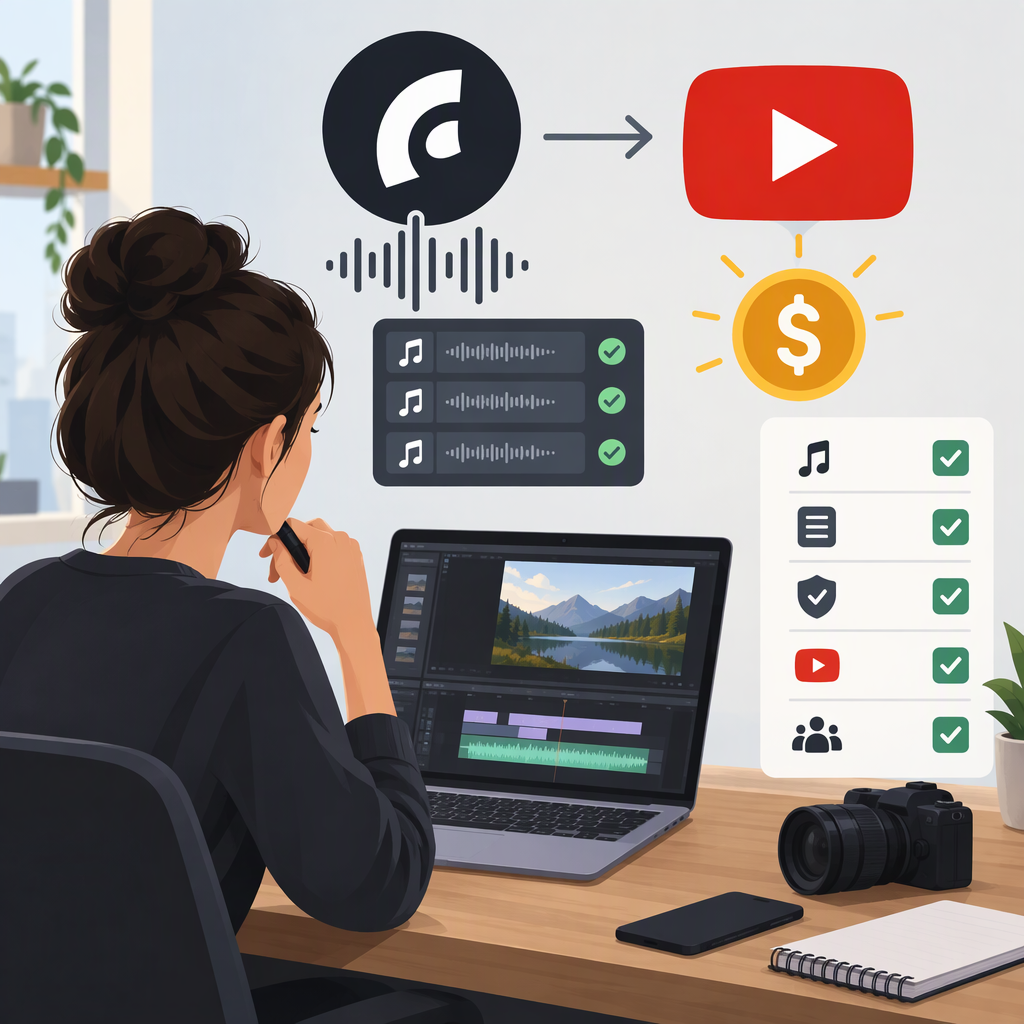
Epidemic Sound and YouTube Monetization: What Creators Should Check
Can You Monetize a YouTube Video That Uses Epidemic Sound Music?
Generally, yes—if the specific music use is covered by your applicable Epidemic Sound license. Epidemic Sound says content published while a subscription is active remains cleared to monetize, and that creators should connect their YouTube channel or video to their account. But a music license does not make a channel eligible for YouTube monetization by itself: YouTube separately reviews channels against its Partner Program (YPP) requirements and monetization policies. (epidemicsoundhelp.com)
Think of it as two separate checks:
- Music permission: Does your Epidemic Sound license cover this track, channel or video, and the time you publish it?
- YouTube monetization: Is your channel accepted into YPP and does the video and channel comply with YouTube’s monetization policies?
Passing one check does not guarantee passing the other. YouTube’s published YPP requirements include following its monetization policies, living in an eligible country or region, having no active Community Guidelines strikes, enabling 2-Step Verification, having advanced features access, and meeting an eligibility threshold. Meeting the threshold leads to a channel review; it does not guarantee acceptance. (support.google.com)
Before Publishing: A Practical Coverage Checklist
- Confirm your license is active when you publish. Epidemic Sound says an active subscription or license is needed at the time of publishing for safelisting, and that new content published after a subscription ends may receive claims. Check the terms that apply to your own account and license. (epidemicsound.com)
- Check that the specific use is covered. Confirm the music and intended YouTube use fit your license terms. Don’t assume a download alone grants ongoing permission to publish new videos: Epidemic Sound says content published after a subscription expires is not covered just because the track was downloaded earlier. (epidemicsound.com)
- Safelist the right channel or video. Epidemic Sound describes safelisting as connecting channels or videos to your account so platforms can identify the licensed use. Its help guidance says to link your YouTube channel or video; a missing or incorrect connection can be one reason a Content ID claim appears. (epidemicsoundhelp.com)
- Check the connection in your account before uploading. Epidemic Sound says safelisted channels can be managed in the Safelisting section of your account. Its help center states that a Creator Subscription allows one channel per platform; if you publish on multiple channels, verify that your license allows and covers each one. (epidemicsoundhelp.com)
- Keep useful proof of coverage. Retain your subscription or license details and a record of the channel or video you connected. This is a practical way to retrieve the information if a claim arises; it is not a guarantee that YouTube will never issue a claim.
Example: If you download a track during an active subscription but publish a new video after that subscription expires, the download date alone does not establish coverage. Epidemic Sound says new content published after expiry may receive a claim. By contrast, its help guidance says videos uploaded while the subscription was active remain cleared to monetize, subject to the applicable license terms. (epidemicsound.com)
If You Receive a Copyright Claim
A YouTube Content ID claim is not the same as a copyright strike. A claim may affect a video by tracking it, blocking it, or monetizing it for the claimant; YouTube says the result can vary by territory. (support.google.com)
If Epidemic Sound claims your video, first check whether the track is covered and whether the correct channel or video is linked to your Epidemic Sound account. Epidemic Sound says a claim can mean YouTube could not confirm a valid license, or that the use may not comply with the license terms. (epidemicsoundhelp.com)
If you have confirmed you hold the necessary rights and believe the claim is mistaken, YouTube’s desktop instructions are: open YouTube Studio → Content → the claimed video → Restrictions / See details → Take action → Dispute. YouTube says to dispute only when you have a valid reason and are confident you have the necessary rights. Giving credit, owning a copy of a song, or choosing not to monetize are not valid reasons by themselves. The claimant generally has 30 days to respond to a dispute. (support.google.com)
If you are unsure whether your use is covered, check the license and contact the relevant rights or support channel before submitting a dispute. A dispute is not a guaranteed way to remove a claim, and YouTube warns that repeated or malicious misuse of the process can lead to penalties. (support.google.com)
What Happens If You Cancel or Change Your Subscription?
Epidemic Sound’s help guidance says content published while a subscription was active remains cleared to monetize, while new content published after the subscription ends may receive claims. It says a subscription must be reactivated to continue publishing new content with its music without claims. Confirm your specific license terms and that each video was published during the covered period; don’t rely only on when you downloaded the track. (epidemicsoundhelp.com)
For a channel change or other subscription change, check the current terms and your account’s Safelisting section. Epidemic Sound says connected channels can be managed there; its guidance also notes that new content on a replacement channel may need to be connected. (epidemicsoundhelp.com)
Bottom Line
You can monetize a YouTube video using Epidemic Sound music when the use is covered by your applicable license—but YouTube monetization still depends on separate channel and content requirements. Before publishing, verify the active license, the specific use, and the correct channel or video connection. If a claim appears, check coverage first and dispute only when you have a valid basis and the necessary rights.