Distrokid YouTube Monetization: Content Id, YouTube Music, and Channel Earnings
Direct Answer: What “Distrokid YouTube Monetization” Means
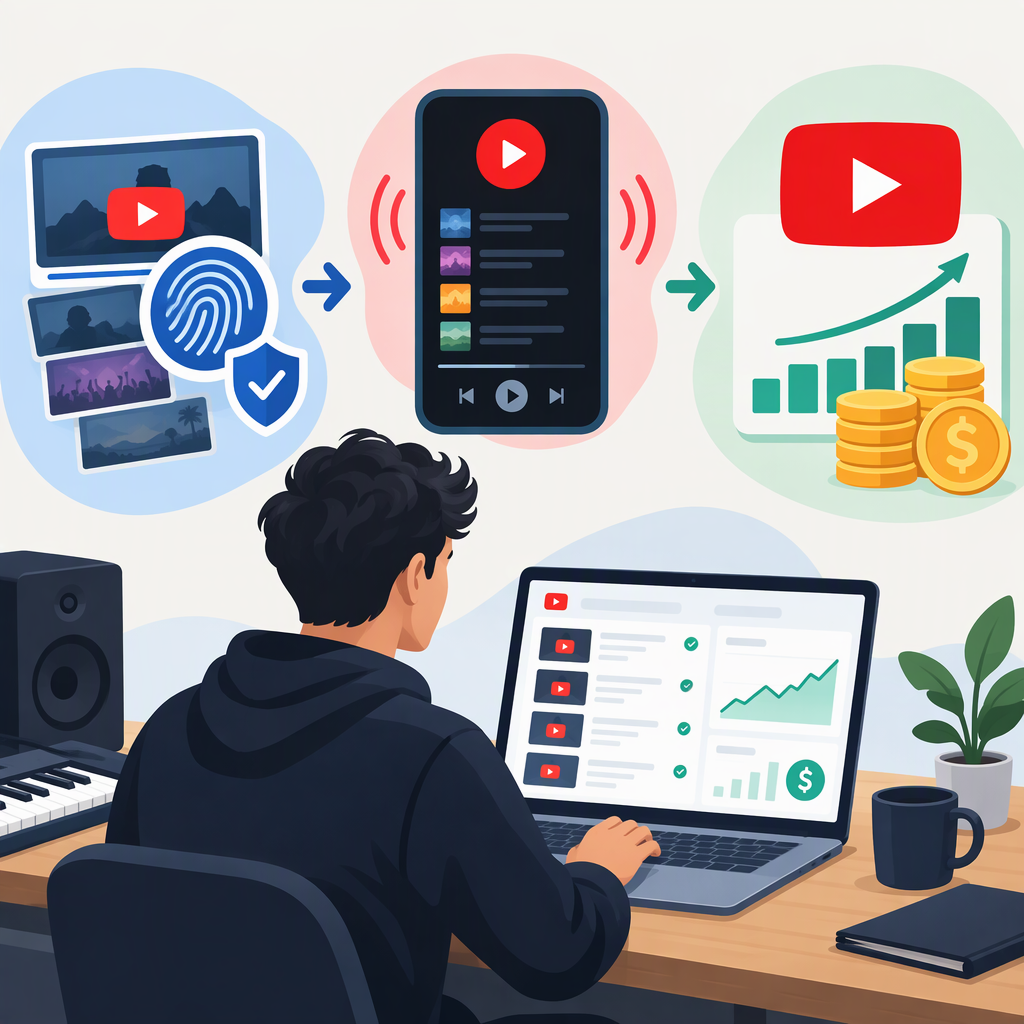
Most often, the phrase refers to YouTube Content ID through DistroKid’s optional Social Media Pack. It is for identifying videos that use your music and, when a match is monetized, directing a share of the resulting revenue to you. It is not the same as putting a release on YouTube Music, and it does not enroll your channel in YouTube’s Partner Program (YPP). (support.distrokid.com)
| Your goal | Route | What it does—and does not do |
|---|---|---|
| Earn when other videos use your music | Social Media Pack / YouTube Content ID | DistroKid says it submits eligible music for matching against YouTube videos. A match may result in an ad-supported video and revenue to you, less DistroKid’s stated share. This does not, by itself, monetize your channel generally. (support.distrokid.com) |
| Make a release available as music | Distribution to YouTube Music | Delivers music for streaming and can result in Art Tracks on YouTube. Distribution to YouTube Music does not automatically add the release to Content ID. (support.distrokid.com) |
| Earn from your own channel’s eligible content | YouTube Partner Program | Apply to YouTube and meet its channel, policy, and feature eligibility requirements. Buying a DistroKid add-on does not establish YPP eligibility or approval. (support.google.com) |
Quick choice: If your question is “Can I earn when other creators use my recording?”, investigate Social Media Pack and Content ID. If you want fans to stream your release, look at YouTube Music delivery. If you want ad or other creator-program earnings from your own channel, check YouTube Studio’s Earn section for YPP eligibility.
What Content Id Covers—And What to Check First
DistroKid describes Social Media Pack as a tool for identifying user-generated videos that natively include your music—that is, the audio was part of the video when it was uploaded, rather than added later from a platform’s audio library. Its help page says the pack can generate a share of earnings from qualifying user-generated content, with earnings shown in DistroKid Bank. (support.distrokid.com)
This distinction matters in practice:
- Another channel uploads a video with your track already mixed into it: This is the kind of use Content ID is intended to identify, subject to eligibility, matching, platform handling, and monetization. A match does not guarantee a particular payment.
- You upload your own video using your track: It can also receive a Content ID claim. DistroKid says that can be expected when Content ID detects the music; if you want a particular video to be free of that claim, you can request that the individual video be allowlisted. DistroKid says you cannot allowlist an entire channel, and Art Tracks labeled “provided to YouTube by DistroKid” cannot be allowlisted. (support.distrokid.com)
- You distribute a track to YouTube Music: That places music in YouTube’s music-streaming ecosystem; it is separate from Content ID matching of videos and does not automatically activate it. (support.distrokid.com)
Before opting in, review DistroKid’s eligibility checklist. It says the release must have sounds you own 100%, and excludes material such as beats, loops, sound effects, sample-library audio (including listed free software sounds), public-domain recordings or songs, sounds from games, television, films or other media, and audio taken from other people’s YouTube videos. It also warns against another artist remixing or using sounds from the track, and against having another company submit the same release to Content ID. (support.distrokid.com)
DistroKid separately says cover songs are eligible for YouTube Content ID through Social Media Pack. Because eligibility depends on the actual recording and rights involved, do not assume that a cover-song distribution license alone answers every Content ID eligibility question; check the release against DistroKid’s full current rules. (support.distrokid.com)
Price and Trade-Offs
DistroKid’s US Help Center lists Social Media Pack at $4.95 per single per year or $14.95 per album per year, plus 20% of ad revenue generated through the monetization. The charge is per release, not a one-time payment. DistroKid describes the pack as an annually charged optional Album Extra. (support.distrokid.com)
A simple illustration: if a qualifying video generated $100 in ad revenue attributable to this monetization, the stated 20% share would be $20 and the remaining $80 would go to you, before any applicable taxes or withdrawal-related fees. This is arithmetic to explain the stated split—not a prediction of earnings. Views, monetization status, matching, and platform reporting affect actual results. DistroKid says its 20% share applies to Social Media Pack monetization; that is distinct from its general statement about earnings from music stores. (support.distrokid.com)
Weigh the recurring cost against the use case. The add-on is relevant if you want eligible third-party uses of your recording identified and monetized. It is not a fee for YPP approval, and YouTube Music delivery alone does not turn on Content ID. If your recording uses licensed beats, loops, or samples, or is already registered with another Content ID provider, the eligibility and conflict warnings may make opting in inappropriate without resolving those rights first. (support.distrokid.com)
How to Check Enrollment, Claims, and Earnings
- Check whether the release is enrolled. In DistroKid, open the release page and look under Extras. DistroKid says you can add Social Media Pack during upload or later from the release page. Confirm it is selected for the specific release you mean; it is priced per release. (support.distrokid.com)
- Check a video’s claim status. In YouTube Studio, open Content and inspect the video’s Restrictions or copyright details. YouTube says Content ID claims are generated when uploaded videos match content in its system; the rights holder’s settings determine the claim’s effect. (support.google.com)
- Handle your own video deliberately. If a DistroKid Content ID claim is on a particular video and you want it removed, use DistroKid’s YouTube Allowlist process for that video. DistroKid says channel-wide allowlisting is not available. If you believe a claim is mistaken or you have the necessary rights, YouTube provides a dispute process; use it only when you have a valid basis. (support.distrokid.com)
- Check Content ID-related earnings in DistroKid Bank. DistroKid says Social Media Pack earnings appear in Bank, where earnings can be broken down by artist, song, or service. This is separate from checking your own channel’s YPP status and earnings in YouTube Studio. (support.distrokid.com)
Do not expect a claim, an enrollment change, and a payment to appear at the same time. DistroKid says services generally report earnings every one to two months, often for activity from earlier months; timing varies. Use the DistroKid earnings report for the reported amount and YouTube Studio for the status of a specific video or your channel’s monetization. (support.distrokid.com)
Bottom Line
- Want revenue from other videos using your music? Check the track’s Content ID eligibility, confirm no conflicting Content ID registration, and compare the annual per-release fee plus 20% revenue share with your goal.
- Want the release available for streaming? Consider YouTube Music delivery; it is separate from Content ID enrollment.
- Want to monetize your own channel? Check YouTube’s current YPP requirements and application status in YouTube Studio. DistroKid distribution or Social Media Pack does not substitute for YouTube’s channel program. (support.distrokid.com)