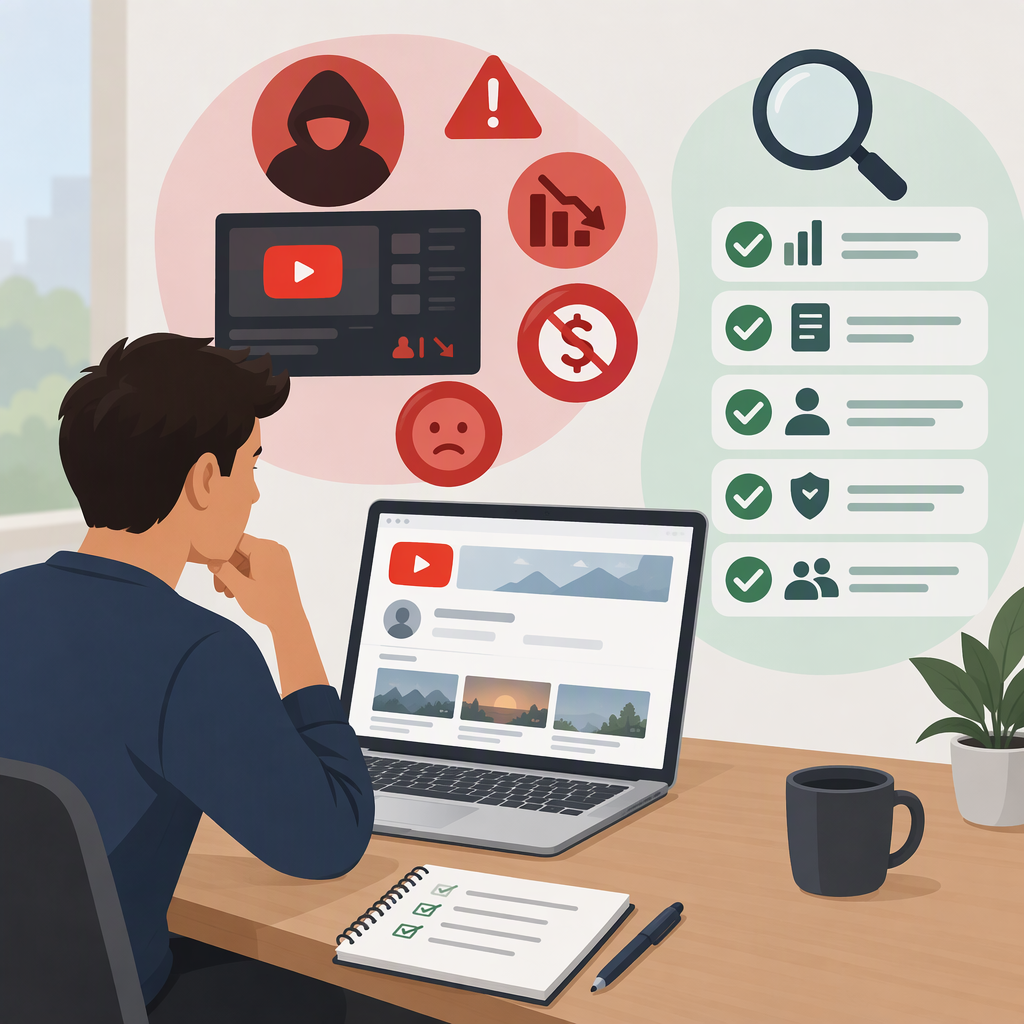
Pre-Monetized YouTube Channels: Risks and Buyer Checks
Short Answer
A pre-monetized YouTube channel is usually a seller’s description of a channel that they say is already in the YouTube Partner Program (YPP), or has monetization features enabled. Treat that as a claim to verify—not a promise that you will receive the seller’s account, AdSense account, revenue, or continuing monetization. YouTube says channels must comply with its monetization policies, and a channel that is no longer eligible may lose access to monetization features. Google also says AdSense for YouTube account ownership cannot be transferred. (support.google.com)
Practical rule: Before paying, verify the channel’s current status and history in YouTube Studio, inspect its performance and payment evidence, and agree in writing on exactly what is being transferred. If you cannot verify key claims or the handover depends on sharing a Google password, pause or decline.
What “Pre-Monetized” Means—And What It Does Not
“Pre-monetized YouTube channel” is a marketplace-style description, not a guarantee of a particular YouTube status. Ask the seller to distinguish among:
- YPP participation: whether the channel is currently in the YouTube Partner Program.
- Enabled features: which earning features are available and actually turned on. Different features can have their own eligibility requirements.
- Historical earnings: what the channel earned in a past period. Past revenue is not a commitment about future views or income.
- The proposed handover: which channel, content, brand assets, access, and other rights the parties intend to include. A listing alone does not establish that the seller can transfer every item or that YouTube will preserve a particular status.
YouTube’s official YPP guidance describes the program as providing access to monetization features and revenue sharing, subject to eligibility and policy requirements. It does not make a seller’s use of the word “monetized” proof that a buyer will keep earning. (support.google.com)
Main Risks to Weigh
Monetization Can Change
YouTube says monetizing channels must comply with its channel monetization policies and other applicable rules. If a channel is found no longer eligible, it may lose access to YPP monetization features. So even a genuine, currently monetized channel is not evidence that its status or revenue will continue after a change in control or content. (support.google.com)
Check: Ask to see the channel’s current Earn page in YouTube Studio and review its policy or enforcement notices. Examine the channel’s videos and how they were made, not just its subscriber count. A channel’s past approval does not establish that its present content meets policy requirements.
Earnings Claims May Not Equal Money Received
YouTube distinguishes estimated earnings in Analytics from finalized earnings in AdSense for YouTube; the amounts can differ. Analytics figures can also be delayed or adjusted. A screenshot of an estimated revenue figure is therefore not the same as proof of final earnings or payment received. (support.google.com)
Check: Review revenue over a meaningful period in the seller’s live Studio account, compare it with finalized AdSense for YouTube statements and relevant payout records, and note the dates and currency. Check whether views and earnings come from a small number of videos or a short-lived spike. These checks can help assess past performance; they cannot predict future revenue.
Channel Access and Payment Accounts Are Different Things
YouTube channel permissions let people access channel data and tools using assigned roles without receiving the account holder’s Google sign-in details. YouTube describes permissions as safer than sharing passwords. Separately, Google says AdSense for YouTube account ownership cannot be transferred. A channel handover therefore should not be treated as automatically transferring the seller’s payment account or payee identity. (support.google.com)
Check: Establish which channel ownership or access process the seller proposes, who will control the Google account, and how you will set up your own eligible payment arrangements. Do not accept a plan that requires you to take over someone else’s personal Google account or rely indefinitely on their payment account.
The Channel’s Audience and History May Not Fit Your Plans
A channel’s prior views and subscribers describe its past audience, not necessarily the audience for your future videos. If the content, language, topic, or publishing pattern changes, prior performance may be a poor guide to what happens next. This is a business risk to assess from the channel’s actual history, not something a monetization label resolves.
Check: Review recent and older videos, traffic sources, audience geography and returning-viewer trends where available. Compare the seller’s claims with the channel’s visible content and Studio data. Consider whether you can keep serving the audience the channel already has.
Checklist Before You Pay
- Identify the exact channel. Match the channel URL and channel identity to the listing and written agreement. Clarify what content, branding, and other assets are included.
- Verify current status yourself. Ask the seller to show the relevant YouTube Studio pages live, including the Earn page and any policy or enforcement messages. A screenshot may be useful for discussion, but it is not enough on its own to establish current status.
- Inspect content and policy history. Review a representative set of older and recent videos, including the videos that appear to drive the most views or earnings. Ask about copyright claims, strikes, removed videos, reused material, and any monetization restrictions; compare answers with what is visible in Studio.
- Reconcile performance and earnings. Inspect Analytics over multiple periods and, where available, compare estimated earnings with finalized AdSense for YouTube records and payment evidence. YouTube notes these figures can differ, so ask what each document represents and for which dates. (support.google.com)
- Understand the handover before committing. Ask the seller to explain the exact ownership or channel-transfer process and demonstrate the relevant permissions or account structure. YouTube documents specific Brand Account and channel-permission processes; those help pages should not be read as approval of a commercial sale or as assurance that YPP status will continue. (support.google.com)
- Keep sign-in security intact. Do not request or share Google passwords, two-step verification codes, or recovery details. Use official channel permissions for access where appropriate; permissions can grant channel access but are not the same as transferring ownership. (support.google.com)
- Put the deal terms in writing. Specify what is included, how and when control changes, how payment is handled, what happens if agreed access or assets are not delivered, and who is responsible for relevant taxes or contractual obligations. The legal and tax consequences depend on the parties and jurisdiction; seek qualified advice for a significant transaction.
- Plan for a fresh payment setup. Do not assume the seller’s AdSense for YouTube account can be handed over. Confirm what payment setup you can use in your own circumstances before valuing the channel based on claimed earnings. (support.google.com)
When to Pause or Walk Away
Pause the transaction if you cannot inspect the channel’s current status, the earnings evidence does not reconcile, the seller will not explain the transfer structure, or the channel’s content history raises questions you cannot resolve. Decline if the seller insists on password or security-code sharing, promises guaranteed future monetization or income, or expects you to rely on an AdSense for YouTube account that Google says cannot be transferred. These are reasons to avoid committing while key facts or account control remain unresolved—not proof, by themselves, that a seller has broken a rule.
Buy or Build?
Buying may offer an existing library and audience, but it adds verification, handover, policy, and audience-fit risks. Building from scratch takes effort to develop an audience and meet applicable eligibility criteria, but you avoid inheriting another operator’s content and account history. Neither route guarantees monetization or future earnings; choose based on whether the specific channel’s verifiable assets and history justify its price and risks.