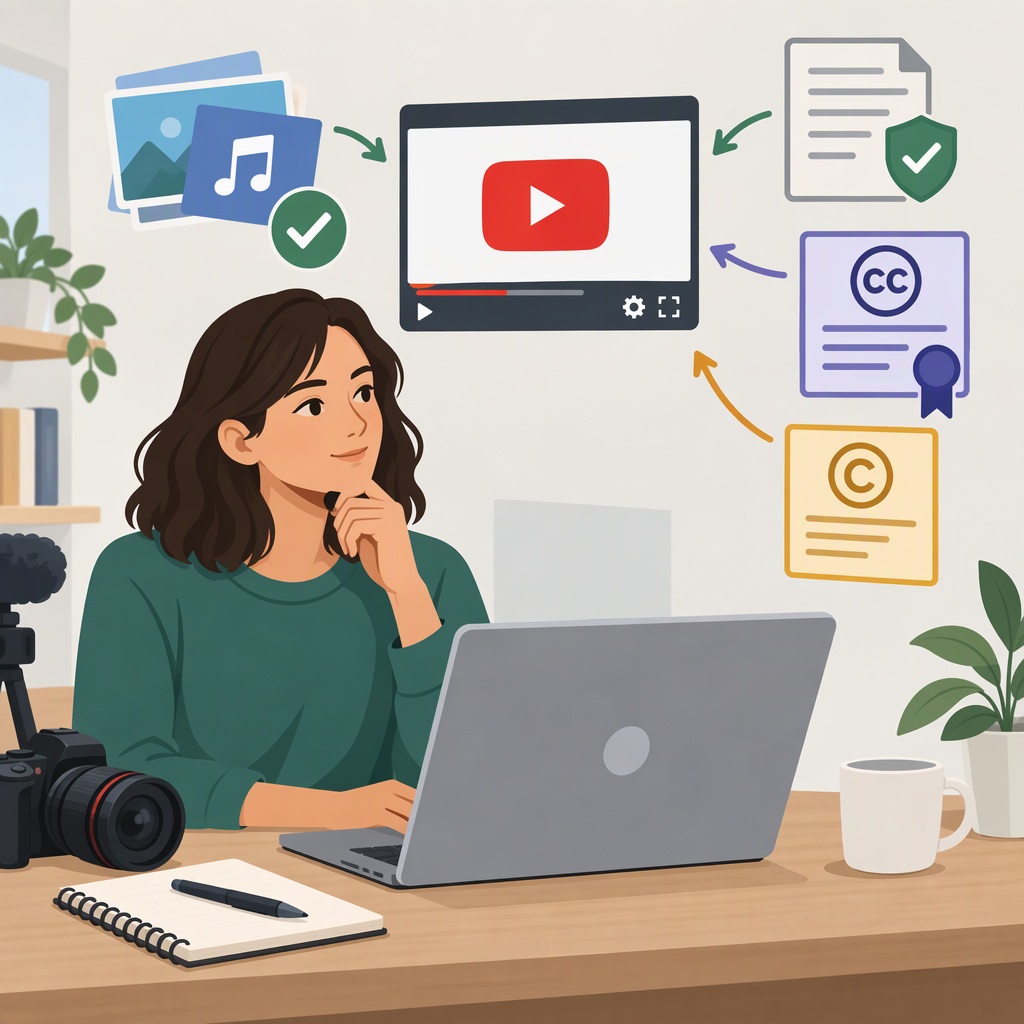
YouTube Usage Rights: A Creator’s Guide to Permissions, Licenses, and Copyright Notices
Short answer: YouTube usage rights are not one blanket permission. Before using someone else’s song, video clip, image, or other work, check whether you have permission or a license that covers your planned use—or whether a legal exception or public-domain status applies. YouTube’s terms and copyright tools govern how material is handled on the platform; they do not automatically give you permission from the work’s rights holder. A Content ID match or the absence of a notice is not, by itself, a complete legal decision about your rights.
This guide focuses on practical steps for creators. Copyright rules vary by country; where this article describes U.S. fair use, that is not a universal rule for every creator or audience.
Check Rights for Every Asset in the Video
Make an asset list before publishing. Include more than the main footage: background music, sound effects, photographs, illustrations, screen recordings, video excerpts, and material submitted by a guest or viewer may each raise separate rights questions. A video can combine several works with different owners and permissions.
For each item, work through this path:
- Identify the exact work and version. Note the track, recording, clip, image, or other material you plan to use, and where you got it. A song recording and the underlying musical composition, for example, may involve different rights.
- Find out who can authorize the use. The person who posted or sent you a file may not control all the rights in it. If several works or contributors are involved, check each relevant one.
- Look for permission or a license covering your use. Check the actual terms, not just a label such as “free,” “royalty-free,” or “no copyright.”
- If you are relying on an exception or public-domain status, check the applicable law and facts. Do not assume a use qualifies just because it is short, educational, credited, or not monetized.
- If a key fact is unknown, treat the right as unresolved. Ask the rights holder, choose material with clearer terms, remove or replace it, or get qualified legal advice where the stakes warrant it.
The U.S. Copyright Office advises users to determine a work’s copyright status and seek permission when no applicable limitation applies. It also notes that a missing copyright notice does not necessarily mean a work is free to use. (copyright.gov)
What to Verify in a Permission or License
Check the permission against the video you actually plan to publish. Depending on the agreement, relevant terms may include:
- The material covered: Is it the correct work, recording, edit, or version?
- The person granting permission: Do they control the rights needed for this use, or have authority to grant them?
- The permitted activity: Does permission cover incorporating the material into a video, editing it, publishing it online, and any other use you intend?
- Monetization and other conditions: Are there limits on commercial use, ads, revenue, or other monetized activity? Is attribution required, and in what form?
- Time, place, and platform: Are there duration, territory, channel, platform, or other restrictions?
- Payment and approval: Is a fee, credit, review, or additional approval required?
- Evidence: Keep the license or written permission, its terms, the source page or correspondence, payment records if relevant, and any attribution details. Record when and how you obtained them.
These are questions to check, not requirements that every permission must contain. For instance, a music license that allows personal video use may still be unsuitable if your intended upload is monetized or the license excludes a particular platform. Do not assume that buying a copy of a song, stock clip, or image includes the right to put it in a public video.
Attribution is not a substitute for permission. Credit may be a condition of a license, but adding a creator’s name does not by itself grant a license. YouTube likewise lists crediting the copyright owner, not monetizing a video, and owning a copy of a song or video as insufficient reasons on their own to dispute a Content ID claim. (support.google.com)
Creative Commons and Public-Domain Material
A Creative Commons (CC) license is permission offered under stated conditions. Read the specific license attached to the exact work. CC licenses differ: some allow commercial use, while others restrict it; some allow adaptations, while others do not; and ShareAlike licenses require qualifying adaptations to be shared under the same or a compatible license. Follow the applicable attribution and other conditions. (creativecommons.org)
A CC label on a page is useful only if it actually applies to the material you are using and was placed by someone entitled to license it. Check the source, the work covered, the license version, and any third-party elements excluded from the license. If the planned video’s monetization or editing conflicts with a license condition, do not assume that giving credit fixes the conflict.
A work in the public domain may be used without permission from a former copyright owner under the applicable law, but status can depend on the work and jurisdiction. Verify that the particular material—not merely a similar version or a performance of it—is public domain where relevant. The U.S. Copyright Office defines public-domain works as works no longer under copyright protection or that failed to qualify for it; that U.S. explanation does not settle status in every country. (copyright.gov)
Fair Use Is a Case-Specific Question, Not a Platform Shortcut
In the United States, fair use can permit some uses of copyrighted material without the owner’s permission. Whether a particular use is fair depends on the circumstances; there is no general safe number of seconds, notes, or percentage that automatically makes a use lawful. The U.S. Copyright Office points to factors and court decisions rather than a fixed amount that creators can freely use. Other countries may apply different exceptions, such as fair dealing, with different rules. (copyright.gov)
A creator considering an exception should assess the actual purpose and context, the material used, and the relevant law—not rely on slogans such as “it’s only a few seconds,” “I’m not making money,” or “I gave credit.” YouTube says its systems do not determine whether a creator has correctly licensed content or whether an exception applies. If a fair-use or similar argument is important to the video, consider getting legal advice before relying on it.
If YouTube Identifies Copyrighted Material
Start by reading the exact notice in YouTube Studio and the related email. A Content ID claim and a copyright removal request are different processes.
| Platform action | What it generally means | Practical next step |
|---|---|---|
| Content ID claim | YouTube’s automated system found a match. Depending on the rights holder’s settings, the video may be tracked, monetized, or blocked; effects can vary by country or region. A claim is not the same as a copyright strike. | Check which segment and work are identified, the stated policy, and whether your permission or other basis covers that use. If the claim is valid, you may leave it in place or use Studio’s available options to remove or replace the claimed material. Dispute only if you have a sound basis, such as the necessary rights, a genuine applicable exception, or a misidentification. (support.google.com) |
| Copyright removal request / takedown | A rights holder or representative has made a legal removal request. If YouTube reviews it as valid, the content is removed and a copyright strike is applied. Some requests are scheduled, giving the uploader seven days to act before removal and a strike. | Read the notice promptly. If it is scheduled, follow the specific instructions and timing shown there; YouTube says the seven-day period can allow action such as removing the video or seeking a retraction. If content has already been removed, a counter notification is a legal request, not an ordinary Content ID dispute. Use it only if you believe removal resulted from a mistake or misidentification, and review YouTube’s current instructions carefully. (support.google.com) |
If disputing a Content ID claim, consider the trade-off: a valid dispute can correct a mistaken claim, but an unsupported dispute can lead to further escalation. YouTube’s instructions say the claimant generally has 30 days to respond to a dispute; later steps and deadlines depend on the notice and process. Do not rely on a remembered deadline—check the current instructions in Studio and the email for your specific case. (support.google.com)
A platform decision does not necessarily settle every legal question. YouTube says it does not decide copyright ownership or mediate ownership disputes. A detection result does not prove that your use is unlawful, and the lack of a match does not prove that you have permission. (support.google.com)
A Quick Pre-Upload Example
Hypothetical: You plan to use a background track from a site that describes its music as “free.” Before uploading, find the terms for that exact track. Check whether the licensor controls the relevant rights, whether video use and monetization are allowed, whether credit or other conditions apply, and whether the permission covers your intended platform and edits. Save the terms and proof of permission. If the site does not make a key condition clear, do not treat “free” as a complete answer; ask for clarification or select a track with terms you can verify.
Bottom Line
Before publishing, you should be able to identify each third-party asset, point to the permission, license, public-domain status, or other legal basis you are relying on, and confirm that its conditions fit your intended video. Keep the supporting records. If YouTube raises an issue, identify whether it is a Content ID claim or a removal request, then follow the current instructions for that specific action. When rights or legal exceptions remain uncertain, resolve the uncertainty before relying on the material—or seek qualified legal advice. This is general educational information, not legal advice.