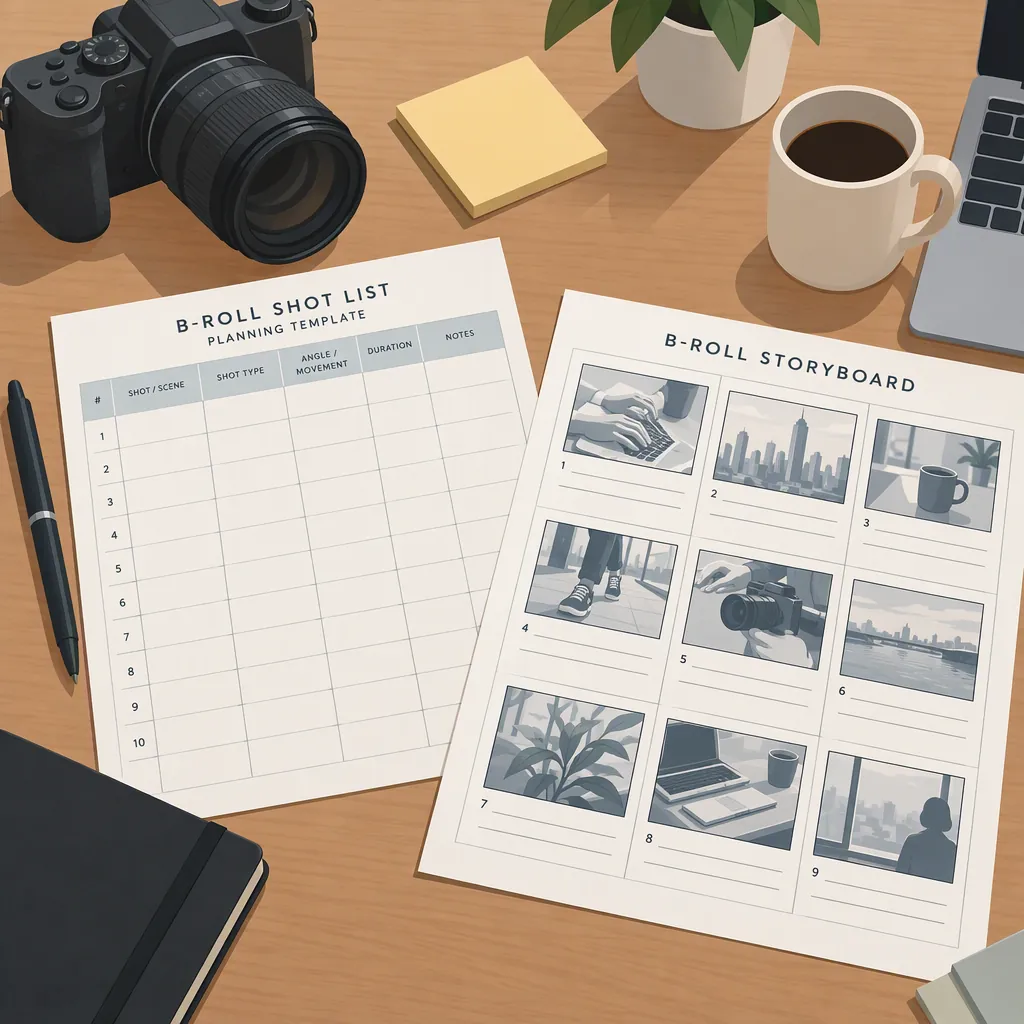
B-Roll Shot List: Planning Template and Storyboard
A B-roll shot list is a filming plan for supplemental footage that supports the main interview, narration, or action. For each planned shot, record the story beat, subject, framing, action, location, priority, and intended edit use. Start with what the audience needs to see, then plan wide, medium, and close-up coverage where useful. StudioBinder defines B-roll as supplemental footage and recommends including time and plans for it during preproduction. [c1]
What B-Roll Should Support
B-roll is secondary to the primary footage, but it should still have a clear purpose. StudioBinder identifies supporting imagery, cutaways, and establishing shots among its uses. It also describes B-roll as useful for transitions and covering gaps in an edit. [c1]
For planning, assign each shot one main job:
- Establish context: Show where an activity takes place.
- Illustrate a statement: Show the object or process being discussed.
- Reveal a detail: Make a small action or feature visible.
- Bridge an edit: Provide relevant imagery while the main audio continues.
- Connect story beats: Show movement between places or stages.
These categories are a suggested planning framework, not a requirement that every video use all five. Avoid adding footage simply because it looks attractive; identify how it relates to the surrounding narration or action.
Build the Shot List from Story Beats
Use the following workflow as a practical starting point:
- Outline the main content. Divide the script, interview topics, or demonstration into distinct beats.
- Name the visual need. For each beat, ask what the viewer needs to see to understand it.
- Choose the subject and action. Replace vague entries such as “workspace footage” with something observable, such as “hands arranging tools on a table.”
- Plan coverage. Consider a wide view for context, a medium view for the action, and a close-up for a relevant detail. Komet Media recommends this framing variety in its shooting guidance. [c2]
- Set priorities. Mark shots as essential, useful, or optional. These are suggested labels for managing limited filming time.
- Group by setup. Arrange the capture order around location, subject availability, and camera position. Keep a separate story-beat field so the intended edit order remains clear.
Before filming, review what may appear in the frame. As a precaution, use permission-cleared subjects and locations, and remove private information from screens, papers, and backgrounds.
Reusable B-Roll Shot List Template
The template below is an original planning aid, not a reproduction of a referenced template. Keep the fields that help the crew execute a shot, and omit fields that do not apply.
Separate capture length from expected edit use: a shot may need to run longer during recording than it will appear on screen. Komet Media advises holding shots longer than the intended edited excerpt. Treat that as a coverage recommendation rather than a universal timing rule. [c2]
For action shots, a useful planning note is to record a settled beginning, the complete action, and a settled ending when practical. Record whether location sound matters rather than assuming every B-roll shot must be silent; StudioBinder notes that B-roll may not require sound. [c1]
Blank B-Roll Shot Record
Shot ID: [Unique identifier]
Story Beat or Narration Cue: [What this shot supports]
Edit Purpose: [Context / illustration / detail / bridge / transition]
Subject and Action: [Who or what appears, and what happens]
Framing: [Wide / medium / close-up / other]
Camera Position and Movement: [Static position or planned movement]
Location and Setup: [Where and what must be ready]
Capture Length: [Planned recording length or complete action]
Sound: [Needed / optional / not needed]
Continuity Notes: [Object positions, clothing, action direction]
Permissions and Privacy Check: [People, location, screens, documents]
Priority: [Essential / useful / optional]
Take or Filename: [Complete after recording]
Status and Notes: [Planned / captured / checked / replacement needed]
Example Shot List and Storyboard
This fictional example supports a short explanation of repotting a houseplant. It demonstrates planning structure, not gardening instructions or footage from an actual production.
| ID | Story Beat | Planned Shot | Framing | Priority |
|---|---|---|---|---|
| B01 | Introduce the task | Plant, empty pot, and tools on a work surface | Wide, static | Essential |
| B02 | Show preparation | Hands arranging the materials | Medium, static | Useful |
| B03 | Identify a detail | Close view of the empty pot before use | Close-up, static | Essential |
| B04 | Show the main action | Hands moving the plant into the new pot | Medium, static | Essential |
| B05 | Clarify the action | Detail of hands working around the plant | Close-up, static | Useful |
| B06 | Show the result | Finished plant on the same work surface | Wide, static | Essential |
For this workflow, use the shot list to record capture details and the storyboard to sketch composition and sequence. A storyboard panel can be a rough drawing with a short action note; it does not need polished artwork.
The sequence below is a proposed edit order. The filming order can differ if grouping camera setups is more practical.
Text Storyboard for the Illustrative Sequence
Panel 1 — Context
Sketch: Work surface fills the lower frame; plant, pot, and tools are visible.
Action: Hold the scene before hands enter.
Shot ID: B01

Panel 2 — Preparation
Sketch: Hands and materials occupy the center of the frame.
Action: Arrange the materials.
Shot ID: B02

Panel 3 — Detail
Sketch: Empty pot fills most of the frame.
Action: Hold a clear view before the main action.
Shot ID: B03

Panel 4 — Main Action
Sketch: Both hands and the new pot remain visible.
Action: Show the plant moving into the pot.
Shot ID: B04

Panel 5 — Supporting Detail
Sketch: Tight view of hands working around the plant.
Action: Capture a detail that matches the surrounding action.
Shot ID: B05

Panel 6 — Result
Sketch: Return to a wide view of the work surface.
Action: Hold on the finished arrangement.
Shot ID: B06
Review Coverage Before Wrapping
Use a brief review to check whether the planned footage actually supports the story:
- Is there a usable shot for each essential beat?
- Is the important action visible and in focus?
- Do neighboring shots show consistent object positions and action direction?
- Is there enough footage before and after the action for the intended edit?
- Are private details or unintended people visible?
- Have take numbers or filenames been recorded against the shot IDs?
Komet Media recommends labeling footage by shot type and organizing it by environment. [c2] A suggested filename pattern is Project_Location_ShotID_Framing_Take, such as Plant_Table_B04_Medium_T02.
Evidence limits: The references support the definition of B-roll and general coverage practices. The templates, priority system, storyboard, and review checklist here are original recommendations. They do not establish a required shot count, capture duration, or guaranteed audience response.
FAQ
What Should a B-Roll Shot List Include?
A practical list can include a shot ID, story beat, subject and action, framing, camera position, location, sound needs, priority, and take or filename. These fields are suggested planning choices. StudioBinder's broader guidance is to include both time and plans for B-roll in preproduction. [c1]
How Many B-Roll Shots Do I Need?
There is no universal count established by these references. Plan around the beats that need visual support, then add alternate coverage for important actions. Komet Media recommends varied framing and extra footage, but its numerical rules should not be treated as requirements for every video. [c2]
Can Stock Footage Be Part of a B-Roll Shot List?
Yes. StudioBinder identifies stock footage as one possible source of B-roll. Mark it as an acquisition item rather than a filming task, and record the intended story beat. Check the specific clip's license and suitability separately; the supplied references do not establish permission for any individual clip. [c1]