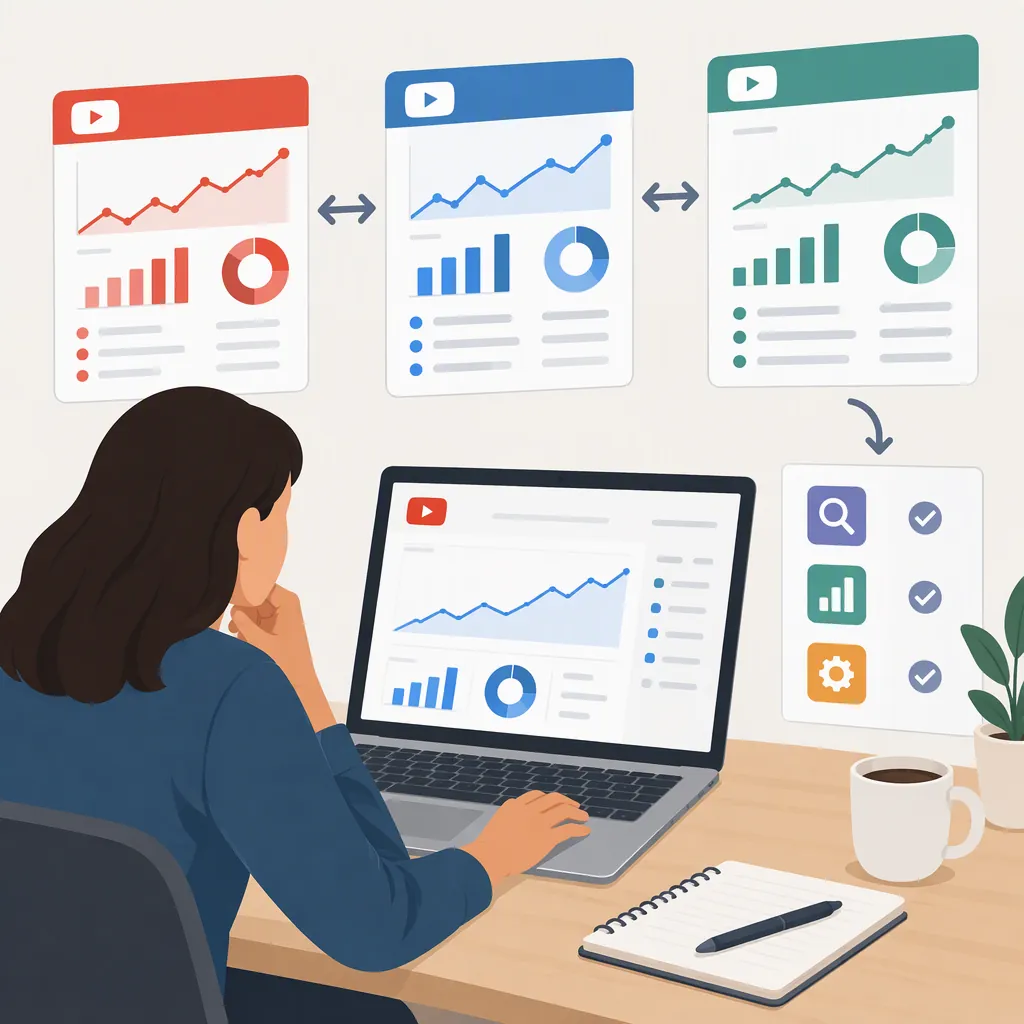
Choosing and Using a YouTube Analytics Tool
Choose a YouTube analytics tool by the question you need to answer. For subscriber-ranked channel discovery, the supplied vidIQ and Social Blade pages show channel rankings and totals. For video-level research while browsing YouTube, the Viewstats extension listing describes views-over-time graphs, title and thumbnail changes, and video comparisons. These sources support a comparison of public research features, not a verdict on accuracy or access to private channel metrics. [c1] [c2] [c3]
Compare Tools by Research Task
The three sources describe different research surfaces. Match those surfaces to your intended task rather than treating them as interchangeable analytics dashboards.
| Tool and Source | Documented Information | Suggested Use | Important Boundary |
|---|---|---|---|
| vidIQ YouTube Stats page | Subscriber-ranked channels, subscriber and total-view counts, and links to country and category rankings. The page says its statistics are updated daily. [c1] | Build an initial channel shortlist and record broad channel totals. | The supplied page does not establish video-level comparison controls or the methodology behind earnings figures. |
| Social Blade YouTube page | Subscriber-ranked lists with subscriber, view, and video counts, including United States and entertainment lists. [c2] | Review channel scale alongside published video counts. | The supplied page does not establish historical reporting controls, export support, or refresh timing. |
| Viewstats Chrome extension listing | Views-over-time graphs, title and thumbnail changes, comparisons across time intervals, and ranking against a creator’s previous nine uploads. [c3] | Investigate individual videos and compare performance at similar ages. | These are listing descriptions, not independently tested results. The listing warns that some videos and channels may be unavailable. |
The suggested uses above are recommendations based on the documented information. They are not an overall ranking of the products.
Use Channel Rankings to Build a Shortlist
For channel-level research, begin with the supplied vidIQ rankings page or Social Blade YouTube page. Both show subscriber-ranked channels; Social Blade also displays video counts in its tables. [c1] [c2]
Use a consistent recording process:
- Define the research question, such as identifying channels to study within a particular content category.
- Select a small set of channels with reasonably comparable subjects and formats. Do not use rank alone as the selection rule.
- Record the source, observation date, displayed subscriber count, total views, and video count where available.
- Keep repeated observations in separate rows rather than overwriting earlier values.
- Describe a change as a difference between recorded observations. Do not label it a daily growth rate unless the observation interval and metric definition support that calculation.
Treat a shortlist as a starting point for inspecting content, not as proof that a channel’s strategy will work elsewhere.
Channel Observation Worksheet
Research question:
Channel name or identifier:
Selection reason:
Source URL:
Observation date and time:
Displayed subscribers:
Displayed total views:
Displayed video count, if available:
Earlier observation date, if any:
Difference from earlier observation:
Comparability concerns:
Next content question to investigate:
Use Viewstats for Video-Level Questions
The Viewstats extension listing describes analysis while browsing YouTube. It lists a views-over-time graph, title and thumbnail change information, comparisons over different time intervals, and a ranking against the creator’s previous nine uploads within the same time frame. [c3]
For a focused research session:
- Choose one video and a specific question: for example, whether its early view trajectory differs from comparable uploads.
- Check whether the video is available. The listing says missing videos or channels can have tracking enabled, but it does not establish how much historical data will then be available. [c3]
- Where the described comparison is available, use the same elapsed time after publication for each video. Record the interval rather than comparing an older video’s lifetime total with a newer video’s early total.
- Note any displayed title or thumbnail changes alongside the view trajectory.
- Write an observation and a separate hypothesis. A change followed by rising views is an observation; attributing those views to the change is a hypothesis this comparison alone does not establish.
This workflow uses the capabilities described in the listing. It is not a tested interface walkthrough, and it does not assume specific buttons, menus, or data completeness.
Keep the Selection Within the Evidence
A practical selection rule is to use the ranking pages for channel discovery and consider Viewstats when the question requires the video-level comparisons described in its listing. [c1] [c2] [c3]
Before relying on a tool for recurring work, check whether it covers your chosen channels, exposes the time intervals you need, and provides sufficiently clear metric definitions. Record unavailable information as unavailable rather than replacing it with an estimate.
The supplied sources do not establish comparative accuracy, complete pricing, export capabilities, or access to private retention and traffic-source data. They also do not provide enough methodology to treat earnings figures as verified revenue. No tool is therefore designated the best overall here.
If evaluating the Viewstats extension, review its data disclosures as part of the decision. The supplied listing identifies location and website content as data it handles; that disclosure is not an independent security assessment. [c3]
FAQ
Which YouTube Analytics Tool Is Best for Public Channel Research?
The supplied evidence does not support a single best tool. vidIQ and Social Blade show subscriber-ranked channel lists and totals. The Viewstats listing describes additional video-level comparisons. Choose according to the research question, then check coverage for the channels you intend to study. [c1] [c2] [c3]
Can These Sources Help Investigate Title and Thumbnail Changes?
The Viewstats extension listing explicitly describes title and thumbnail change information alongside views-over-time analysis. That can support an investigation, but it does not by itself establish that a change caused a performance difference. The supplied ranking pages do not establish equivalent functionality. [c3]
What If a Video Is Missing from Viewstats?
The listing warns that not every video or channel is available and says tracking can be enabled for missing entries. It does not specify whether doing so supplies earlier history. Keep any historical gap visible in your notes rather than assuming the record is complete. [c3]