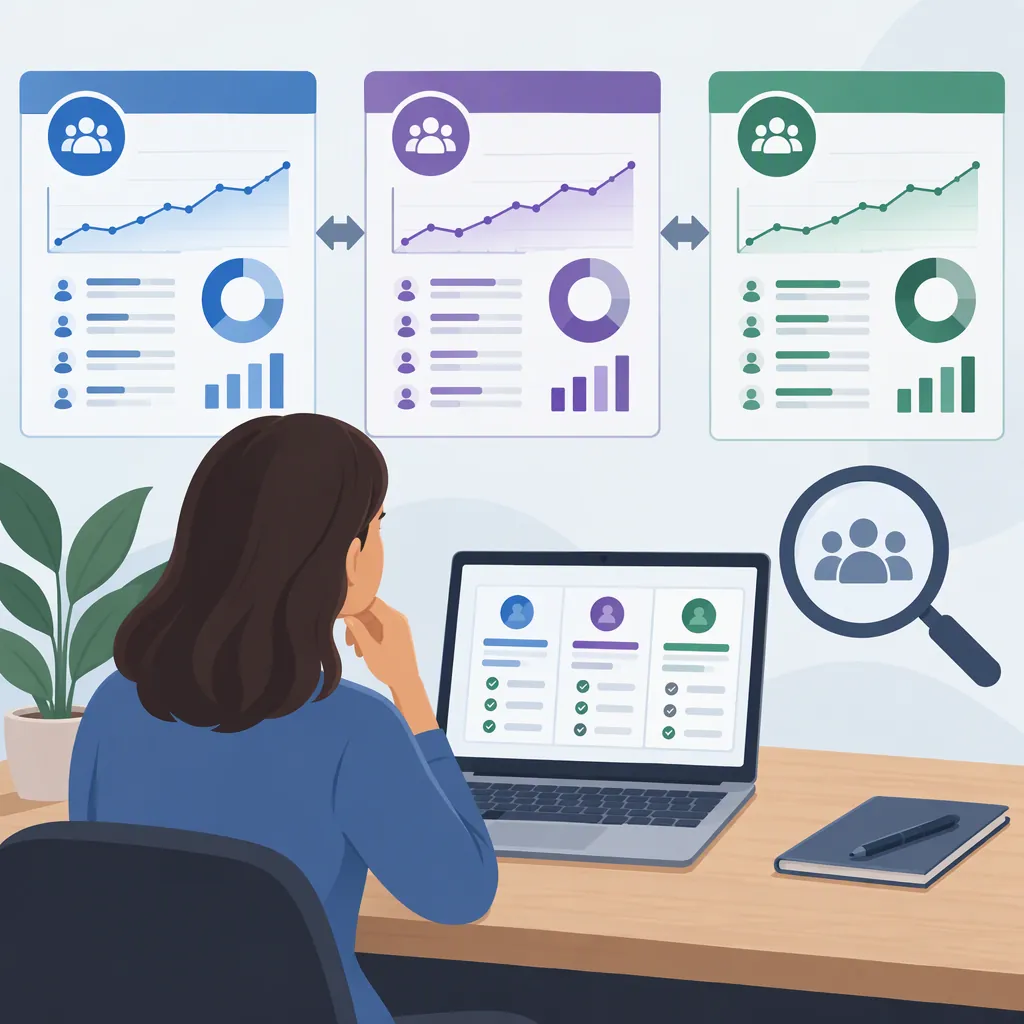
How to Compare Follower Analyzer Reports and Dashboards
For a search such as “in report followers analyzer,” first identify the exact app and developer, then compare its reporting capabilities rather than its name. The supplied sources describe several similarly named Reports+ apps and a separate analytics service. Evaluate metric definitions, date ranges, data access, privacy disclosures, and report-sharing options. These sources document advertised capabilities, not independently verified accuracy or account safety. [c1] [c2] [c3] [c4]
Identify the Exact Tool Before Comparing Reports
The supplied references do not establish a product with the exact name “in report followers analyzer.” Treat that phrase as a search query, not a confirmed app identity.
The App Store lists Reports+ for Followers Tracker under FAMEDMOBILE MARKET LIMITED and Reports+ Unfollowers Follower under Deep Vision Labs. Google Play lists Reports+ followers Analytic under blackmoon studio. Similar names do not establish common ownership, shared subscriptions, or equivalent functionality. [c1] [c2] [c4]
For a comparison worksheet, record the exact listing URL, developer, platform, and date reviewed. Keep each listing separate unless reliable documentation explicitly connects them.
Compare Advertised Reporting Capabilities
This table summarizes the supplied public descriptions. It is not a hands-on evaluation or a ranking.
| Tool | Reporting Features Described by the Source | Question to Resolve Before Relying on a Report |
|---|---|---|
| Reports+ for Followers Tracker | Follower gains and losses, growth trends, likes and comments, post analysis, and multi-account analysis. [c1] | What history, refresh interval, and metric definitions are available? |
| Reports+ followers Analytic | Account analytics, follower gain/loss, post performance, and engagement tracking. [c2] | Which outputs are measured interactions, estimates, or inferred labels? |
| Reports+ Unfollowers Follower | Story interactions, profile interactions, post performance, and follower-status categories. Its description explicitly says profile interactions do not reveal specific profile viewers. [c4] | What events qualify an account for each interaction category? |
| Not Just Analytics | Profile and competitor analysis, customizable reports, and automatic PDF reports with a logo. Its site advertises business-insight analysis covering up to 12 months. [c3] | Which metrics require account authorization, and which are available for other profiles? |
For an ongoing dashboard, prioritize understandable definitions and a consistent observation window. For a periodic report, prioritize a fixed date range, source notes, and a format the intended reader can interpret. Verify export formats separately; a description of analytics does not establish that CSV export or scheduled delivery is available.
Define Metrics Before Interpreting the Dashboard
Use a metric dictionary rather than assuming similarly labeled tiles are comparable. The sources describe follower and engagement features, but they do not provide enough methodological detail to establish a shared calculation standard. [c1] [c2] [c4]
For your own reporting specification, use explicit definitions:
- Net follower change: ending follower count minus starting follower count for the same account and period.
- Follower growth rate: net follower change divided by starting follower count, multiplied by 100. Mark it undefined when the starting count is zero.
- Follower gains and losses: show separately only when the source actually provides those events. Two total-count snapshots cannot identify all gains and losses between them.
- Engagement rate: write out the numerator, denominator, and aggregation method. For example, likes plus comments divided by a specified follower count is not interchangeable with interactions divided by reach.
- Post performance: compare posts over equivalent observation windows and separate content formats where appropriate.
Treat labels such as “top followers,” “ghost followers,” and “secret admirers” as categories requiring definitions, not conclusions about a person's intentions. The Deep Vision Labs description, for example, describes secret admirers through non-follower story and post interactions, rather than identified profile visits. [c4]
If a required input is unavailable, mark the metric unavailable. Do not substitute an estimate without labeling it.
Metric Definition Worksheet
Copy one block per metric:

Metric name:
Reporting question:
Account and source:
Start date, end date, and time zone:
Numerator:
Denominator:
Aggregation method:
Included interaction types:
Refresh time:
Missing-data treatment:
Measured, estimated, or inferred:
Known limitations:
Check Data Access and Privacy Separately
A useful report and an acceptable data-access arrangement are separate requirements. Before authorizing access, review the requested permissions, authentication process, retention terms, deletion options, and whether the tool can perform account actions.
The supplied Apple listings say their privacy information is developer-provided and has not been verified by Apple. The Google Play listing likewise identifies its data-safety information as developer-provided; it discloses possible collection and sharing of several data categories. These disclosures are relevant inputs, not independent security audits. [c1] [c2] [c4]
Not Just Analytics states that it uses the official Instagram API. That is a provider statement in the supplied material, not an independently verified guarantee of complete safety or unrestricted metric access. [c3]
The app listings also include user complaints about login problems and accuracy. Such reports can inform questions to investigate, but they do not establish causation, a failure rate, or what every user will experience. [c1] [c2] [c4]
This comparison uses public documentation only. It does not establish that any listed tool operates exclusively on public account data.
Build a Repeatable Report Review
Use the same review structure for every candidate tool. Mark each requirement documented, not documented, or requires verification instead of assigning unsupported scores.
- Define the decision the report should support, such as evaluating follower growth or comparing content formats.
- Fix the account, reporting period, time zone, and comparison period.
- Record available metrics and their definitions.
- Check whether missing history, delayed refreshes, or unavailable inputs affect interpretation.
- Separate observations from explanations. A follower increase during a campaign does not, by itself, establish that the campaign caused it.
- Document export, sharing, and privacy requirements alongside analytical needs.
For client-style PDF reporting, the Not Just Analytics page explicitly describes that capability. For the other supplied tools, verify the needed output format rather than inferring it from the word “reports.” [c3]
A defensible summary can be brief: what changed, how it was measured, what remains uncertain, and what question the next reporting period should test.
Reusable Report Outline
# Follower Analysis Report

## Scope
Account:
Period and time zone:
Comparison period:
Source and retrieval time:

## Results
Starting followers:
Ending followers:
Net change:
Growth-rate formula:
Post-performance measure:

## Interpretation
Observed changes:
Possible explanations, not established causes:
Missing or estimated inputs:

## Review Notes
Metric definitions verified:
Export requirements verified:
Access and privacy limitations:
Question for the next reporting period:
FAQ
Are the Reports+ Apps in These Sources the Same Product?
The supplied listings use different developer names. They do not establish a shared product, subscription, or account system. Compare the exact listing and developer rather than assuming similar branding means equivalence. [c1] [c2] [c4]
Can These Sources Verify Who Viewed an Instagram Profile?
No. The Google Play description raises profile-viewer questions but does not supply a method that verifies viewer identities. The Deep Vision Labs listing explicitly says its profile-interactions feature does not reveal specific profile viewers. Do not treat story engagement or an interaction ranking as a verified profile-visitor list. [c2] [c4]
Which Follower Analyzer Has the Best Dashboard?
The provided descriptions do not support an independent best-dashboard ranking. They describe different analytical and reporting features, but do not establish comparable accuracy, completeness, or usability. Evaluate the dashboard against your required metrics, reporting window, access constraints, and output format. [c1] [c2] [c3] [c4]