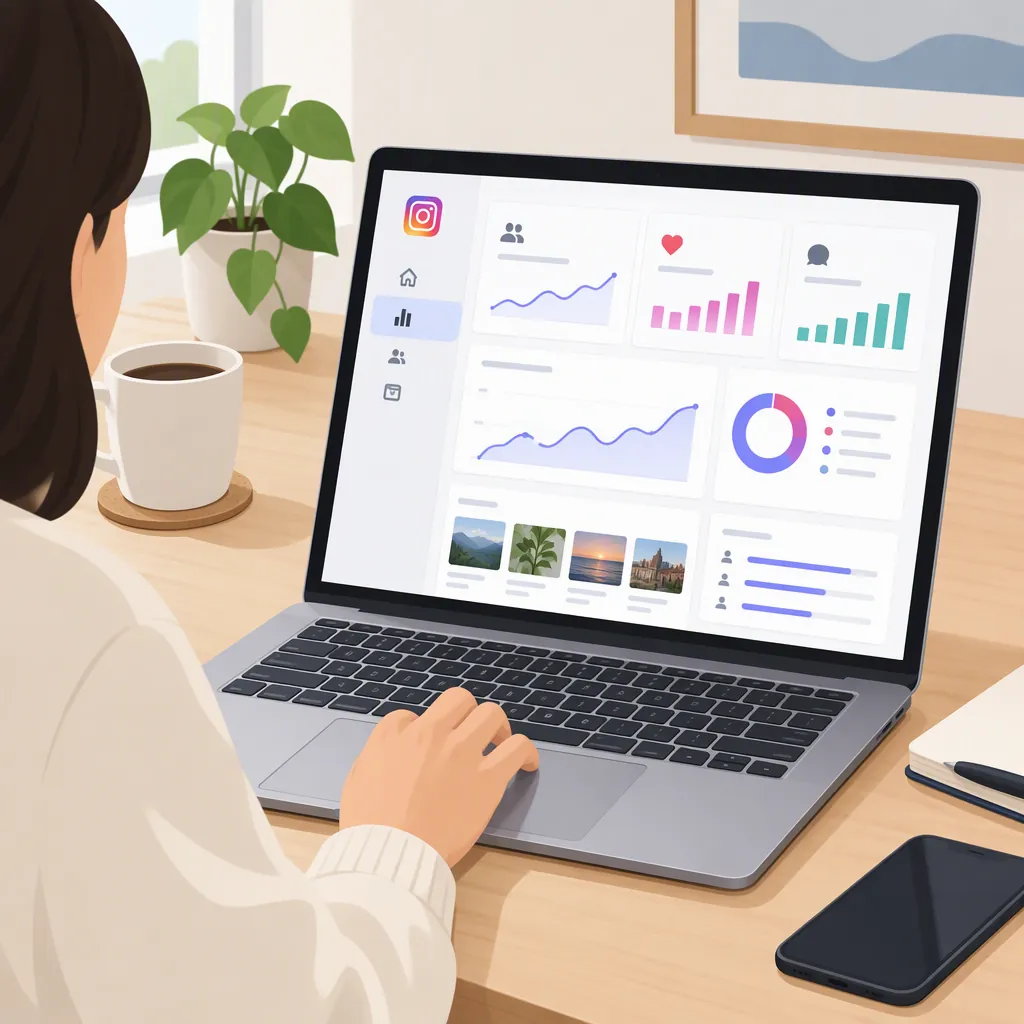
How to View Instagram Insights on Desktop for Free
For Instagram Insights on desktop without a paid third-party tool, Meta Business Suite is the clearest route described in the supplied sources. Sotrender’s guide says to connect a business or creator Instagram account to a Facebook Page, open Business Suite’s Insights area, and select Instagram. Direct analytics on Instagram’s website may also be available: Dooley Social Studio reported a desktop rollout in March 2024, but did not confirm universal access. These secondary sources do not establish today’s availability for every account. [s1] [s2]
Compare the Desktop Options
The useful distinction is between viewing your own account’s analytics through Meta’s tools and subscribing to a separate analytics service.
| Route | What the supplied sources support | What to check |
|---|---|---|
| Meta Business Suite | A desktop route for Instagram analytics after connecting a professional Instagram account to a Facebook Page. [s1] | Whether the correct account is connected and its Insights area is accessible. |
| Instagram’s website | A March 2024 report of desktop analytics becoming available, with wider rollout still uncertain at publication. [s2] | Whether your signed-in account actually has access. |
| Third-party analytics tools | An alternative category discussed by Sotrender’s guide. [s1] | Current pricing, required permissions, metric coverage, and whether access is ongoing or trial-only. |
For a no-paid-tool workflow, check Meta Business Suite first. Treat direct Instagram web access as an account-dependent possibility rather than a guaranteed feature. The references do not establish a permanently free third-party option. [s1] [s2]
Check Your Account Requirements
Sotrender’s guide states that Instagram Insights are free and available for business or creator accounts, rather than personal accounts. It also describes linking the professional Instagram account to a Facebook Page for the Meta Business Suite route. [s1]
Before changing settings, separate two questions:
- Account eligibility: Is the Instagram account a business or creator account?
- Desktop connection: Is that account connected to the Facebook Page used in Business Suite?
If you manage more than one account, confirm the account identity before interpreting any numbers. Missing analytics should prompt a setup check, not an assumption that the account has no activity.
Use a Desktop Review Workflow
The navigation sequence documented by Sotrender is to connect the professional Instagram account to a Facebook Page, open Meta Business Suite, choose Insights, and select Instagram. Its guide also describes selecting a reporting period. Treat these as source-described steps rather than guaranteed current interface labels. [s1]
Once you can see data, use the checklist below to make the review repeatable. Record missing metrics as unavailable instead of treating them as zero.
Desktop Analytics Review Checklist
- [ ] Confirm the Instagram account name and account type.
- [ ] Confirm the Facebook Page connection used for Business Suite.
- [ ] Open Insights and select Instagram where that option is available.
- [ ] Record the reporting start and end dates.
- [ ] Write down each metric’s displayed name and value.
- [ ] Mark missing metrics as unavailable, not zero.
- [ ] Compare periods of equal length.
- [ ] Note whether paid activity is included or separated.
- [ ] Record one content question to investigate next.
Compare Results Without Assuming Metric Parity
Sotrender describes account, content, and audience analytics, including reach, engagement actions, and follower information. It also says desktop data can be presented differently from mobile data. That description is not sufficient to guarantee that every metric, format, or historical period is identical across interfaces today. [s1]
For a practical comparison:
- Use the same account and date range in both interfaces.
- Compare matching metric labels, not just similar-looking totals.
- Compare like content formats where possible, such as Reels with Reels.
- Check whether paid and organic activity are combined before interpreting a change.
- Record discrepancies rather than forcing the numbers to match.
Use the review to frame a question—such as whether a content format receives more interactions—not to claim that one post proves a strategy will work.
Decide Whether Another Tool Is Necessary
Before evaluating another analytics tool, list the gap in your current workflow: an unavailable metric, a reporting task, or a historical comparison you cannot complete. Then check whether a candidate tool actually fills that gap under its current plan terms.
Do not equate a free trial with ongoing free access. The Sotrender reference describes a trial for its own service, but that does not establish a permanent free plan or verify current pricing. No third-party feature or pricing ranking is supported here. [s1]
Evidence limitation: Both supplied references are third-party articles, not current Meta documentation. The Dooley article is dated March 5, 2024, and explicitly leaves wider desktop rollout uncertain. The Sotrender guide emphasizes mobile Insights while also describing desktop access through Business Suite. Read them as evidence of possible routes, not a definitive inventory of today’s interface or account availability. [s1] [s2]
FAQ
Can I View Instagram Insights on Desktop for Free?
The supplied guide identifies Meta Business Suite as the desktop route that does not require a paid third-party analytics subscription. It states that Instagram Insights are free for business or creator accounts. Check your account setup and actual access; the references do not verify current availability for every account. [s1]
Can a Personal Instagram Account Use Insights?
According to Sotrender’s guide, Instagram Insights are available only for business or creator accounts. A personal account does not meet that stated requirement. [s1]
Are Insights Available Directly on Instagram’s Website?
Possibly. Dooley Social Studio reported desktop analytics access in March 2024 but said it was still watching for a wider rollout. That report does not establish universal access today. If your account lacks that option, the separate Meta Business Suite route is described in Sotrender’s guide. [s2] [s1]
Do I Need a Facebook Page for the Business Suite Route?
The setup described by Sotrender requires connecting your business or creator Instagram account to a Facebook Page before viewing Instagram analytics in Meta Business Suite. This is a source-described requirement, not independently verified current platform documentation. [s1]