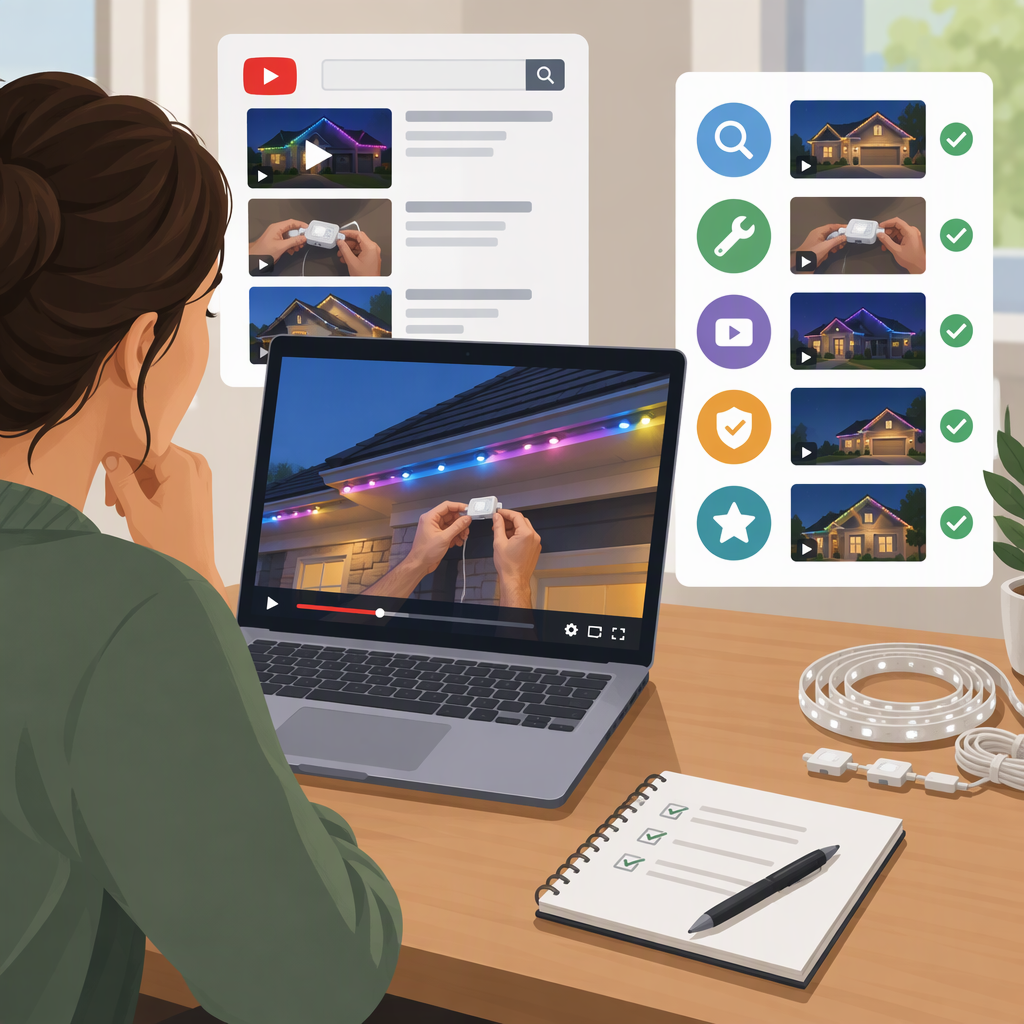
Trimlight Videos: Where to Find Tutorials and Choose the Right One
If you’re looking for Trimlight videos, start with Trimlight’s Edge Tutorials page or its Trimlight Edge Tutorials playlist on YouTube. The company’s support page also groups videos about creating custom colors and patterns, using preset programming, and exploring colors and patterns. These are Trimlight-published sources; choose a video by its stated topic, then check its date and any product or app version details before following it. (trimlight.com)
Where to Find Trimlight Videos
- Browse the official tutorial collection: Trimlight Edge Tutorials. Trimlight presents this as a tutorial hub and links to its knowledge base and customer support. (trimlight.com)
- Browse the YouTube playlist: Trimlight Edge Tutorials. The playlist is attributed to Trimlight and includes app-related tutorial topics. (youtube.com)
- Go straight to the programming guide: How do I program my Trimlight Edge lights?. This support page links to videos on custom palettes, presets, and colors and patterns. (trimlight.com)
These links point to Trimlight’s own site or to a YouTube playlist attributed to Trimlight. That identifies the publisher—not whether a particular video applies to every Trimlight product or setup.
Choose a Video by What You Need to Do
| Your goal | Where to start | What the source says it covers |
|---|---|---|
| Create a custom color pattern | Custom colors and patterns tutorial | The support page describes choosing colors, arranging a pattern, adjusting animation, previewing, and saving it. (trimlight.com) |
| Use a ready-made pattern | Preset programming tutorial | The page describes browsing presets and applying one without building a pattern from scratch. (trimlight.com) |
| Get an overview of colors and patterns | Colors and Patterns of the Trimlight Edge System | Trimlight describes this video as an overview of colors, patterns, and options shown with the Edge controller. (trimlight.com) |
| Find other app tutorial topics | Trimlight Edge Tutorials playlist | The playlist description mentions patterns, timers, Wi-Fi connection, and special features. Check the individual video title and details for the topic you need. (youtube.com) |
The support page labels its documentation “Trimlight Edge: 2021–Present.” Treat that as the scope stated on that page, not proof that every linked video or instruction applies to every controller, app version, or installation. (trimlight.com)
Check Whether a Video Fits Your Setup
Before following a tutorial, use this quick checklist:
- Confirm the exact task. A video about creating a pattern may not answer a question about connecting a controller or scheduling lights. Match the title and description to what you are trying to do.
- Check the publisher. Prefer a video linked from Trimlight’s own site when you need the company’s instructions. A dealer or other third-party video may be useful, but it is not the same as a company-published source.
- Look for dates and version labels. Check the video’s publication date and description, and compare any stated app, controller, or system details with your own. The support page’s “2021–Present” label is specific to its Edge documentation; don’t assume it establishes compatibility for every video or setup. (trimlight.com)
- Notice what the video leaves out. If it does not identify a relevant product or version, it may not give you enough information to determine whether its steps apply. Use the relevant product documentation or customer support for unresolved setup-specific questions; Trimlight’s tutorial page points readers to both. (trimlight.com)
For example, if your goal is to apply a preset, start with the preset tutorial rather than a custom-pattern walkthrough. Then compare any version details stated in the video with your own system. If the video does not name a version, treat applicability as unconfirmed rather than assuming the instructions match.
Scope and Limitations
This guide points to public Trimlight video resources and helps you choose among the topics those sources describe. It does not verify that a particular tutorial applies to your individual installation, and it is not a substitute for product-specific instructions. Video titles, descriptions, and availability can change, so check the linked source for the current details.