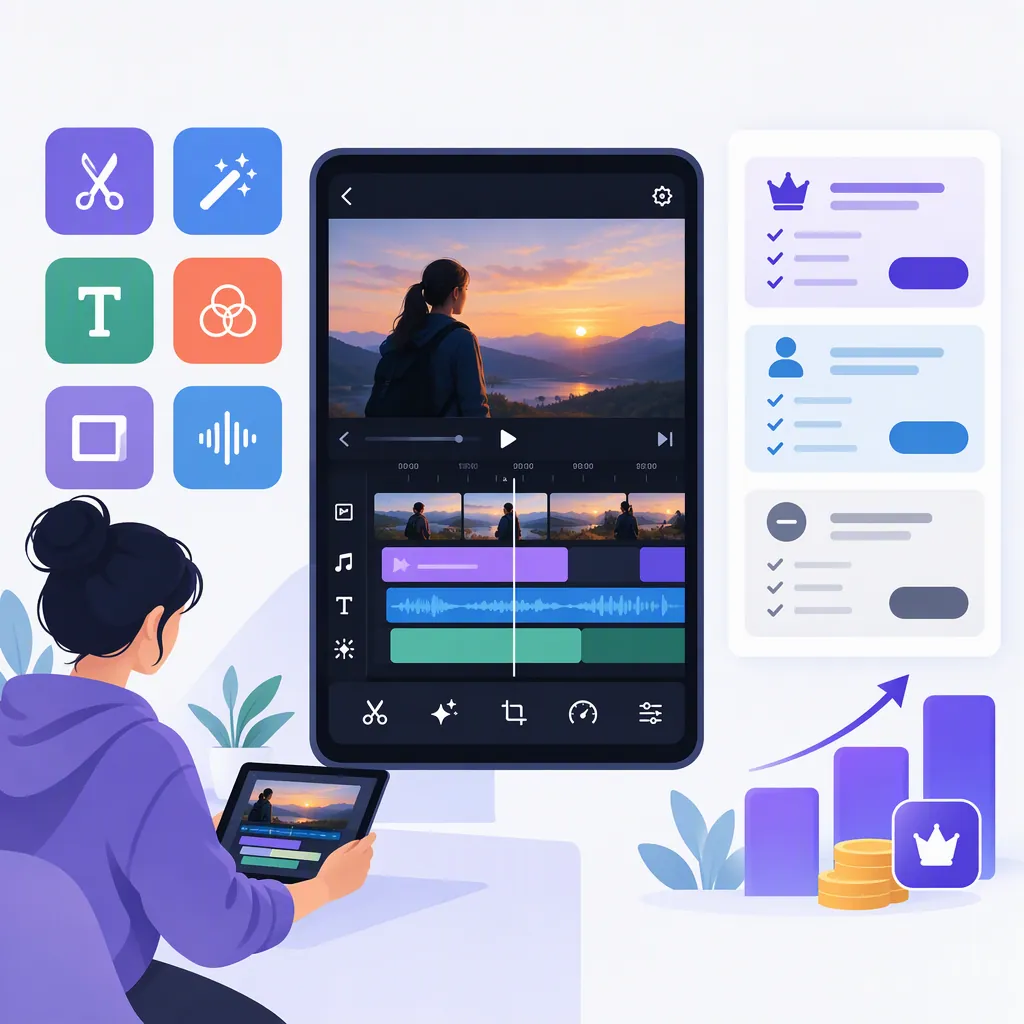
Vivacut Pro Video Editor: Features, Pricing, and What to Check
VivaCut is a video editing app whose Google Play listing describes tools for trimming clips, layering video, adding text, and using chroma key. The listing discloses ads, in-app purchases, and subscription renewal terms, but the supplied sources do not establish a current price or a complete free-versus-paid feature breakdown. Treat “Pro” as a name to investigate, not proof that every listed tool is included at no cost. [source_1] [source_2]
What Does “Vivacut Pro Video Editor” Mean?
The provided Google Play page is titled “AI Video Editor - VivaCut,” while UpdateStar uses “VivaCut - Pro Video Editor.” These sources use different naming, but neither supplied excerpt establishes a separate product or a complete paid-tier entitlement list. [source_1] [source_2]
This guide summarizes public listing information rather than hands-on testing. The Google Play reference is Portuguese-localized, and the UpdateStar reference is Italian-localized. Neither provides a verified current US checkout price, so an exact dollar amount would be unsupported.
Editing Tools Described in the Listing
The Google Play description lists the following capabilities. These are developer-described features, not independently verified performance results or guarantees of access on every device or plan. [source_1]
- Basic editing: Trim, split, combine clips, and adjust playback speed.
- Layered composition: Work with a multi-layer timeline, picture-in-picture, opacity, and blending options.
- Text and animation: Modify text styling and apply keyframe animation to elements such as text, stickers, and masks.
- Background effects: Use chroma key and several mask shapes.
- Audio and effects: Extract audio, mark music timing, and apply filters or transitions.
- Export: The description lists 720p, 1080p, and 4K resolutions.
For evaluation, choose tools that solve a specific editing problem. A simple talking-head clip may need only trimming and text; a background-replacement project calls for a chroma-key test. An advertised export resolution alone does not establish output quality, watermark status, or paid-tier requirements.
Pricing and Subscription Limits
The Google Play listing identifies ads and in-app purchases. Its subscription text says renewal is automatic unless auto-renew is turned off at least 24 hours before the current period ends, and that renewal charges occur within the preceding 24-hour window. These are the listing’s stated terms; inspect the actual purchase screen for the offer presented to your account. [source_1]
UpdateStar labels the app “Freeware” while also describing a subscription model. That label does not establish that all features are free. [source_2]
The supplied references do not establish current subscription amounts, billing-period options, trial eligibility, watermark rules, or which tools require payment. Before accepting an offer, record the displayed currency, billing interval, renewal amount, and any trial conditions.
Pricing Verification Worksheet
- Displayed price and currency: ______
- Billing interval: ______
- Trial conditions, if shown: ______
- Renewal amount and date: ______
- Cancellation terms shown at checkout: ______
- Required tools confirmed as included: ______
- Export resolution and watermark behavior tested: ______
- Unresolved restrictions: ______
A Small-Project Evaluation Checklist
Use a short, non-sensitive sample project to evaluate the workflow before relying on the app for a larger edit. The following is a suggested test, not a claim about observed behavior.
- Import two short clips you have permission to use.
- Trim and combine them, then add a text label.
- Test one advanced tool relevant to your project, such as a mask or chroma key.
- Note any purchase prompts or access restrictions.
- Export at your required resolution if available.
- Review the saved file for timing, text readability, audio synchronization, and any watermark.
Also review data handling before importing sensitive footage. Google Play’s developer-provided disclosure says the app may share app activity and device identifiers and may collect personal information, financial information, and other data categories. The listing cautions that practices can vary by use, region, and age; this disclosure is not an independent privacy audit. [source_1]
FAQ
Is Vivacut Pro Video Editor Free?
The sources do not support saying that every feature is free. Google Play discloses ads and in-app purchases, while UpdateStar uses a Freeware label and also describes subscriptions. The supplied excerpts do not provide a complete free-versus-paid breakdown. [source_1] [source_2]
How Much Does Vivacut Pro Cost?
A current US price cannot be verified from the supplied references. They describe purchases or subscriptions without establishing an exact amount. Check the offer displayed to your account, including its billing interval and renewal terms. [source_1] [source_2]
Does Vivacut Support 4K Export?
The Google Play description lists 4K alongside 720p and 1080p export. The supplied text does not establish device requirements, paid-tier access, or watermark rules, so confirm those conditions with a sample export. [source_1]
Sources
-
[source_2] VivaCut - Pro Video Editor - Download