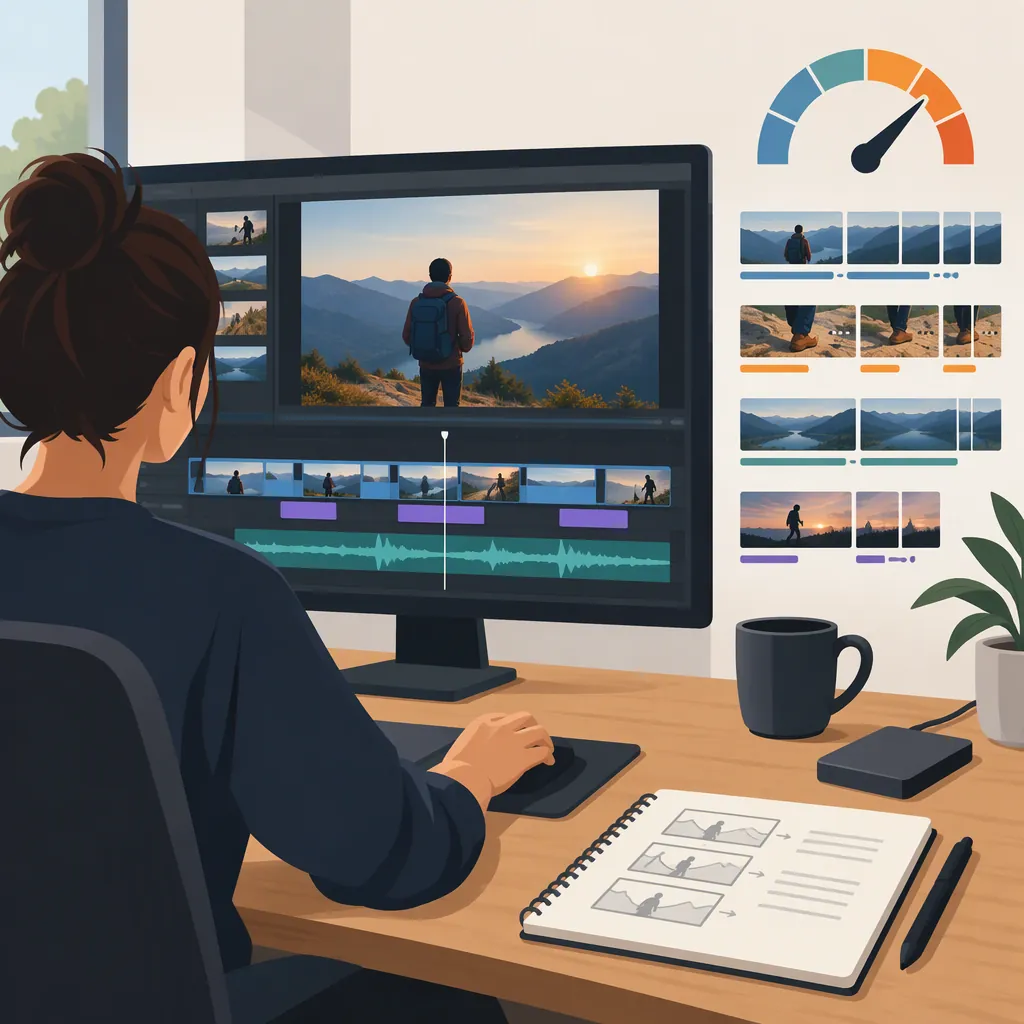
How to Improve Video Pacing Through Editing
Improve video pacing by deciding what each moment needs to communicate, removing unnecessary repetition, and adjusting shot lengths around important actions and emotions. Use quicker cuts when the sequence needs urgency and longer holds when viewers need time to understand or feel a moment. Pacing is how quickly the narrative unfolds; rhythm is its pattern of beats and pauses. A faster edit is not automatically the right edit. [c1]
Understand Pacing Before Shortening the Edit
Video pacing concerns the speed at which a story or explanation progresses. Rhythm concerns the pattern of beats and pauses along the way. They influence each other, but they are not interchangeable. EditMentor distinguishes these concepts and recommends matching timing to the story’s emotional demands. [c1]
For a practical editing pass, separate two questions:
- Progress: Does this moment introduce information, develop an action, or change the emotional situation?
- Timing: Have you given that moment enough space without holding it longer than its purpose requires?
Treat the following workflow as editing guidance, not a formula for audience retention. The cited reference offers qualitative filmmaking advice; it does not establish a universal shot duration or guarantee performance results.
Map the Purpose of Each Beat
Before trimming individual shots, identify what the sequence is trying to accomplish. EditMentor recommends defining the storytelling objective and identifying emotional peaks and valleys. [c1]
Apply that idea to your timeline by marking the moments where something changes: a question is introduced, an action begins, a detail becomes clear, or an outcome is revealed. For a tutorial, these might be the problem, the demonstration, and the result. For a narrative scene, they might be an expectation, a complication, and a reaction.
Then label the intended pace of each beat: establish, build, release, or reflect. These labels are a suggested planning tool, not standardized editing terminology. They help you avoid making every part of the video equally fast.
If two adjacent passages serve the same purpose, review whether both are necessary. Keep repetition when it adds useful emphasis or clarification; consider trimming it when it merely restates what is already clear.
Beat Map Template
Duplicate this entry for each major beat:

- Timeline location:
- What changes here:
- What the viewer needs to understand:
- Intended feeling:
- Pace label: establish / build / release / reflect
- Material that must remain:
- Material to test removing:
Trim Repetition Without Removing Meaning
Make a structural pass before polishing every cut. As a suggested method, review repeated explanations, redundant shots, and stretches where the sequence stops developing. Test removing them in a duplicate timeline so you can compare versions.
For each candidate trim, ask:
- Is the information already available elsewhere?
- Does the pause convey hesitation, tension, or a reaction?
- Does the viewer still understand how one action leads to the next?
- Does the cut preserve the speaker’s intended meaning?
Do not treat every silence as waste. The reference notes that a shot can linger to heighten tension or evoke emotion. [c1] A pause that serves such a purpose deserves a different judgment from a pause left over from setup or repetition.
After trimming, watch the passage at normal playback speed. If an instruction, action, or emotional turn now feels abrupt, restore enough material to make it legible. The goal of this pass is purposeful progression, not the shortest possible runtime.
Shape Shot Lengths Around the Moment
Once the sequence has a clear structure, adjust the timing within each beat. EditMentor describes longer holds as an option for tension or emotion and quick cuts as an option for intensifying action. These are context-dependent choices, not requirements for every scene. [c1]
Try these editing experiments:
- For urgency: Test shorter shots around meaningful changes in the action. Check that the sequence remains understandable.
- For explanation: Hold the relevant image long enough to follow the detail being discussed. Avoid replacing it solely to increase the cut count.
- For emotion: Compare cutting immediately after a line with staying through the reaction. Choose the version that best expresses the intended beat.
- For contrast: Try a calmer passage before an intense one, then review whether the change feels intentional.
Also review the movement and performance inside the shot. The reference distinguishes internal rhythm, associated with characters and the narrative, from external rhythm, associated with editing and cinematography. [c1] When testing cut points, consider both what the shot contains and how it connects to the next shot.
Review the Whole Sequence, Then Compare
Use a full playback to check your local edits in context. First watch with the intended audio. Note where you feel rushed, where the sequence repeats itself, and where a meaningful moment ends too soon.
As a diagnostic exercise, you can also review the images without music to judge the visual progression separately. Restore the intended audio before making a final decision; the isolated review is not a substitute for evaluating the complete sequence.
Change one pacing variable at a time when comparing versions: remove a repeated passage, adjust a reaction hold, or revise a group of cut points. This makes the comparison easier to interpret. If asking someone else to review, use specific questions rather than asking only whether the video feels good.
This workflow is a suggested way to organize editorial judgment. It does not provide a measured prediction of engagement or retention.
Pacing Review Checklist
- Watch the sequence at normal playback speed.
- Mark any repeated information or action.
- Mark any moment that ends before its meaning is clear.
- Check whether pauses serve a narrative or explanatory purpose.
- Check that pace changes match the intended beats.
- Compare the original and revised versions with the same audio.
- Ask a reviewer: Where did you feel rushed? Where did progress stall? What was unclear?
- Record the change, its purpose, and whether to keep or revert it.
FAQ
What Is the Difference Between Video Pacing and Rhythm?
Pacing is the speed at which the narrative unfolds. Rhythm is the pattern of beats and pauses that shapes its flow. They work together: an editor can vary the duration of moments while maintaining a deliberate pattern across the sequence. [c1]
Do Faster Cuts Always Improve Video Pacing?
No. The appropriate timing depends on the purpose of the moment. Quick cuts may intensify action, while a longer hold may support tension or emotion. Start with the storytelling objective rather than trying to maximize the number of cuts. [c1]
How Long Should Each Shot Last?
The provided reference does not establish a universal shot length. It recommends paying attention to each scene and shot in relation to the narrative’s needs. As a practical test, compare different cut points and choose the duration that preserves clarity and the intended emotional beat. [c1]