How to Build an Instagram Editorial Plan
To build an Instagram editorial plan, define your audience and purpose, choose recurring content themes, and assign each planned post a format, publication date, owner, and review status. Keep these decisions in a shared calendar. This is content planning—deciding what to publish, why, and when—not video editing.
Define the Purpose Before Filling the Calendar
Start with a short editorial brief rather than a list of posting dates. Use it to decide which ideas belong in the plan and which should wait.
Write down:
- Audience: Who is this content intended to help?
- Purpose: What should people understand or be able to do after seeing it?
- Scope: Which subjects will you cover, and which are outside your remit?
- Capacity: What can you realistically prepare and review?
- Boundaries: What permissions, sourcing, or privacy checks are needed?
Choose a manageable planning period, such as one week or one month. Treat that period as a working choice, not a platform requirement. Leave room for revisions instead of filling every available date.
An editorial plan can include video posts, but it does not need to specify cuts, transitions, or export settings. Those production details belong in a separate brief linked to the calendar entry.
Editorial Brief Template
Planning period: [Start date–end date]
Intended audience: [Audience]
Editorial purpose: [What the content should help people understand or do]
Topics in scope: [Topics]
Topics out of scope: [Exclusions]
Available production and review time: [Capacity]
Required checks: [Sources, permissions, privacy, accessibility]
Review date: [Date]
Choose Themes and Turn Them into Post Ideas
Use a few recurring themes to organize ideas. Possible themes include explanations, practical demonstrations, frequently asked questions, and updates. These are suggested categories, not a required Instagram formula.
For each idea, write one sentence describing its value to the intended audience. If the sentence is vague, narrow the idea before scheduling it.
Then choose a format that suits the material. For example, you might plan a carousel for a sequence of steps, a Reel for a demonstration, or a Story for a brief update. These are editorial choices, not claims that one format will perform better.
Avoid assigning formats only to create variety. A calendar entry should first have a clear subject and purpose; production choices should serve those decisions.
Idea Screening Worksheet
Idea: [Working title]
Theme: [Recurring category]
Audience question: [Question this addresses]
Main takeaway: [One sentence]
Proposed format: [Format]
Reason for choosing it: [Editorial reason]
Evidence or materials needed: [Sources and assets]
Decision: [Plan / revise / hold]
Build a Calendar with Clear Ownership
Create one row per planned publication. Include both the publication date and the earlier preparation deadlines so the calendar shows the work required, not just the final output.
Useful fields are:
- Planned date and time, including the time zone
- Content theme and working title
- Audience takeaway and proposed format
- Draft or asset location
- Owner and reviewer
- Draft deadline and review deadline
- Status and unresolved blockers
- Published URL, added after publication
Use TBD when a detail is undecided rather than disguising a placeholder as an approved plan. If you work alone, you can still separate drafting from review as two distinct steps.
The supplied reference is a Notion Marketplace page titled “Social Media Editorial Calendar Template.” Its related-content descriptions discuss organizing deadlines, drafts, and social media posts. That provides general calendar context; it does not establish the template’s specific fields, automation, or Instagram publishing capabilities. [ref_1]
Copyable Editorial Calendar
| Publication Date and Time Zone | Theme | Working Title | Format | Owner | Draft Due | Review Due | Status | Blocker |
| --- | --- | --- | --- | --- | --- | --- | --- | --- |
| [Date, time, zone] | [Theme] | [Title] | [Format] | [Name or role] | [Date] | [Date] | Idea | [None or detail] |
| [Date, time, zone] | [Theme] | [Title] | [Format] | [Name or role] | [Date] | [Date] | Drafting | [None or detail] |
| [Date, time, zone] | [Theme] | [Title] | [Format] | [Name or role] | [Date] | [Date] | In review | [None or detail] |
Set a Review Workflow Before Publication
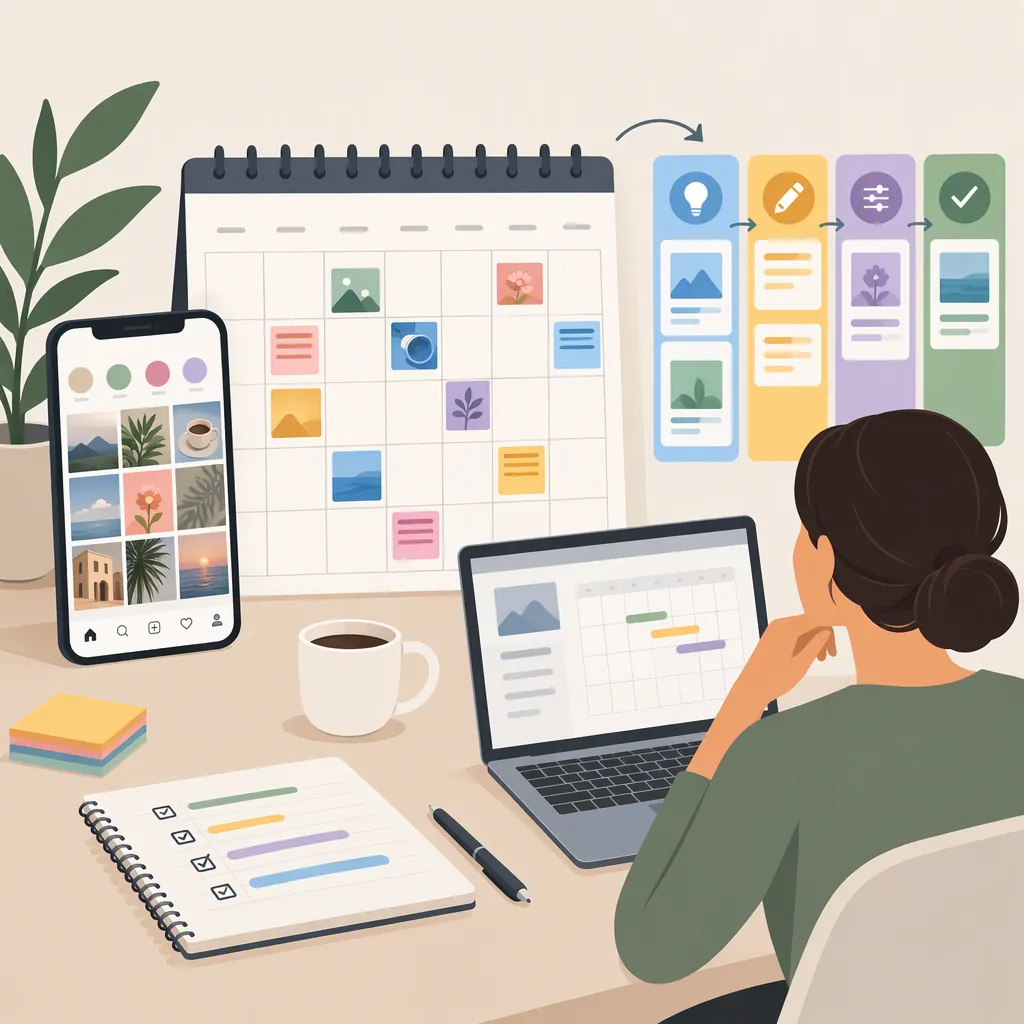
Use a simple status sequence: Idea → Planned → Drafting → In Review → Ready → Published. Add On Hold for content that needs missing information or cannot meet its deadline. This is a suggested workflow, not a platform feature.
Define what “Ready” means. A useful readiness check covers the audience takeaway, factual support, permissions, wording, required assets, and publication details. Include accessibility checks appropriate to the content, such as reviewing captions for spoken material.
Keep publication status separate from approval status. An approved draft is not evidence that a post has gone live. Record the published URL only after checking the publication.
If the calendar is not connected to a publishing system, treat it as a planning document. Entering a date in a calendar does not, by itself, schedule an Instagram post.
Prepublication Checklist
- [ ] The main takeaway is clear.
- [ ] Factual claims have been checked against their sources.
- [ ] Permissions and privacy concerns have been reviewed.
- [ ] Copy and assets match the approved idea.
- [ ] Captions and other relevant accessibility details have been reviewed.
- [ ] The publication date, time zone, and responsible person are recorded.
- [ ] Open blockers are resolved.
- [ ] The entry is marked Ready only after review.
Review the Plan Without Assuming a Winning Formula
At the end of the planning period, compare what you intended to publish with what actually went live. Record delays, missing materials, and ideas that required more work than expected.
Choose evaluation questions that match your editorial purpose. Did the content explain the intended subject? Were audience questions left unanswered? Was the workload sustainable? Where relevant information is available, record it alongside the post rather than relying on memory.
Do not interpret a single post as proof that a topic, format, or posting time caused a particular result. Use observations to choose what to test next, while keeping uncertainty visible.
The supplied source does not establish an optimal Instagram posting frequency, best posting time, or expected performance improvement. This guide therefore offers a planning method, not a platform-performance promise.
End-Of-Period Review
Planning period reviewed: [Dates]
Planned publications: [List]
Actual publications: [List]
Unpublished items and reasons: [Notes]
Audience questions observed: [Notes or not available]
Production and review issues: [Notes]
What to keep: [Decision]
What to change: [Decision]
Next question to test: [Question]
Limitations of the available evidence: [Notes]
FAQ
Is an Instagram Editorial Plan the Same as a Video Editing Plan?
No. An editorial plan sets the subjects, purposes, formats, dates, and responsibilities for content. A video editing plan addresses the production of an individual video. Link the production brief to the editorial calendar when a planned post requires video.
How Often Should I Publish on Instagram?
Choose a cadence you can prepare and review consistently. The supplied reference does not establish an optimal Instagram posting frequency. Start with a manageable schedule and reassess it against your capacity and editorial purpose.
Do I Need a Specific Tool for an Editorial Calendar?
This planning method can be implemented in a spreadsheet, shared document, or calendar tool. Keep the fields and statuses clear. The supplied Notion Marketplace listing is a reference example, not evidence that its template includes any particular publishing integration or workflow feature.