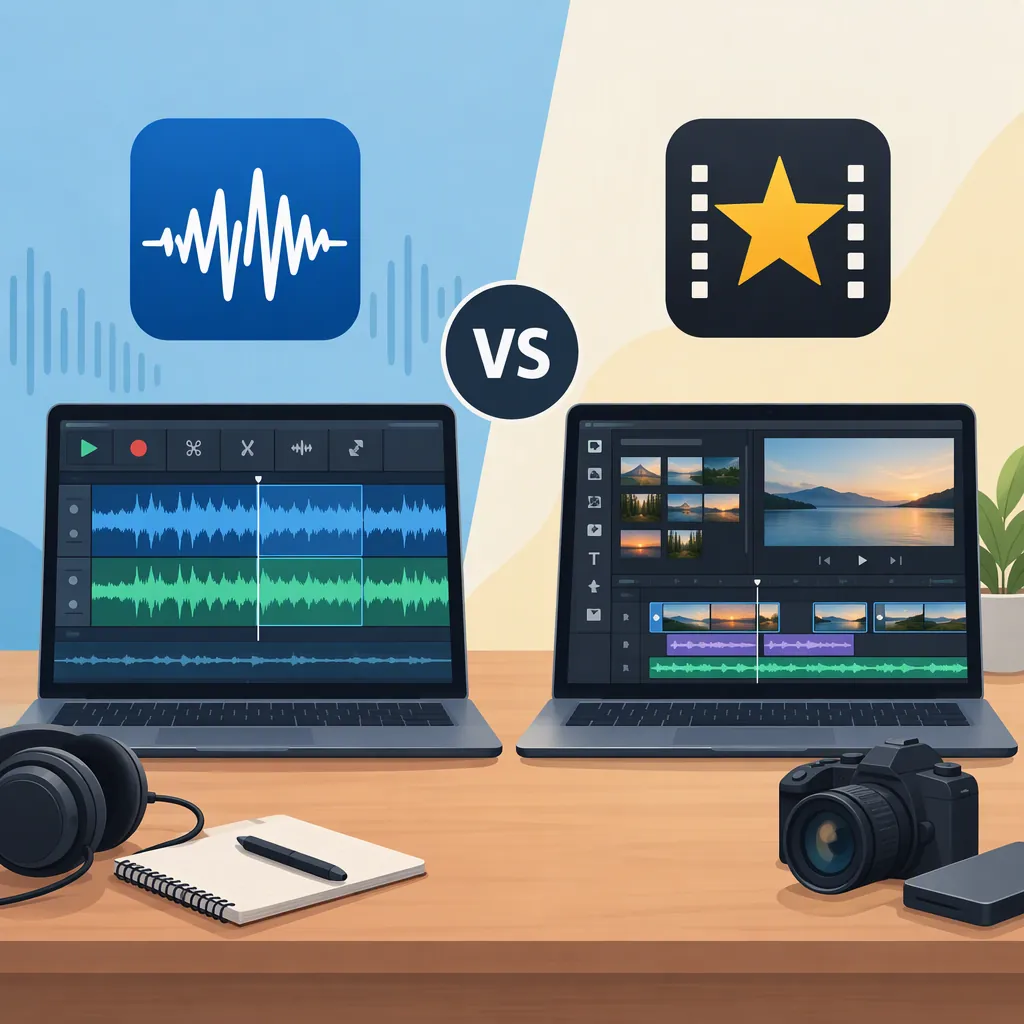
Wavepad Video Editor: Understanding Wavepad and Videopad
If you searched for “WavePad video editor,” the key distinction is the product name: WavePad is described as a sound-editing program, while VideoPad is NCH Software’s video-editing application. The Google Play listing also names the separate app “WavePad Audio Editor.” For cutting video clips, adding titles, and assembling a movie, VideoPad is the relevant product in the supplied sources. [c1] [c2] [c3]
Wavepad and Videopad Are Different Tools
The similar names can make a search ambiguous. The supplied Wikipedia reference identifies WavePad as a sound-editing program and VideoPad as a video-editing application. The VideoPad Google Play listing separately includes “WavePad Audio Editor” among other NCH Software apps. [c2] [c3]
Use the type of edit you need to clarify your search:
- Audio-focused work: WavePad is the sound-editing product named in these references.
- Picture-focused work: VideoPad is the video editor named in the official product page.
- A finished video with sound: VideoPad’s official page lists tools for adding background music, voice-over tracks, and sound effects. [c1]
These sources establish the naming distinction, but they do not provide a dedicated WavePad manual. They are not enough to verify WavePad’s current video-import capabilities, edition limits, or exact editing steps.
What the Sources Document About Videopad
NCH Software’s VideoPad page lists splitting, cropping, and trimming video; adding text and transitions; adjusting playback speed; and adding or editing subtitles. It also lists video-file export options. These are vendor-described capabilities, not independently tested results. [c1]
The Android listing describes color adjustment, playback-speed changes, stabilization, adding images, and adding audio. It does not establish that every desktop feature is available on Android. [c2]
Before relying on a feature, check the platform and edition you will actually use. The supplied pages do not offer a complete, consistent feature comparison across all editions.
Plan a Video and Audio Workflow
The following is a general editing plan, not a verified WavePad-to-VideoPad integration guide. The supplied references do not document a direct transfer command between the two applications.
- Define the result. Decide whether you need a finished movie or a separate audio file.
- Keep originals unchanged. Work with copies of your source clips and recordings.
- Assemble the picture. Set the order and timing of your video clips before making detailed sound changes.
- Test a short audio sample. If you use a separate audio editor, check its export format and confirm that your video editor accepts the result.
- Check synchronization. Compare speech and visible mouth movements near both the beginning and end of the sequence.
- Review a short export. Check the picture, sound, titles, and timing before exporting the entire project.
VideoPad’s official page lists WAV and MP3 among its audio input formats. That supports checking those formats on the VideoPad side, but does not verify a particular WavePad export setting or automatic synchronization. [c1]
Short Export Review Checklist
- [ ] Original media remains unchanged.
- [ ] The test file opens in the intended editor.
- [ ] Dialogue is understandable without music masking it.
- [ ] Speech matches the picture at the beginning and end.
- [ ] Titles are readable in the exported file.
- [ ] The exported file plays correctly outside the editor.
Check Licensing and Source Limits
The official VideoPad page states that a free version is available for non-commercial use only. The supplied Android free-app listing carries the same non-commercial limitation and indicates ads and in-app purchases. Do not interpret “free” as permission for every intended use. [c1] [c2]
These references do not establish current WavePad licensing or a complete list of VideoPad edition restrictions. The supplied Wikipedia article also flags portions of its feature coverage as needing updates. Use it for the basic product distinction rather than as a definitive guide to current export limits. [c3]
FAQ
Are Wavepad and Videopad the Same Product?
No. The supplied references distinguish WavePad, a sound-editing program, from VideoPad, a video-editing application. The Google Play page also lists WavePad under the name “WavePad Audio Editor.” [c2] [c3]
Can Wavepad Edit the Picture in a Video?
The supplied sources do not verify picture-editing capabilities for WavePad. They identify it as a sound editor. VideoPad’s official page explicitly documents video trimming, cropping, transitions, and text tools. [c1] [c3]
Do I Need Wavepad to Add Audio to a Videopad Project?
VideoPad’s official page lists built-in tools for adding music, voice-over, and sound effects, so those listed tasks do not establish a need for a separate audio editor. Whether your project needs additional audio processing depends on the work involved; these references do not document a required WavePad workflow. [c1]