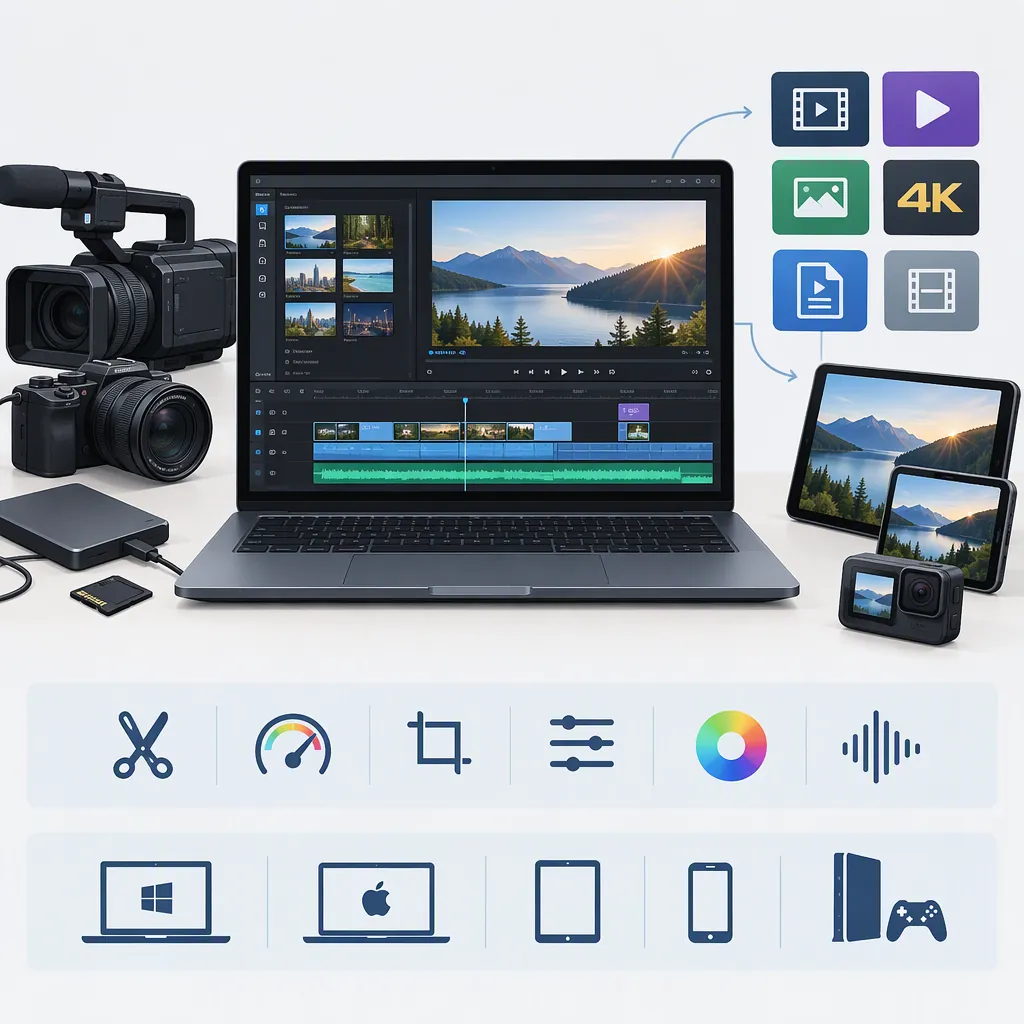
Sony Video Editor: Identify the App and Check Compatibility
If you are looking for a Sony video editor, first identify your camera and the app you mean. The supplied sources describe Movie Edit add-on for a specific list of cameras and the Action Cam App for Action Cam footage. They do not establish a universal editor for every Sony camera or confirm current compatibility with your device. [sony_movie_edit] [sony_action_cam]
Identify Which Sony App You Need
The phrase “Sony video editor” is not specific enough to determine compatibility. The two available sources describe different camera-oriented mobile workflows:
- Movie Edit add-on: A Google Play listing identifies this application as published by Sony Corporation and limits its use to named camera models. [sony_movie_edit]
- Action Cam App: Sony’s regional page describes a smartphone app for editing footage captured on an Action Cam. It references Android and iPhone distribution. [sony_action_cam]
Treat these as separate starting points, not interchangeable names for one application. These sources do not provide a desktop-editor comparison or establish support for all footage recorded on Sony cameras.
Check Movie Edit Add-On Compatibility
The supplied Google Play listing says Movie Edit add-on can only be used with these cameras:
- ILCE-7C
- ILCE-7M4
- ZV-E10
- ZV-1
- ZV-1F
- DSC-RX100M7
- DSC-RX0M2
The listing specifies Android 8.0 through 13.0 and explicitly says operation is not guaranteed on every smartphone or tablet. Its displayed update date is October 13, 2022. Do not interpret that operating-system range as confirmation of support for newer Android versions. [sony_movie_edit]
For the transfer step, the listing names Imaging Edge Mobile as the application used to move videos from the camera to the smartphone before editing. That is the workflow described by this source, not a guarantee that every present-day camera, phone, or file will work together. [sony_movie_edit]
Separate Editing Functions from Output Requirements
The Movie Edit add-on listing describes trimming, playback-speed changes, aspect-ratio editing, stabilization, and framing functions. It also warns that stabilization narrows the angle of view compared with the original recording. These are descriptions in the supplied listing, not independently tested performance findings. [sony_movie_edit]
Sony’s Action Cam page describes transferring footage through the camera’s built-in Wi-Fi and editing with speed changes, effects, and background music. The page also cautions that service availability depends on region and that software or services may change or be discontinued. [sony_action_cam]
Before choosing a workflow, distinguish the adjustments you need from the output you need. For example, trimming a clip and delivering a file at a particular resolution are separate requirements. The supplied publisher descriptions do not establish a complete export-resolution or codec specification. User reviews in the store listing should not be treated as authoritative specifications.
Test a Short Clip Before a Full Edit
A small trial can help you identify workflow problems before spending time on a longer edit. The following is a general verification checklist, not an official Sony procedure. Preserve your original footage and assess the exported file separately from the in-app preview.
Short-Clip Verification Checklist
- Record your exact camera model, phone model, operating-system version, and app version.
- Keep an untouched copy of the original recording.
- Attempt to transfer and open one short sample clip.
- Make only the adjustments you need for the intended edit.
- Export the sample and inspect its resolution, framing, audio, and playback on the intended destination device.
- If transfer, import, or export fails, record the exact error and the step where it occurred.
- Continue with the full edit only after the sample meets your requirements.
FAQ
Does Movie Edit Add-On Support Every Sony Camera?
No. The supplied Google Play listing restricts use to ILCE-7C, ILCE-7M4, ZV-E10, ZV-1, ZV-1F, DSC-RX100M7, and DSC-RX0M2. It does not establish compatibility with other models. [sony_movie_edit]
Do These Sources Identify a Sony Editing App for iPhone?
Sony’s Action Cam page references an iPhone version of the Action Cam App. That regional page is not sufficient to confirm current App Store availability or compatibility with a particular iPhone. The supplied Movie Edit add-on source is an Android listing. [sony_action_cam] [sony_movie_edit]
Do the Supplied Sources Confirm 4K Export?
No. The supplied publisher descriptions do not provide a complete export-resolution specification. The Action Cam page’s definition of 4K is not an export-support statement, and store reviews are not authoritative specifications. Verify the actual output of a sample export before relying on either workflow. [sony_movie_edit] [sony_action_cam]
Sources
-
[sony_movie_edit] Movie Edit add-on - Apps on Google Play
-
[sony_action_cam] Movie Maker & Video Editing App for Android & iPhone | Sony Saudi Arabia