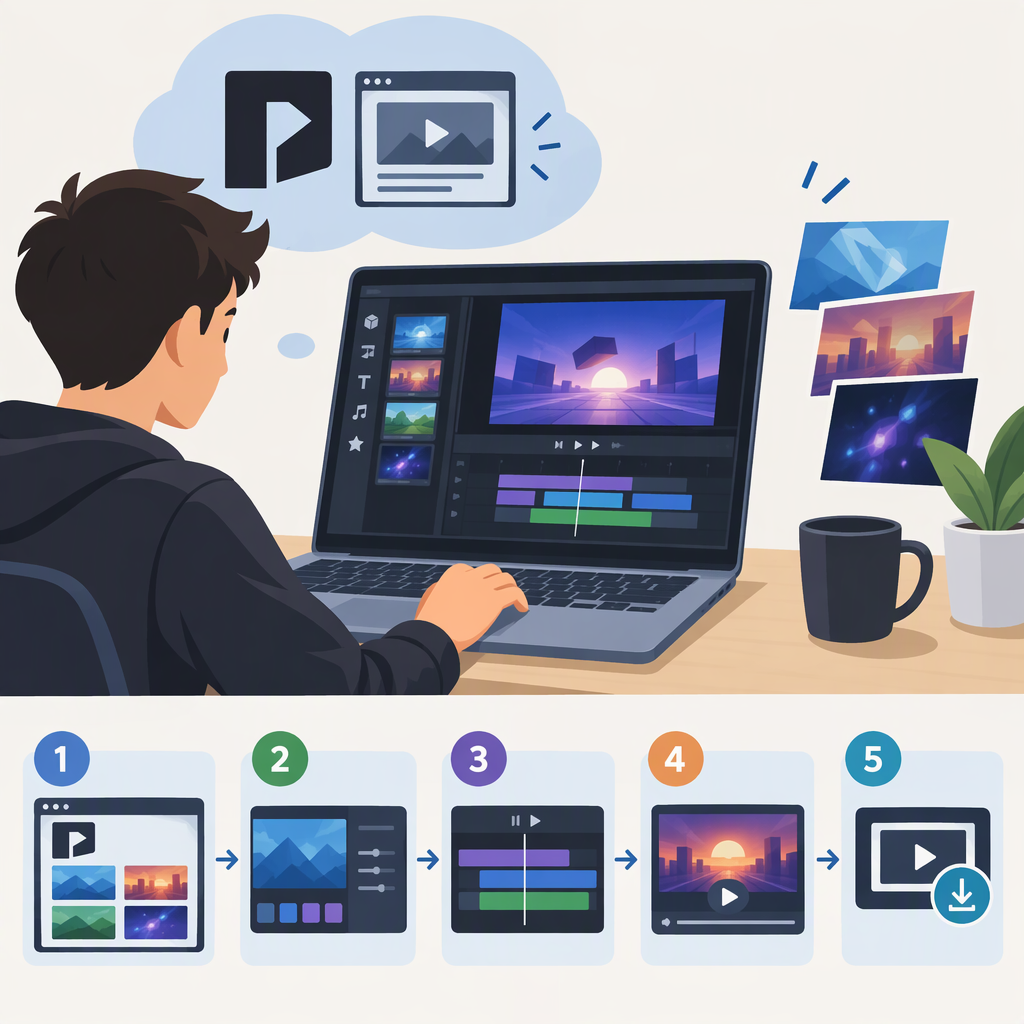
Panzoid Video Editor: What It Is and How to Make a Video
What Does “Panzoid Video Editor” Mean?
Panzoid lists a Video Editor for editing video and audio clips and adding effects. It also lists Clipmaker, which is presented for creating intros, animations, and video clips. They are related tools, but the names point to different workflows: start with Video Editor when you want to edit existing media; consider Clipmaker when your goal is an animated clip or intro. (panzoid.com)
This distinction matters if you are searching for a conventional editor. Panzoid’s public pages support these task descriptions, but they do not establish that every editing feature or output option you might expect is available. Check the current interface against your requirements before building a larger project.
How to Edit a Video in Panzoid
Panzoid’s Video Editing wiki documents importing media into a project. It says you can drag and drop files onto the Types panel or use its Import button or command. The documented importable types include video, audio, images, 3D .obj models, and .pz projects. (panzoid.com)
A practical, source-based starting workflow is:
- Open Panzoid’s Video Editor.
- Import the media you intend to use: drag files onto the Types panel or choose the Import option there. The documentation names video, audio, images,
.objmodels, and.pzprojects as examples of importable data. (panzoid.com) - Arrange or adjust the project using the controls available in the editor. Panzoid’s public wiki includes separate guidance on video editing, timeline navigation, and adding effects, but the exact controls may depend on the interface you are using. (panzoid.com)
- Review the result in the editor before exporting. The sources captured for this guide do not establish specific preview controls, so follow the labels in the interface rather than relying on assumed button names.
Example: For a short clip with a separate music track, import the video and audio files first. Then arrange them in the project and review the result before export. Importing those media types is documented; the exact editing controls and whether a particular device or file will work are not established by the cited instructions. (panzoid.com)
Save a Project or Export a Finished Video?
Treat these as separate goals: keeping a project for further work is not necessarily the same as producing a finished video file. Panzoid’s official wiki has an Exporting your Project guide and says default settings can be used for a straightforward export, with additional options available for customization. The available excerpt does not identify those options or confirm particular formats, resolutions, or account requirements. (panzoid.com)
Before relying on an export:
- Open the Export tab and read the options shown for your project; Panzoid’s wiki identifies that tab as the route to export. (panzoid.com)
- Confirm that the selected output matches the deliverable you need. Do not assume a format or resolution that is not shown in the interface.
- If the project matters, preserve the editable project separately from the rendered output if the interface offers both.
- For a long or complex project, try a short test export first. Panzoid’s troubleshooting guidance suggests shortening a video or lowering download resolution when rendering causes problems, though this older guidance is not a guarantee of a fix. (panzoid.com)
Is Panzoid a Good Fit for Your Task?
It may fit if you want to edit imported video or audio in Panzoid’s Video Editor, or create an intro, animation, or clip using Clipmaker—the tasks Panzoid identifies for those tools. (panzoid.com)
Check carefully before committing if you need a specific export format, resolution, advanced editing control, or reliable rendering of a large project. The public excerpts cited here do not establish those specifics. Confirm them in the current editor and, for important work, test a small project before investing time in a full edit.
Sources
- Panzoid, Video Editor
- Panzoid, Clipmaker
- Panzoid Community Wiki, Video Editing
- Panzoid Community Wiki, Exporting your Project
- Panzoid Community Wiki, Timeline Navigation
- Panzoid Community Wiki, Adding Effects
- Panzoid Community, Clipmaker Troubleshooting