Nero Video Editor: A Practical Guide to Planning and Editing
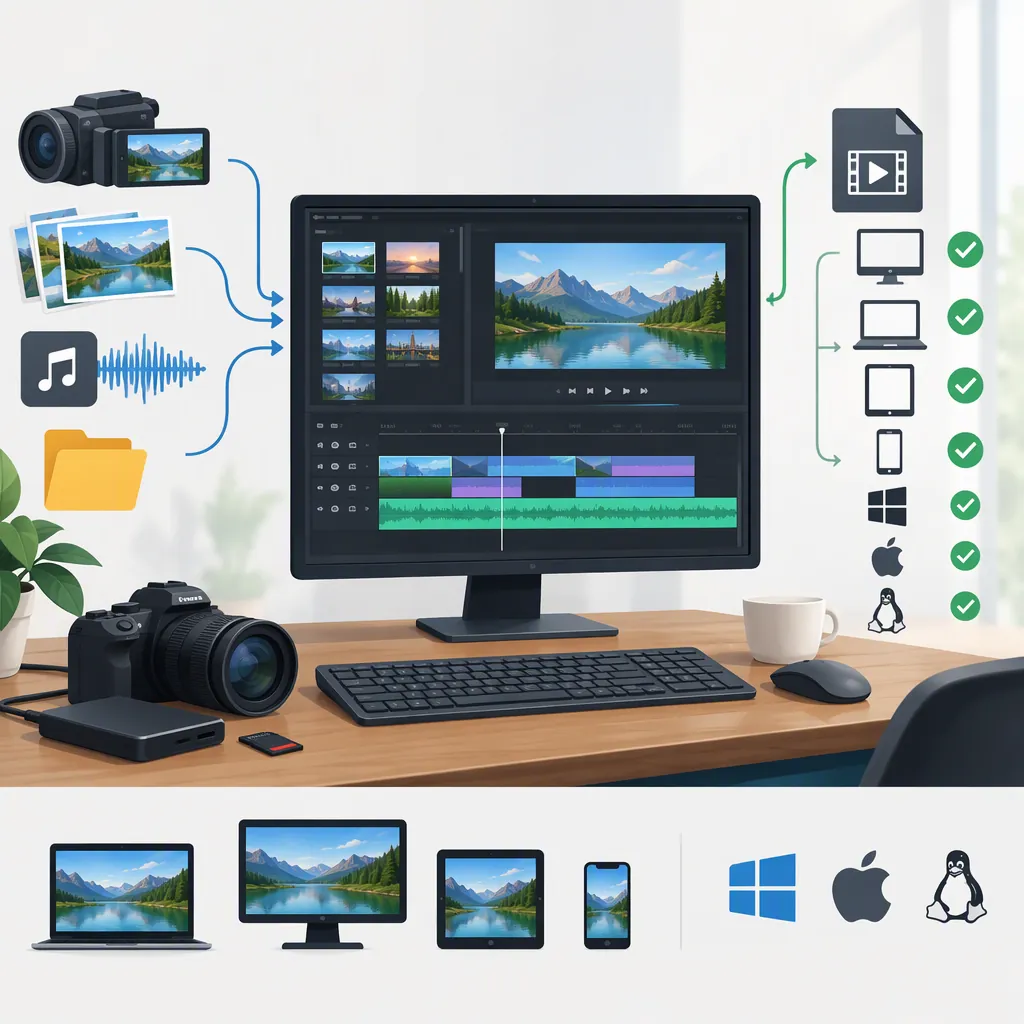
Nero Video is the video-editing application listed in Nero’s software lineup. Nero’s product page describes Windows-based editing, video and slideshow creation, file export, and disc authoring. For a basic project, plan the output first, test representative footage, assemble and trim clips, review audio and titles, and export a short sample before the full video. Exact controls and compatibility should be checked against your installed version. [nero-video] [nero-software]
Identify the Application and Version
The relevant application for the search term “nero video editor” is Nero Video. Nero’s software overview lists it separately from Nero Recode, Nero Burning ROM, and Nero MediaHome, and also lists it among the applications included in Nero Platinum Suite. These names should not be treated as interchangeable. [nero-software]
The supplied product page describes Nero Video 2026 and lists Windows 11, 10, and 8. That platform listing is not a complete hardware or codec compatibility specification. Before editing, record your installed version and check its system requirements against your computer and source files. [nero-video]
This guide uses Nero’s public descriptions and a PCMag review updated June 3, 2024. The review predates the 2026 product page, so its interface observations and test results are historical evidence rather than confirmation of current-version behavior. [pcmag-review]
Understand Express and Advanced Editing
Nero’s product page describes both Express and Advanced editing. PCMag’s 2024 review describes Express as a storyboard-style view with clip thumbnails, while Advanced uses a conventional track-based timeline. [nero-video] [pcmag-review]
As a planning rule, a simple sequence of clips may be easier to organize in a storyboard. A project involving layered visuals, overlapping audio, or more detailed timing is better planned around a timeline. This is general workflow guidance, not a guarantee about how a particular Nero release handles your project.
Preserve a separate project copy before changing modes. PCMag reported that, in the reviewed version, making edits in Advanced prevented a return to Express. The provided sources do not establish whether that restriction remains in Nero Video 2026. [pcmag-review]
Plan a Basic Editing Workflow
Nero’s product page lists titles, transitions, audio filters, keyframe animations, portrait-video editing, and export among its described functions. The following sequence is an editorial checklist rather than a verified menu-by-menu tutorial for every version. [nero-video]
- Define the destination. Decide whether the result is a landscape file, portrait file, or authored disc. Write down the intended dimensions and playback device.
- Prepare the media. Keep original recordings unchanged and organize working files in a stable project folder.
- Test representative clips. Include footage from each camera or recording source. Check picture, sound, orientation, and synchronization before building a long project.
- Build the rough sequence. Arrange clips in story order and trim unwanted starts, ends, and pauses before adding decorative effects.
- Review audio and text. Check speech intelligibility, music balance, spelling, and title placement at the intended viewing size.
- Export a sample. Include a title, a transition, and the most demanding source clip. Review the exported file outside the editor.
- Export and inspect the full result. Watch the entire output, including the final frame, before considering the project complete.
Project Preflight Checklist
- [ ] Installed Nero Video version recorded.
- [ ] Output destination and orientation defined.
- [ ] Original media preserved separately.
- [ ] Representative clips checked for picture, sound, and synchronization.
- [ ] Project copy saved before major workflow changes.
- [ ] Titles and audio reviewed.
- [ ] Short sample exported and checked on the intended playback device.
- [ ] Full output watched from beginning to end.
Check Compatibility and Export Separately
Treat import, preview, editing, and export as separate checks. A resolution or format mentioned on a product page does not, by itself, establish that every file using that label will work correctly on every computer.
Nero’s page describes multi-track editing in HD, 4K, and 8K. Its exporting-and-burning section separately mentions 4K, Full HD, and SD output, plus DVD and Blu-ray disc menus. These descriptions do not provide a complete matrix of codec, resolution, hardware, and licensing requirements. [nero-video]
In its 2024 testing, PCMag reported activation prompts for HEVC and 8K support and said those formats were unavailable in the trial it tested. It also reported hardware-decoding-related playback and color issues with particular clips and computers. These findings support testing your own footage; they do not prove that a current release has the same issues. [pcmag-review]
For a playback problem, compare the original clip, editor preview, and exported sample. Record the source format, export settings, application version, and hardware-decoding setting. Change one setting at a time so the comparison remains useful.
For disc delivery, verify the intended player, disc type, and available burning hardware separately. File export and disc authoring are distinct delivery workflows, even though Nero’s page describes both. [nero-video]
FAQ
Is Nero Video Available for Windows or Mac?
The supplied Nero Video 2026 page lists Windows 11, 10, and 8. It does not establish a native macOS edition. The operating-system listing should still be checked alongside the requirements for your installed release. [nero-video]
Can Nero Video Edit Portrait Footage?
Nero’s product page describes portrait-video support and vertical-video templates. For a portrait project, check orientation, cropping, and title placement in an exported sample rather than relying only on the editor preview. [nero-video]
Does the Older Pcmag Review Describe Nero Video 2026?
Not reliably in every detail. The supplied review was updated June 3, 2024, while Nero’s supplied product page describes the 2026 release. For example, PCMag criticized the absence of dark mode, but the 2026 page describes a choice of light and dark modes. Use the review as historical context, not as a current feature checklist. [pcmag-review] [nero-video]
Sources
-
[nero-video] Nero Video - Simply better film projects!
-
[nero-software] Nero Software
-
[pcmag-review] Nero Video Review | PCMag